
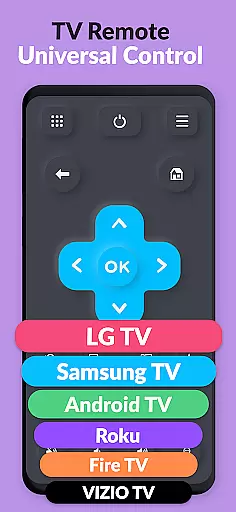
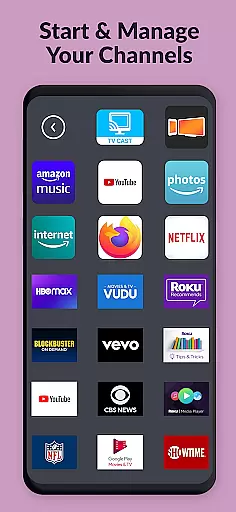
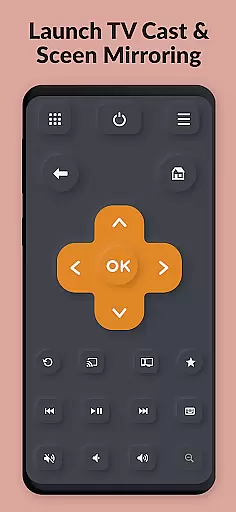
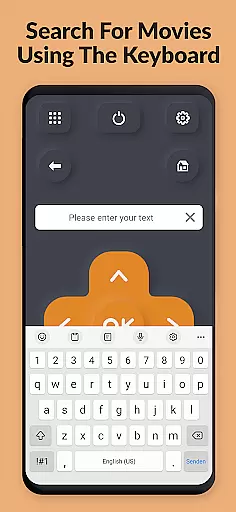
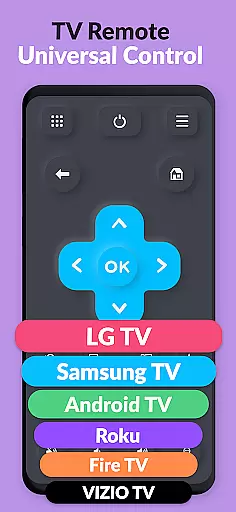
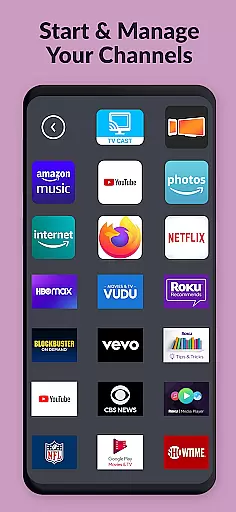
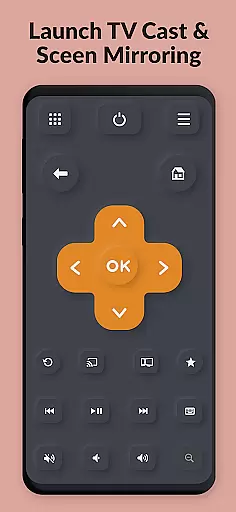
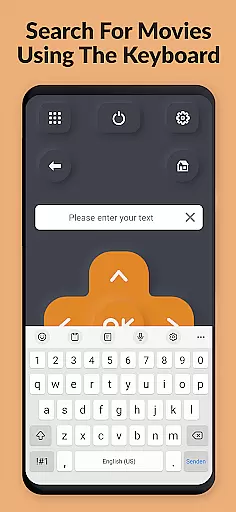
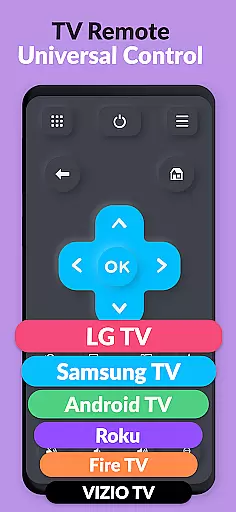
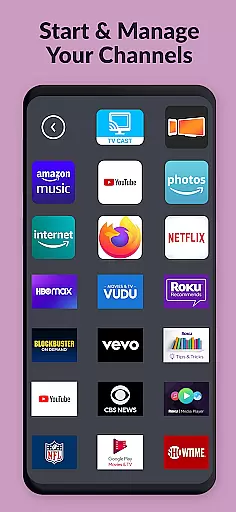
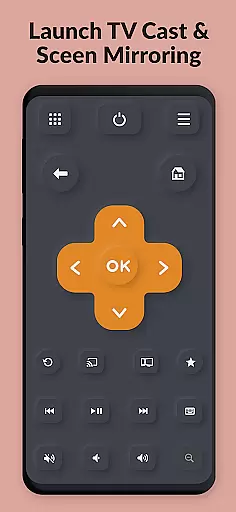
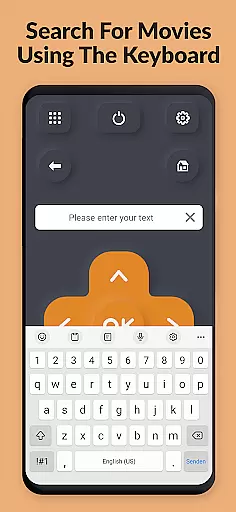
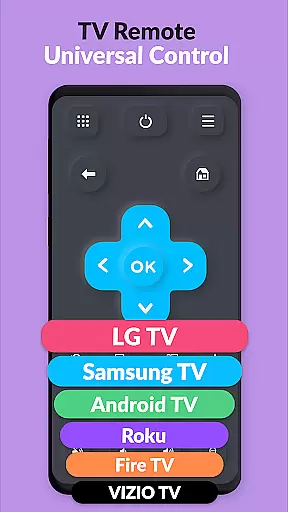
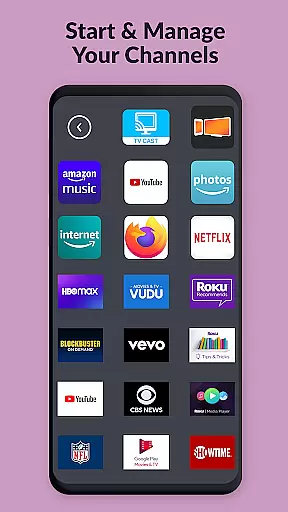
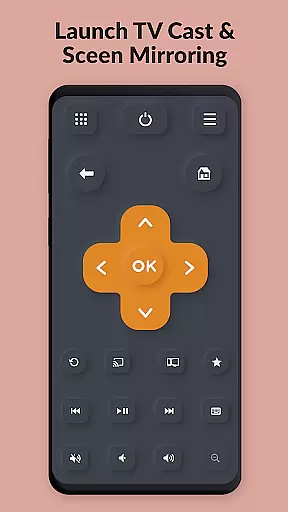
TV Remote Pro is a versatile remote control application designed for Roku, Fire TV, Samsung TV, LG TV, Android TV, Chromecast, and VIZIO TV. This app allows users to control their smart TVs directly from their smartphones or tablets, eliminating the need for physical remotes. With all features unlocked in its PRO version, it offers an ad-free experience with no subscription fees.
The app supports a wide range of functionalities including volume control, power button, channel browsing, and text input via a virtual keyboard. Compatible with various brands and models, this tool simplifies your entertainment experience by providing a fast, clean, and intuitive interface. Whether you're looking to open channels, search for movies, or adjust settings, TV Remote Pro delivers convenience right at your fingertips.
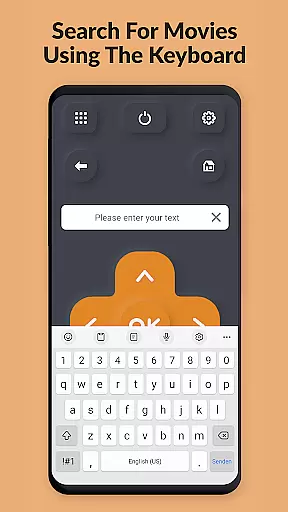
TV Remote Pro stands out with its comprehensive feature set tailored for seamless TV control. The app provides a clean, fast, and simple user interface that lets you operate your TV effortlessly. It includes a powerful search function to find movies and channels quickly, along with a virtual keyboard for easy text entry on supported devices.
One of the key highlights is its compatibility with multiple TV brands such as Roku, Fire TV, Samsung, LG, Android TV, Chromecast, and VIZIO. Users can enjoy full control over their TVs, including volume adjustments and power management. Additionally, the app does not require any subscriptions, making it a cost-effective solution for enhancing your smart TV experience.
TV Remote Pro exemplifies core function accuracy and effectiveness by providing a reliable solution for controlling multiple smart TV brands through your smartphone or tablet. The app supports Roku, Fire TV, Samsung TV, LG TV, Android TV, Chromecast, and VIZIO TV, offering users an intuitive way to manage their devices without the need for separate physical remotes.
The application's design ensures that all essential remote control features are easily accessible. With functionalities such as volume control, power button options, and the ability to open channels directly from the app, users can perform tasks swiftly and efficiently. This seamless interaction is further enhanced by a fast keyboard feature, allowing for quick text input on compatible devices.
For users who own different types of smart TVs or streaming devices at home, TV Remote Pro consolidates control into one convenient platform. Its compatibility with various models across several brands means you no longer have to switch between different apps or remotes. This versatility not only simplifies daily entertainment routines but also saves time when managing multiple devices.
Ultimately, the precision in executing commands and the comprehensive support for numerous television systems make TV Remote Pro a valuable tool. By eliminating common frustrations associated with lost remotes and complex setups, it enhances user experience while maintaining high performance standards expected from modern digital tools.
TV Remote Pro stands out for its interface simplicity and intuitiveness, ensuring that users can effortlessly navigate and utilize its features. The clean design prioritizes ease of use, presenting a straightforward layout where all functions are just a tap away. This approach eliminates unnecessary complexity, making it accessible even to those who may not be tech-savvy.
Upon launching the app, users are greeted with an uncluttered screen that highlights key controls such as channel selection, volume adjustment, and power management. These elements are strategically placed for quick access, reducing the learning curve typically associated with new applications. Additionally, the absence of subscriptions contributes to a hassle-free experience, allowing uninterrupted usage without worrying about recurring fees.
Another aspect contributing to the appu2019s intuitive nature is its consistent performance across supported devices. Whether controlling a Roku, Fire TV, or Samsung TV, the responsiveness remains uniform, providing confidence in every command issued. Such reliability fosters trust among users, knowing they can depend on the app regardless of their specific setup.
In summary, TV Remote Pro delivers an exceptional balance between functionality and user-friendliness. By focusing on creating an environment where essential tasks are performed with minimal effort, it caters to both casual viewers and tech enthusiasts alike. This dedication to streamlined interactions underscores why simplicity and intuitiveness are critical components of effective tool applications.
User-friendly interface
No subscription required
Wide device compatibility
Fast and responsive controls
Comprehensive remote features
Limited to compatible devices
Requires initial setup
No voice command support
Premium version only
Dependent on network stability

Connect instantly to a fast, encrypted VPN with one tap
 4.60
4.60
Save any video in HD - paste the link, download fast and watch offline.
4.3
Canon PRINT is a companion app for your Canon printer.
4.60
Quickly & easily calculate the spacing of handrail balusters
4.20
A non-root local ADB shell client. READ BELOW!
3.40
The one-and-only remote control for PC, Mac, and Linux
4.70
Powerful collection of electronics tools and reference.A must for any enthusiast
4.90
Pro Emulator is an easy to use game console emulator for a range of consoles.
4.40
Enhance your Beats
3.70
Bedrock Together: Join any bedrock server on Xbox/PS
4.80 4.50
4.50
The Ultimate Bluetooth Keyboard & Mouse. Securely control your PC, Mac, and more
4.50
Universal TV remote control all TVs, Roku, LG, Samsung, Fire, Vizio, Sony, TCL.
4.40
Forza Tuning Calculator App for Forza Horizon 5, Motorsport and Earlier Titles
4.40
A convenient photo, video, and file recovery tool.
4.00
1-Click close all background apps on Android TV
3.90
PDF Reader - Document Viewer: Read, Manage & Organize Your Documents
3.10
Transfer Files, APK from Phone to Watch & Install.
4.4
Unlock your Essential Key. Create custom shortcuts to your favorite apps!
4.3


User Reviews