
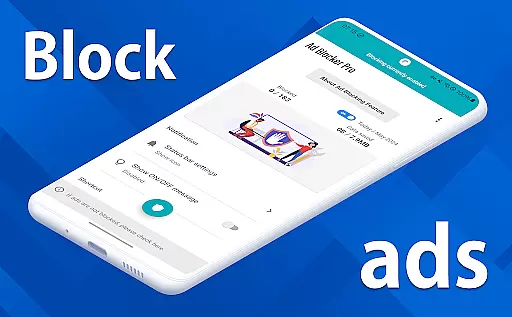
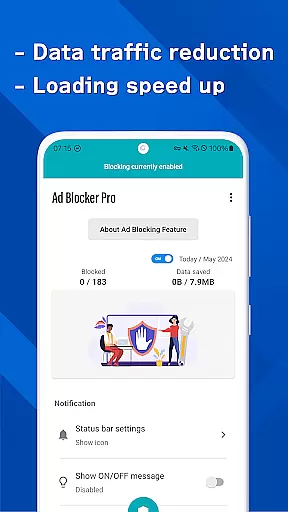
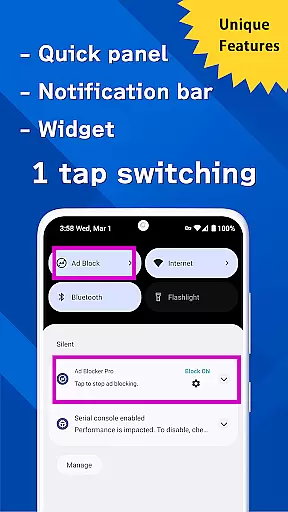
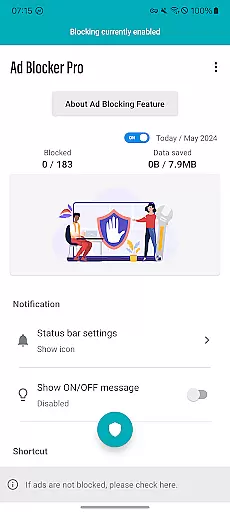
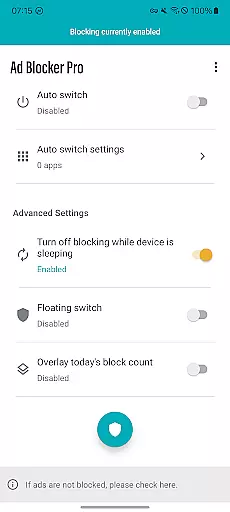
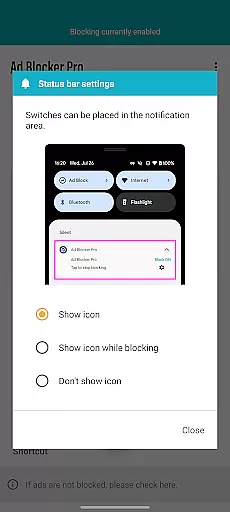
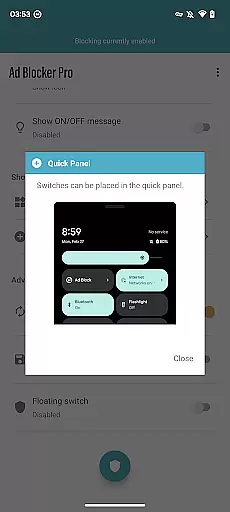
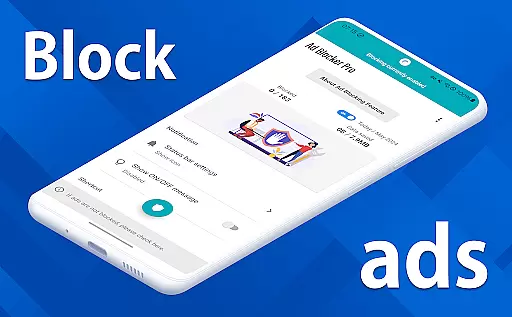
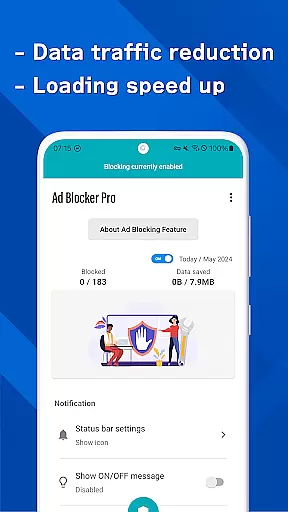
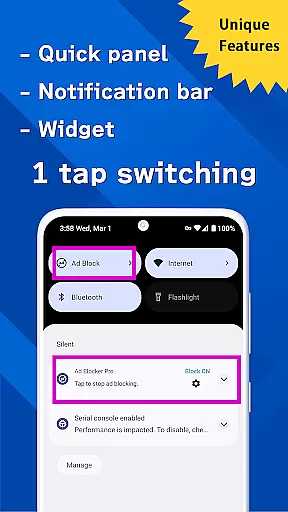
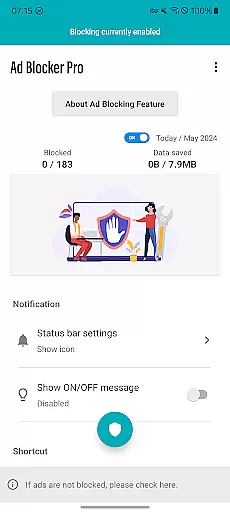
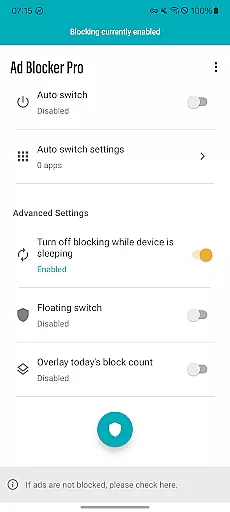
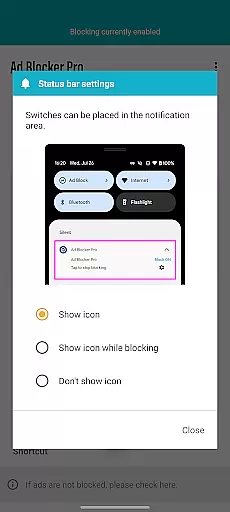
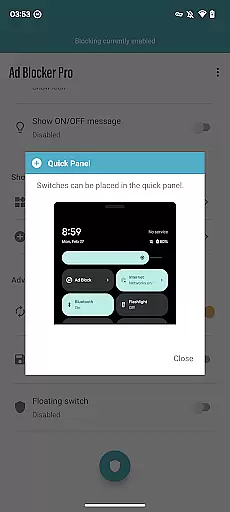
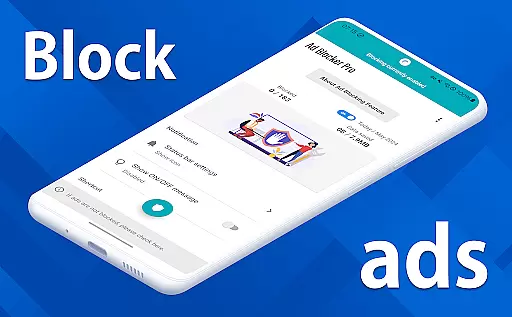
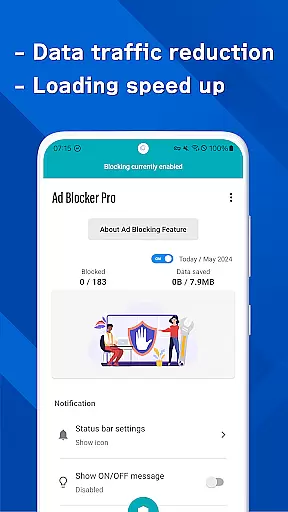

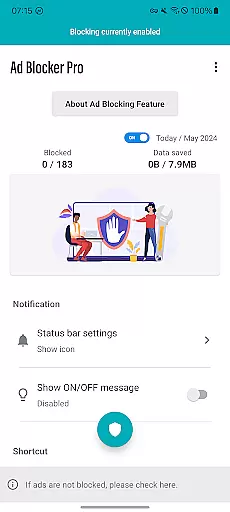
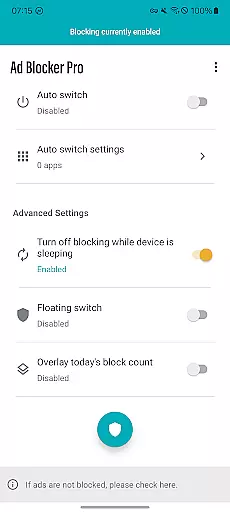
Ad Blocker Pro is a powerful ad-blocking application designed to enhance the browsing experience on Android devices. The app's core functionality revolves around blocking unwanted advertisements, malware, and trackers across all browser apps, ensuring faster webpage loading and improved security. With its unique features like the one-tap ON/OFF switch, automatic toggling during device sleep, and real-time block count display, users can enjoy seamless control over their browsing environment.
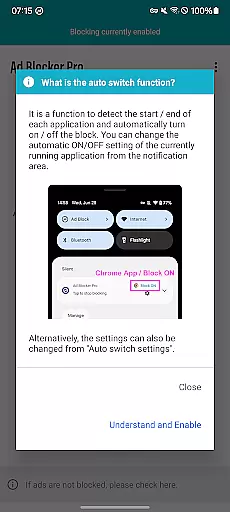
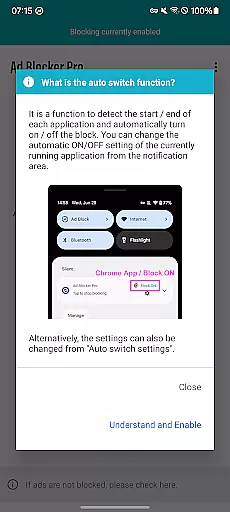
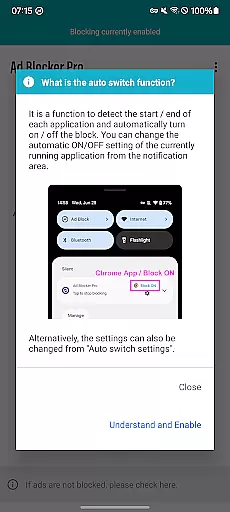
Beyond basic ad blocking, Ad Blocker Pro offers advanced capabilities such as Auto Switch, which intelligently detects app usage and applies ad blocking only where necessary. This ensures minimal interference with other app operations while maximizing user comfort. Additionally, the app reduces data consumption by preventing unnecessary ad content from loading, making it ideal for users who prioritize efficiency and security in their online activities.
This tool is particularly beneficial for individuals seeking a streamlined browsing experience without intrusive ads or potential security risks. Whether you're navigating ad-heavy websites or simply looking for a cleaner interface, Ad Blocker Pro delivers both performance and peace of mind.
Ad Blocker Pro stands out through its comprehensive feature set tailored to optimize web browsing. One of its key highlights is compatibility with all browser apps, allowing users to maintain consistent ad-free navigation regardless of their preferred browser. The app accelerates page load times by eliminating resource-heavy ads, resulting in a smoother and more enjoyable browsing session.
Security is another cornerstone of Ad Blocker Pro's functionality. By blocking malicious trackers and malware, the app safeguards users' personal information and enhances overall online safety. Its innovative design simplifies website layouts, removing clutter and improving usability. Furthermore, the app includes practical tools like the overlay display, which provides real-time updates on blocked ads, giving users tangible evidence of its effectiveness.
Additional conveniences include customizable settings such as scheduled blocking modes and selective app filtering via Auto Switch. These features empower users to tailor their ad-blocking experience according to specific needs, whether they aim to conserve data, protect privacy, or streamline frequent web interactions.
Ad Blocker Pro exemplifies core function accuracy through its robust ad-blocking capabilities. The app ensures that ads are effectively blocked across all browser apps, which significantly enhances the browsing experience. This precision in blocking is achieved without affecting the normal functioning of websites, preserving the user's access to desired content while eliminating unwanted advertisements.
The effectiveness of Ad Blocker Pro extends to its ability to block malware and trackers, contributing to a more secure online environment. By preventing these potentially harmful elements from loading, the app not only protects users' devices but also reduces data usage. This dual benefit of increased security and efficiency makes the app a reliable tool for maintaining a fast and safe browsing session.
Additionally, the app offers unique features like the Auto Switch and one-tap ON/OFF switch, which add layers of convenience and control. These functionalities allow users to manage ad blocking with minimal effort, adapting the app's performance to their specific needs. Such innovations highlight the app's commitment to providing an effective and user-centric ad-blocking solution.
Ad Blocker Pro stands out for its interface simplicity and intuitiveness, making it accessible even to those who may not be tech-savvy. The app provides a straightforward setup process, enabling users to activate ad blocking quickly. With clear options and easy navigation, users can customize their ad-blocking experience without any hassle, ensuring a personalized and comfortable browsing environment.
The inclusion of intuitive controls such as the floating switch and widget further simplifies the user interaction with the app. These controls allow for instant toggling of the ad-blocking feature, offering users the flexibility to enable or disable the service based on their current needs. Such accessibility enhances the overall user experience, making daily interactions with the app seamless and efficient.
Moreover, Ad Blocker Pro's design improvements contribute to a more streamlined and visually appealing interface. By simplifying website and app layouts, the app removes clutter and distractions caused by ads, allowing users to focus on the content that matters. This thoughtful design not only improves usability but also adds to the pleasure of browsing, demonstrating the app's dedication to delivering a superior user experience.
Blocks ads effectively
Enhances browsing speed
Protects user privacy
Easy-to-use interface
Compatible with all browsers
Doesn't block in-app ads
Limited YouTube support
No iOS version available
Requires manual setup
Paid app purchase

A powerful, easy-to-use flight computer on your phone or tablet!
 3.80
3.80
Just swipe the edge to do something!
4.40
Extremely fast, secure, and protects your privacy
4.80
App that Recover your pictures, videos or files after you delete them.
4.20
App to pay for FUTO Keyboard
4.60
A non-root local ADB shell client. READ BELOW!
3.40
Unleash gamepad precision for ultimate mobile gaming dominance.
3.90
Clean up your phone, find files, play media, and share files offline
4.50
Screen recorder with audio to record high-quality videos and take screenshots.
4.40
Bedrock Together: Join any bedrock server on Xbox/PS
4.80
The one-and-only remote control for PC, Mac, and Linux
4.70
Connect instantly to a fast, encrypted VPN with one tap
4.60
Planner and Tracker for Stardew Valley
4.60 4.50
4.50 4.50
4.50
Pro Emulator is an easy to use game console emulator for a range of consoles.
4.40
Safely recover deleted photos, videos, and files with a single easy tap.
3.70
Undelete and recover your lost or deleted files with DiskDigger!
3.40
card-reader app
2.20


User Reviews