
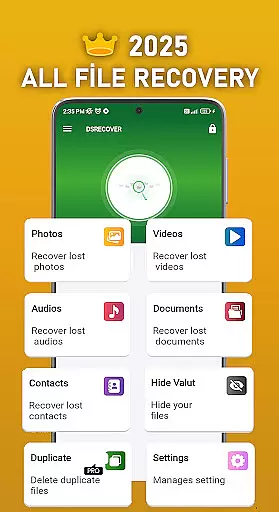
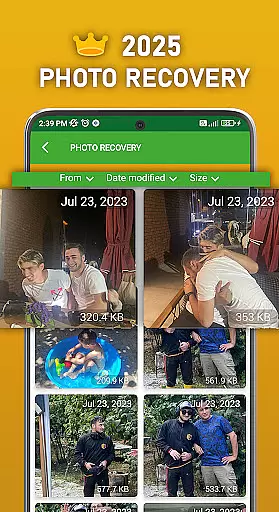
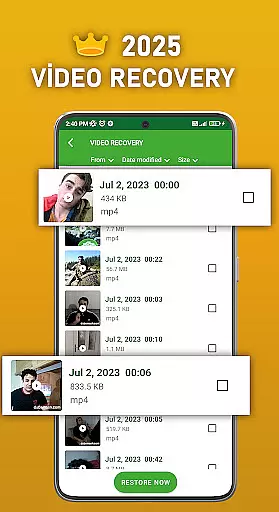
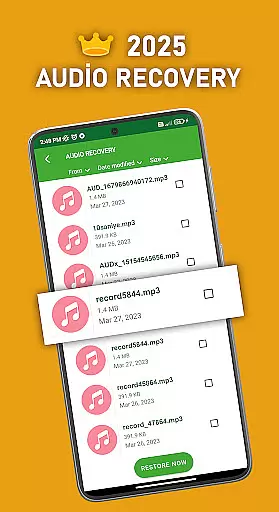
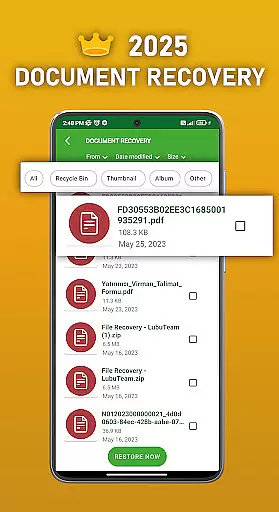
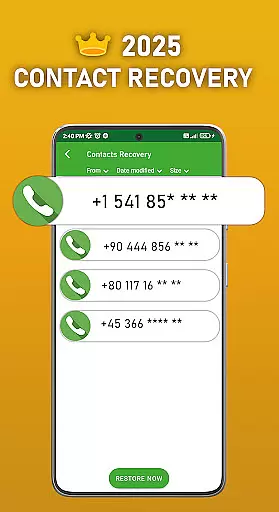
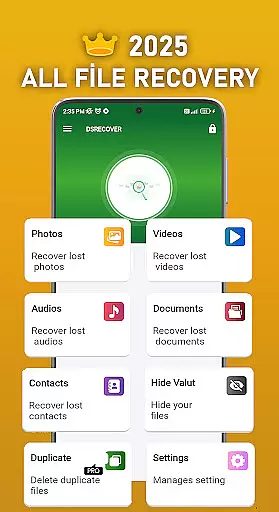
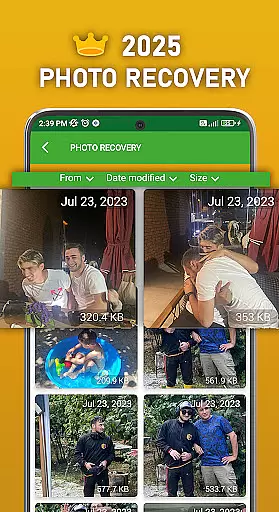
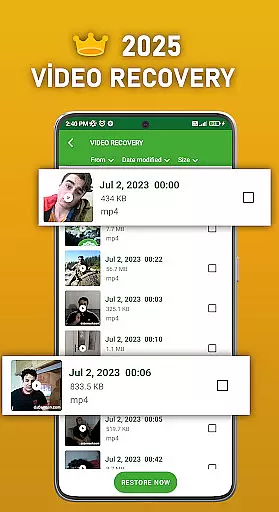
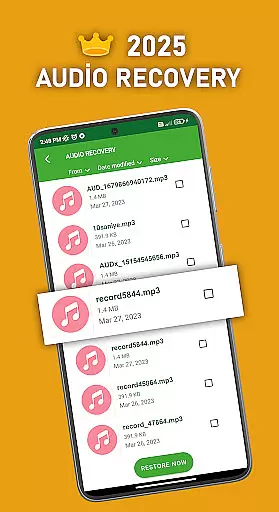
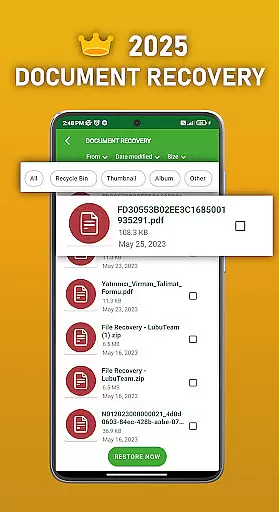
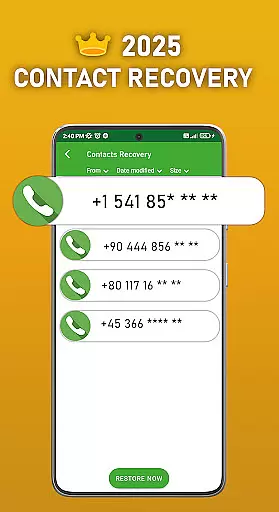
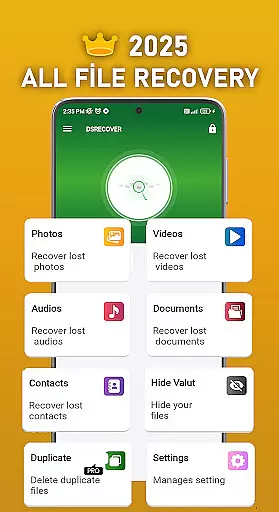
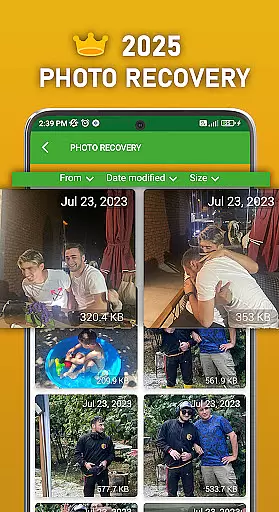
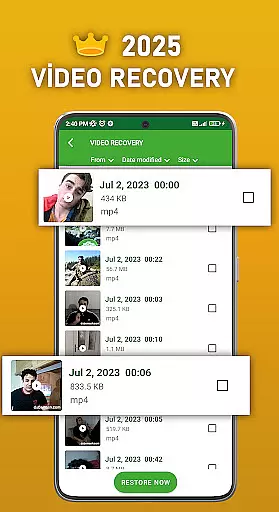
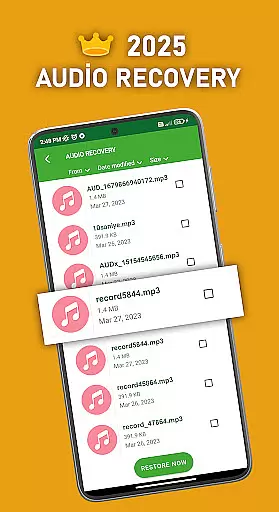
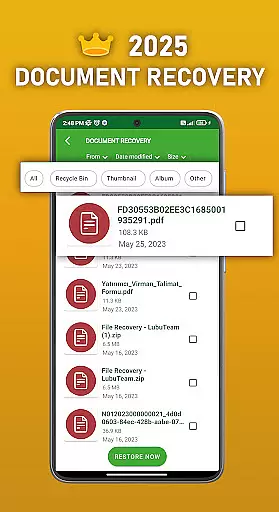
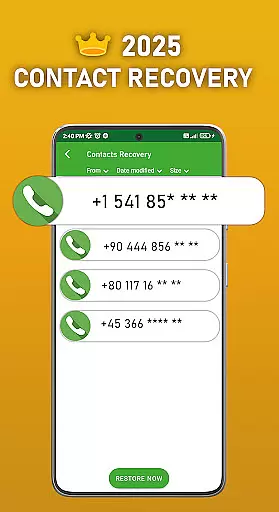
DS PRO is a powerful recovery tool designed to help users retrieve deleted files on Android devices. The app specializes in recovering lost photos, videos, audio files, contacts, and documents without requiring root access. Its advanced scanning technology ensures deep searches across internal memory and SD cards, making it an essential utility for anyone who has accidentally deleted important data.
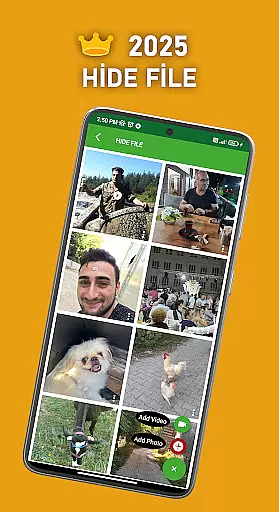
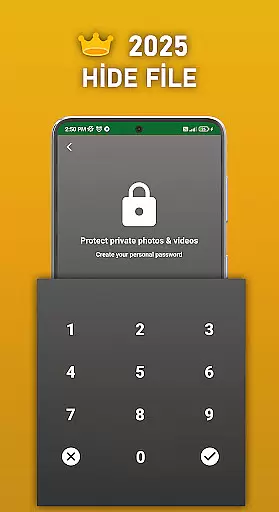
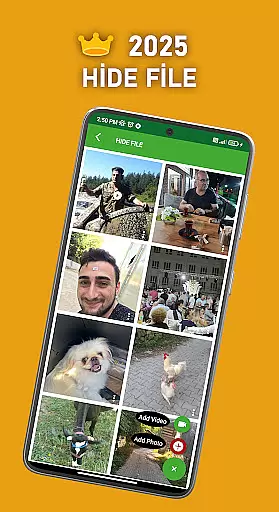
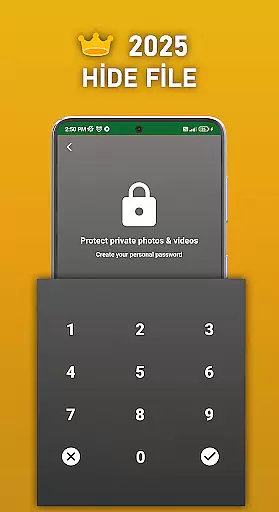
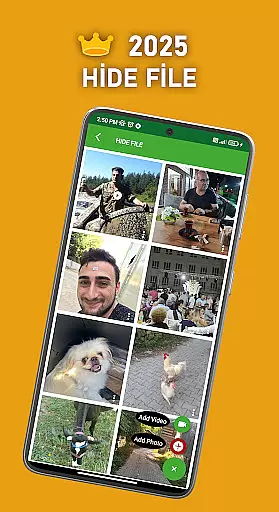
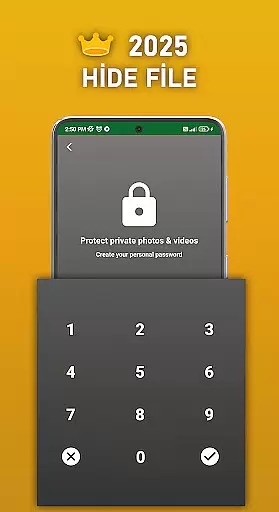
In addition to its recovery capabilities, DS PRO offers a File Hide feature that allows users to password-protect sensitive media files, ensuring privacy by keeping them hidden from the gallery. With support for various file formats and instant restoration from the device's recycle bin, this app provides a comprehensive solution for both data recovery and protection. Whether you're looking to restore precious memories or secure private content, DS PRO delivers reliable performance and ease of use.
DS PRO stands out with its diverse range of features tailored for productivity and security. One of its key highlights is the ability to recover multiple file types, including photos, videos, audio files, contacts, and documents, using a simple step-by-step process. This functionality eliminates the need for external programs or PCs, enabling users to restore their data directly on their mobile devices.
Beyond recovery, DS PRO includes practical tools like the File Hide feature, which lets users conceal personal pictures and videos behind a password. Another notable aspect is its efficiency in identifying duplicate files, helping users declutter their storage space. By combining robust recovery mechanisms with privacy-focused utilities, DS PRO positions itself as a versatile tool for managing digital content while safeguarding user information effectively.
DS PRO positions itself as a comprehensive data recovery tool, excelling in the accuracy and effectiveness of its core functions. The app specializes in retrieving deleted files across multiple categories, including photos, videos, audio files, contacts, and documents. This functionality is crucial for users who have accidentally deleted important data or need to recover lost information due to unforeseen circumstances.
The application employs advanced scanning algorithms that thoroughly examine the device's internal memory and SD card. By doing so, it ensures that even files that are not stored in conventional locations can be identified and restored. This deep scan capability significantly enhances the likelihood of successful recovery, making DS PRO a reliable choice for users seeking to retrieve their valuable data.
One of the standout features of DS PRO is its ability to operate without requiring root access. This design choice simplifies the recovery process, allowing users to restore their files quickly and easily. Additionally, the app provides clear, step-by-step instructions that guide users through the recovery process, ensuring that even those with limited technical expertise can utilize the tool effectively.
For users who demand efficiency and reliability in their data recovery solutions, DS PRO delivers by combining powerful recovery capabilities with an accessible interface. The app's commitment to providing fast and effective file restoration ensures that users can regain access to their critical files with minimal hassle, reinforcing its value as a top-tier productivity tool.
A key aspect of DS PRO's appeal lies in its straightforward and intuitive user interface, which makes navigating its robust features remarkably easy. The app's design emphasizes simplicity, ensuring that users can quickly locate and utilize its core functionalities without encountering unnecessary complexity. This focus on user experience is particularly beneficial for individuals who may not possess extensive technical knowledge but still require a reliable means of recovering lost files.
Upon launching DS PRO, users are greeted with a clean and organized layout that categorizes its various recovery options. Whether you're looking to restore deleted photos, videos, audio files, contacts, or documents, the app presents these choices in a manner that is both logical and easy to follow. Each recovery option is accompanied by concise instructions, guiding users through the necessary steps to initiate and complete the recovery process successfully.
In addition to its intuitive navigation, DS PRO incorporates several user-friendly features that further enhance its accessibility. For instance, the app provides real-time feedback during the scanning process, keeping users informed about the progress and estimated time remaining. This transparency helps alleviate any anxiety associated with waiting for results and allows users to plan their activities accordingly.
By prioritizing interface simplicity and intuitiveness, DS PRO ensures that users of all skill levels can confidently leverage its powerful data recovery capabilities. The app's thoughtful design not only streamlines the recovery process but also empowers users to take control of their digital content, reinforcing its position as an essential tool for managing and safeguarding personal data.
User-friendly interface
No root required
Instant file recovery
Supports multiple formats
File hiding for privacy
Premium version needed
Limited free features
Requires permissions
Occasional scan delays
Ads in free version

 4.50
4.50
A convenient photo, video, and file recovery tool.
4.00
Head tracking for PC sim games such as MSFS 2024 or Elite:Dangerous. No headset!
4.50
Keep track of your Palia friendships, tasks, and inventory with Palia Notebook
4.60
Best leveling tool for your Android device. Hang paintings like a pro.
4.90
WiFi Signal Strength Meter help you detect WiFi Signal Strength in real time.
4.80
Remote Play with FSR upscaling, low latency & full controller support
4.80
Introducing Smart Printer, your ultimate destination for printing solutions!
4.00
The ideal app to be the digital eye of your family
3.40
Unit and currency converter with easy and simple UI.
4.80
Canon PRINT is a companion app for your Canon printer.
4.60 4.50
4.50
eXtended Permission Manager - a small app to manage permissions and AppOps
4.50
Just swipe the edge to do something!
4.40
Use your phone as a webcam on your computer over WiFi or USB.
4.40
Effortlessly run ADB commands directly on your device without a PC.
4.20
Signal Strength, Mobile, Wifi, Speed Test, Bad Signals, Cellular, 5G, LTE, 4G
4.20
An open-source APK explorer for Android!
4.10
Detect hidden spy camera with advanced scanning {{ Premium version }}
4.00


User Reviews