


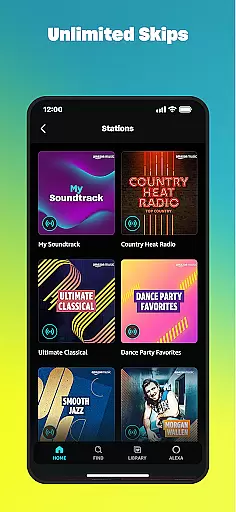
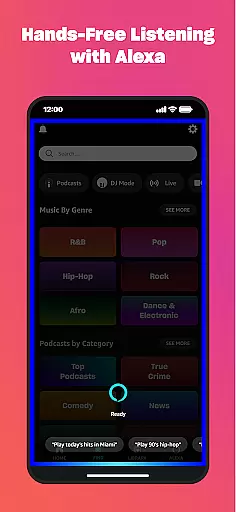
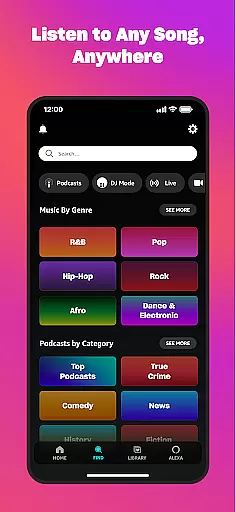
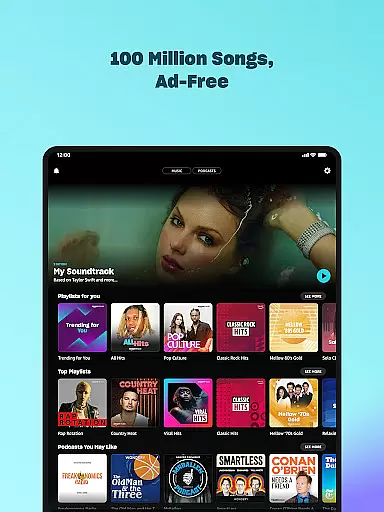

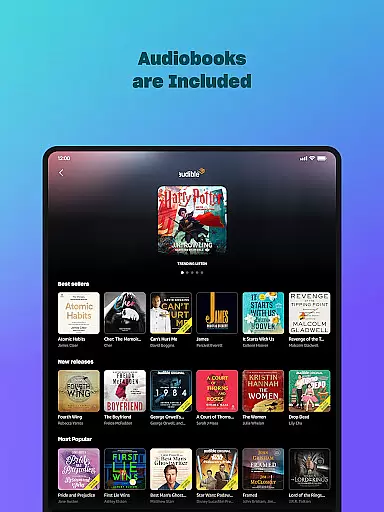
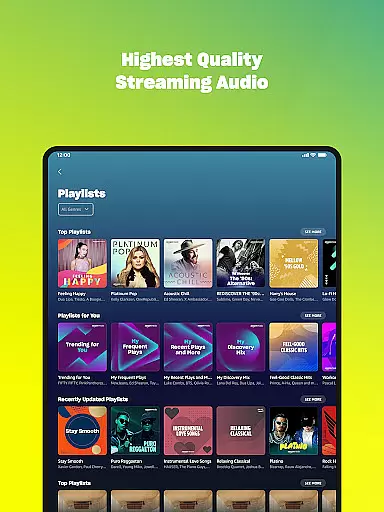
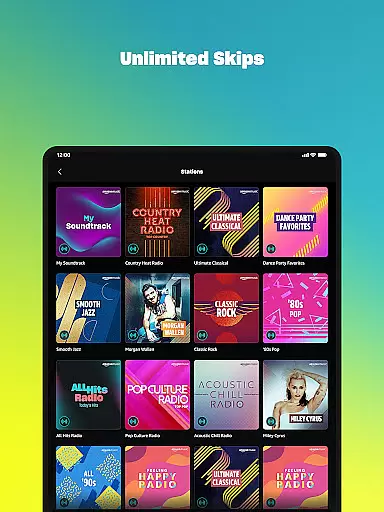
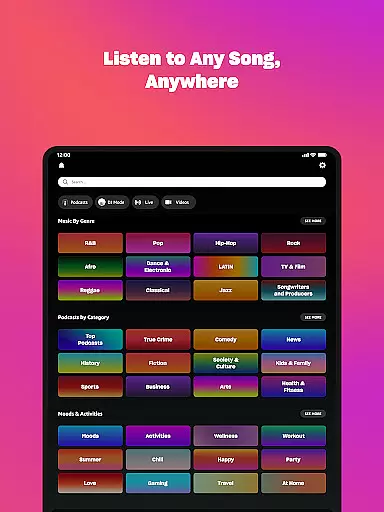
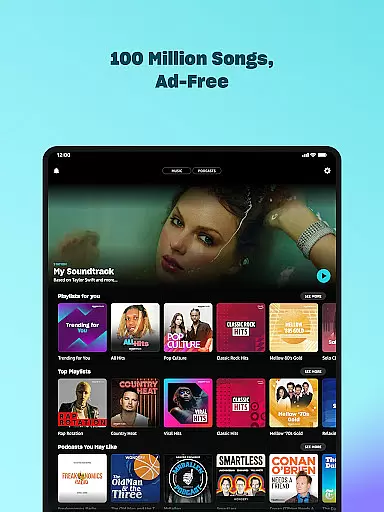

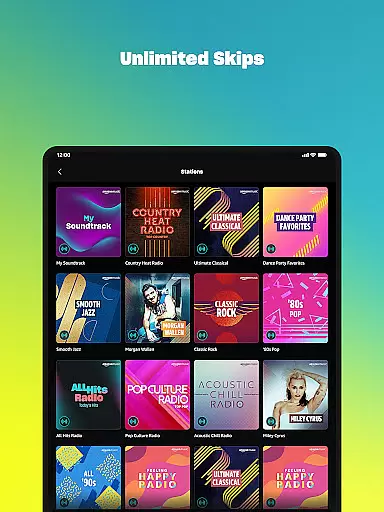
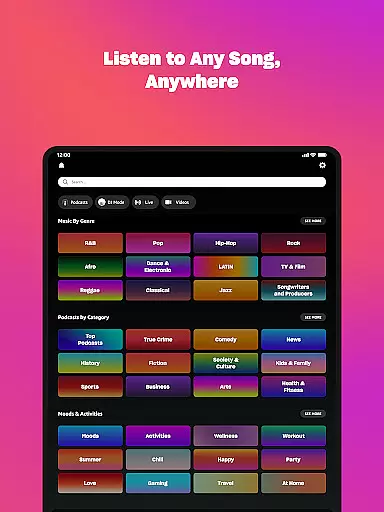



Amazon Music is a comprehensive music streaming service that offers users the ability to listen to millions of songs, playlists, and podcasts. With its integration into Android Wear, it allows you to control your music directly from your smartwatch, making it easy to access your favorite tunes on the go.
The app provides various subscription options including a free tier with ads, Prime membership benefits, and Amazon Music Unlimited for an enhanced ad-free experience. You can enjoy personalized recommendations, shuffle play, and even import playlists from other platforms.
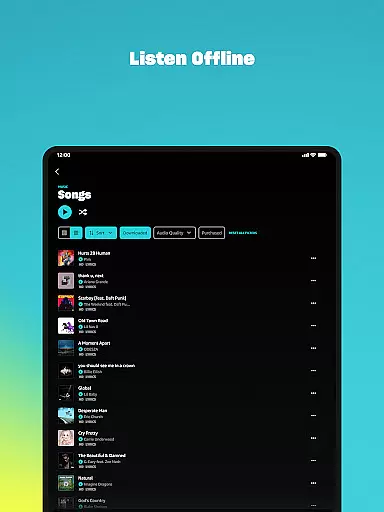
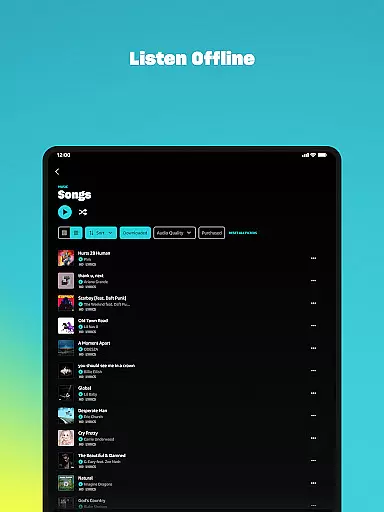
Whether you're commuting or working out, Amazon Music ensures uninterrupted playback through offline downloads and seamless integration across devices, delivering a versatile audio experience tailored to your lifestyle.
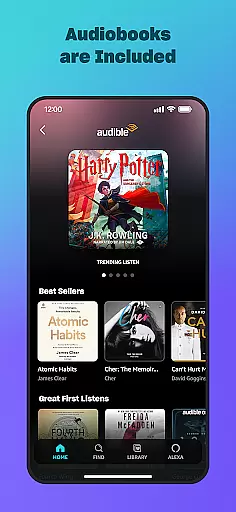
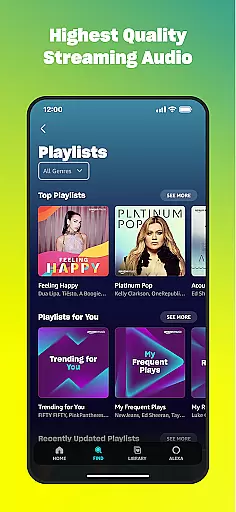
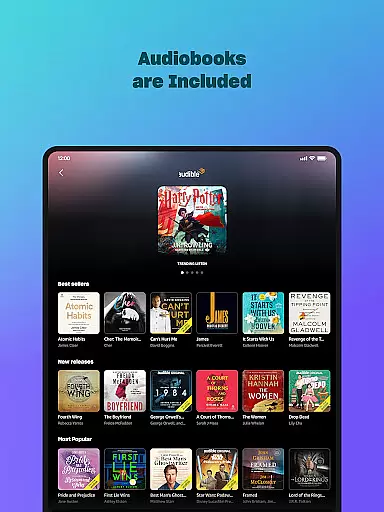
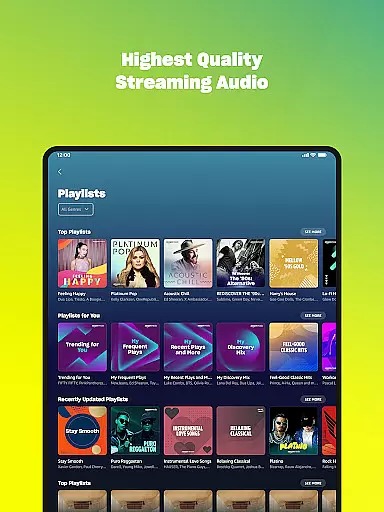
Amazon Music stands out with its diverse features designed to enhance user experience. The app supports high-quality streaming, spatial audio, and a vast selection of audiobooks alongside music and podcasts. Its recommendation engine helps you discover new content based on your preferences.
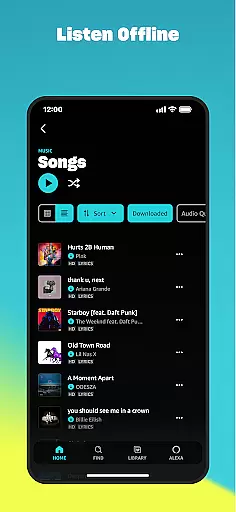
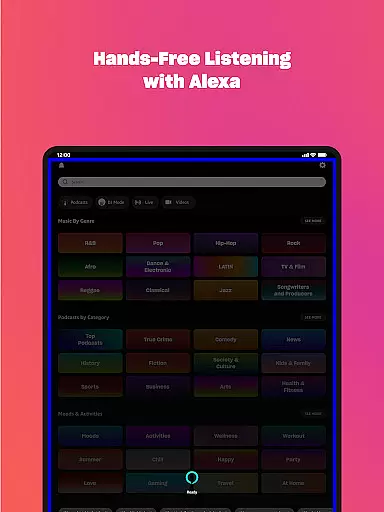
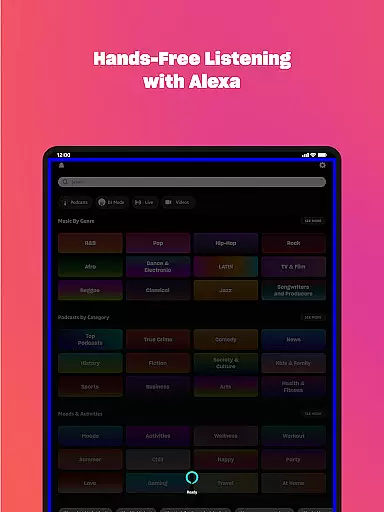
For Android Wear users, the app offers wearable-specific functionalities such as voice commands, quick access to top recommendations, and the ability to cast to compatible devices. You can also download music for offline listening, ensuring you stay entertained even without an internet connection.
Additionally, Amazon Music integrates with your existing Amazon purchases, storing them in the cloud and making them accessible anytime, anywhere, which adds significant value for loyal Amazon customers.
Companion app integration is essential for a seamless wearable experience. Amazon Music ensures that your listening experience on Wear OS devices is perfectly synchronized with the main application. This means playlists, albums, and podcasts are always up-to-date across all your devices.
The app provides real-time data sharing between your smartphone and Wear OS device. Whether you download a new album or add songs to a playlist, these changes are instantly reflected on your smartwatch. This synchronization allows users to enjoy their music without interruption, regardless of the device they are using at the moment.
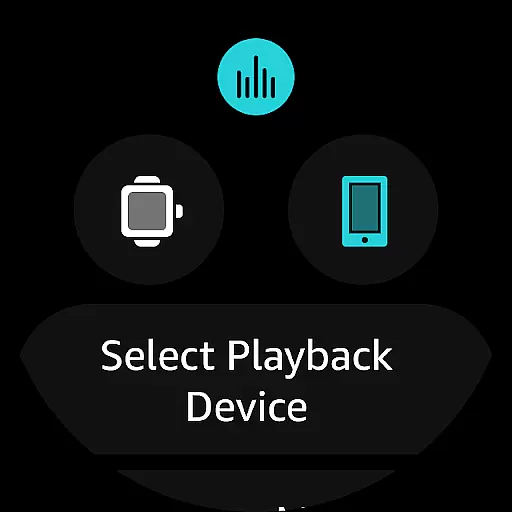
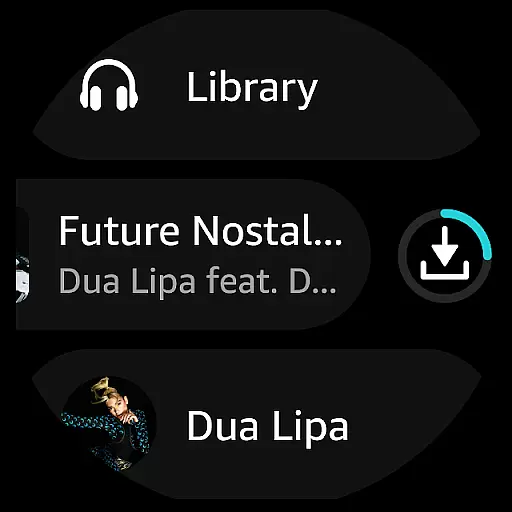
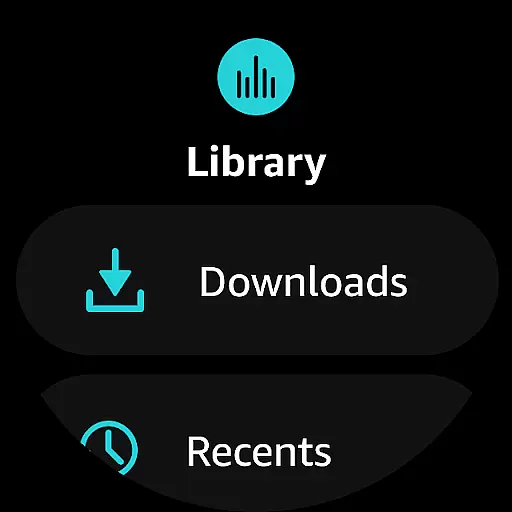
Functionality coordination is another key aspect of Amazon Music's companion app integration. Users can control playback, browse libraries, and manage downloads directly from their Wear OS device. This level of integration ensures that whether you're at the gym or commuting, your music is always accessible and manageable right from your wrist.
Device compatibility is crucial for ensuring that Amazon Music performs optimally on various Wear OS devices. The app supports a wide range of smartwatches, providing users with the flexibility to choose a device that suits their lifestyle while enjoying uninterrupted access to their music library.
System compatibility is another focus area for Amazon Music. The app is regularly updated to align with the latest Wear OS versions, ensuring that users benefit from new features and security enhancements. This commitment to compatibility guarantees a smooth and secure user experience across different devices and software updates.
Feature completeness is maintained across all compatible Wear OS devices. Whether it's accessing favorite tracks, receiving personalized recommendations, or downloading content for offline listening, Amazon Music ensures that all essential functionalities are available regardless of the specific Wear OS device being used.
User-friendly interface
Extensive music library
Offline listening mode
Personalized recommendations
Seamless device integration
Limited free version
Occasional connectivity issues
Higher cost for premium
Ads in free tier
Regional restrictions

Highly customizable hybrid watch face for Wear OS, perfect for everyday use.
 4.60
4.60
Christmas Theme Watch Face for Wear Os
5.00
Christmas is near, let's count together the days left until Santa comes
4.4
Wear Os Watch Face - Animated Snow Effect & Magic Spark - 6 Scenes
4.10
Simple Analog-Digital Watchface For Wear OS 3.0 and Up Smartwatches
4.4
Let's celebrate Thanksgiving - Wear Os watch face
4.20
Digital watch face with big numbers and many customization for Wear OS devices
4.40
Real-time results, stats, schedules and player profiles for all leagues
4.60
A realistic hybrid watch face with many customization options.
4.60
The Chevron App allows you to pay for fuel from the comfort of your car!
4.80
Gym & home workout plans with strength training, exercise tracking, HIIT & more.
4.60
Embrace the festive spirit with our Christmas Countdown watchface for Wear OS
4.10
Animated Watch Face and Customizable with 24 Backgrounds. Perfect for Christmas!
3.90
Contemporary digital watch face with five complications
4.0
Artistic Digital Watchface
4.1
Sleek, highly customizable watch face inspired by Galaxy Watch Circle Dashboard.
4.0
Stylish digital watch face for Wear OS devices with customizable features
4.3
Funny animated watch face for Thanksgiving
4.1
Minimalistic design modern digital watch face.
4.5


User Reviews