
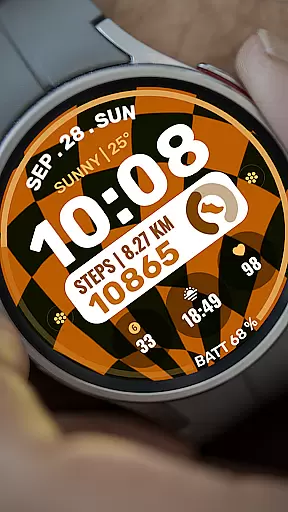
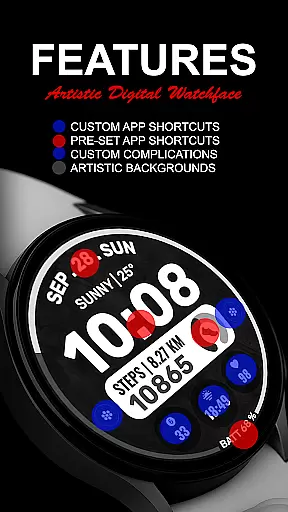
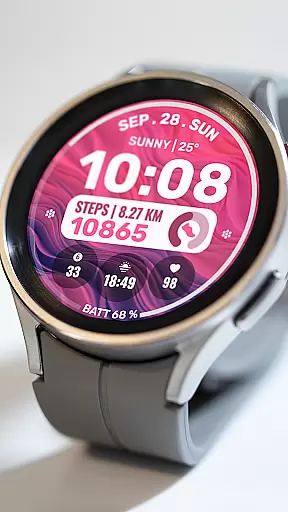
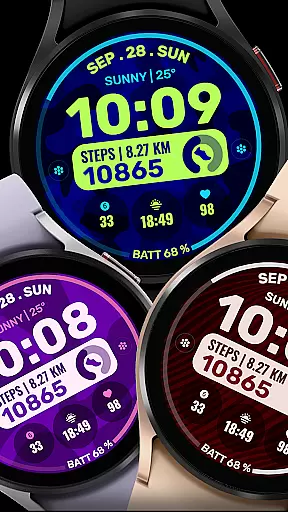
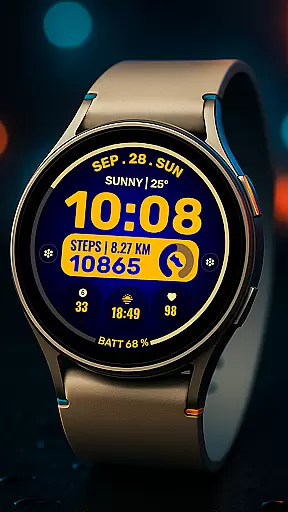
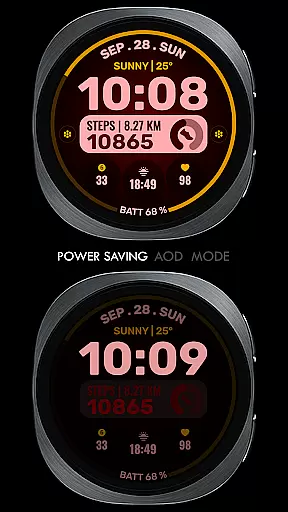
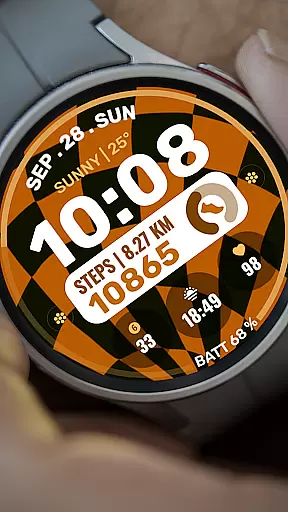
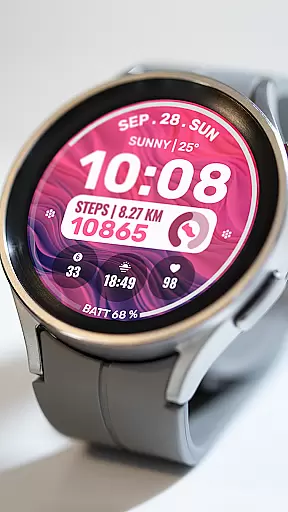
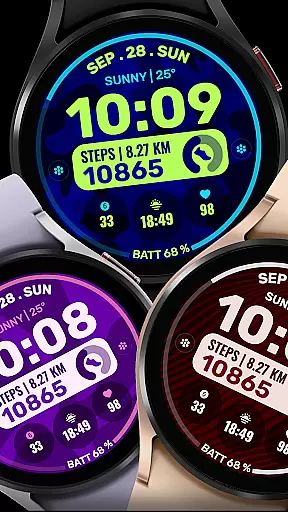
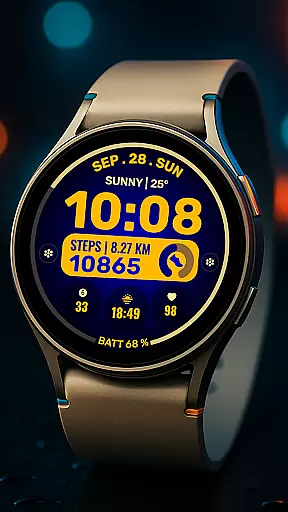
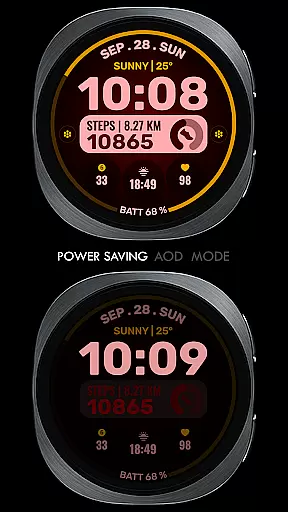
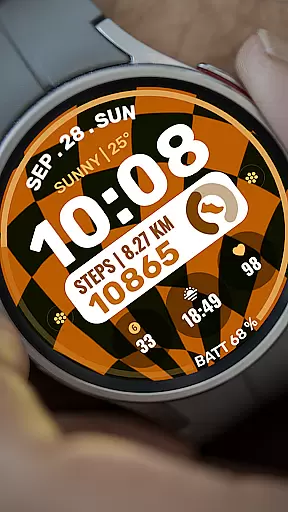
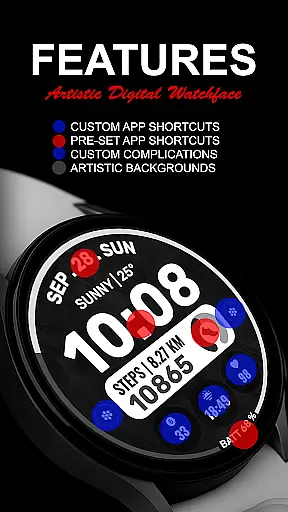
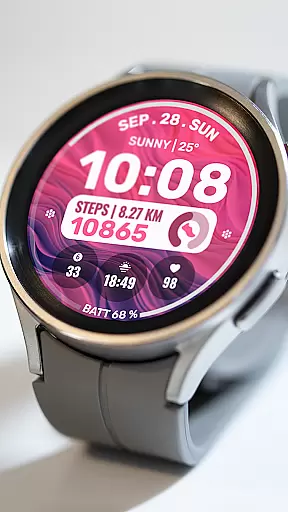
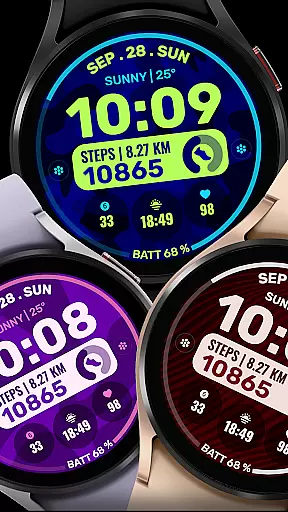
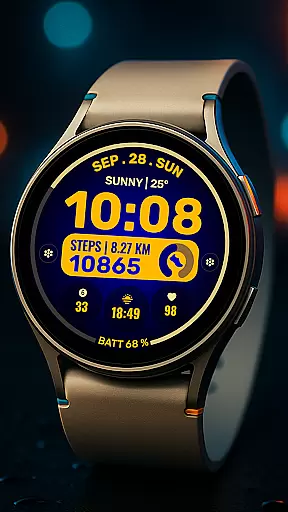
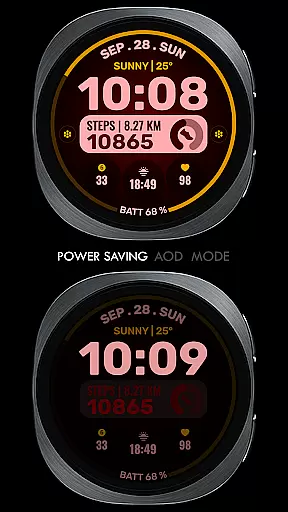
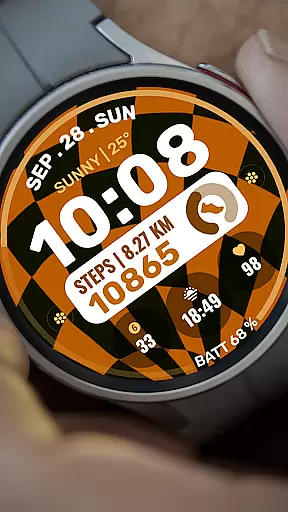
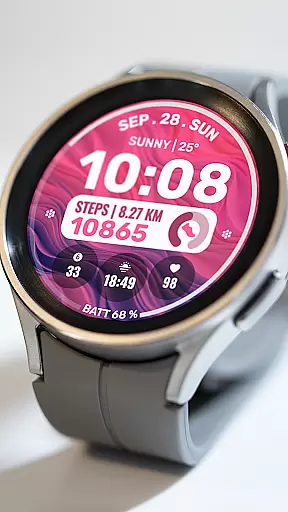
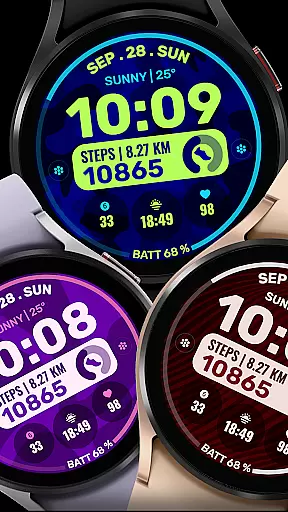
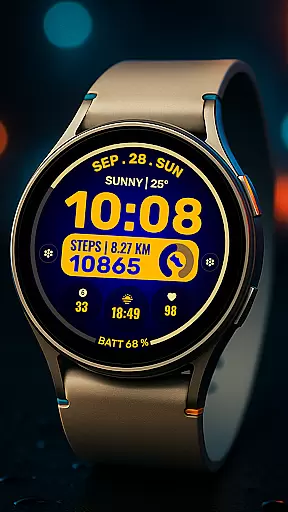
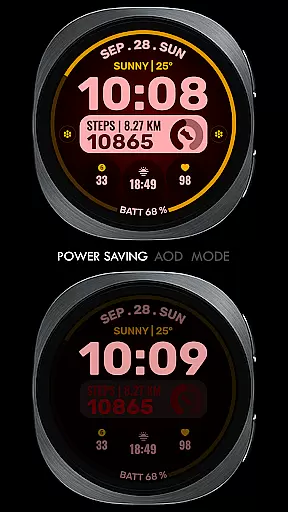
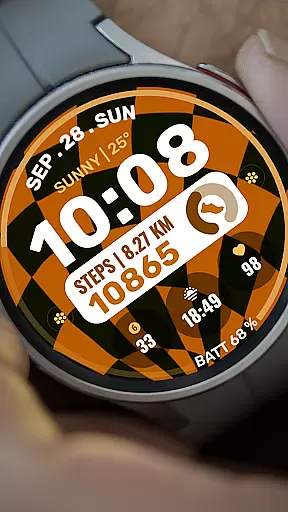
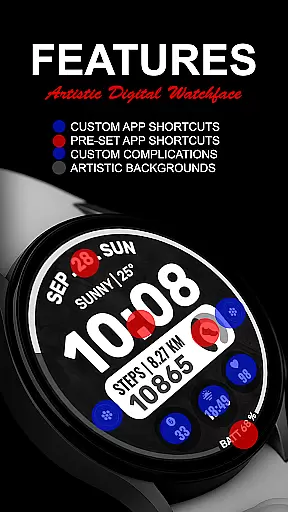
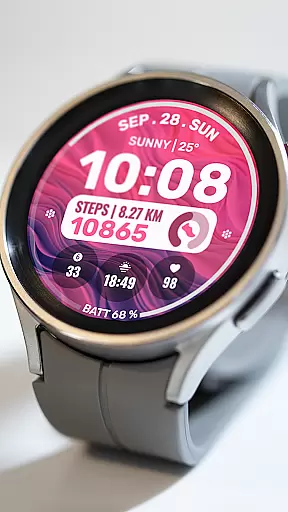
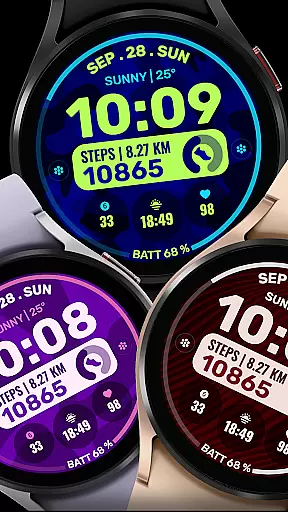
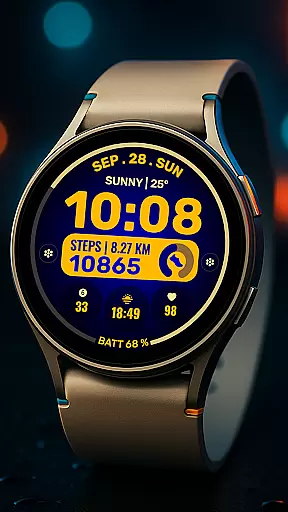
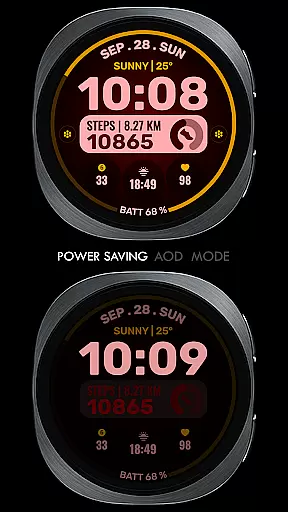
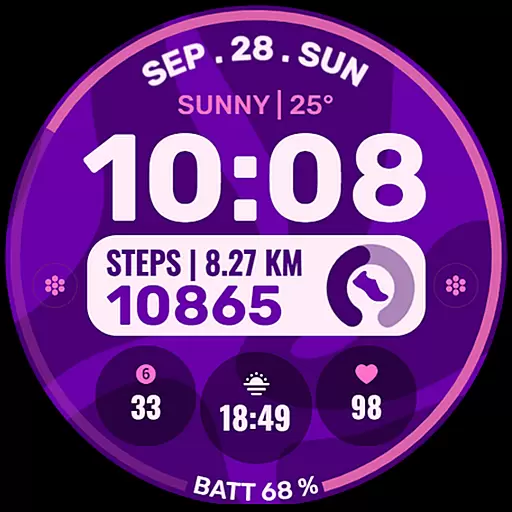
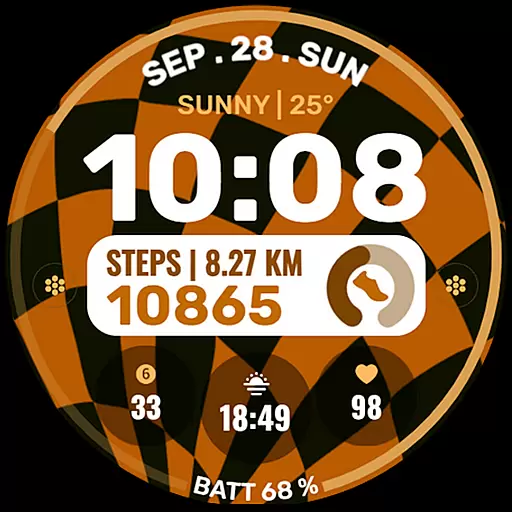
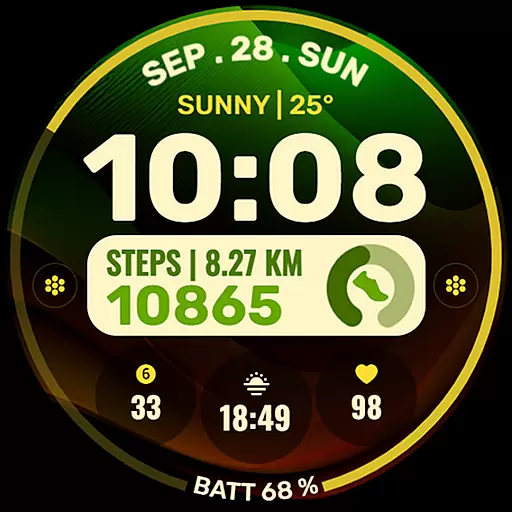
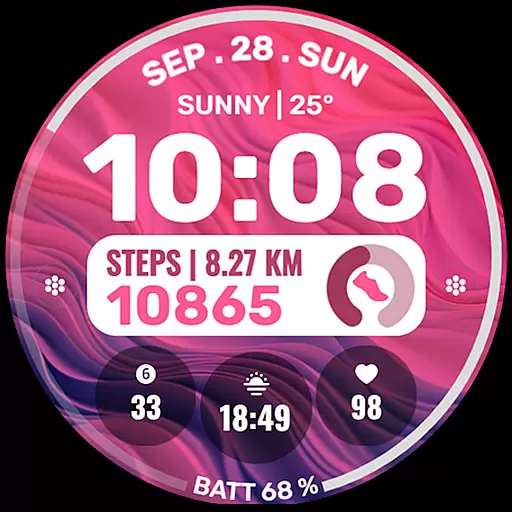
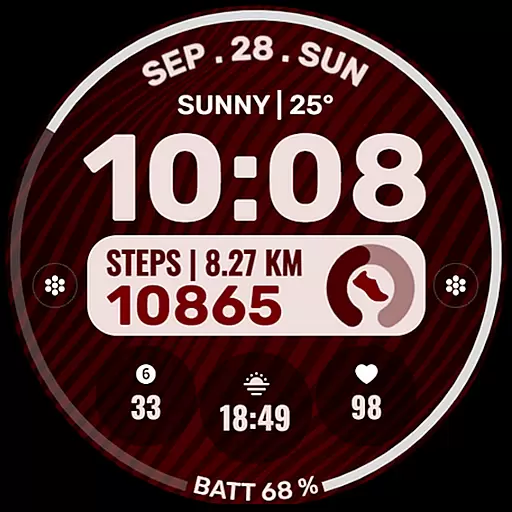
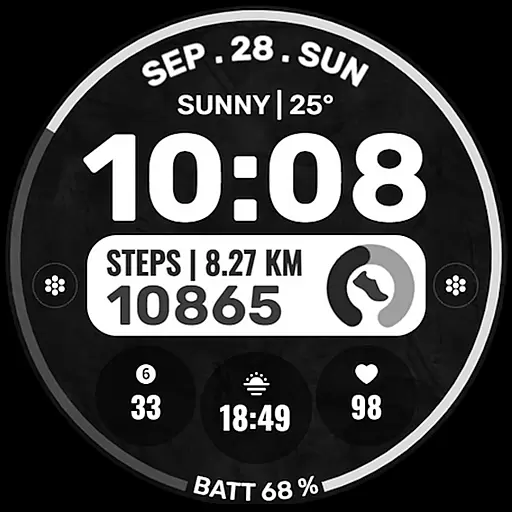
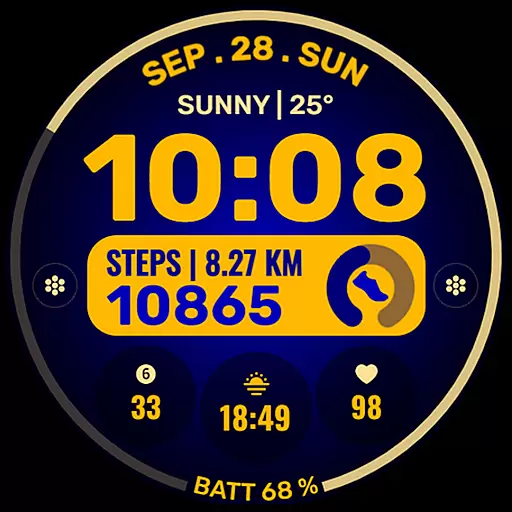
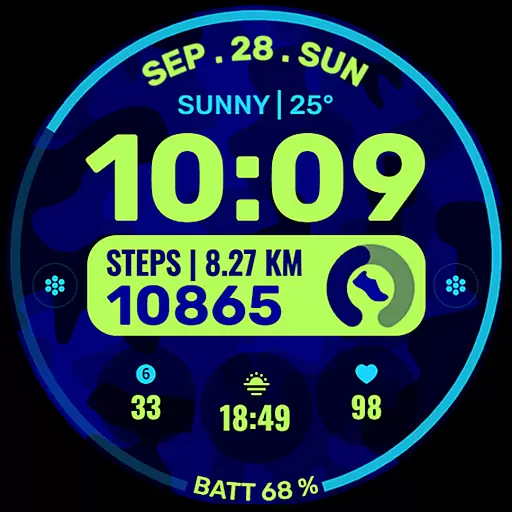
Data Dash is a feature-rich watch face designed for Wear OS devices, offering users an artistic digital clock display alongside advanced customization options. The app supports all Wear OS devices with API Level 34+ and later versions, ensuring compatibility with the latest smartwatches.
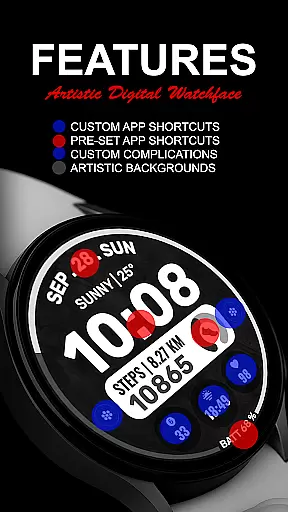
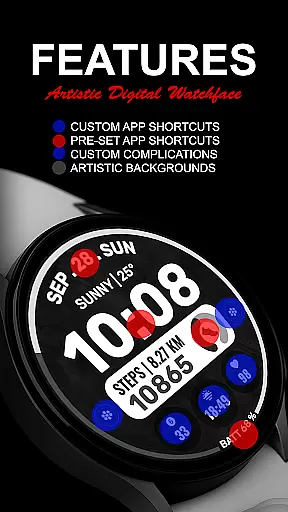
Key features include pre-set app shortcuts, two custom app shortcuts, and three customizable complications that allow users to personalize their watch face with various data types such as date, weather, and steps. Additionally, users can apply custom background and color themes, providing a unique and tailored experience directly on their wrist.
Data Dash stands out with its comprehensive customization capabilities. Users can choose from a variety of complications including world clock, sunset/sunrise times, and next appointments, enhancing the utility of their smartwatch. The app also allows for the installation of third-party complications, expanding its functionality even further.
The watch face editor in the Samsung Wearable app may encounter syncing issues with complex designs, but Data Dash recommends direct customization on the watch itself. This ensures a seamless user experience while Samsung works on resolving the syncing challenges. With clear installation notes and support for all Wear OS devices, Data Dash delivers both style and substance to tech-savvy users.
For a smartwatch application like Data Dash, seamless companion app integration is crucial for optimal user experience. This feature ensures that the watch face can be customized and managed directly from a paired smartphone, streamlining the setup process.
Data Dash supports companion app integration through the Samsung Wearable app, allowing users to personalize their watch faces with ease. Although some Galaxy Watch users may experience syncing issues due to the app's limitations, the recommendation to customize directly on the watch ensures reliable access to customization features.
The ability to sync using the same email address across devices simplifies installation and updates. After downloading, users need only wait a few minutes for the watch face to transfer automatically, providing a hassle-free experience that enhances usability without requiring technical expertise.
Device compatibility is a fundamental aspect of any Wear OS application, determining its ability to function across various smartwatch models. Data Dash is designed to support all Wear OS devices operating on API Level 34+ or Wear OS 4 and later versions, ensuring broad accessibility.
While some advanced features may not be available on every device, the core functionalities such as artistic digital clock display, pre-set app shortcuts, and customizable complications remain consistent. This approach allows users with different Wear OS devices to enjoy a personalized experience tailored to their specific hardware capabilities.
By supporting third-party complications and offering extensive customization options, Data Dash demonstrates its commitment to compatibility and user choice. Whether users want to display weather updates, step counts, or calendar events, this watch face adapts to diverse needs while maintaining reliable performance across supported devices.
Highly customizable
Artistic design
Wide compatibility
Feature-rich
User-friendly
Complex setup
Limited Samsung sync
Third-party dependencies
Premium cost
Occasional bugs

A customizable Christmas watch face for Wear OS with a countdown.
 4.20
4.20
Christmas Theme Watch Face for Wear Os
5.00
Embrace the festive spirit with our Christmas Countdown watchface for Wear OS
4.10
Analog watch face with 8 complications and expedition styling
4.1
Get helpful reminders, take progress photos and find answers to your questions.
3.90
A modern hybrid informative watch face for Wear OS designed by BALLOZI
4.80
A realistic hybrid watch face with many customization options.
4.60
Daily Weather forecast with 15 weather images for Day & Night plus Big Bold time
4.10
Want to take charge of your health? Let Google Fit help you reach your goals.
3.50
Gym Log & Workout Tracker | Fitness Journal, Training & Weight Lifting Planner
4.90
The Chevron App allows you to pay for fuel from the comfort of your car!
4.80
A modern premium sporty hybrid watch face for Wear OS by Ballozi
4.70
Reliable phone calls with spam protection, caller ID and more helpful features
4.40
A white realistic classic analog watch face with many customization options.
4.40
Find EV charging stations
4.30
Snowflake Rose Gold Watch Face - Digital, modern, & sleek with GYRO effect.
4.10
Viewer for Wyze/Yi/Eufy/Arlo/ONVIF/RTSP/P2P IP cams w/ adv. features & DIY DVR
4.00
Animated Watch Face and Customizable with 24 Backgrounds. Perfect for Christmas!
3.90
Stunning modern digital watch face with 7 complications and strong contrast
4.3


User Reviews