
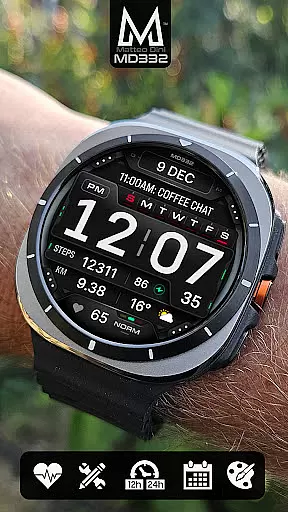
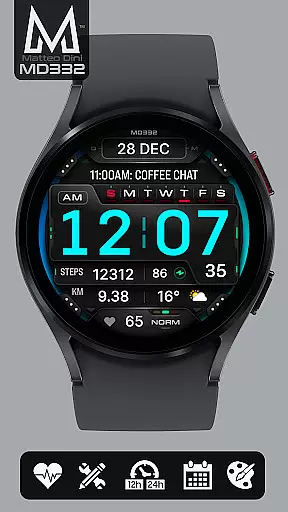
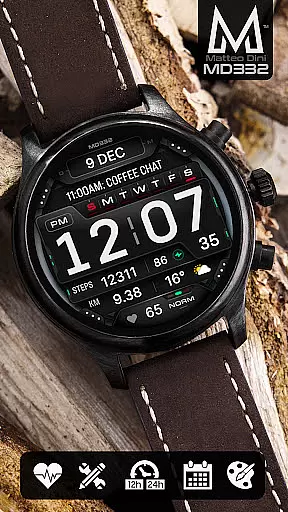
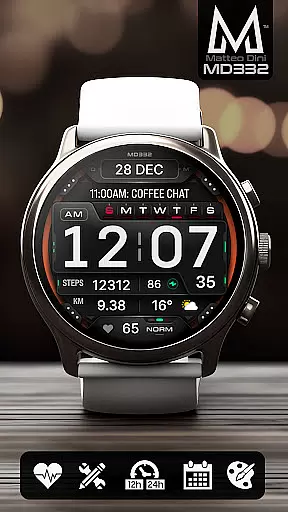
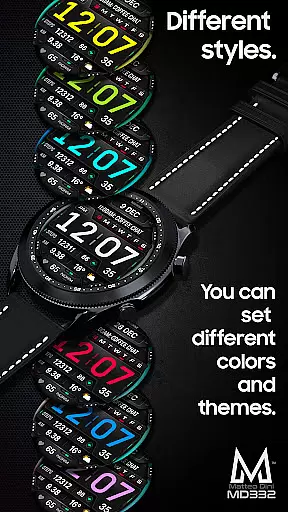
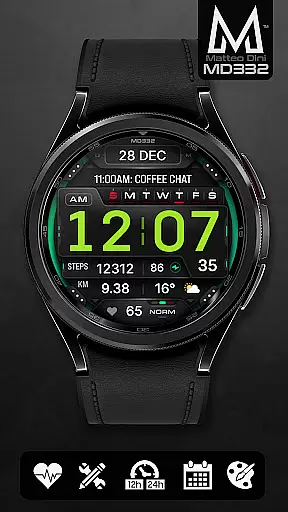
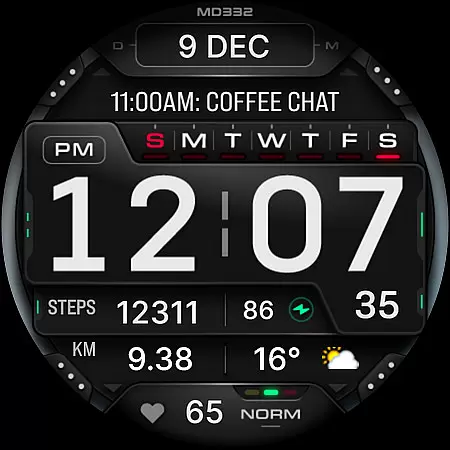
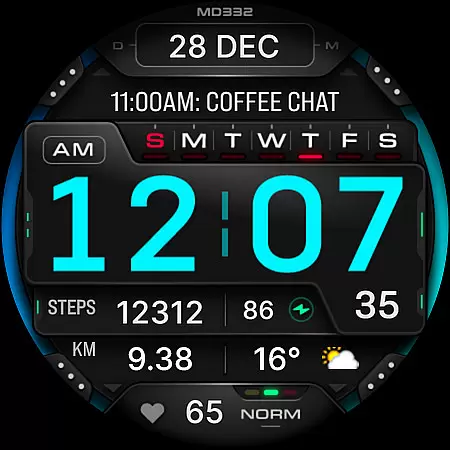
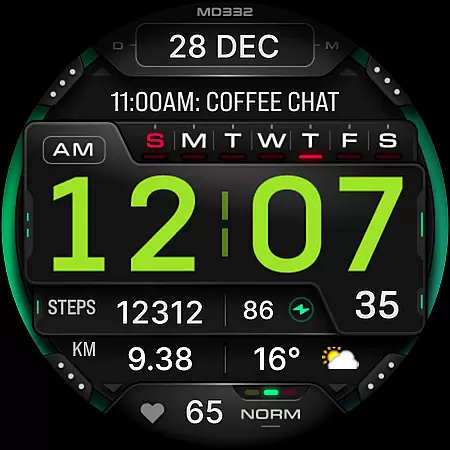
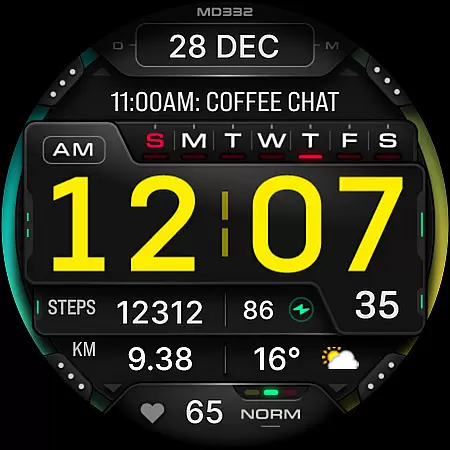
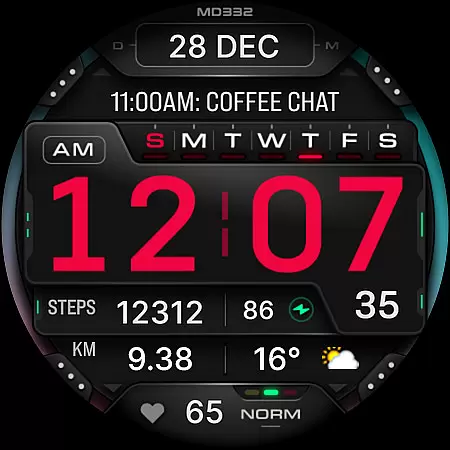
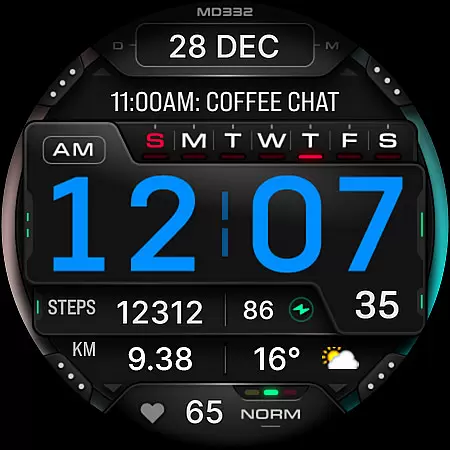
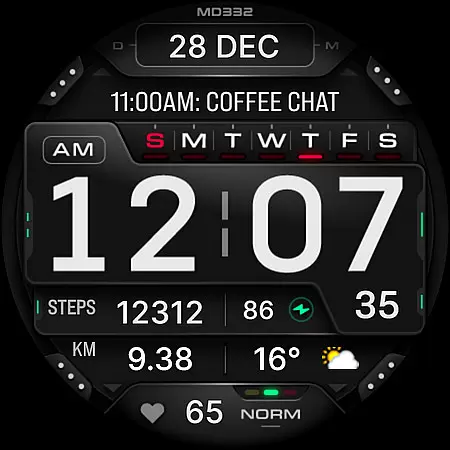
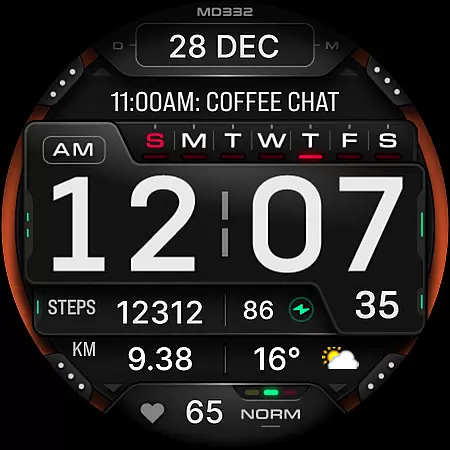
MD332 Digital watch face offers a modern and customizable solution for Wear OS devices. With support for API Level 33+ (Wear OS 4 and later), this watch face is compatible with Samsung Galaxy Watch 4-8, Ultra, Pixel Watch, and more.
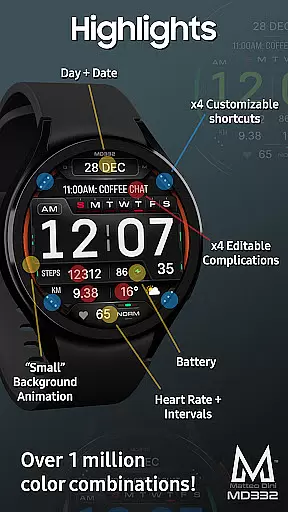
The design includes 3 preset app shortcuts, 4 customizable shortcuts, and 4 complications that can display various data such as weather, barometer readings, distance walked, calories, UV index, and chance of rain. Users can personalize the colors of time, date, seconds, background, and general elements, ensuring a unique and tailored experience.
Perfect for users who value both aesthetics and functionality, MD332 provides essential features like 12/24hr time based on phone settings, date, day, battery status, heart rate monitoring, and minimal/full Always-On Display (AOD).
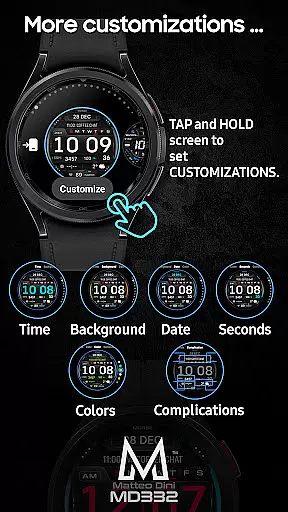
MD332 stands out with its extensive customization options. Users can modify the watch face directly on their device by touching and holding the display, then tapping on the customize option. This allows for personalization of time, date, seconds, background, and general colors.
The watch face includes 3 preset app shortcuts: Calendar, Battery, and Measure Heart Rate. Additionally, there are 4 customizable shortcuts and 4 complications that can be tailored to show preferred data, including health metrics, world clock, and more. Note that obtaining certain data may require installing additional complications if not already available on the watch.
Other notable features include big numbers for easy readability, 12/24hr time format based on phone settings, date, day, battery level, heart rate monitoring with intervals, and minimal/full AOD. These features collectively enhance user experience by providing both practical utility and visual appeal.
Companion app integration is crucial for Android Wear applications as it ensures seamless synchronization between the watch face and its companion smartphone app. The MD332 Digital watch face leverages this feature by allowing users to customize their watch face directly on their wearable device, which is particularly useful given the current limitations with Samsung's Wearable app editor.
This digital watch face supports all Wear OS devices with API Level 33+ and offers a comprehensive customization experience through app shortcuts and complications. Users can personalize their watch face with various data points such as weather, health metrics, and more, ensuring that the most relevant information is readily accessible.
The ability to customize directly on the watch until Samsung resolves editor issues highlights the importance of robust companion app integration. This approach not only enhances user convenience but also ensures that the full functionality of the MD332 watch face is available without dependency on external editors.
By providing clear installation notes and troubleshooting guides, the MD332 watch face ensures that users can maximize the benefits of companion app integration. This results in an enhanced user experience where customization is intuitive, and the transition between watch and smartphone is fluid and efficient.
Ensuring broad Wear OS and device compatibility is essential for any Android Wear application. The MD332 Digital watch face excels in this area by supporting all Wear OS devices with API Level 33+, including popular models like Samsung Galaxy Watch 4-8, Ultra, and Pixel Watch. This wide compatibility ensures that users across different devices can enjoy a consistent and high-quality experience.
The watch face features numerous customizable elements, including time, date, seconds, background colors, and general aesthetics. These features are designed to work seamlessly across supported devices, providing users with the flexibility to tailor their watch face to their personal preferences regardless of their specific Wear OS device.
In addition to visual customization, the MD332 watch face includes functional elements such as heart rate monitoring, preset app shortcuts, and customizable complications. These features are optimized to function reliably across all compatible devices, ensuring that users have access to critical information and functionalities without performance discrepancies.
By focusing on extensive device compatibility and offering detailed installation guides, the MD332 Digital watch face guarantees that users can fully leverage its capabilities on their respective Wear OS devices. This commitment to compatibility enhances user satisfaction and broadens the potential user base for the application.
Highly customizable
Supports latest Wear OS
Comprehensive data options
User-friendly interface
Vibrant community support
Complex setup process
Limited compatibility
Preset shortcut limitations
External complication reliance
Feature availability varies

Gym Log & Workout Tracker | Fitness Journal, Training & Weight Lifting Planner
 4.90
4.90
A Wintery Snow Globe on Your Wrist; now celebrating Christmas!
4.0
Watch face designed for Thanksgiving Day. 7 Background Styles included.
3.20
Let's celebrate Thanksgiving - Wear Os watch face
4.20
Monitor health with the stress test and pulse checker in the heart rate app.
4.60
Your second brain for organizing your life: to-do, calendar, reminder.
4.70
The #1 source of faces for your smartwatch!
4.00
A realistic hybrid watch face with many customization options.
4.60
Your local weather forecast, storm tracker, radar maps & live weather news
3.40
The Chevron App allows you to pay for fuel from the comfort of your car!
4.80
Deck out your Wear OS Watch face with a beautifully decorated pine wreath!
4.50
Digital watch face. For Wear OS devices.
4.40
Locate your family members by GPS phone location tracker everywhere and anytime
4.30
Calming & relaxing sounds for sleeping and stress relief. Stay focused all day!
4.20
Your music, your playlists, and more—offline and unlimited.
4.20
Wear Os Watch Face - Animated Snow Effect & Magic Spark - 6 Scenes
4.10
Viewer for Wyze/Yi/Eufy/Arlo/ONVIF/RTSP/P2P IP cams w/ adv. features & DIY DVR
4.00
Structured watch face with seven complications and modular UI elements
3.90
Christmas is near, let's count together the days left until Santa comes
4.0


User Reviews