
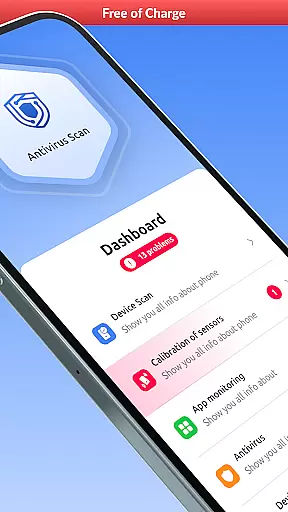

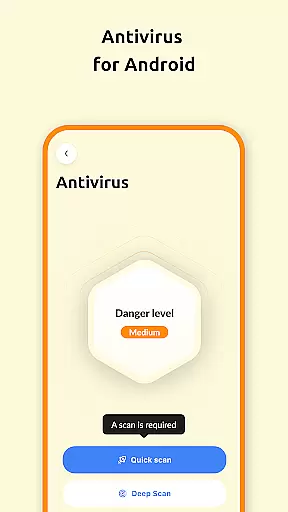
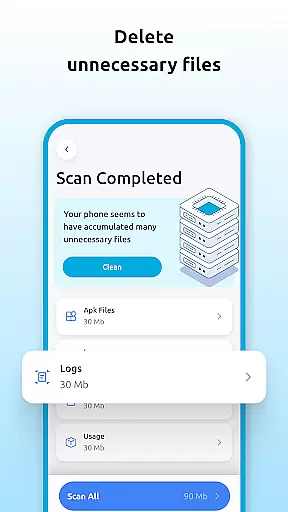
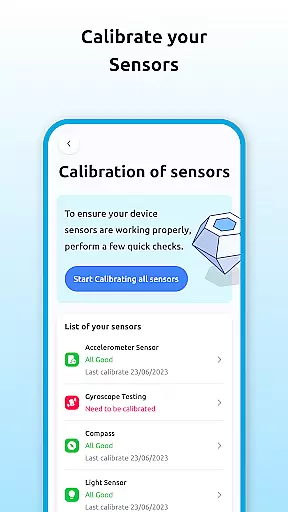
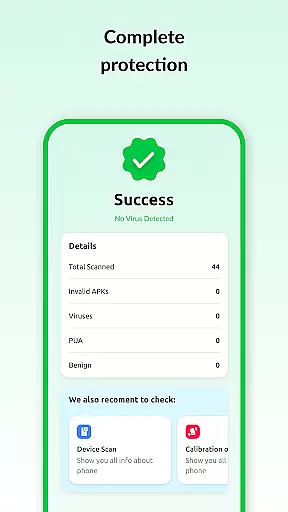
Antivirus Protector is a comprehensive security and performance tool designed to keep your smartphone safe, organized, and running efficiently. The app combines essential security features with system monitoring and file management capabilities, making it an all-in-one solution for device optimization.
Key functionalities include an advanced antivirus scanner that detects and removes malware, detailed device information reports, and tools for managing storage space by deleting unnecessary files. Additionally, the app provides insights into Wi-Fi and Bluetooth connections, sensor calibration, and an integrated file manager for organizing your content. Whether you're looking to protect your data or optimize your device's performance, Antivirus Protector offers the tools you need.
With its user-friendly interface and robust feature set, this app is ideal for anyone seeking to maintain a secure and clutter-free smartphone experience.
Antivirus Protector stands out with its diverse range of features tailored to enhance both security and device performance. One of its core components is the powerful antivirus scanner, which identifies and eliminates viruses and malware, ensuring your personal data remains protected from cyber threats.
Beyond security, the app offers practical tools such as detailed device information, which provides users with insights into their hardware and software status. The storage insights feature helps monitor memory usage, while the delete unnecessary files tool allows users to free up space easily. Additional highlights include Wi-Fi and Bluetooth management, sensor calibration for improved accuracy, and a built-in file manager for seamless organization of files. These features collectively ensure that your device operates at peak efficiency.
By combining security, system monitoring, and file management in one app, Antivirus Protector delivers exceptional value for users who want to safeguard their devices while maintaining optimal performance.
Antivirus Protector delivers exceptional accuracy and effectiveness in its core functions, ensuring your device remains secure and optimized. The app's antivirus scanner is designed to detect and remove viruses, malware, and other security threats with precision. This ensures that your personal data and files are safeguarded against malicious attacks.
In addition to its robust security features, the app provides detailed system monitoring tools. Users can access insights into their device's hardware and software status, empowering them to make informed decisions about their smartphone's performance. These monitoring capabilities contribute to maintaining an efficient and clutter-free device.
The effectiveness of Antivirus Protector extends to its file management and storage insights. By identifying and removing unnecessary files, users can free up valuable space and improve their device's overall performance. With accurate monitoring of memory usage and available storage, the app helps maintain optimal functionality.
Overall, Antivirus Protector's commitment to accuracy and effectiveness makes it a reliable choice for anyone seeking comprehensive device protection and performance optimization.
A key strength of Antivirus Protector is its simple and intuitive interface, which ensures that users of all technical backgrounds can navigate and utilize its features with ease. The design prioritizes clarity and accessibility, presenting information in a straightforward manner that minimizes confusion.
Each tool within the app is intuitively organized, allowing users to quickly access the antivirus scanner, device information, and file management features. This logical arrangement reduces the learning curve typically associated with multifunctional apps, enabling users to immediately benefit from its capabilities.
Moreover, the app's interface facilitates seamless interaction with its various components. Whether managing Bluetooth connections, calibrating sensors, or monitoring Wi-Fi security, users will find the process smooth and hassle-free. Such intuitive controls enhance user engagement and satisfaction.
By focusing on interface simplicity and intuitiveness, Antivirus Protector ensures that even those unfamiliar with advanced device management tools can secure and optimize their smartphones without difficulty.
Comprehensive security
User-friendly interface
Efficient file management
Detailed system insights
Versatile device tools
Limited advanced options
Occasional slow scans
Basic design layout
In-app ads present
Premium features locked

 4.50
4.50 4.50
4.50 4.50
4.50
FV File Manager Pro, Fast and powerful file manager for Android
4.60
Learn the vast amount of system information about device and monitor it's state
4.70
Clean the junk files on your device
3.40
App that Recover your pictures, videos or files after you delete them.
4.20
Screen Mirroring for Roku Sticks, Roku TCL TV and Roku Hisense TV
4.50
The ideal app to be the digital eye of your family
3.40
Navigate with Ease and Style
4.90
NFC Tools can read and write NFC tags.
4.70
Mirror your screen to Chromecast and Android TV - Super fast and simple
4.60
The Ultimate Bluetooth Keyboard & Mouse. Securely control your PC, Mac, and more
4.50
Quickly & easily calculate the spacing of handrail balusters
4.20
Signal Strength, Mobile, Wifi, Speed Test, Bad Signals, Cellular, 5G, LTE, 4G
4.20 4.10
4.10
A simple app to back up and restore SMS & MMS messages and call logs.
4.10
Family Locator, Share location, StayConnect with your family in real time
3.90
A non-root local ADB shell client. READ BELOW!
3.40


User Reviews