
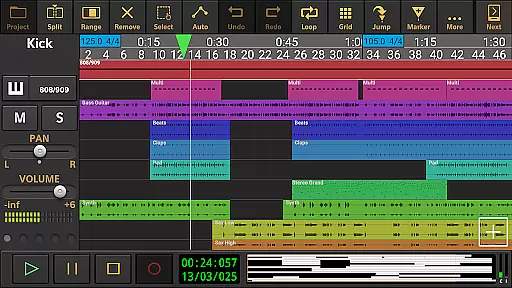
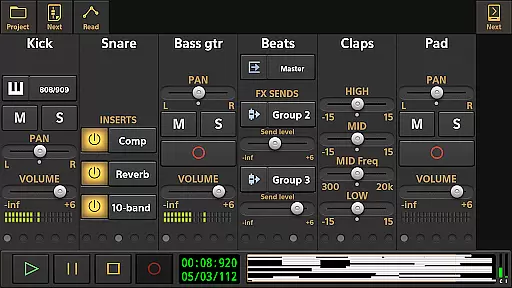
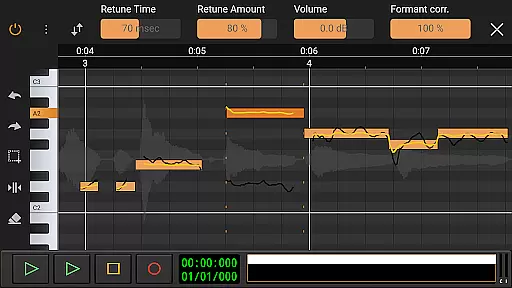
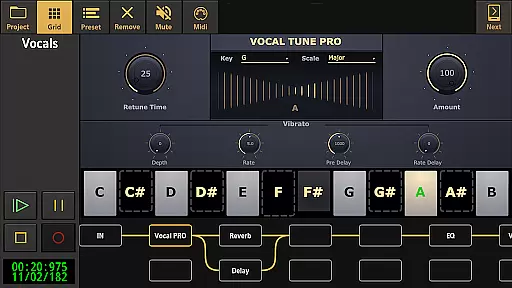
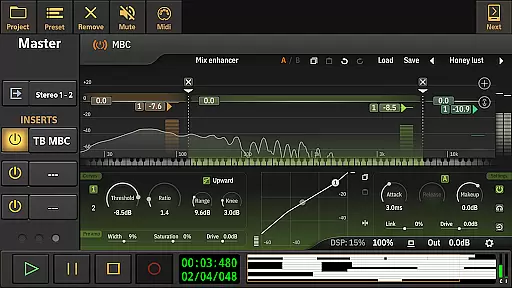
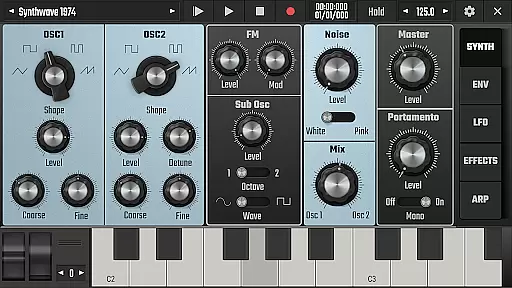
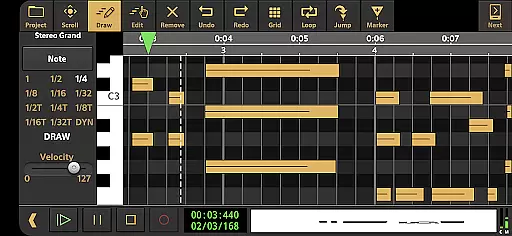
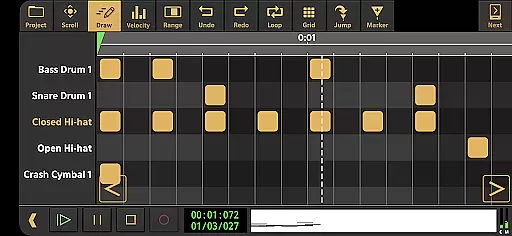
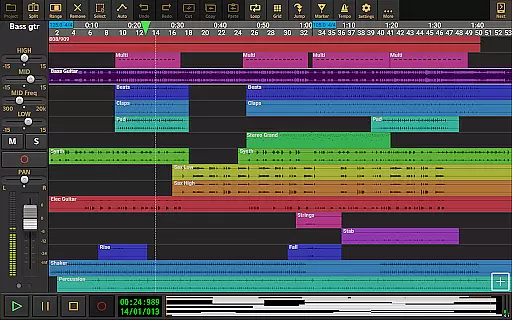
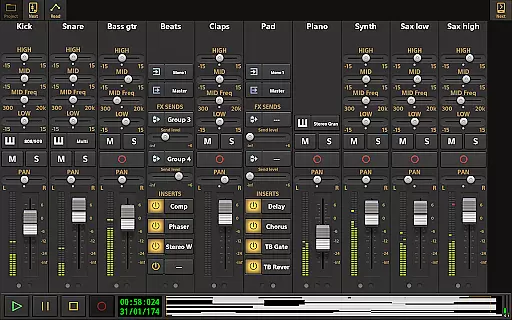
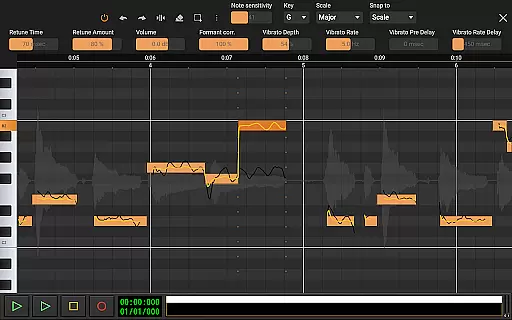
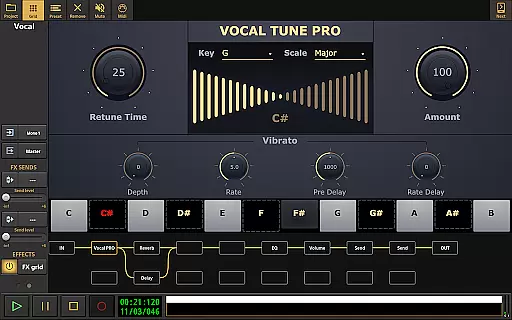
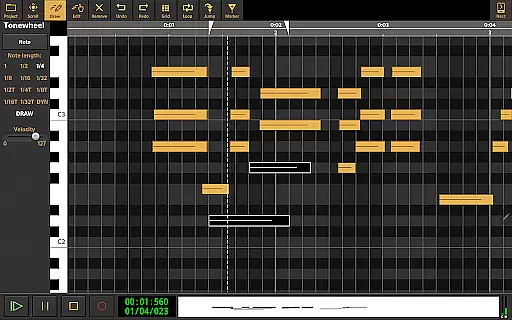
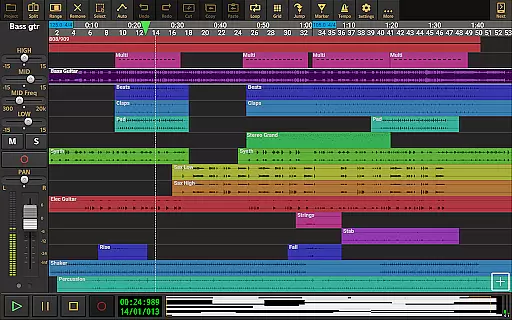
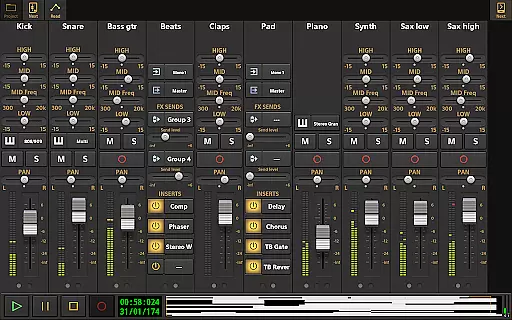
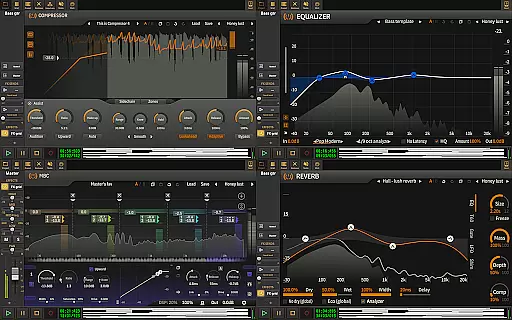
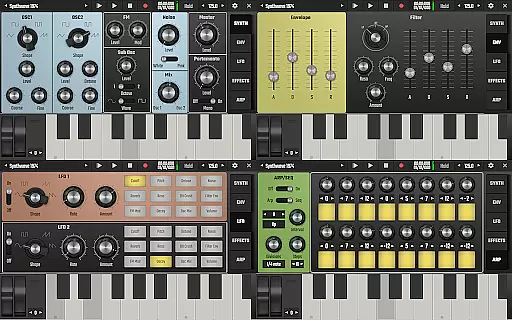
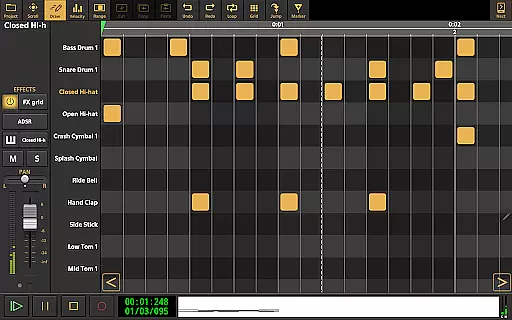
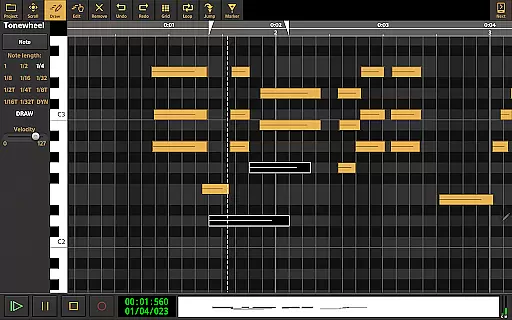
Audio Evolution Mobile Studio is a comprehensive music creation, mixing, and editing app for Android. It offers professional-grade features such as multitrack audio and MIDI recording, virtual instruments, real-time effects, and mixer automation. Whether you're capturing song ideas or producing full-fledged mobile productions, this app rivals desktop DAWs.
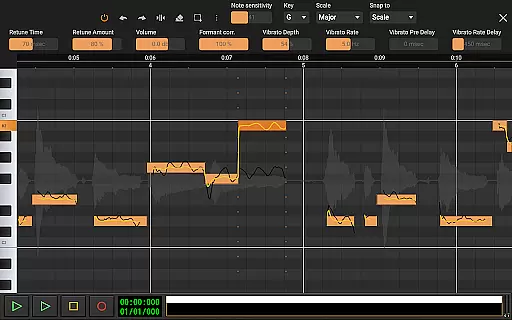
The app supports low latency and multichannel recording through USB audio interfaces, making it ideal for musicians and producers on the go. With its extensive feature set, including vocal pitch correction, drum pattern editing, and mastering capabilities, Audio Evolution Mobile Studio empowers users to create high-quality music productions directly from their mobile devices.
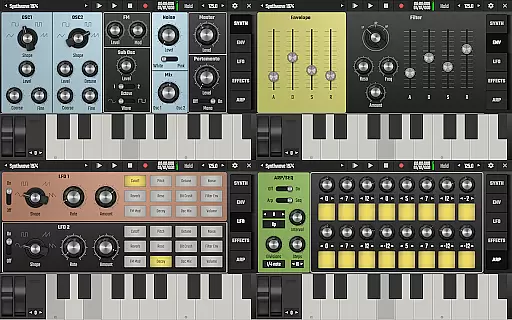
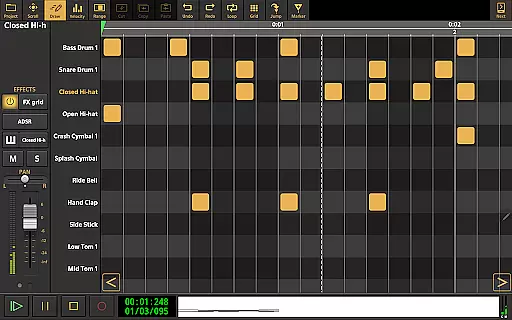
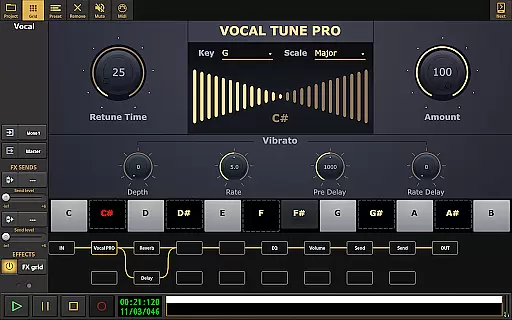
Audio Evolution Mobile Studio boasts an impressive array of features tailored for music production enthusiasts. The app includes Vocal Tune Studio for pitch and time correction, a virtual analog synthesizer called 'Evolution One,' and a drum pattern editor that supports triplets and custom audio files.
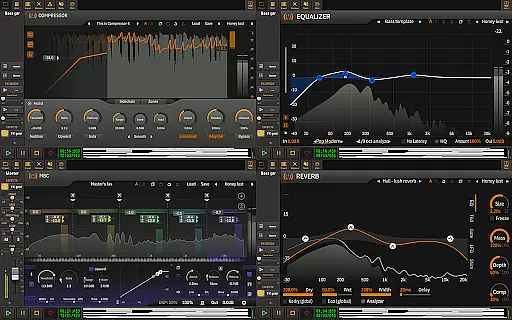
Users can enjoy unlimited undo/redo functionality, tempo changes, and flexible effect routing with parallel paths. Real-time effects like chorus, reverb, and EQ enhance the creative process. Additionally, the app supports importing various formats, cloud sync with Google Drive, and exporting projects to other DAWs, ensuring seamless integration into any workflow.
Audio Evolution Mobile Studio offers an extensive music library that caters to a wide range of musical genres and styles. The app includes various virtual instruments, drum pattern editors, and sample-based Soundfont instruments, ensuring users have access to a rich palette of sounds for their compositions.
The inclusion of ToneBoosters effects and the Vocal Tune series adds further depth to the available sound library. These optional in-app purchases enhance the creative possibilities by providing professional-grade tools for audio manipulation and enhancement.
Regarding copyright authenticity, Audio Evolution Mobile Studio ensures that all included content is properly licensed. Users can confidently utilize the provided loops, instruments, and effects knowing they are legally cleared for use in their projects.
This comprehensive library empowers musicians and producers to create complete productions on their Android devices without worrying about legal issues or limited sound options.
When it comes to audio quality options, Audio Evolution Mobile Studio excels by supporting various high-quality audio formats. The app allows recording, editing, and exporting in WAV, MP3, AIFF, FLAC, and OGG formats, giving users flexibility in choosing the appropriate format for their projects.
The optional custom-developed USB audio driver enables low-latency, high-quality multi-channel recording and playback at any sample rate and resolution supported by the connected device. This feature is particularly valuable for professionals requiring 24-bit/96kHz quality in their recordings.
Additionally, the mastering function provides precise control over the final output quality. Users can normalize, time-stretch, and apply various real-time effects to achieve their desired audio characteristics.
These advanced audio quality options ensure that productions created in Audio Evolution Mobile Studio meet professional standards while maintaining compatibility with other digital audio workstations through its flexible export capabilities.
User-friendly interface
Professional-grade tools
Versatile audio editing
Real-time effects processing
Cloud sync functionality
In-app purchases required
Steep learning curve
High system requirements
Limited free features
Occasional bugs reported

Fun & Easy Voice Changer – Record, Edit & Add Hilarious Effects!
 4.50
4.50 4.70
4.70
Formerly known as Spotistats! View your top tracks, artists, albums and more!
4.40
Full-featured, High-Quality Groovebox Workstation, perfect for Live Performance!
4.80
Save hundreds of dollars for a physical strobe tuner and instead use this app.
4.50
Bass Booster Pro takes auto-equalizing to the next level!
4.30
Let your Android device with the sound effects you want
4.50
Listen to offline music and sounds from all categories
4.70
Customize Your Favorite Songs and Videos with booster.
4.70
More downloads than any other metronome. Includes drum machine & tempo trainer.
4.80
Listen to live FM radio stations, sports, music and news on global radios online
4.70
Walkout Song DJ is the most intuitive app to manage your sports music.
4.70
Super Sound Editor, Song Maker & Mixer, Vocal Remover, Voice Recorder & Changer!
4.60
Offline Music Player&MP3 Player with themes, equalizer, lyrics, music play mode
4.60
10-Band Audio Equalizer, Sound / Bass Booster for Spotify Users & Music Players
4.40
Full featured mp3 and audio player with Chromecast and Android Auto support.
4.40
Learn and play 2M+ music tabs & chords on guitar, ukulele, bass, and more
4.30
Simple mp3 and mp4 player with advanced features.
3.40
Make music anywhere. Turn your device into an instrument.
4.1


User Reviews