
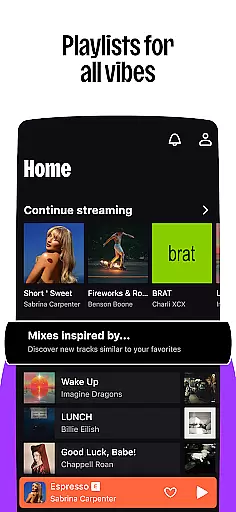

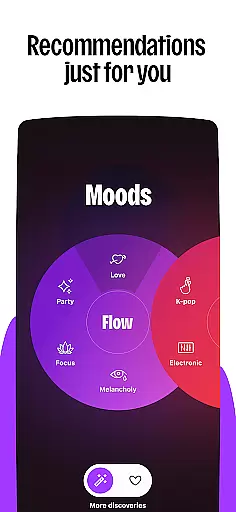
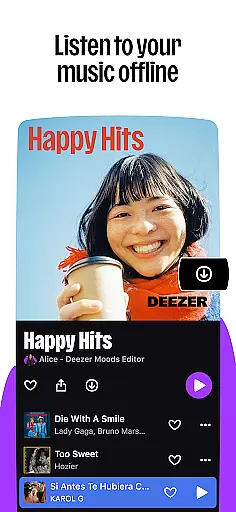




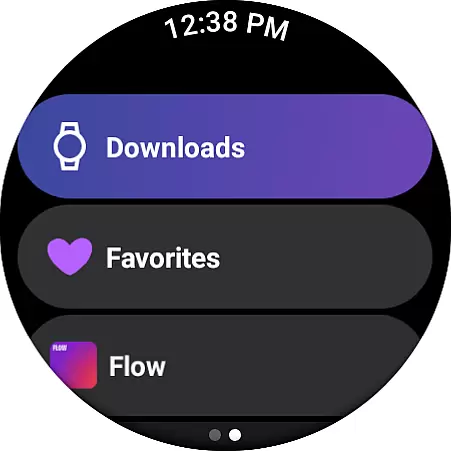
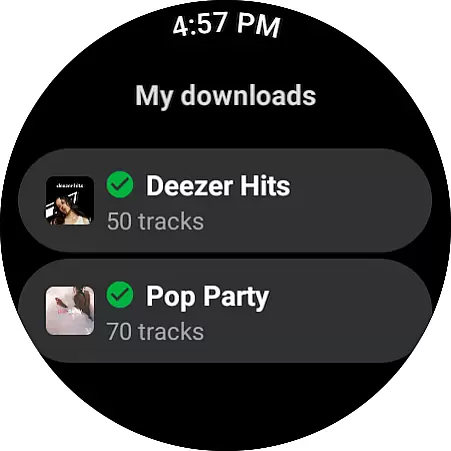
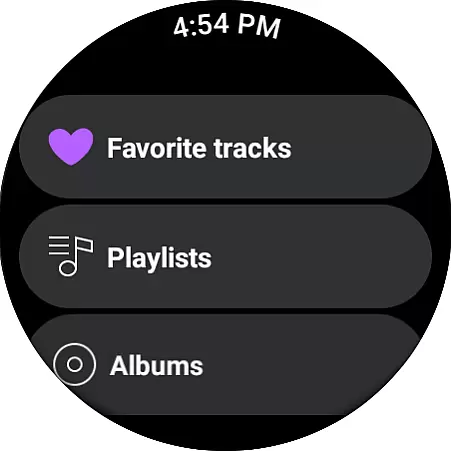
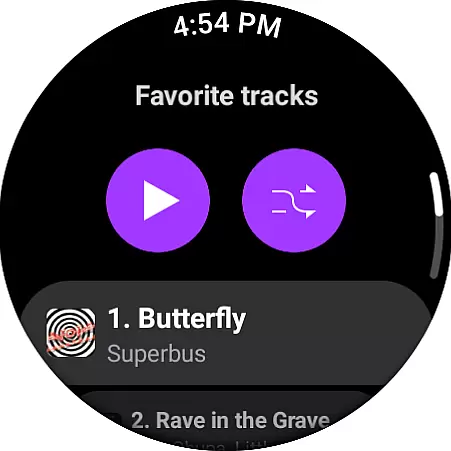
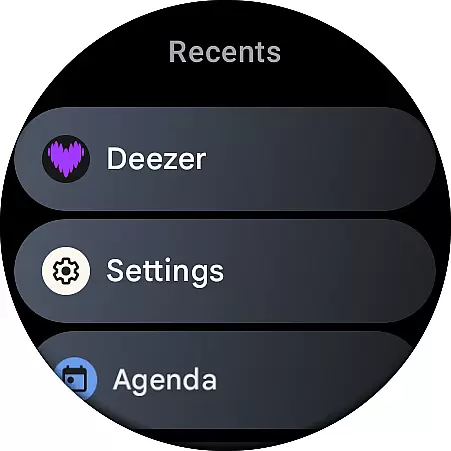
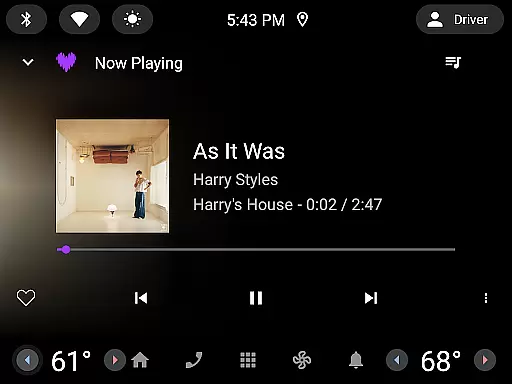
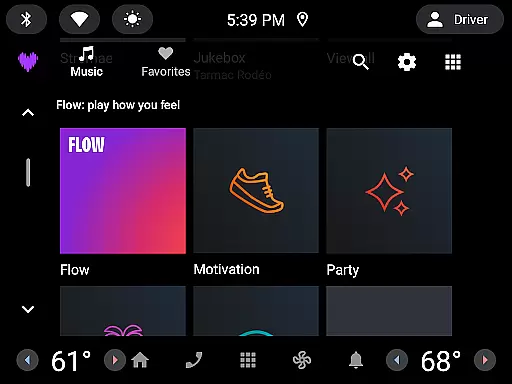
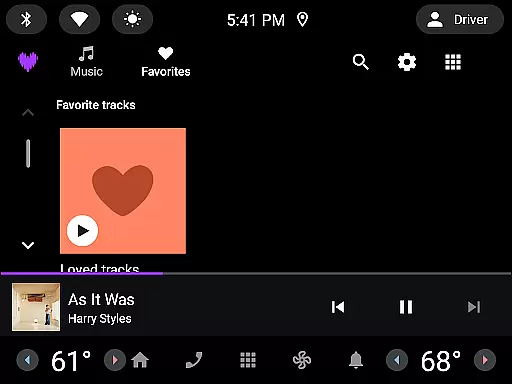
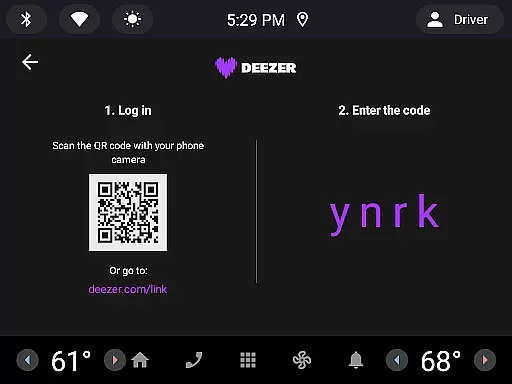

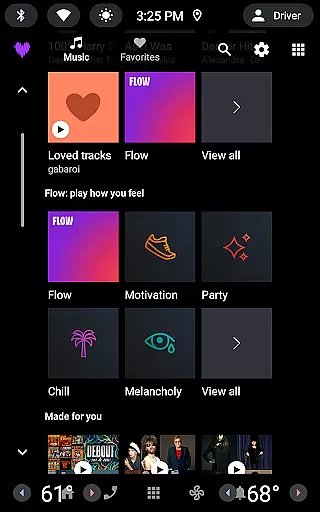
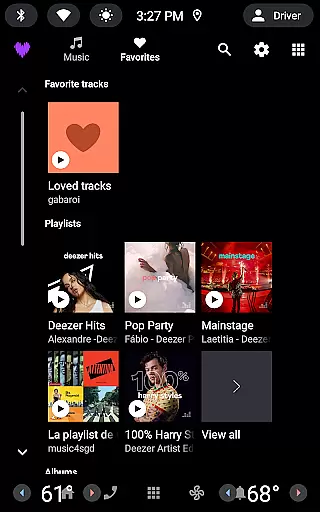

Deezer is a comprehensive music streaming platform designed for Android Wear users, offering a personalized listening experience. The app provides an extensive catalog of tracks, curated playlists, and unique features like Flow, which creates an infinite mix tailored to individual preferences. With support for various devices including smart speakers, wearables, and car systems, Deezer ensures you can enjoy your music anywhere.
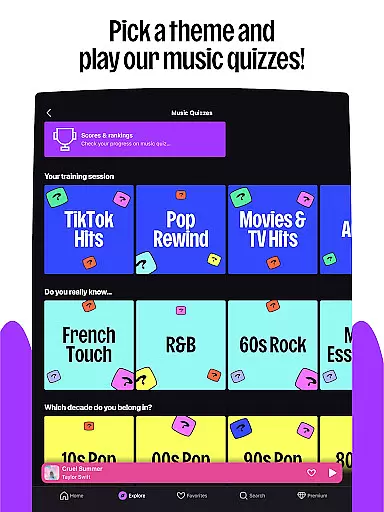
Beyond just music, Deezer also offers podcasts, audiobooks, and radio stations, making it a versatile entertainment hub. Its interactive features such as Shaker, Music Quiz, and SongCatcher enhance user engagement by allowing social interaction and music discovery. Whether you're looking to customize your playlists or explore new genres, Deezer adapts to your tastes and lifestyle.
The app's availability across multiple platforms, including Galaxy Watch, Fitbit, and Automotive OS, makes it ideal for users who want seamless integration into their daily routines. With different subscription plans catering to individual, family, and student needs, Deezer delivers high-quality audio experiences without interruptions, ensuring that every listener finds value in their service.
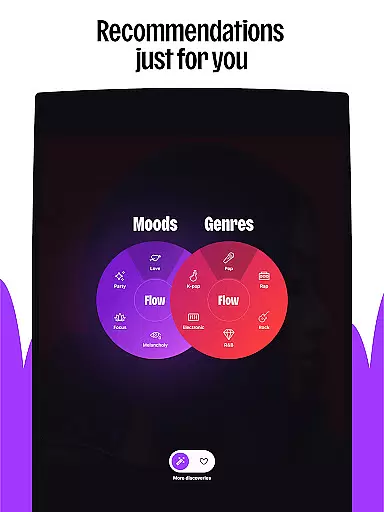
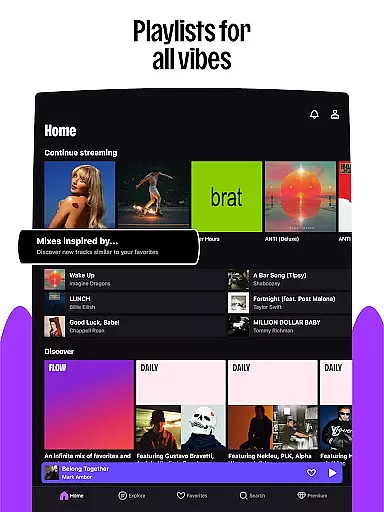
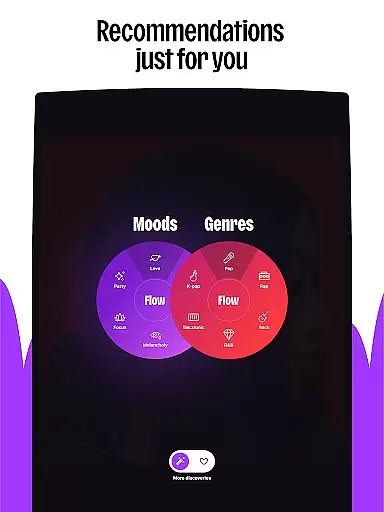
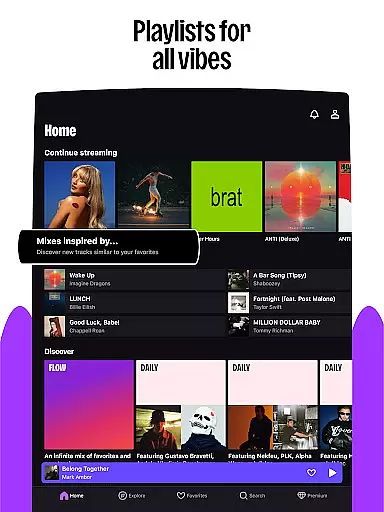
Deezer stands out with its rich feature set tailored for music enthusiasts. One of its key highlights is the Flow feature, which generates an endless stream of personalized music based on your listening habits. This ensures that you are constantly discovering new tracks while enjoying your favorites. Additionally, curated playlists for every mood and genre help users find the perfect soundtrack for any occasion.
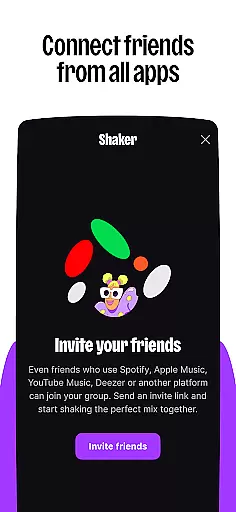
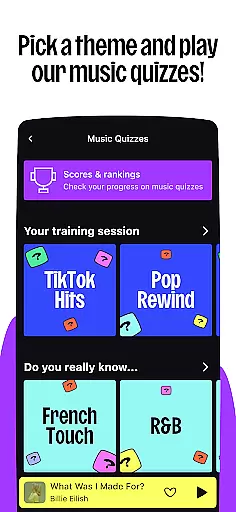
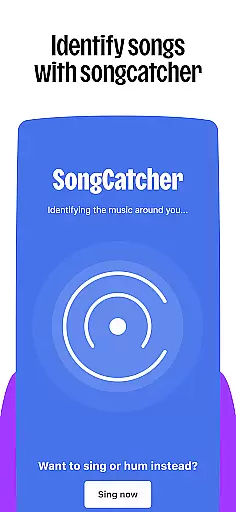
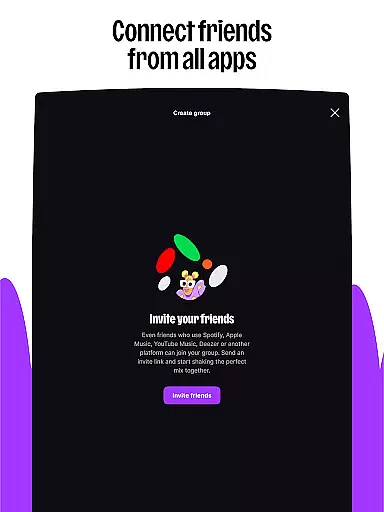
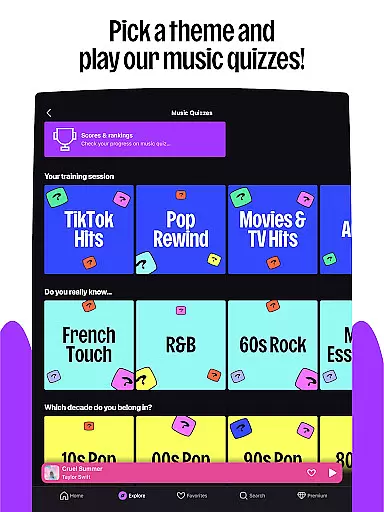
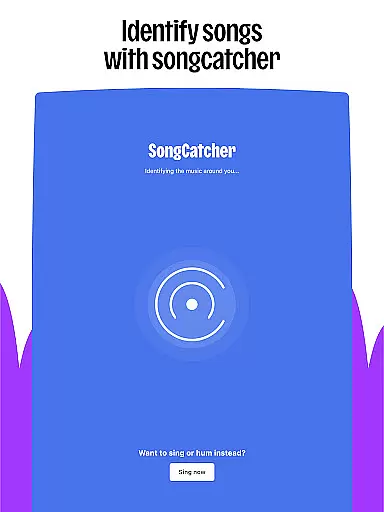
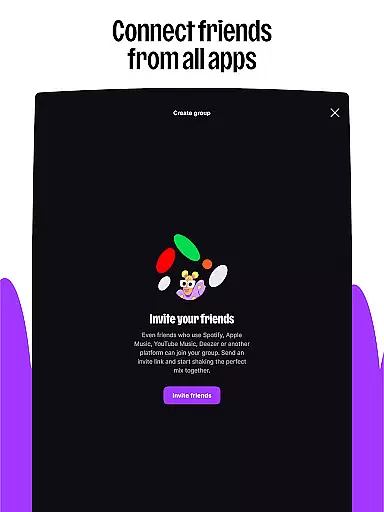
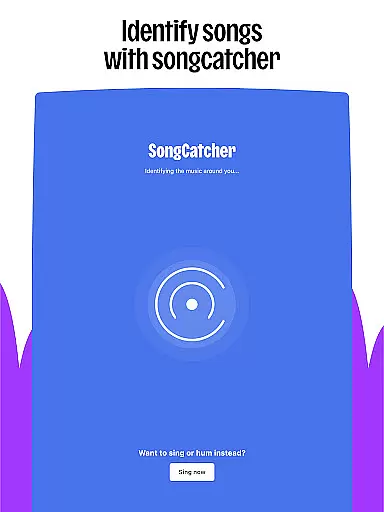
Interactive elements like Shaker and Music Quiz make the listening experience more engaging. Shaker allows users to mix playlists with friends, fostering social connections through shared musical interests. Meanwhile, Music Quiz challenges your music knowledge, providing entertainment beyond passive listening. The inclusion of SongCatcher means you can identify songs playing around you, even if you hum them, enhancing music discovery.
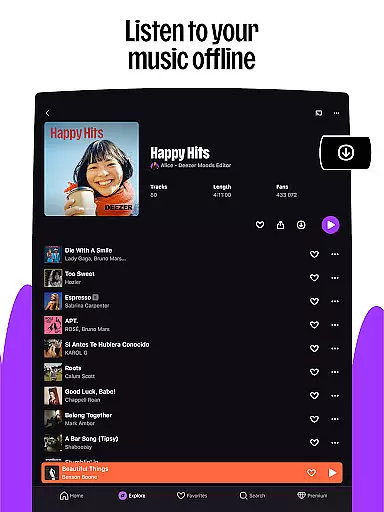
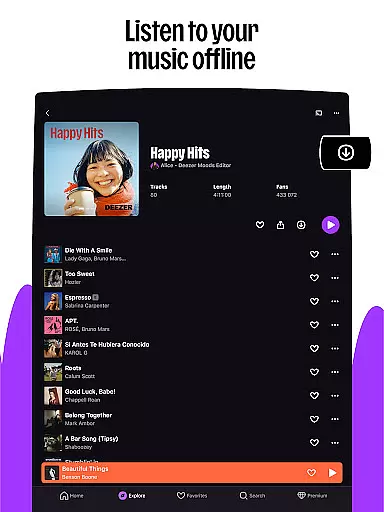
Customization options abound, letting users shape their algorithm, create custom playlist covers, and rearrange their homepage. These features ensure that each user's experience is uniquely theirs. Furthermore, Deezer supports offline mode, unlimited skips, and HiFi audio quality, delivering a premium listening experience whether online or off. Integration with smart devices extends this experience, allowing users to take their music wherever they go.
Companion app integration is essential for wearable devices as it ensures seamless synchronization between the main application and its wearable counterpart. For Deezer, this means users can enjoy a consistent music experience across their smartphones and wearable devices like Galaxy Watch, Fitbit, or other Wear OS devices.
The Deezer Android Wear app allows users to access their favorite playlists, Flow, and curated content directly from their wrists. This integration enables features such as offline listening and on-demand playback, which are crucial when the phone is not readily accessible. The ability to control music playback through voice commands or simple taps enhances user convenience significantly.
By maintaining a robust connection with the primary Deezer app, users benefit from real-time updates, ensuring that any changes made on one device reflect instantly on others. This includes playlist modifications, new song additions, and personalized recommendations based on recent listening habits.
Ultimately, companion app integration in Deezer provides an uninterrupted and enriched audio experience, allowing users to transition smoothly between different devices without missing a beat. This interconnected ecosystem empowers users to engage with their music library effortlessly, wherever they go.
Wear OS/device compatibility is vital for applications targeting wearable technology, ensuring that the software runs smoothly across various devices. For Deezer, compatibility with Wear OS and other smartwatches like Galaxy Watch and Fitbit guarantees that users can enjoy high-quality music streaming directly from their wrists.
Deezer's support for multiple wearable platforms involves optimizing performance to match each device's unique specifications. Whether itu2019s adjusting interface elements for smaller screens or ensuring efficient battery usage, these adaptations enhance the overall user experience. Compatibility also extends to integrating with built-in sensors and functionalities specific to each wearable, such as health tracking or notification systems.
This broad compatibility allows Deezer to reach a wider audience, catering to diverse preferences in wearable tech. Users can choose their preferred device while still enjoying Deezeru2019s comprehensive music library, interactive features, and customization options tailored for wearable interfaces.
In summary, by prioritizing Wear OS and device compatibility, Deezer ensures that its service remains accessible and functional across a range of wearables, providing users with flexibility and convenience in how they interact with their music.
User-friendly interface
Extensive music library
Personalized recommendations
High-quality audio streaming
Cross-device compatibility
Limited free version
Occasional ads in free plan
Subscription cost
Regional content restrictions
Complex navigation for new users

Christmas Theme Watch Face for Wear Os
 5.00
5.00
Wear Os Watch Face - Animated Snow - Sesonal for Christmas & Winter
4.0
MyNISSAN® lets you remotely control your car from your phone.*
4.50
Stunning modern digital watch face with 7 complications and strong contrast
4.2
Beautiful, colorful and practical watch face. For Wear OS devices.
5.00
Watch face designed for Thanksgiving Day. 7 Background Styles included.
3.20
Bold weather Digital watchface with forecast & optional animated background
4.40
Retro digital watch face with customizable colors and a unique lighting effect
4.60
Spam call blocker and caller ID for automatic call protection!
4.40
Hyperlocal rain alerts by MyRadar using patent-pending technology, radar & more
4.80
The Chevron App allows you to pay for fuel from the comfort of your car!
4.80
Monitor health with the stress test and pulse checker in the heart rate app.
4.60
Simple, helpful messaging by Google
4.60
Bold, Modern Hybrid Watch Face for Wear OS. 10 Colors, Rich Info Display.
4.30
Daily Weather forecast with 15 weather images for Day & Night plus Big Bold time
4.10
Animated Watch Face and Customizable with 24 Backgrounds. Perfect for Christmas!
3.90
Analog watch face with 8 complications and expedition styling
4.5
A watch face that fuses motorsport precision with contemporary smartwatch design
4.4
Contemporary digital watch face with five complications
4.3


User Reviews