
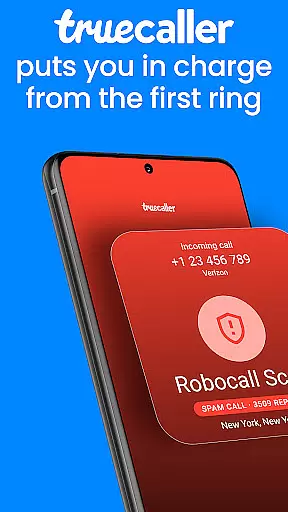



Truecaller is a leading caller ID and spam-blocking app designed to enhance your mobile communication experience. It instantly identifies incoming calls, blocks unwanted contacts, and provides advanced call management features. With its AI-powered tools like AI Call Scanner and Truecaller Assistant, the app ensures you stay protected from spam, scams, and fraudulent calls while maintaining control over your phone interactions.
The app also offers additional productivity features such as call recording, reverse number lookup, and organized messaging tabs. Available for Android Wear, Truecaller seamlessly integrates with your device, empowering users to manage calls and messages efficiently while on the go.
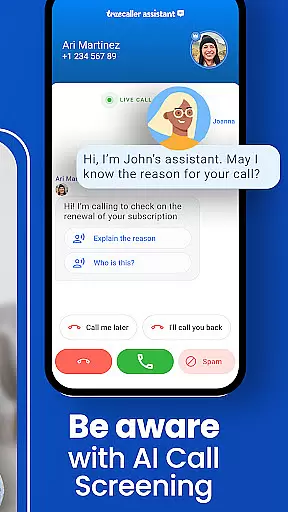
Truecaller stands out with its comprehensive suite of features tailored for both security and convenience. The AI Call Scanner detects whether incoming calls are from real humans or automated bots, protecting users from potential fraud. The Truecaller Assistant screens calls using machine learning and speech-to-text technology, identifying spam or scam attempts with over 90% accuracy.
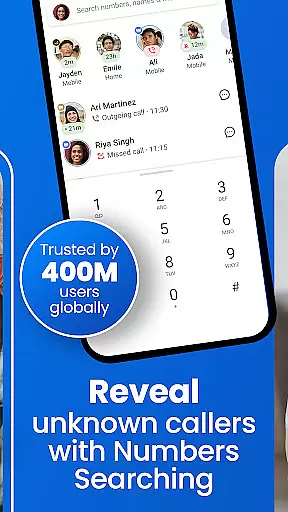
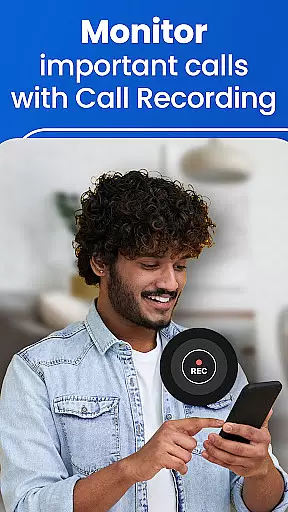
Other notable features include an advanced spam-blocking system that filters telemarketers, robocalls, and suspicious numbers in real time. Users can also take advantage of the built-in call recorder, which generates AI-based summaries and transcripts of conversations. Additionally, the powerful Caller ID function identifies unknown numbers, while reverse number lookup allows users to search for details about unfamiliar contacts.
Companion app integration is essential for wearable devices as it ensures seamless synchronization between the main application and its wearable counterpart. Truecaller excels in this area by providing a cohesive experience across devices.
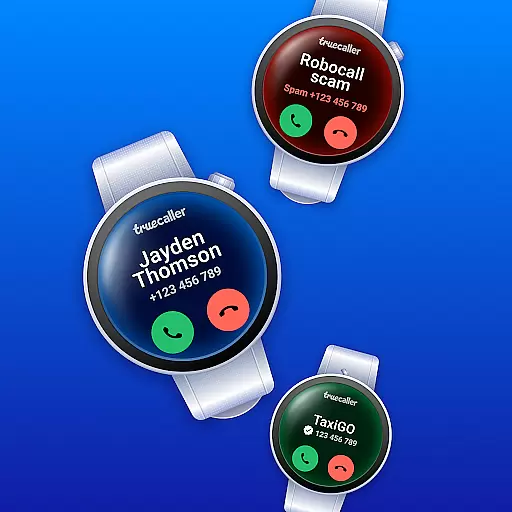
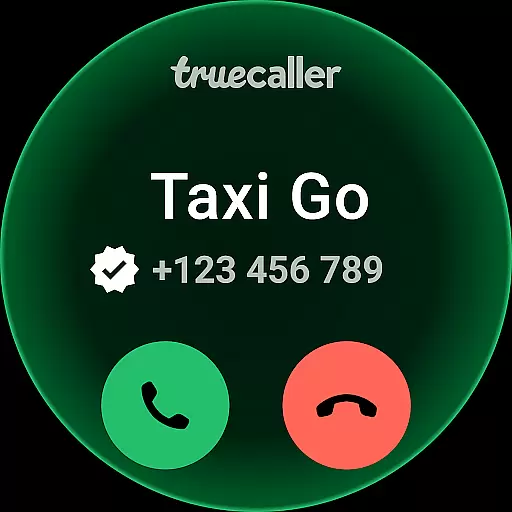
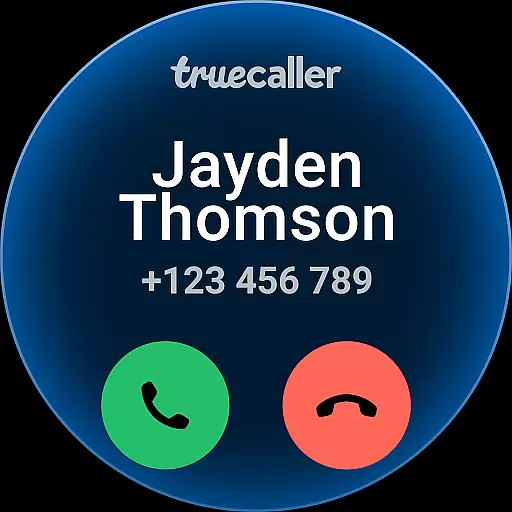
The Truecaller Android Wear app works in tandem with the main mobile application, allowing users to identify incoming calls and view caller information directly on their smartwatch. This real-time integration ensures that users never miss an important call, even when their phone isn't immediately accessible.
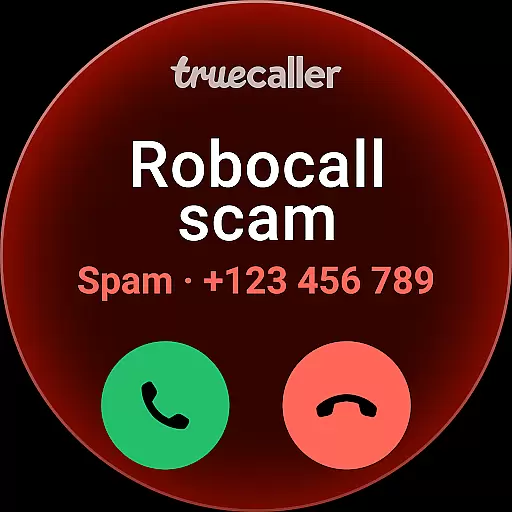
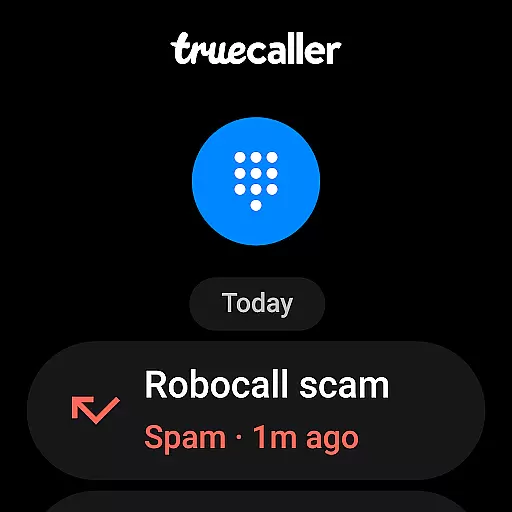
Additionally, the companion app maintains consistent functionality, enabling core features like spam detection and blocking to work flawlessly on the wearable device. This means users can still screen and block unwanted calls without needing to reach for their phone.
By offering a unified experience across devices, Truecaller enhances user convenience and ensures that critical communication tools remain accessible at all times, making it an indispensable utility for smartwatch users.
Ensuring broad compatibility with various Wear OS devices is crucial for any application targeting the Android Wear platform. Truecaller has been optimized to function seamlessly across a wide range of Wear OS-powered smartwatches.
The app supports different screen sizes and resolutions, delivering a consistent user interface and experience regardless of the specific device model. This adaptability allows users to enjoy Truecaller's advanced calling features without worrying about hardware limitations.
Moreover, Truecaller undergoes rigorous testing to ensure smooth performance on all supported devices. This includes optimizing battery usage and minimizing latency, which are common concerns for wearable applications.
With its robust compatibility and optimization efforts, Truecaller guarantees a reliable and efficient experience on any Wear OS device, empowering users to take full advantage of their smartwatch's capabilities while staying connected and protected from unwanted communications.
Accurate caller identification
Advanced spam blocking
AI-powered call screening
Call recording functionality
User-friendly interface
Premium subscription required
Occasional false positives
Limited free features
Privacy concerns for some
Dependent on user database

Gym Log & Workout Tracker | Fitness Journal, Training & Weight Lifting Planner
 4.90
4.90
Analog watch face with 8 complications and expedition styling
4.0
Structured watch face with seven complications and modular UI elements
3.90
Kia Access makes getting your vehicle information easier than ever
4.60
Find EV charging stations
4.30
Gym & home workout plans with strength training, exercise tracking, HIIT & more.
4.60
The Chevron App allows you to pay for fuel from the comfort of your car!
4.80
Stay in touch with your friends and family using LINE!
3.40
Toyota app currently supports 2010 or newer vehicles (2018 or newer for Hawaii).
4.50
Monitor health with the stress test and pulse checker in the heart rate app.
4.60
Rose gold watch face with festive lights & customizable features.
4.60
Bold weather Digital watchface with forecast & optional animated background
4.40
Elegant animated Christmas tree with multiple customization options
4.20
Animated video-game inspired “secret agent” simulation, right on your wrist!
4.20
Embrace the festive spirit with our Christmas Countdown watchface for Wear OS
4.10
Professional weather radar and more
3.90
Watch the sharpness of the sky on your wrist..
3.70
A full-featured Amazon Alexa voice assistant that can show you things.
3.70
Wear Os Watch Face - Animated Snow Effect & Christmas Lights
4.1


User Reviews