
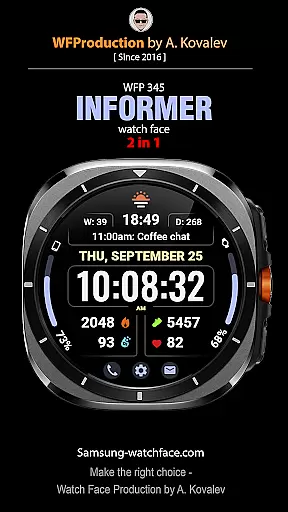
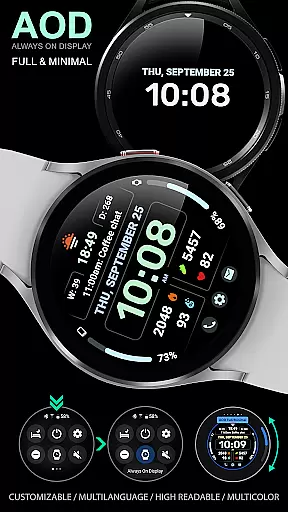
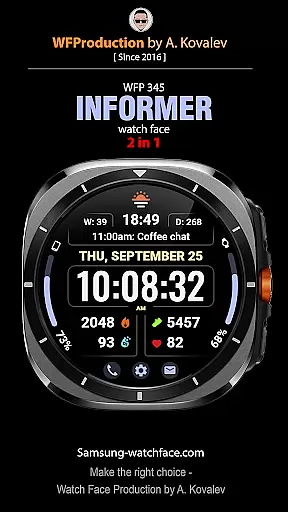
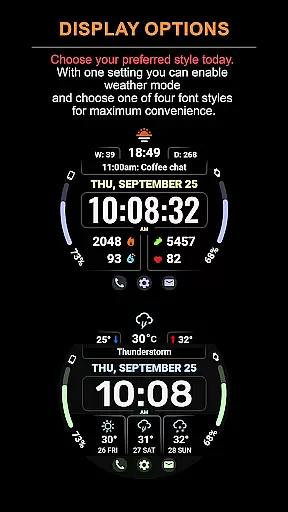
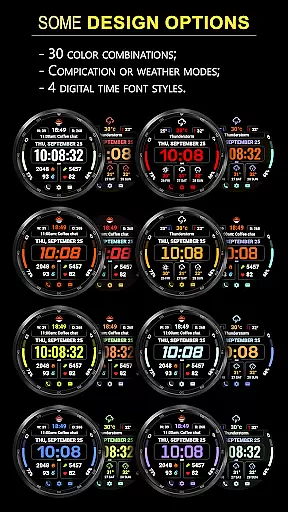
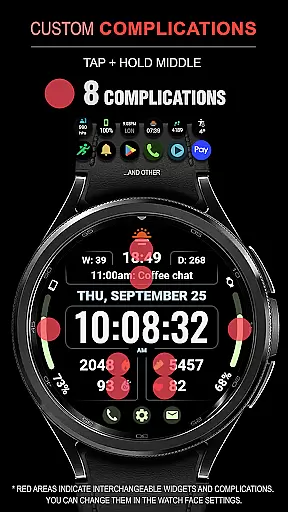
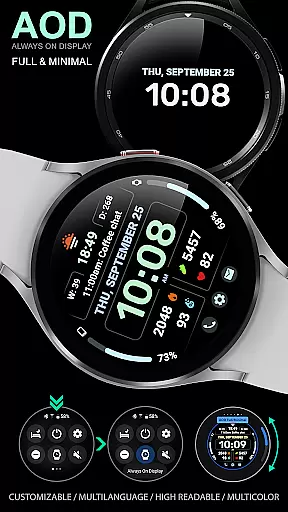
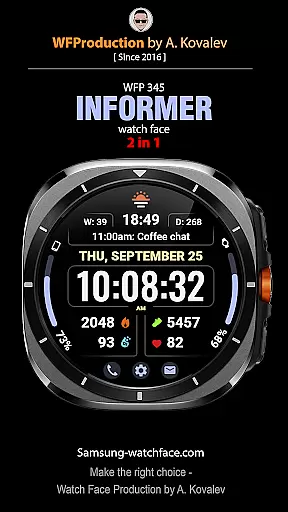
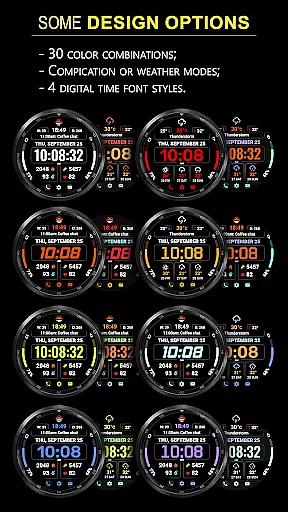
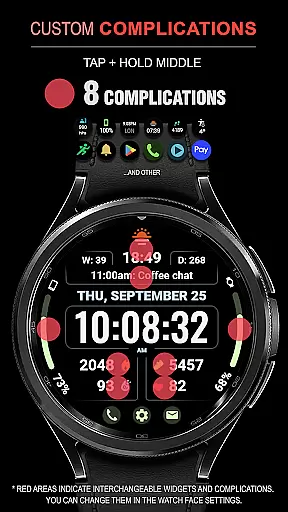
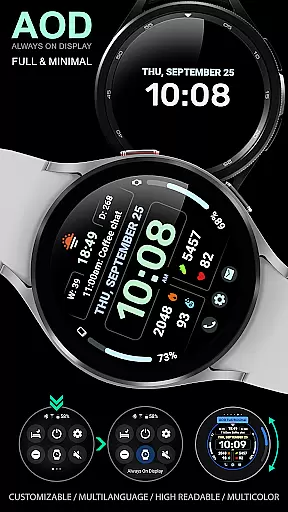
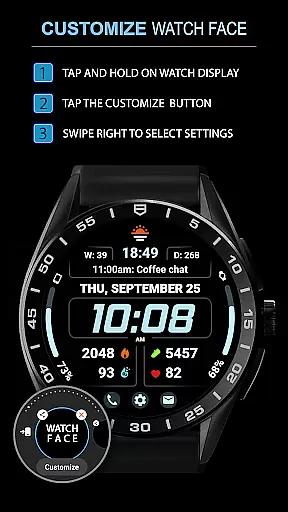
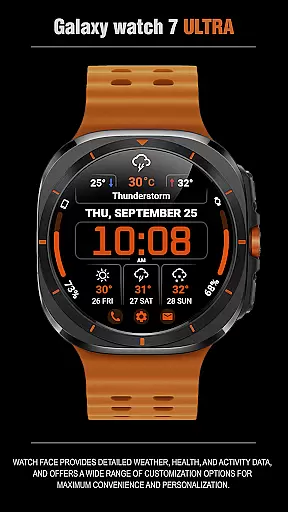
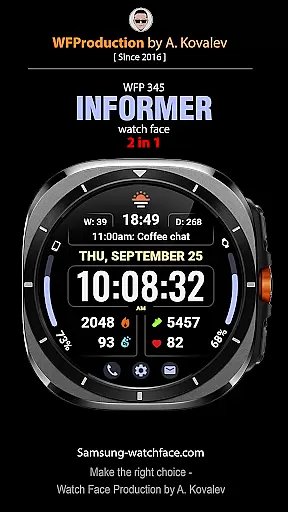
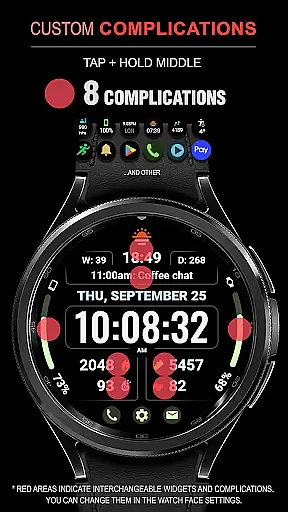
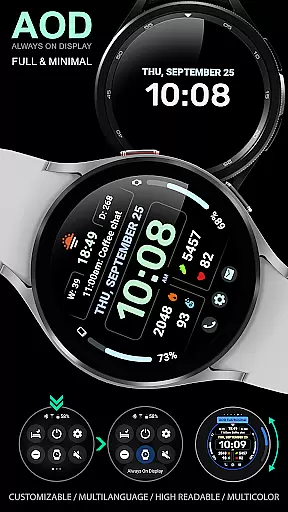
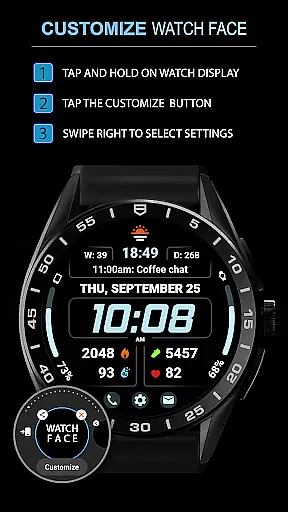
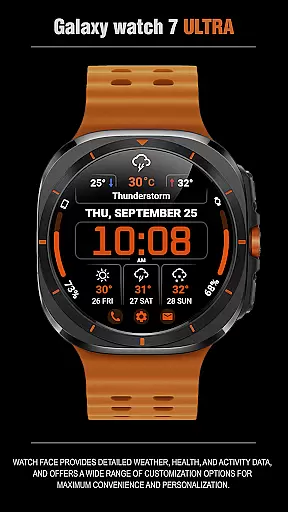
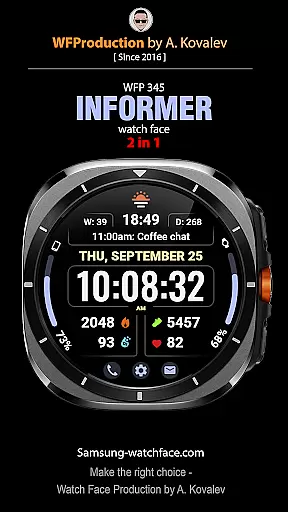
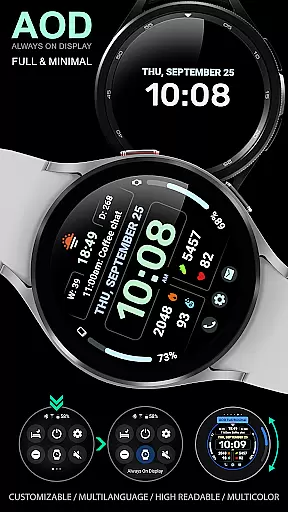
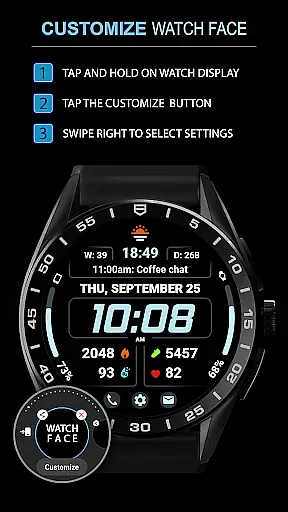
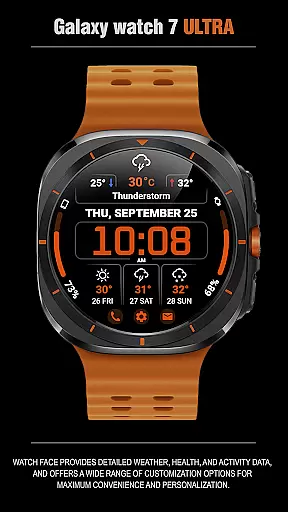
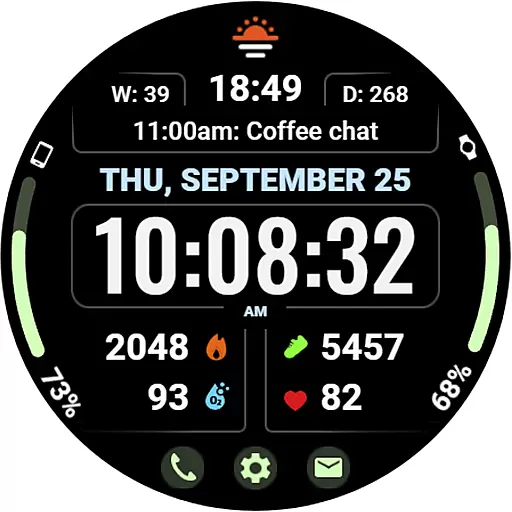
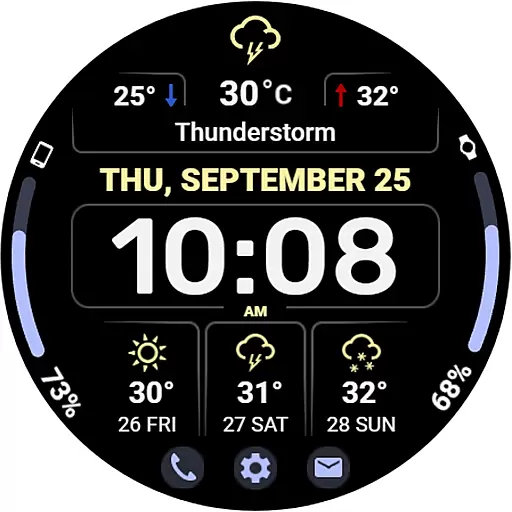
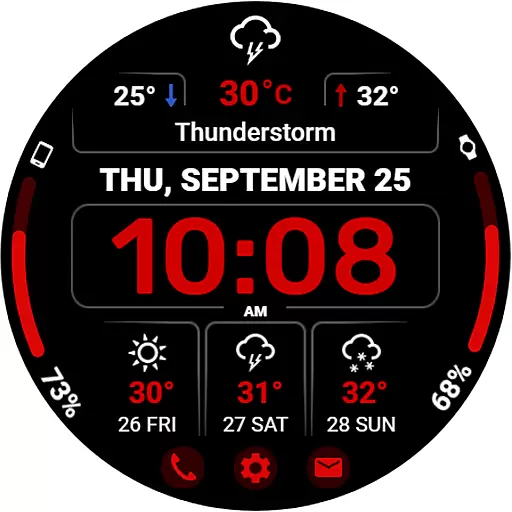
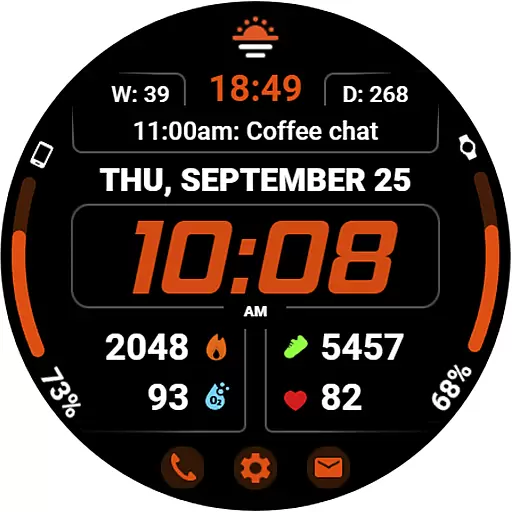
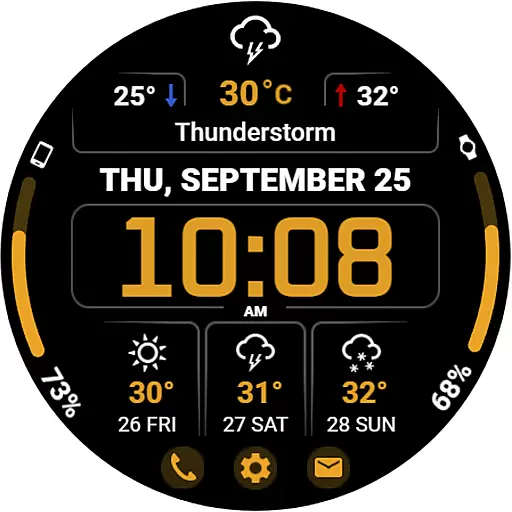
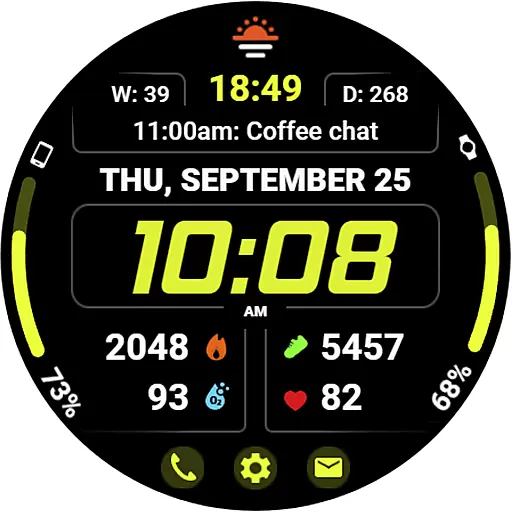
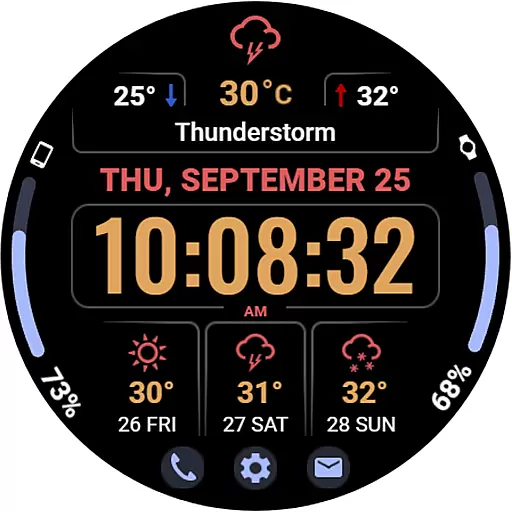
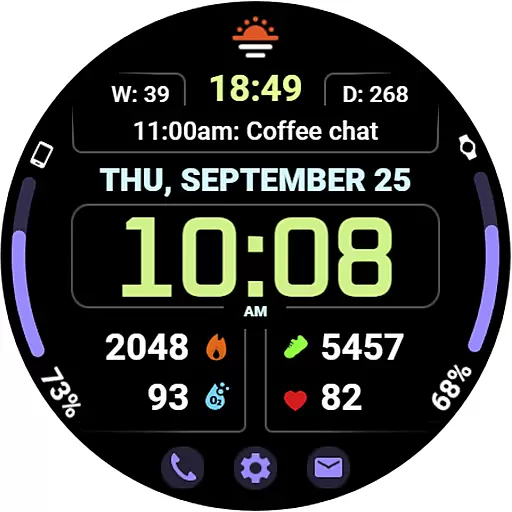
WFP 345 Informer watch face is a feature-rich wearable application designed for smartwatch users who value both style and functionality. This app provides comprehensive details about weather, health metrics, and daily activities while offering extensive customization options to enhance user experience.
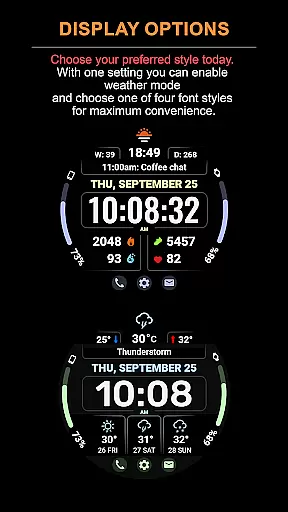
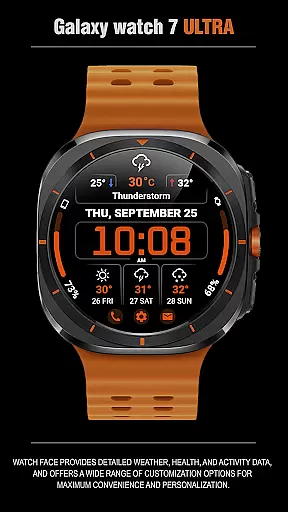
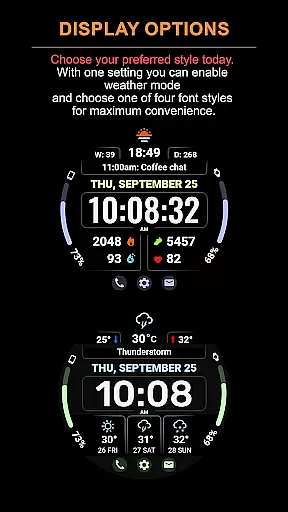
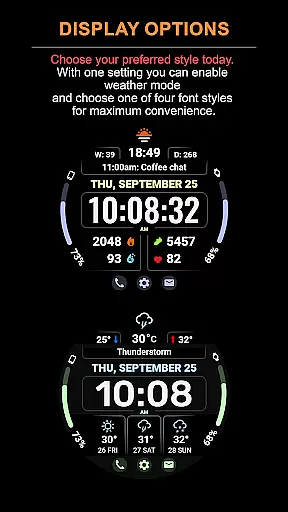
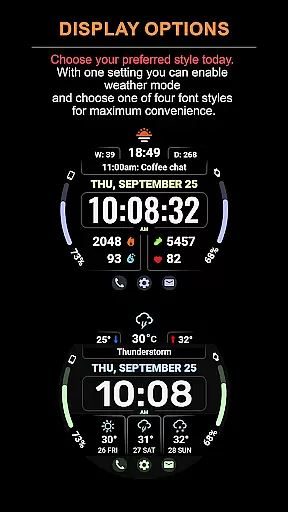
The watch face stands out with its dual modes - one focused on complications and the other on weather forecasting. Users can access an array of features including an 8-complication display, 30 color choices, and various time font styles. It also supports quick access buttons, temperature displays in Fahrenheit or Celsius, and optimized battery consumption.
Whether you're tracking your fitness goals or staying updated with the latest weather conditions, WFP 345 Informer ensures that all necessary information is readily accessible on your wrist, making it an essential tool for tech-savvy individuals.
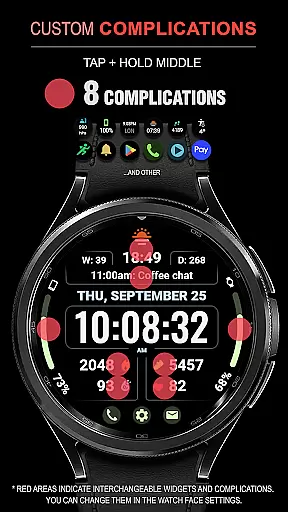
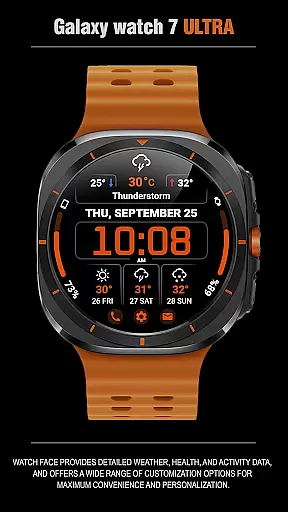
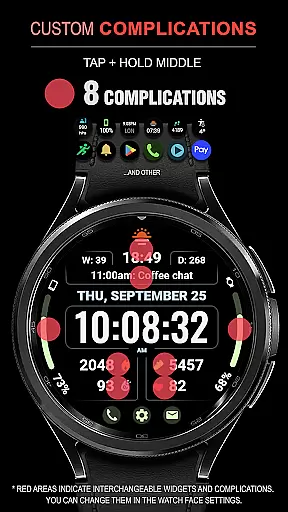
One of the standout features of WFP 345 Informer is its ability to provide detailed insights through its 8 complications which include health stats, activity data, and more. The inclusion of a 3-day weather forecast along with minimum and maximum temperatures adds another layer of utility.
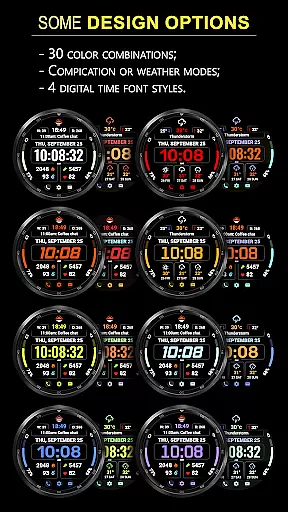
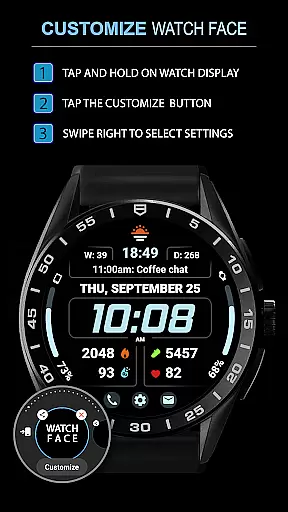
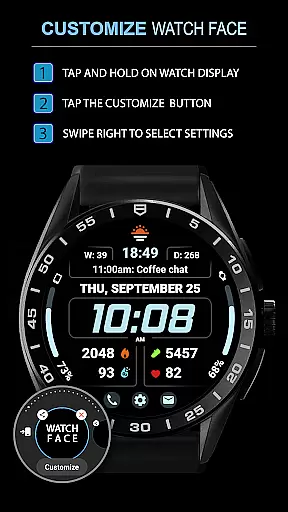
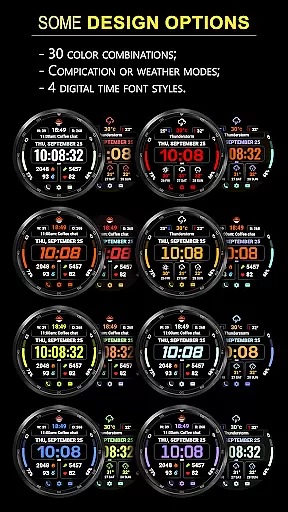
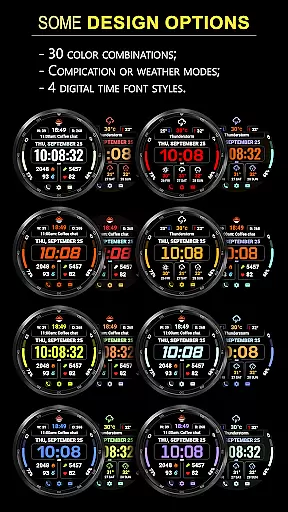
Customization is at the heart of this application with options ranging from 30 different colors, 4 time font styles, and customizable Always-On Display (AOD) modes. Users can switch between 'Complications' mode for detailed stats or 'Weather Mode' for forecasts, ensuring flexibility based on individual preferences.
Additionally, the app boasts high resolution graphics, low battery usage, multilingual support, and active tap zones even when certain features are hidden under specific modes. These aspects make WFP 345 Informer not just visually appealing but also highly practical for everyday use.
Companion app integration is a crucial feature for Android Wear applications like WFP 345 Informer. This functionality ensures seamless synchronization between the watch face and its companion app on your smartphone.
The WFP 345 Informer offers users detailed instructions for installation and setup through its companion app, which can be accessed via samsung-watchface.com. This allows users to easily configure phone charge widgets, health metrics such as calories and floors climbed, and other personalized settings.
By providing clear guidance and support for features like weather forecasts, customizable AOD modes, and multilingual options, the companion app enhances user experience and convenience. Users can effortlessly switch between different modes and complications, optimizing their watch face for both functionality and personal style.
This level of integration not only simplifies the setup process but also empowers users to make the most out of their smartwatch experience by ensuring all features are readily accessible and easy to manage through the companion app.
Ensuring broad device compatibility is essential for any Wear OS application, including WFP 345 Informer. This compatibility allows the watch face to function smoothly across various devices, providing users with a consistent experience regardless of their specific device model.
WFP 345 Informer boasts high optimization and low battery consumption, making it suitable for a wide range of Wear OS devices. Its high resolution and customizable features ensure that it looks great and performs well on different screen sizes and resolutions.
In addition to supporting multiple languages and offering flexible customization options, this watch face supports two distinct modesu2014complications or weather forecastu2014enhancing its versatility. Users can choose the mode that best suits their needs without worrying about performance issues or compatibility constraints.
By focusing on these aspects, WFP 345 Informer guarantees an optimal user experience across diverse devices, reinforcing its position as a stylish yet highly functional choice for Wear OS users.
User-friendly interface
Extensive customization
Accurate weather updates
Health and activity tracking
Optimized battery life
Limited free features
Requires frequent updates
Premium subscription needed
Complex setup process
Occasional bugs reported

Gym Log & Workout Tracker | Fitness Journal, Training & Weight Lifting Planner
 4.90
4.90
Embrace the holiday spirit with this magical animated watch face!
4.40
Stunning modern digital watch face with 7 complications and strong contrast
4.2
Watch face for Wear OS.
4.20
Digital watch face with big numbers and many customization for Wear OS devices
4.40
The #1 source of faces for your smartwatch!
4.00
Simple, helpful messaging by Google
4.60
Fitbit is dedicated to helping people lead healthier, more active lives.
4.10
Back up your contacts & access them anywhere
4.30
Period, ovulation & pregnancy tracker. Fertility insights & menstrual calendar.
4.90
Walking app for weight loss: walk & step tracker, pedometer, indoor treadmill
4.60
Highly customizable hybrid watch face for Wear OS, perfect for everyday use.
4.60
MyNISSAN® lets you remotely control your car from your phone.*
4.50
Connect to your Bluelink equipped Hyundai vehicle from your smartphone.
4.50
Bold, Modern Hybrid Watch Face for Wear OS. 10 Colors, Rich Info Display.
4.30
Wear Os Watch Face - Animated Snow - Sesonal for Christmas & Winter
4.1
A Wintery Snow Globe on Your Wrist; now celebrating Christmas!
4.2
Stylish digital watch face for Wear OS devices with customizable features
4.2
Funny animated watch face for Thanksgiving
4.5


User Reviews