
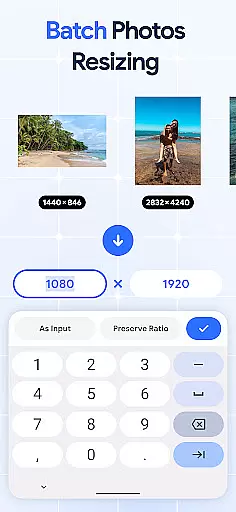
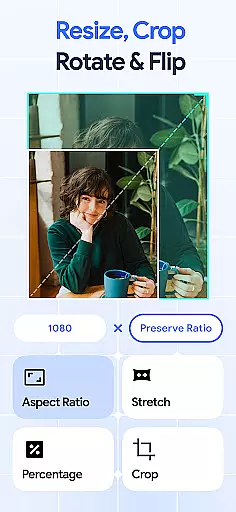
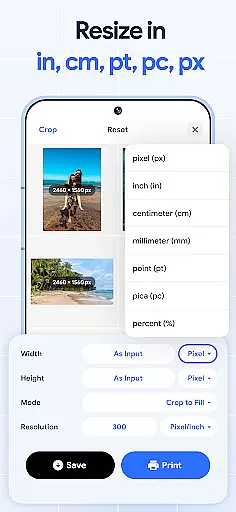
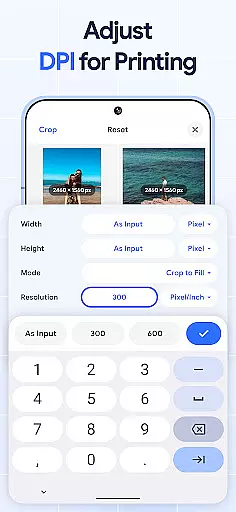
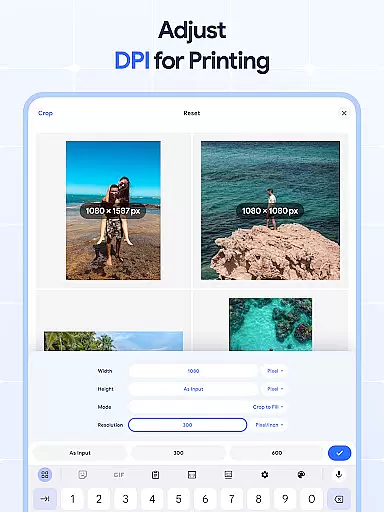
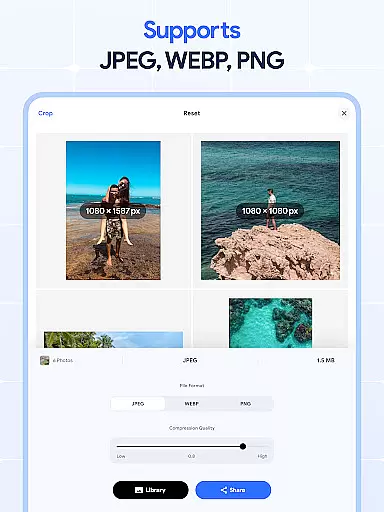
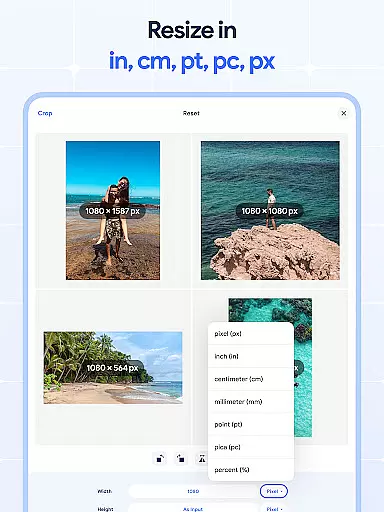
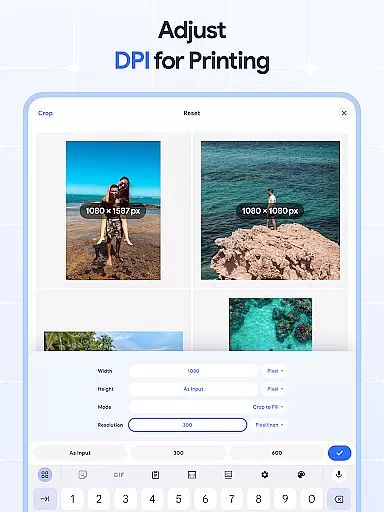
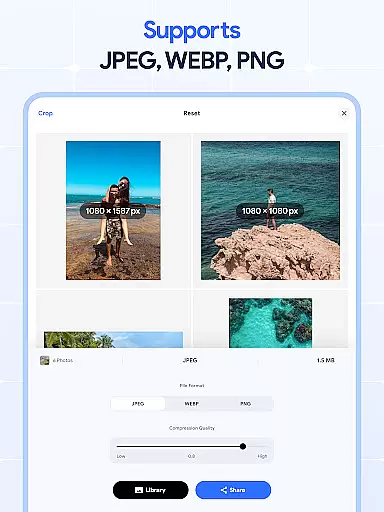
Image Resizer: Crop Photo is a versatile tool designed for resizing, cropping, rotating, flipping, and compressing images with ease. This app is perfect for users who need to adjust photo resolution, change image size, or modify DPI for various purposes such as social media optimization, storage management, or print quality enhancement. With its intuitive interface and powerful features, Image Resizer allows both casual users and professionals to efficiently edit their photos while maintaining high-quality results.
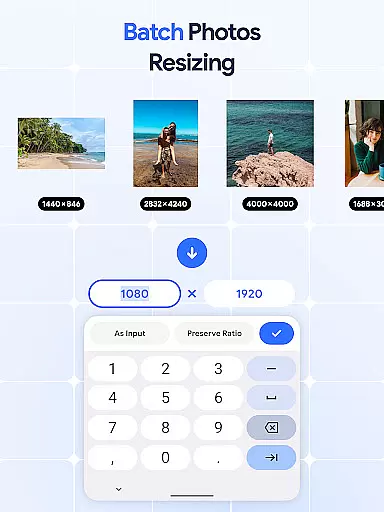
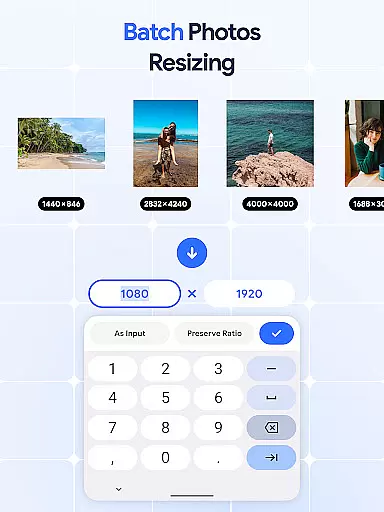
The application stands out with its batch processing capabilities, enabling users to resize multiple images simultaneously. Whether you need to crop pictures, rotate photos in bulk, or compress large files for better storage, this app provides all the necessary tools in one place. Its comprehensive feature set makes it an essential utility for anyone working with digital images regularly.
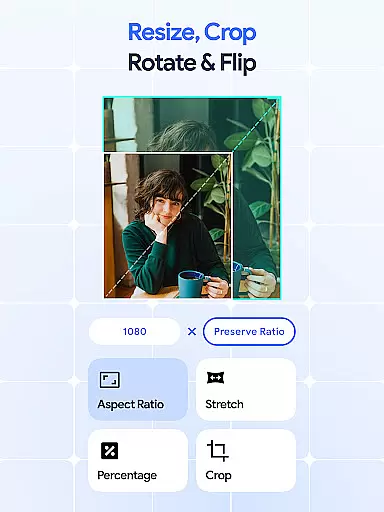
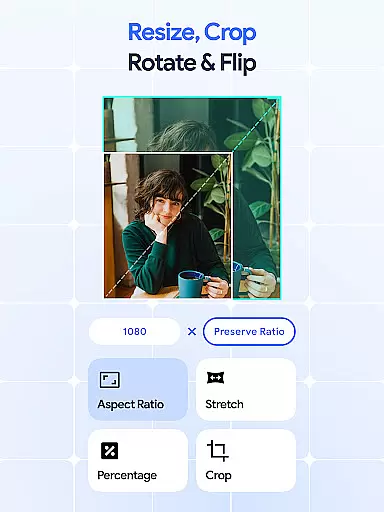
Image Resizer offers an extensive range of features that cater to different image editing needs. One of its core functionalities is the ability to quickly resize images for various platforms, ensuring optimal display and performance. The app's batch resize feature allows users to process multiple pictures at once, significantly reducing editing time. Additionally, the precise cropping tool helps remove unwanted parts of an image, providing clean and professional results every time.
Beyond basic resizing and cropping, Image Resizer includes advanced options such as photo rotation, mirroring, and DPI adjustment. Users can easily rotate pictures in bulk, create mirrored effects with one tap, or modify image resolution for better print quality. The built-in photo compressor maintains excellent image quality while reducing file sizes, making it ideal for optimizing storage and improving sharing efficiency. These comprehensive features make Image Resizer a complete solution for all your image editing requirements.
In the realm of digital art and design, having access to comprehensive tools is essential for bringing creative visions to life. Image Resizer: Crop Photo stands out by offering a wide array of features that cater to various image editing needs. This powerful application allows users to resize images for different platforms, ensuring that their visuals maintain optimal quality and presentation.
One of the key strengths of this app is its batch processing capabilities. Users can efficiently manage multiple images at once, whether they need to resize, crop, rotate, or flip pictures in bulk. This saves significant time and effort, particularly for professionals who handle large volumes of images regularly. The ability to perform batch operations streamlines workflows and enhances productivity.
Beyond basic resizing, the app provides advanced functionalities such as DPI adjustment and photo compression. These features enable users to fine-tune image resolution and file size, crucial for both digital sharing and physical printing. The inclusion of a photo compressor that maintains quality while reducing file size demonstrates the app's commitment to delivering professional-grade tools within a single, user-friendly interface.
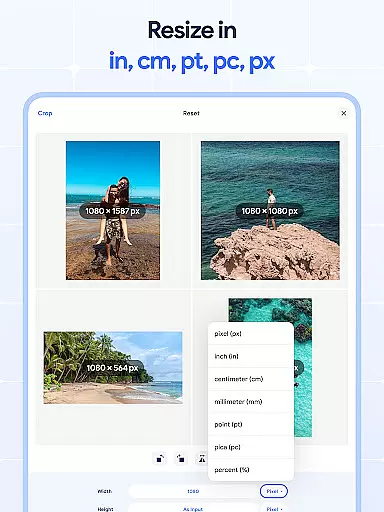
Flexibility in canvas dimensions and file format support is vital for designers who work across various mediums and platforms. Image Resizer: Crop Photo excels in this area by providing users with extensive control over their image parameters. Whether you need to adjust photo resolution for web use or prepare high-quality prints, this application offers the necessary tools to achieve your desired results.
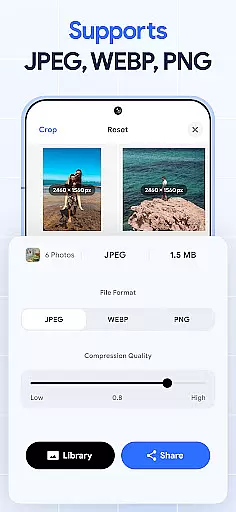
The app supports a wide range of image formats, allowing users to work with their preferred file types without limitations. This versatility ensures that creatives can seamlessly integrate the app into their existing workflows, regardless of their specific requirements or target platforms. The ability to handle different formats also facilitates easier collaboration and sharing among team members and clients.
Furthermore, Image Resizer: Crop Photo includes precise cropping and rotation tools that give users complete control over their canvas adjustments. These features are complemented by batch processing options, enabling efficient management of multiple images while maintaining consistent formatting across projects. The combination of flexible canvas manipulation and robust format support makes this application an invaluable asset for both amateur and professional designers alike.
User-friendly interface
Batch processing capability
High-quality results
Comprehensive editing tools
Efficient performance
Limited advanced editing
No cloud integration
Basic filters only
Occasional bugs
Premium features locked

Learn how to draw with step-by-step tutorials, fun lessons & multiplayer drawing
 4.70
4.70
Image/ Text to Video Generator
4.40
AI Face Swap, Video Effects Editor, Realtime Morph, Funny Video FX,AI Filters
3.70
Create stunning video, photo & magic from text with FlixAI GPT video generator.
3.10
800+ Drawing, Painting Lessons App to Practice, Sketch & Paint Art.
4.30
Unleash the artist in you with our AR drawing and tracing tool for photo drawing
4.10
Kling AI is an image and video generation and editing studio powered by AI.
4.50
Turning simple sketches into captivating tales filled with life and motion
3.90
An intuitive, high-performance painting app that lets you focus on creating
4.40
Create stunning art with AI.
4.80
Make your phone cooler and have a fantastic experience
4.80
Create neon drawing with magic doodle and fun doodle art effects!
4.50
Photo blender app to create overlay photos & double exposure.
4.40
Create and Design Custom Logos in Seconds with AI-Powered Tools!
4.40
Remove Background, Magic Eraser, Photo Enhancer, Story Templates, Collage Maker
4.30
Unleash Your Creativity with Draw Cartoon - AR Drawing App
4.10
Art of Combination Wear OS Watch faces (for Wear OS 5+ devices)
3.00
Transform photos into amazing monochrome dither art with professional algorithms
4.3
Art of Combination Wear OS Watch faces
4.0


User Reviews