
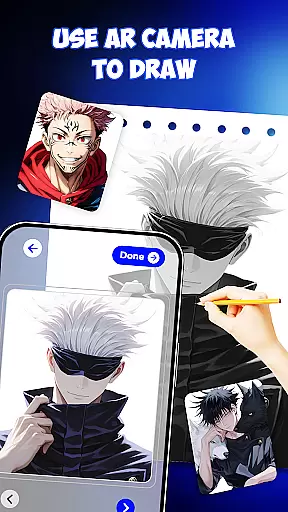
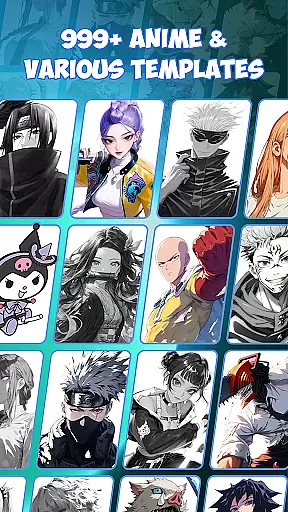
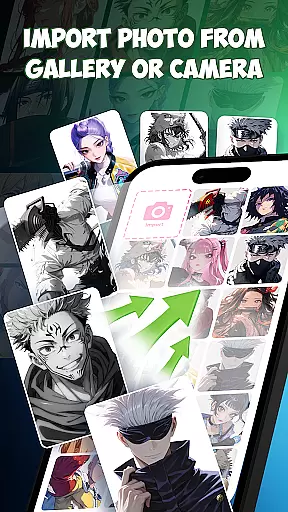
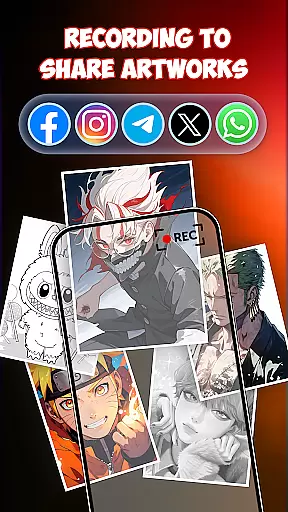
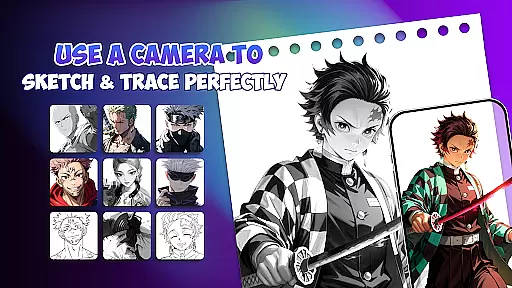
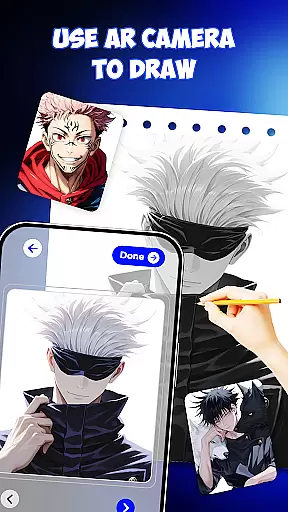
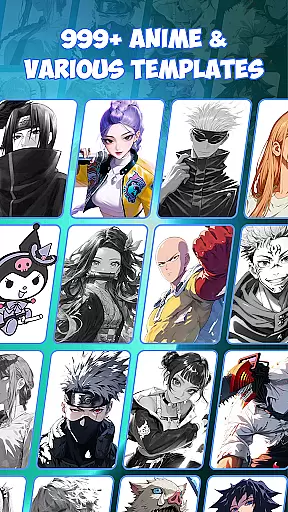
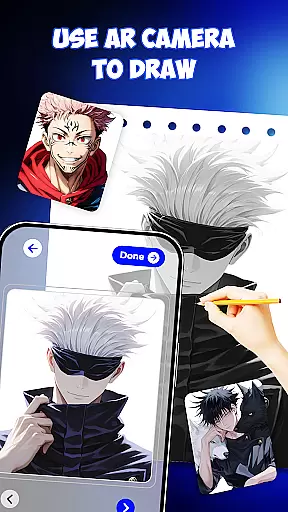
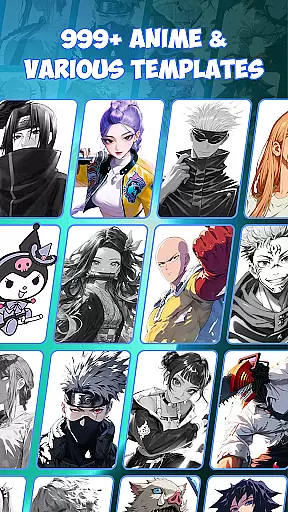
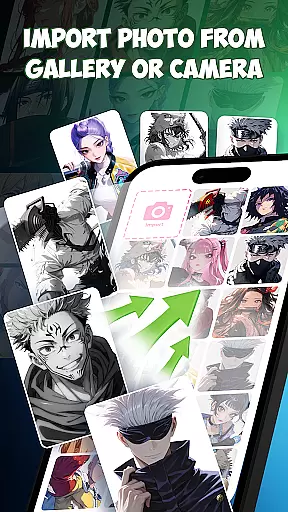
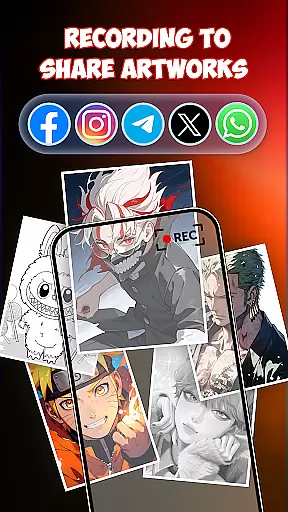
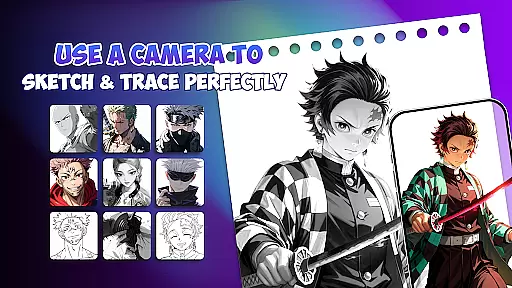
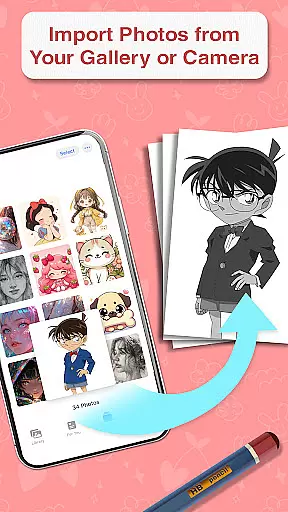
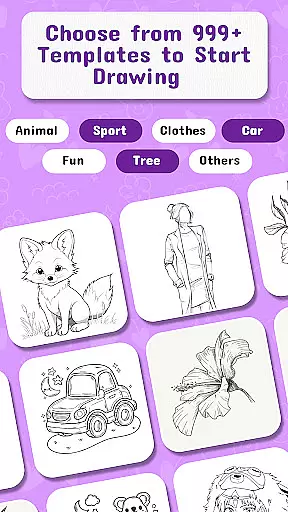
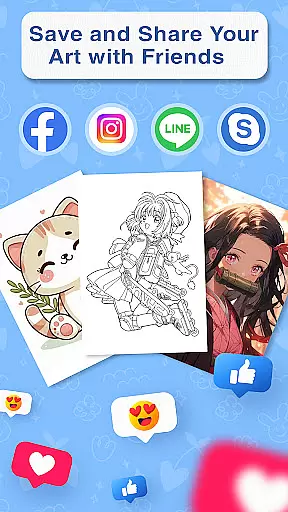
Draw Anime is an innovative AR-powered application designed to help users learn and master anime drawing. This app combines augmented reality technology with step-by-step guidance, making it easy for beginners and experienced artists alike to sketch, trace, and paint anime characters. With 999+ templates and AI-supported creativity tools, the app provides a comprehensive platform for practicing various art styles including manga, doodle art, and pop art.
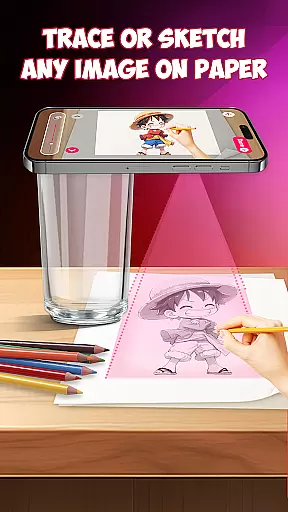
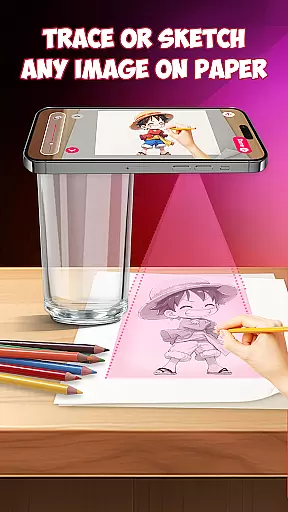
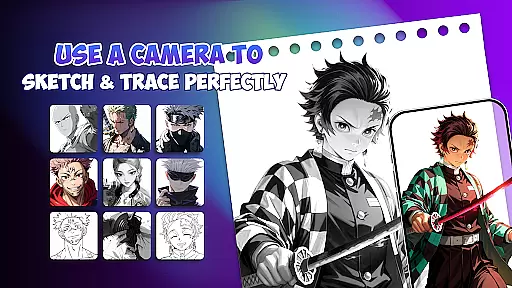
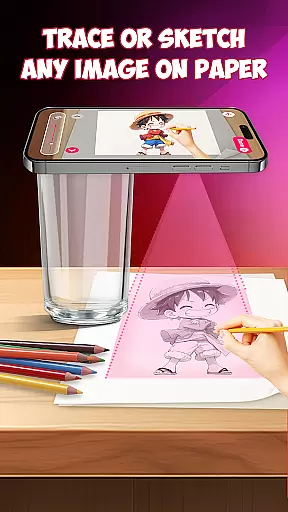
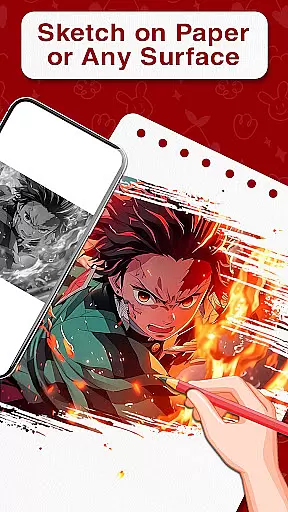
The app's standout feature is its AR guidance system that projects outlines directly onto paper, allowing users to trace characters with precision. Whether you're learning to draw at home, preparing for art school, or designing tattoo sketches, Draw Anime offers the tools you need to improve your skills. The app works as both a learning tool for beginners and a professional-grade drafting and design platform for advanced artists.
What makes Draw Anime particularly valuable is its versatility - it's suitable for all skill levels and serves multiple purposes from educational tracing practice to creative design work. Users can enjoy unlimited practice through free drawing features while building essential muscle memory through repeated tracing exercises. The combination of traditional sketching methods with modern AR technology creates a unique and effective learning experience that helps users achieve their artistic goals faster and more accurately.
Draw Anime distinguishes itself through several remarkable features that enhance the drawing experience. First and foremost is its Augmented Reality (AR) guidance system, which projects virtual outlines onto physical paper, enabling precise tracing and accurate character replication. This feature alone revolutionizes traditional drawing methods by providing real-time guidance and instant feedback.
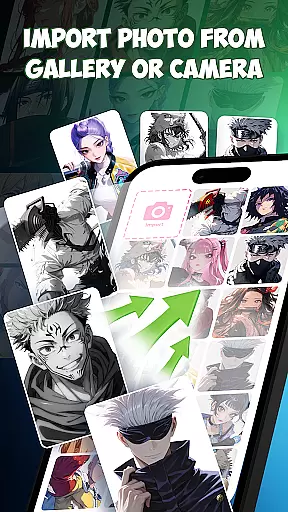
The app also boasts an extensive library of 999+ templates covering various anime characters, styles, and difficulty levels. These templates are complemented by AI-powered drawing support that suggests creative modifications and enhancements to user sketches. The step-by-step lessons cater to different skill levels, from basic sketching to advanced painting techniques. Additionally, the app includes specialized tools for drafting and design, making it suitable for professional artists who require precision in their work.
What truly sets Draw Anime apart is how it seamlessly integrates multiple functions into one platform. Users can switch between tracing, freehand drawing, and digital painting modes while enjoying features typically found in separate applications. The app's ability to serve both educational and professional purposes, combined with its accessibility for beginners and depth for experts, makes it a uniquely comprehensive solution for anyone interested in anime art.
In the realm of digital art, having access to comprehensive creative tools is essential for artists to fully express their visions. Draw Anime offers an extensive suite of features that cater to both budding and experienced artists alike.
At the core of this app lies its powerful combination of augmented reality guidance, step-by-step lessons, and AI-supported drawing capabilities. These elements together provide users with a rich palette from which to draw upon (pun intended), allowing them to trace, sketch, and paint anime characters with precision.
Users benefit from over 999 templates that serve as starting points for creativity. Whether it's manga, doodle art, or pop art, the app provides all necessary implements for artists to draft and design with accuracy. This vast template library ensures that no matter the idea, there's likely a foundation ready to be built upon.
The integration of AR picture drawing and traditional sketching techniques accelerates the learning curve for novices while offering seasoned creators innovative methods to refine their craft. With these complete creative tools at hand, users can seamlessly transition from concept to creation in an enjoyable environment tailored for continuous artistic growth.
Flexibility in canvas and format options is crucial for artists who wish to explore different styles and dimensions within their work. The Draw Anime app addresses this need by providing adaptable solutions that cater to various artistic expressions.
With augmented reality as its backbone, the app allows users to place paper on their desk and follow virtual outlines projected directly onto the physical surface. This feature bridges digital convenience with tangible media, granting artists the freedom to choose between creating artwork digitally or using traditional pen and paper.
Moreover, the application supports drafting and design drawing tools that are precise enough for professional use yet simple enough for beginners. Artists can switch between freehand drawing, tracing existing images, or even designing tattoo sketches without being constrained by predefined formats or sizes.
This versatility empowers creators not only to learn how to draw anime characters but also to experiment with diverse forms such as doodles, paintings, and sketches across multiple mediums. By removing limitations on canvas size or type, Draw Anime fosters an inclusive space where imagination dictates formu2014be it through ar doodles translated into real-life drawings or complex designs envisioned in 3D paint.
User-friendly interface
Extensive template library
AI-powered assistance
AR guidance system
Cross-skill level support
Requires stable internet
Premium features locked
Device compatibility issues
Steep learning curve
Limited offline functionality

AI generated images & photos, turn your words into drawing, painting & pictures.
 4.30
4.30
Premium version of Shimeji-ee app with no ads & no limit active shimeji
4.1
Unleash Your Creativity with Draw Cartoon - AR Drawing App
4.10
Painting, drawing, & sketching
4.50
Novices can also easily complete diamond painting masters
4.70
Minecraft & Roblox Clothes
4.70
2D animation studio for Android tablets - unlimited layers, infinite timeline
4.70
Inky runs Inkscape on Android devices and Chromebooks
2.90
All-in-One art, logo & collage maker. Design photos and edit video backgrounds
4.80
Your AI soulmate — meaningful chats, and unique emotional moments
4.70
Digital, Abstract, Classic - all types of color wheels in one app!
4.60
Draw glowing spinners, relax, and spin your creative art
4.60
Sketch, plan, take notes and illustrate on an infinite canvas.
4.20
OneUI 8.5 icons ✨ Smooth, modern & based on the latest Play Store design ??
4.10
Unleash the artist in you with our AR drawing and tracing tool for photo drawing
4.10
Art of Combination Wear OS Watch faces (for Wear OS 5+ devices)
3.90
Art of Combination Wear OS Watch Faces
3.30
Transform photos into amazing monochrome dither art with professional algorithms
4.4
Art of Combination Wear OS Watch faces
4.2


User Reviews