![[KNA003] SHADOW](https://cdn.linksharehub.com/ocp/?u=https%3A%2F%2Fl3.fancapitalize.com%2Fimages%2F2025%2F12%2Fed57289588f1b2b2f7d51c4bcafcf7a9.jpg&t=webp)
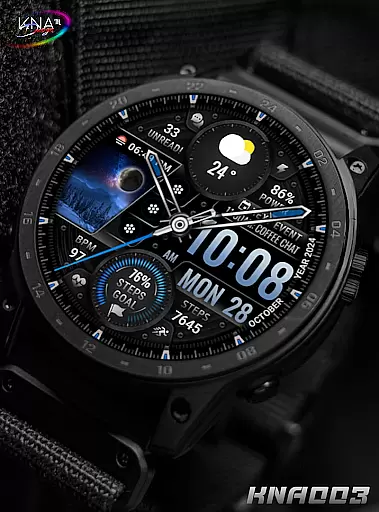
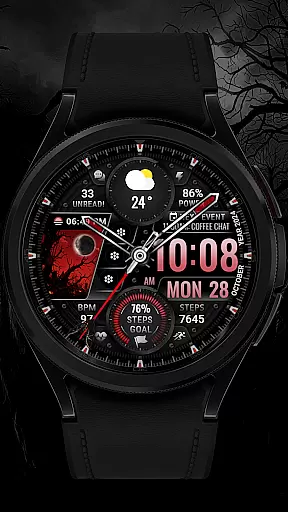
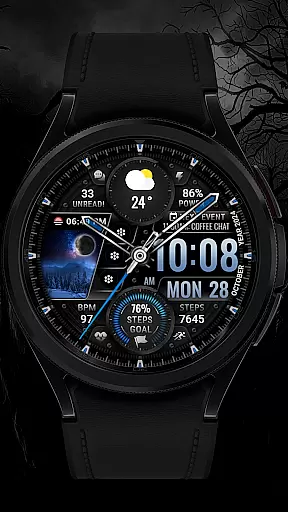
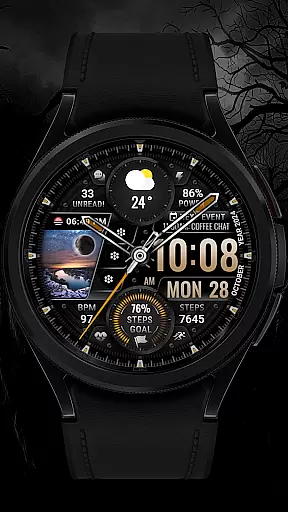
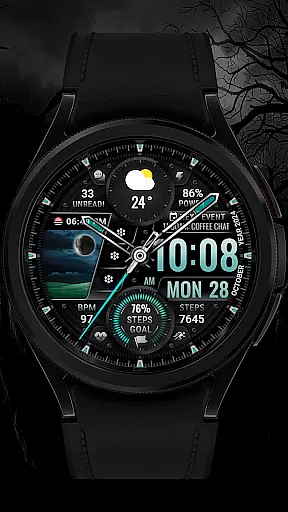
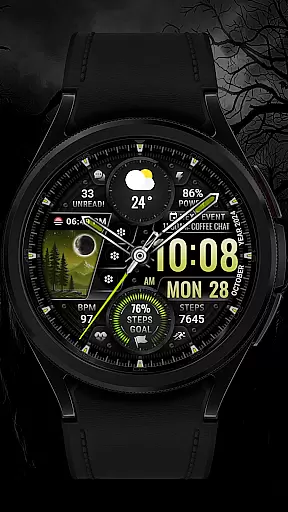
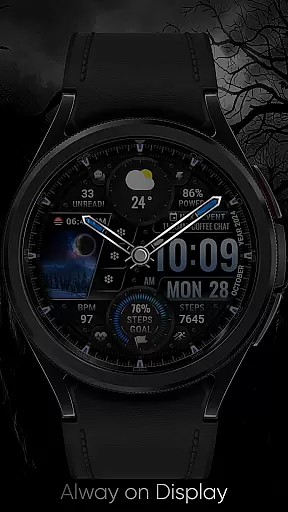
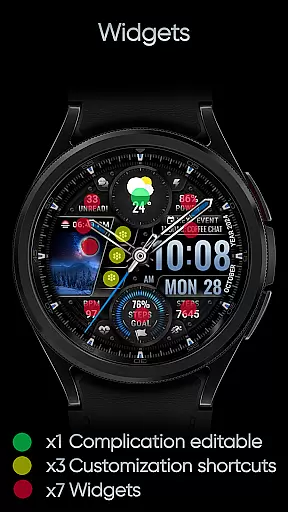
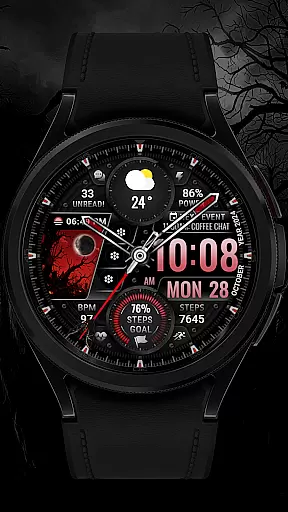
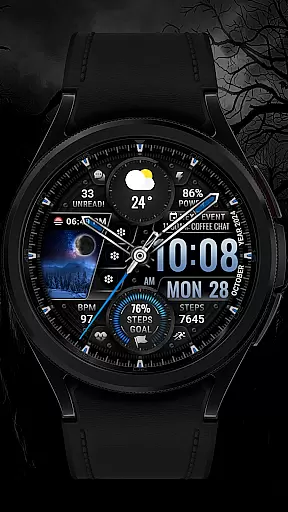
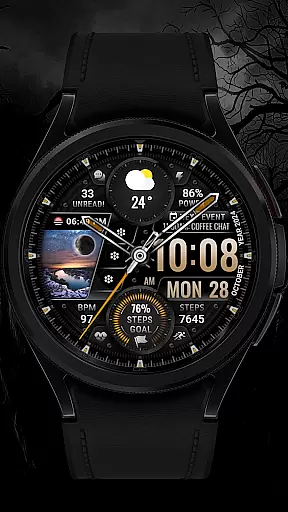
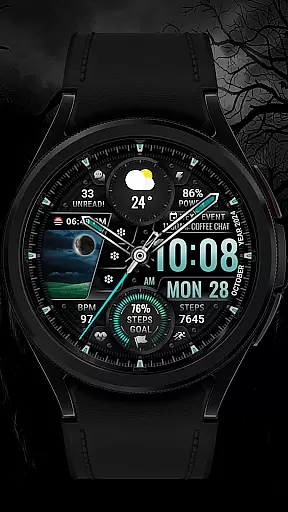
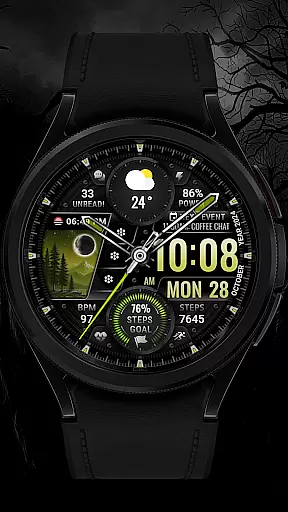
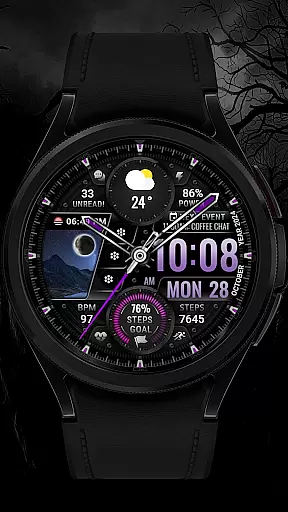
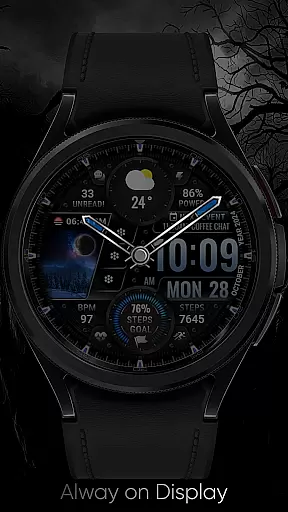
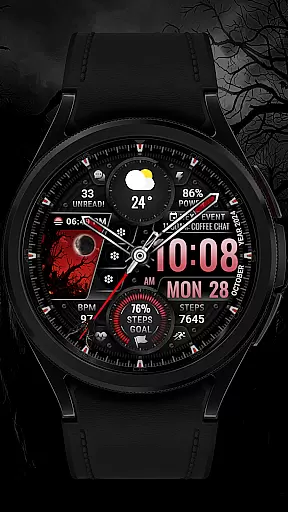
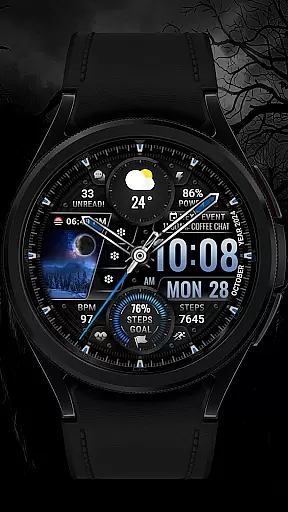
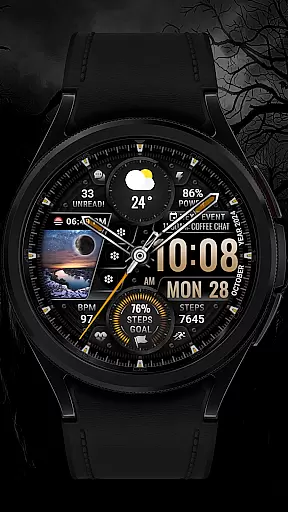
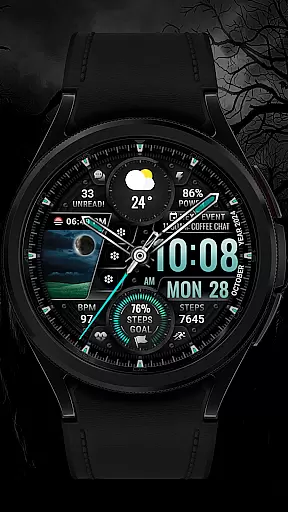
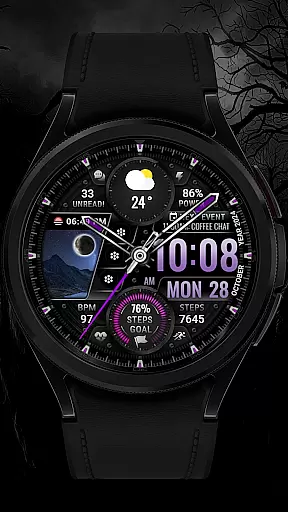
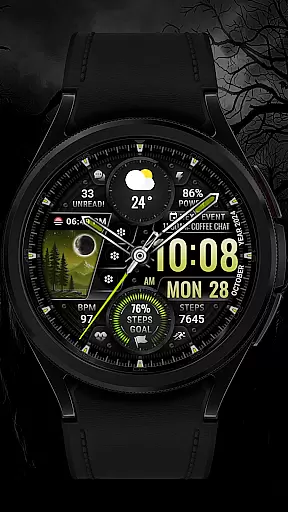
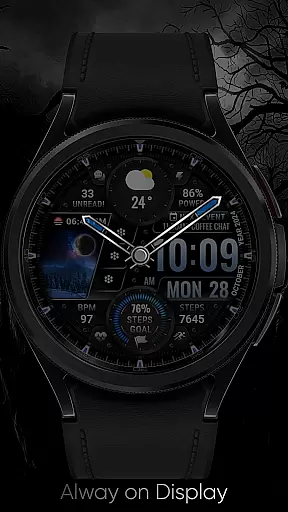
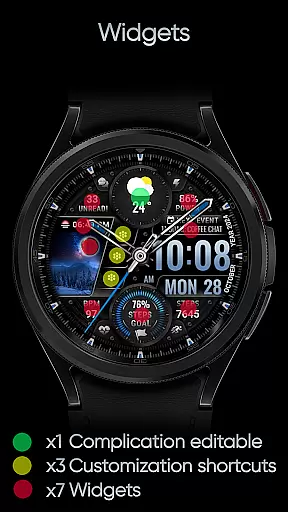
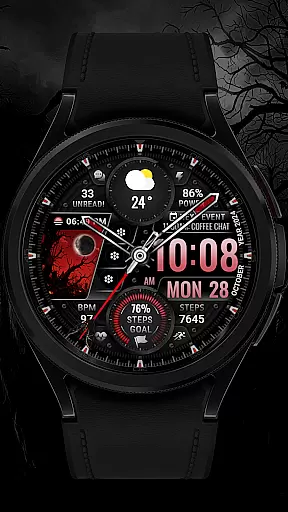
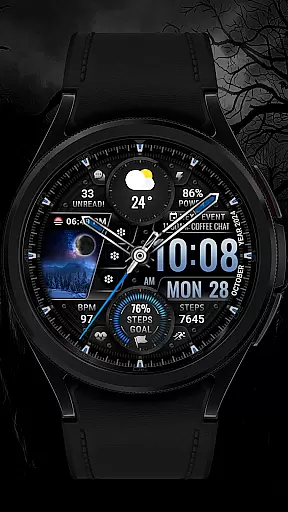
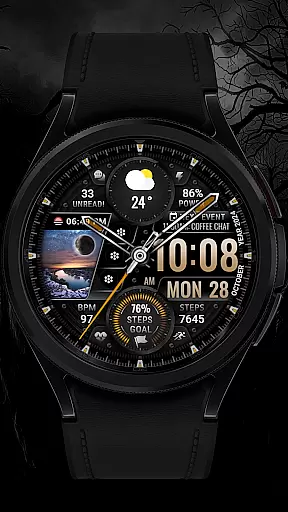
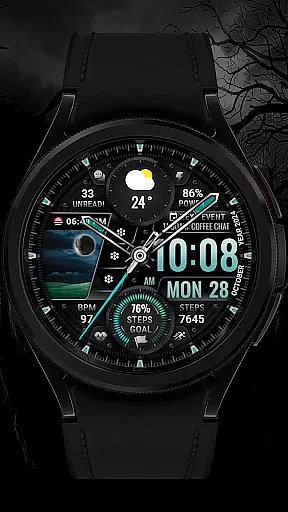
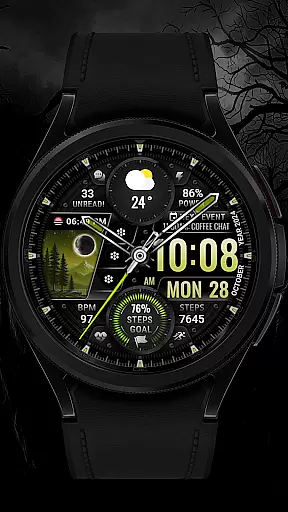
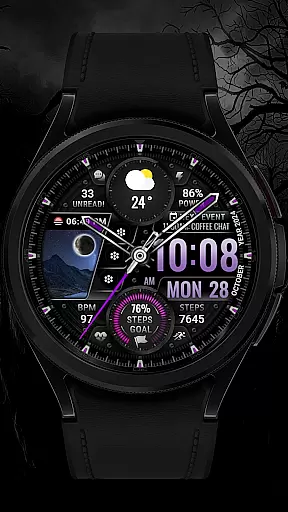
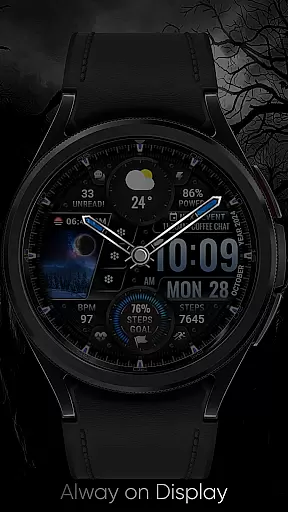
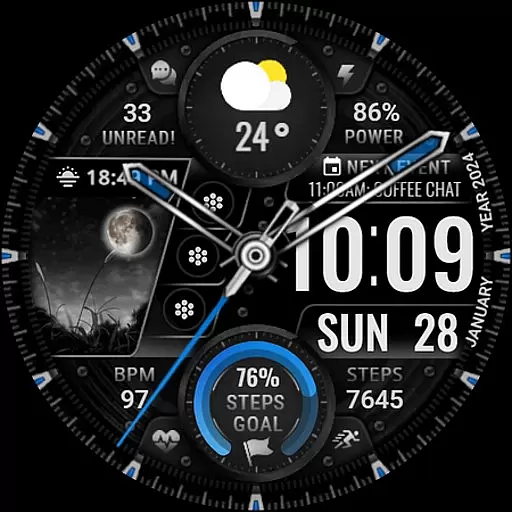
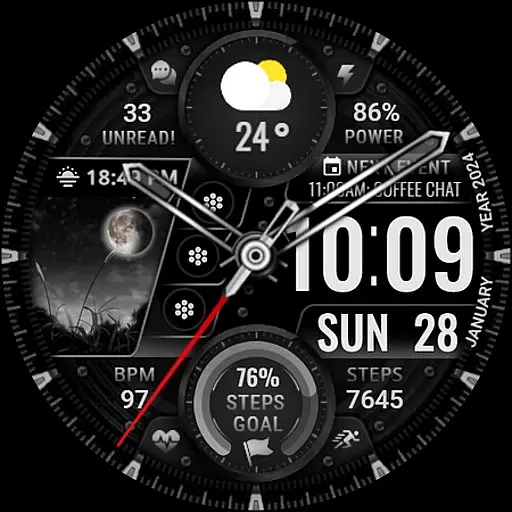
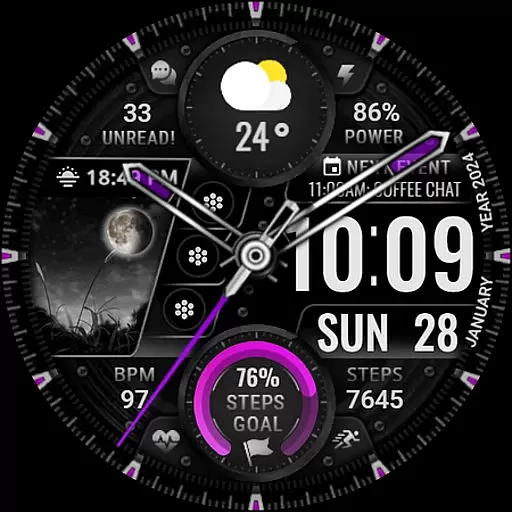
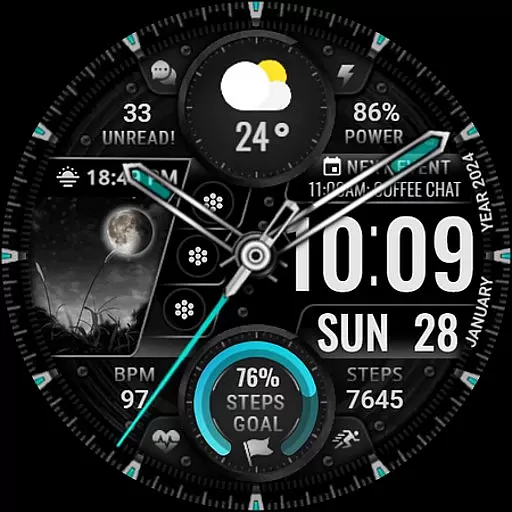
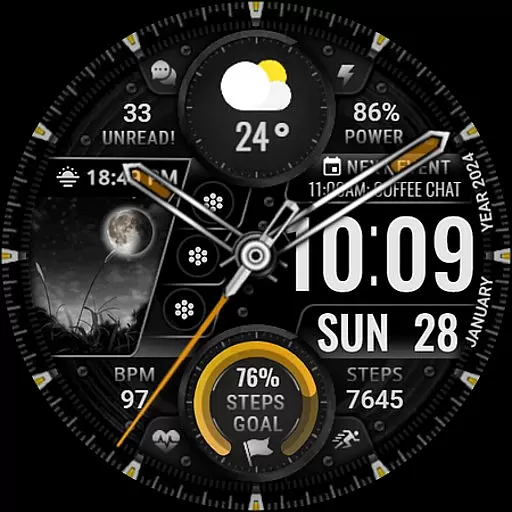
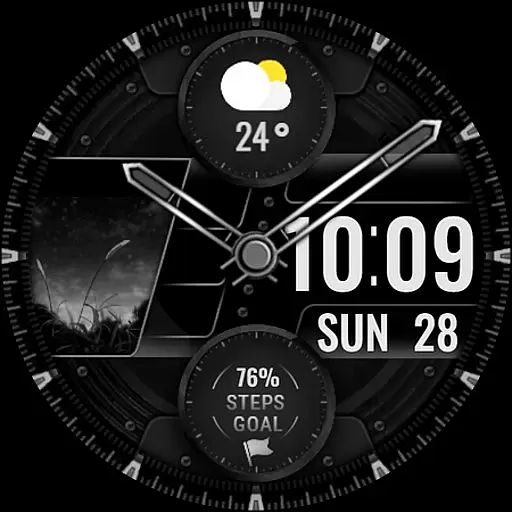
[KNA003] SHADOW is a feature-rich watch face designed specifically for Wear OS devices, offering users both analog and digital styles to suit their preferences. With compatibility across API level 30+ devices including Google Pixel and Galaxy Watch series, this app brings customization to your wrist.
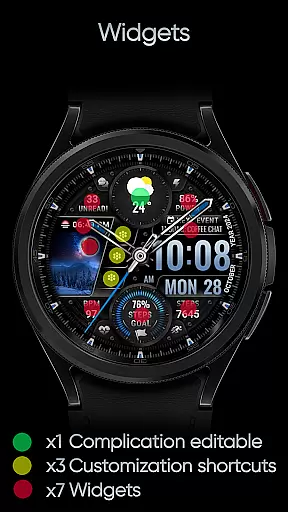
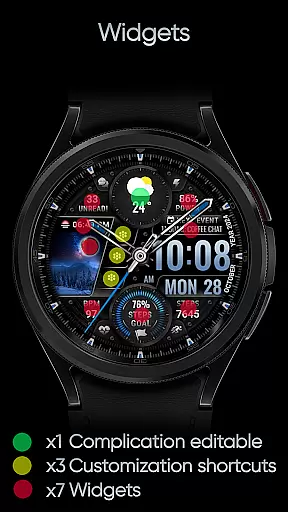
Key features include date, day of the week, and month display, along with one editable complication and three app shortcuts. Users can choose from five color options for the background, clock hands, and steps progress. The watch face also displays essential health and device information such as step count, heart rate, battery level, moon phase, unread messages, and upcoming events.
This application is ideal for those who value both aesthetics and functionality on their smartwatch, allowing personalization while providing necessary data at a glance.
The [KNA003] SHADOW watch face stands out with its extensive customization options. It supports both analog and digital styles, catering to different user preferences. The inclusion of an editable complication allows users to display personalized data such as weather or world clock directly on their watch face.
With three editable app shortcuts, users can quickly access frequently used applications. The watch face offers five color choices for the background, clock hands, and steps progress, ensuring it matches individual style. Additionally, it provides vital information like step count, heart rate, battery level, moon phase, unread message count, and next event details.
A unique field background animation adds visual appeal, making this watch face not only functional but also visually engaging. Note that some features may vary in availability depending on the specific watch model.
In the realm of digital art and design, having a comprehensive set of creative tools is essential for unleashing one's artistic potential. The [KNA003] SHADOW Wear OS watch face stands out by offering an impressive array of features that cater to both analog and digital tastes. With customizable complications, users can tailor their watch face with various data points such as weather, world clock, and more.
This application provides up to 5 color options for backgrounds, clock hands, and step progress indicators which allows users to personalize their experience according to their aesthetic preferences. Additionally, it includes practical information displays like date, day of the week, month, steps count, heart rate, battery level, moon phase, unread message count, and next event notifications.
For those who appreciate interactive elements in their design toolkit, this watch face supports field background animations adding another layer of visual interest. By touching and holding the display followed by tapping on the customize option, wearers are empowered to modify these aspects at will.
The inclusion of 1 editable complication along with 3 app shortcuts ensures that functionality matches form; users can access frequently used applications directly from their wrist without compromising on style or efficiency. This complete package makes [KNA003] SHADOW not just a timepiece but also a canvas for self-expression through technology.
Flexibility in canvas size and format is crucial when designing within limited spaces such as wearable devices. The [KNA003] SHADOW watch face excels in providing designers with adaptable formats that suit different Wear OS models including Google Pixel watches and Galaxy Watch series 4, 5, 6 among others compatible with API level 30+.
Designers using [KNA003] SHADOW have the freedom to adjust not only what information is displayed but how it appears visually. Options range from choosing between analog or digital styles to selecting specific colors for backgrounds, clock hands, and activity trackersu2014all contributing towards creating a personalized look that fits seamlessly into any lifestyle.
Moreover, despite its rich feature set, setting up your ideal watch face remains straightforward thanks to clear instructions provided by the developer. After installation, simply touch and hold the display then tap 'Customize'u2014a process designed to be intuitive even for those new to smartwatch customization.
It should be noted though that while many features are widely supported across devices, some might vary depending on individual hardware capabilitiesu2014a consideration ensuring optimal performance without overextending beyond device limitations. Overall, [KNA003] SHADOW delivers a harmonious blend of versatility and ease-of-use making it an excellent choice for anyone looking to enhance their wearable tech experience.
Highly customizable
Visually appealing design
Compatible with multiple devices
Displays essential health metrics
User-friendly interface
Limited to Wear OS
Some features not available on all watches
Requires manual setup
No automatic application
Complex for beginners

Pose and morph realistic male and female models! 3D poser app
 3.00
3.00
Easy 3D drawing design maker & creator. Model designing, Sculpting. Create&paint
4.00
Digital illustration drawing & painting pad app to paint Anime and Manga art
4.50
Unleash your drawing and painting potential
4.50
Draw on screen: FP sDraw is a simple and lightweight drawing app
4.70
Unleash Your Creativity with Draw Cartoon - AR Drawing App
4.10
Novices can also easily complete diamond painting masters
4.70
Create cute cat emojis & PFPs! Fun, custom avatars for cat lovers.
3.70
Unleash your inner artist! Sketchar: AR Drawing for Limitless Creativity
4.40
Create stunning art with AI.
4.80
Passport size photo maker, create ID photo and visa photo in seconds
4.80
Logo Generator powered by AI: Create stunning logos effortlessly!
4.70
Digital, Abstract, Classic - all types of color wheels in one app!
4.60
Draw beautiful mandala's very easily
4.60
Castle is social media for creating and playing games!
4.60
Get an overview over all your embroidery threads, projects and more.
4.60
Bring One UI 8.5 Icons to life -elegant dark icons with a modern, premium touch.
4.30
Unleash the artist in you with our AR drawing and tracing tool for photo drawing
4.10
Draw anime easily with AR guidance, sketch templates & trace tools!
3.10


User Reviews