
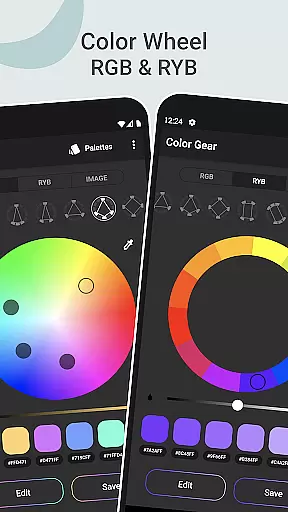
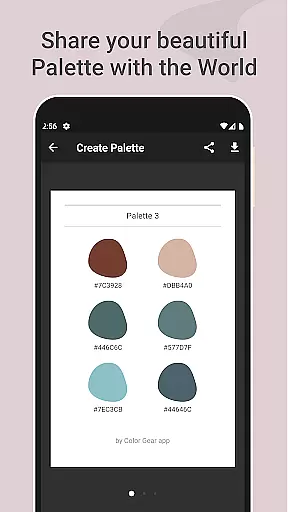
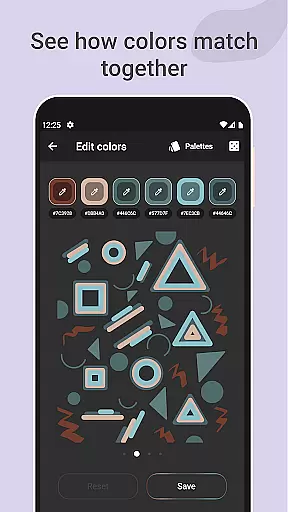
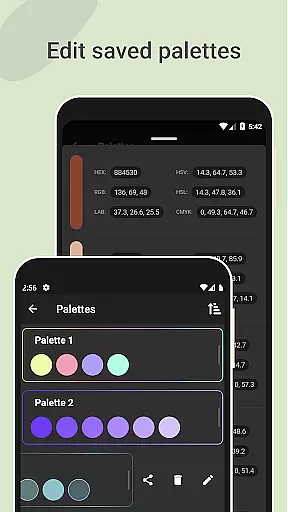
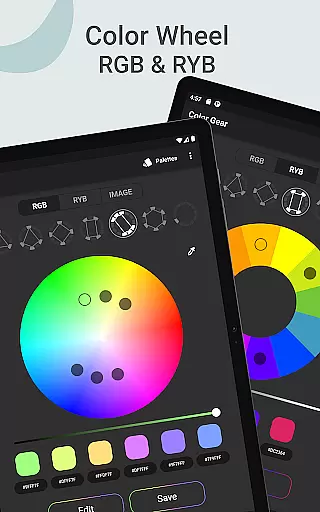
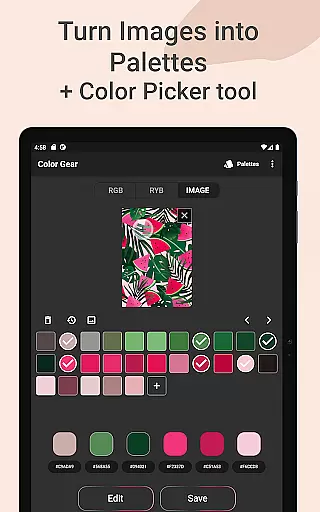
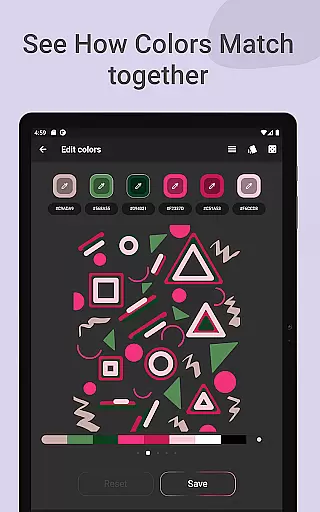
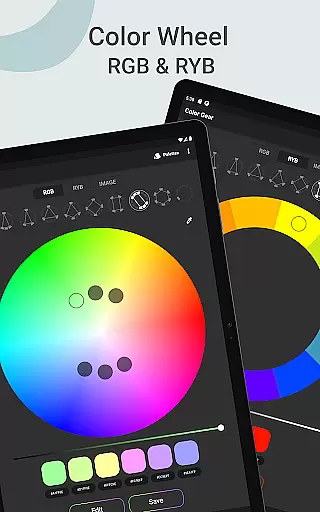
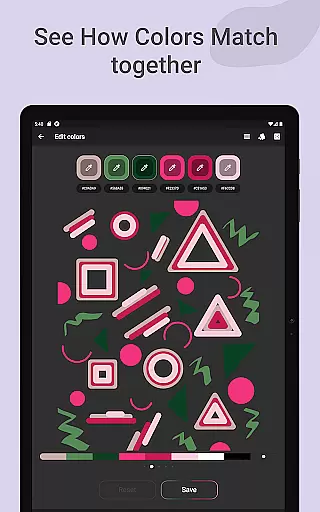
Color Gear is an essential tool for designers and artists, offering a comprehensive suite of features to create harmonious color palettes based on color theory. The app supports two color models - RGB and Itten Color Wheels, allowing users to apply over 10 color schemes. This makes it versatile for both digital media and traditional art forms.
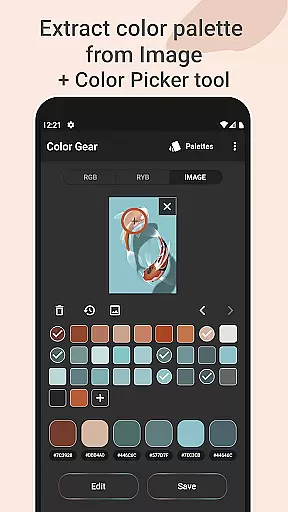
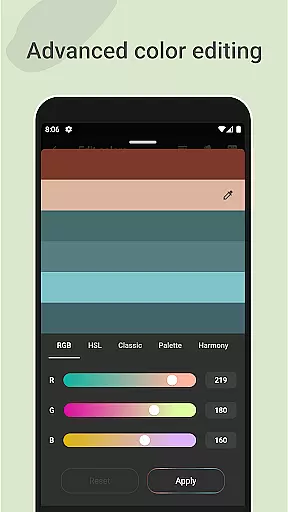
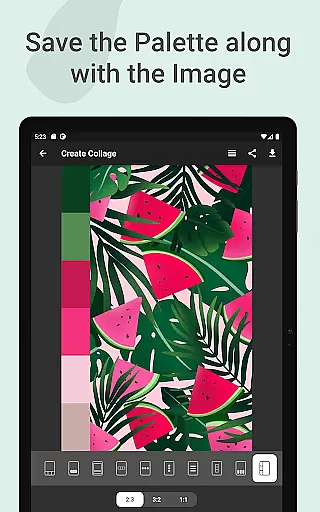
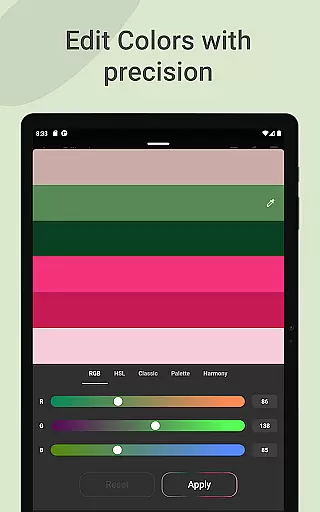
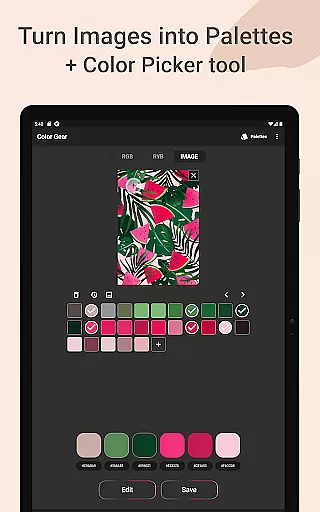
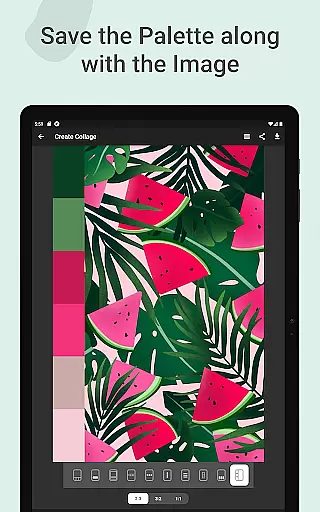
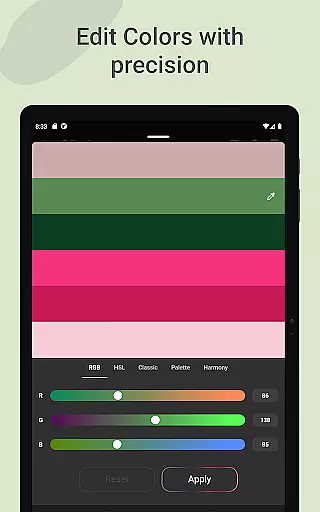
The application goes beyond basic color selection by enabling users to extract palettes from images, manually pick colors with the Hex Color Picker, and perform advanced color editing. With precise control over Hue, Saturation, and Lightness, users can fine-tune their palettes to perfection. Additionally, the ability to save palettes along with images in collages enhances its utility for creative projects.
Whether you're designing digital content or working with physical paints, Color Gear provides the tools necessary to understand and apply color theory effectively. Its offline functionality ensures that these powerful features are always accessible, making it an indispensable companion for creative professionals.
Color Gear distinguishes itself through its robust feature set tailored for color professionals. The dual support for RGB and Itten Color Wheels caters to both digital designers and traditional artists, while the 10+ color harmony schemes provide extensive options for palette creation. This flexibility allows users to work within their preferred color model and achieve desired results across different mediums.
A standout feature is the ability to build palettes from HEX color codes and extract them from images. The advanced color editing tools give users precise control over color values, enabling meticulous adjustments. Furthermore, the app's capability to save palettes with images as collages streamlines workflow and presentation. These features collectively enhance productivity and creativity.
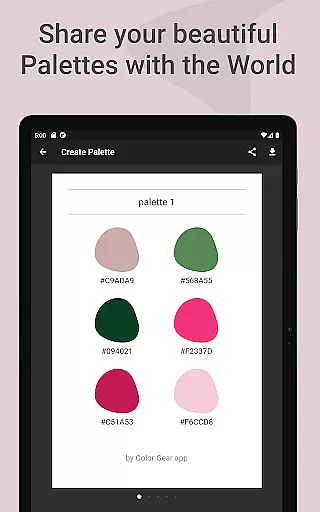
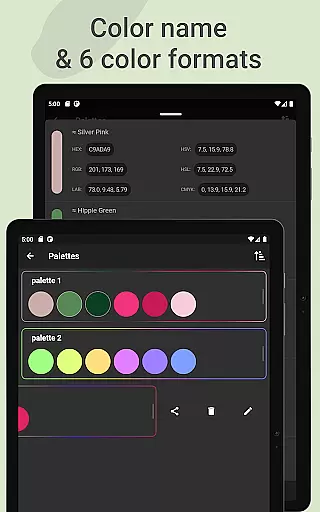
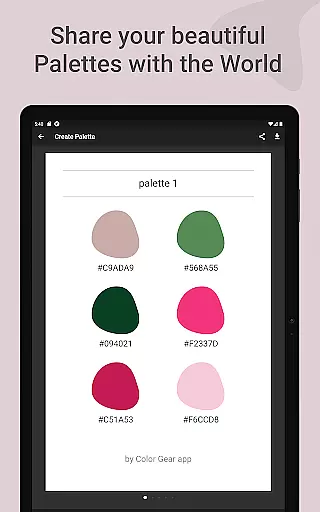
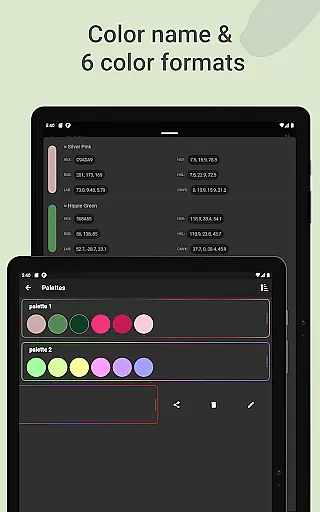
The app also excels in practicality with its support for multiple color formats (RGB, HEX, LAB, HSV, HSL, CMYK) and easy sharing options. The inclusion of a Hex Color Picker and offline functionality ensures that users have complete control over their color choices without internet dependency. Such comprehensive features make Color Gear a one-stop solution for all color-related needs in design projects.
In the realm of digital art and design, having a comprehensive set of creative tools is essential for professionals and hobbyists alike. Color Gear stands out by offering an extensive suite of features that cater to various aspects of color theory and palette creation. The app includes two distinct color models - RGB and Itten's RYB color wheels - each supporting over 10 color schemes. This diversity allows users to explore different artistic styles and find the perfect palette for their projects.
One of the key strengths of Color Gear is its ability to extract palettes from images. By analyzing photos, the application automatically generates color schemes, providing inspiration directly from real-world visuals. Additionally, the advanced Hex Color Picker (eyedropper) enables precise color selection, while the option to input specific HEX or RGB codes ensures accuracy in matching desired colors. These features collectively enhance the creative process, making it easier to translate visual ideas into tangible designs.
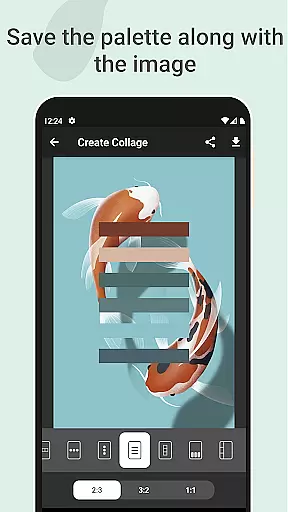
The app goes beyond basic color selection by offering advanced editing capabilities. Users can fine-tune color values including Hue, Saturation, and Lightness with precision controls. This level of detail empowers designers to create perfectly balanced palettes that meet their exact specifications. Furthermore, the ability to save palettes along with corresponding images creates a seamless workflow, allowing artists to maintain context between their color choices and source materials.
Flexibility in canvas and format options is crucial for designers who need to adapt their work across various platforms and mediums. Color Gear addresses this need by providing multiple ways to manage and export color palettes. The app supports six different color formats for sharing, including RGB, HEX, LAB, HSV, HSL, and CMYK. This versatility ensures compatibility with different design software and platforms, streamlining the workflow for professionals working in diverse environments.
The application's ability to create collages with saved palettes demonstrates its commitment to format flexibility. Users can choose from various layout options to combine their palettes with images, creating visual references that are easy to share and understand. This feature is particularly valuable for team collaborations and client presentations, where clear communication of color concepts is essential. The inclusion of both RGB and RYB color wheels further expands the app's applicability across digital and traditional media.
Color Gear maintains its flexibility through offline functionality, ensuring that these powerful tools remain accessible regardless of internet connectivity. The app's comprehensive approach to color management - from extracting palettes from images to precise color editing - combined with its versatile export options, makes it an indispensable tool for designers seeking adaptability in their creative process. This flexibility ultimately translates to increased productivity and more consistent results across different projects and platforms.
User-friendly interface
Comprehensive color tools
Offline functionality
Versatile color models
Advanced editing options
Limited advanced features
No cloud sync
Basic UI design
Few collaboration tools
Occasional bugs

Discover Cartoon Dream : Unleash Your Creativity with CuttingEdge AI
 4.50
4.50
Art of Combination Wear OS Watch faces
4.3
Unleash Your Creativity with Draw Cartoon - AR Drawing App
4.10
Mobile pixel art editor. Simple. Fast. Portable.
4.80
Inky runs Inkscape on Android devices and Chromebooks
2.90
Everything you need to create hand drawn animation, anywhere you go!
4.40
Create and Design Custom Logos in Seconds with AI-Powered Tools!
4.40
Create cute cat emojis & PFPs! Fun, custom avatars for cat lovers.
3.70
Explore future self face age filter & remove background image for a unique look.
3.50
Passport size photo maker, create ID photo and visa photo in seconds
4.80
Convert image to JPG PNG HEIC PDF, support almost all kinds of image formats
4.70
2D animation studio for Android tablets - unlimited layers, infinite timeline
4.70
Image resizer to resize, crop, rotate, flip, change dpi photo or picture in bulk
4.60
Sketch, trace and master AR drawing with awesome anime art!
3.30
Create stunning video, photo & magic from text with FlixAI GPT video generator.
3.10
Art of Combination Wear OS Watch faces (for Wear OS 5+ devices)
3.00
Retouch photos. Create or edit images. Endless capabilities.
2.70
Art of Combination Wear OS Watch Faces
4.2
Android 14 style widgets and wallpapers app.
4.0


User Reviews