
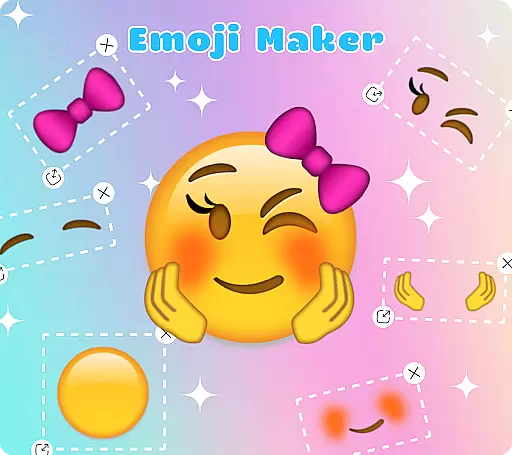
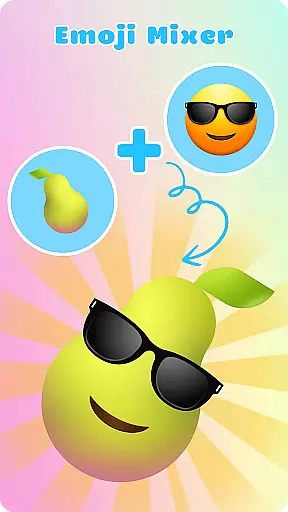
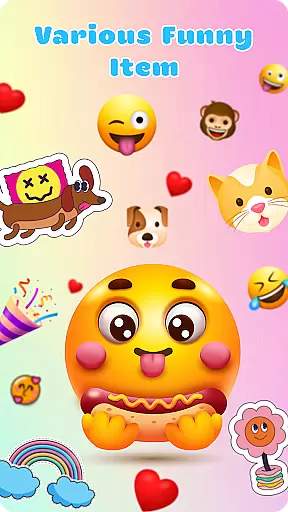
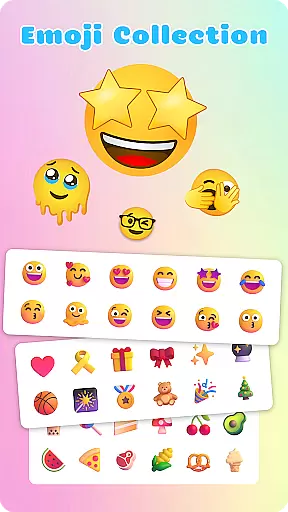
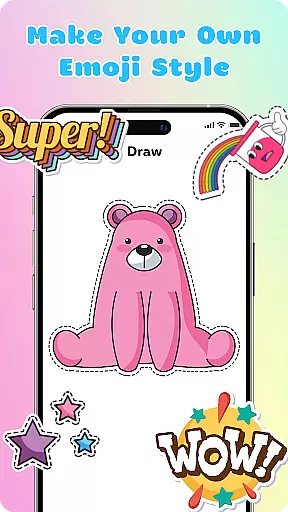
Emoji Maker: DIY Emoji Merge is a creative personalization app that allows users to design and customize their own emojis. With two main functions - Emoji Maker and Emoji Mixer, it offers endless possibilities for emoji creation. Users can choose from various facial expressions, gestures, and accessories to craft unique emojis that suit their personality and style.
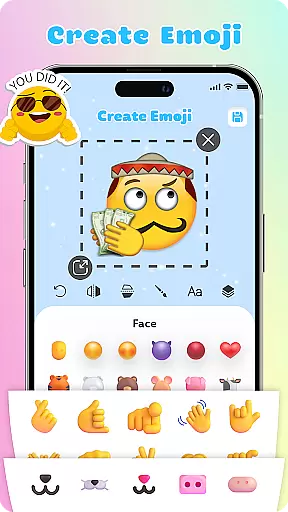
The app provides professional-grade editing tools including resizing, flipping, text overlays, and freehand drawing. The innovative layer feature enables stacking elements to create more complex designs. With regular feature updates and an intuitive interface, even beginners can easily create personalized emoji packs for more expressive conversations.
Emoji Maker stands out with its comprehensive set of customization features. The app's Emoji Maker function lets users build emojis from scratch, while the Emoji Mixer enables combining different components to create unique combinations. The editing toolkit includes essential features like image transformation tools and duplication options.
Advanced customization is possible through the text overlay feature and freehand drawing tool, allowing users to add personal touches to their creations. The layer management system provides professional-grade control over element arrangement. Regular feature updates ensure the app stays current with new possibilities for creative expression in personalization.
Emoji Maker offers an extensive range of customization options that allow users to create unique emojis tailored to their personal style and mood. With features such as resizing, flipping, and duplicating images, the app provides a versatile platform for emoji creation.
The inclusion of a text feature enables users to add special sentences or words on top of their emojis, enhancing their expressiveness. Additionally, the freehand drawing tool adds another layer of creativity, allowing users to highlight specific features of their emojis with ease.
With the layer feature, users can stack elements on top of each other and change the order of layers, resulting in more complex and personalized emojis. This level of customization ensures that each emoji can be as unique as the user desires.
Regular updates and new features keep the creative process fresh and inspiring, encouraging users to experiment with different styles and designs. The app's commitment to creativity means users will always have new tools and options at their disposal.
Theme compatibility is a crucial aspect of Emoji Maker, ensuring that all custom emojis blend seamlessly with various messaging themes and interfaces. Users can design emojis that not only reflect their personality but also maintain visual consistency across different platforms.
The app's intuitive interface makes it easy for users to manage and switch between different themes, providing a user-friendly experience even for beginners. This flexibility allows users to adapt their emojis to any conversation situation, from casual chats to more formal exchanges.
Emoji Maker supports the creation of personalized emoji packs, which means users can develop sets of emojis that are compatible with their preferred themes. This feature ensures that users' emojis remain cohesive and visually appealing, regardless of the theme in use.
By focusing on compatibility, Emoji Maker enhances the overall user experience, allowing for smooth integration of custom emojis into daily communications. Download now and explore a chat space where creativity meets seamless theme integration.
User-friendly interface
Extensive editing tools
Regular feature updates
Custom emoji creation
Intuitive mixing options
Limited free features
Occasional bugs
Ads between sessions
Premium subscription cost
Steep learning curve

Capture moments that pass like a storm, second by second.
 4.4
4.4
Only for Wear OS devices!
4.90
Realistic animated snow on your wrist, with 10 images landscapes to choose from
4.00
Art & Emoji Keyboard with Cool Fonts, Cute Themes and Custom Designs.
4.40
Shimeji adds cute animated characters to your screen, lively and fun.
4.70 4.50
4.50 4.10
4.10
Vibrant Adaptive Icons with Material You and Enhanced Monet Colors.
4.50
Magic fluids wallpaper 4D: Relax with stunning fluid simulation wallpaper app
4.20
Dark icon pack based on One 8
4.80
Enjoy a variety of amazing live wallpapers and colorful EDGE lighting borders!
4.80
Nothing Icon pack with more than 3750+ highly crafted icons.
4.70
Unique Android Launcher
4.60
Handcrafted pixel art icons, widgets & wallpapers
4.60 4.50
4.50
A light in the dark, a unique style and an andless cutomization!
4.30
Unique Fonts, typefaces and stylish text. Fonts for Instagram, Whatsapp & others
4.20
Transfer your live wallpapers from Windows to Android using Wallpaper Engine!
4.00 3.50
3.50


User Reviews