
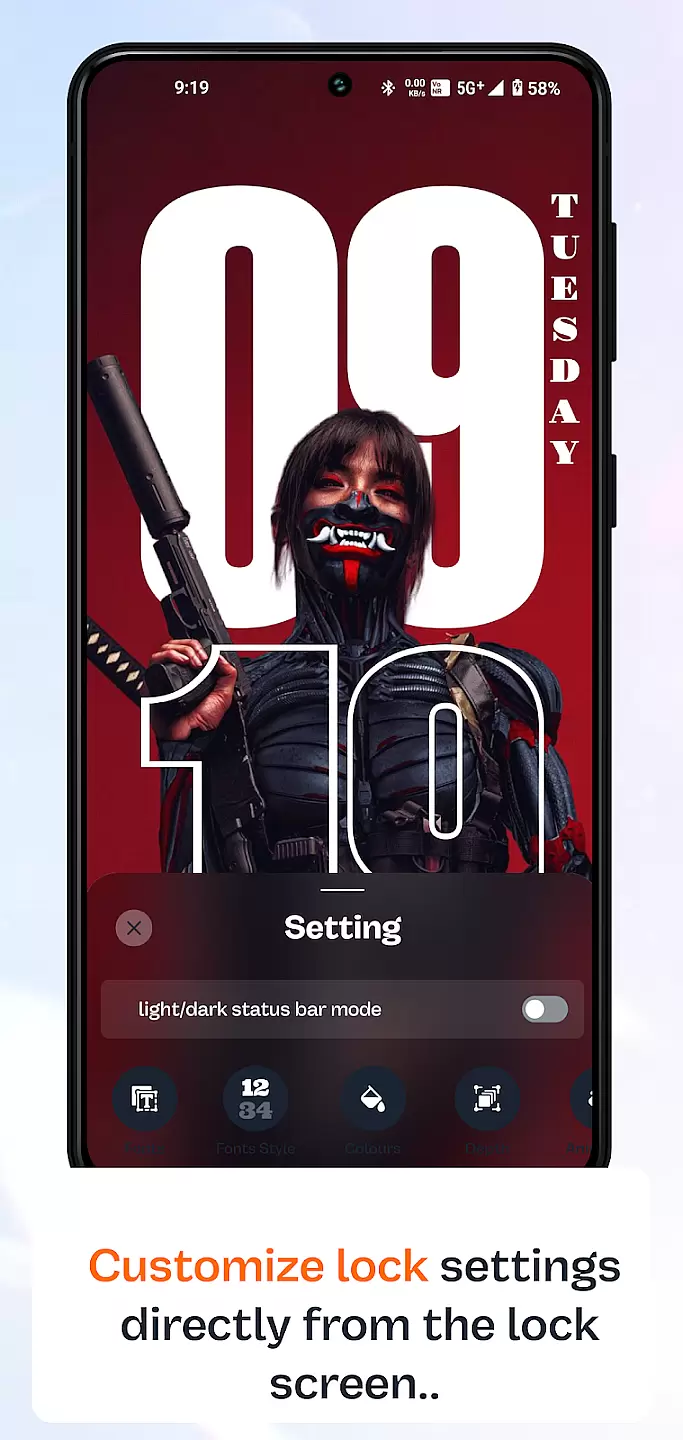
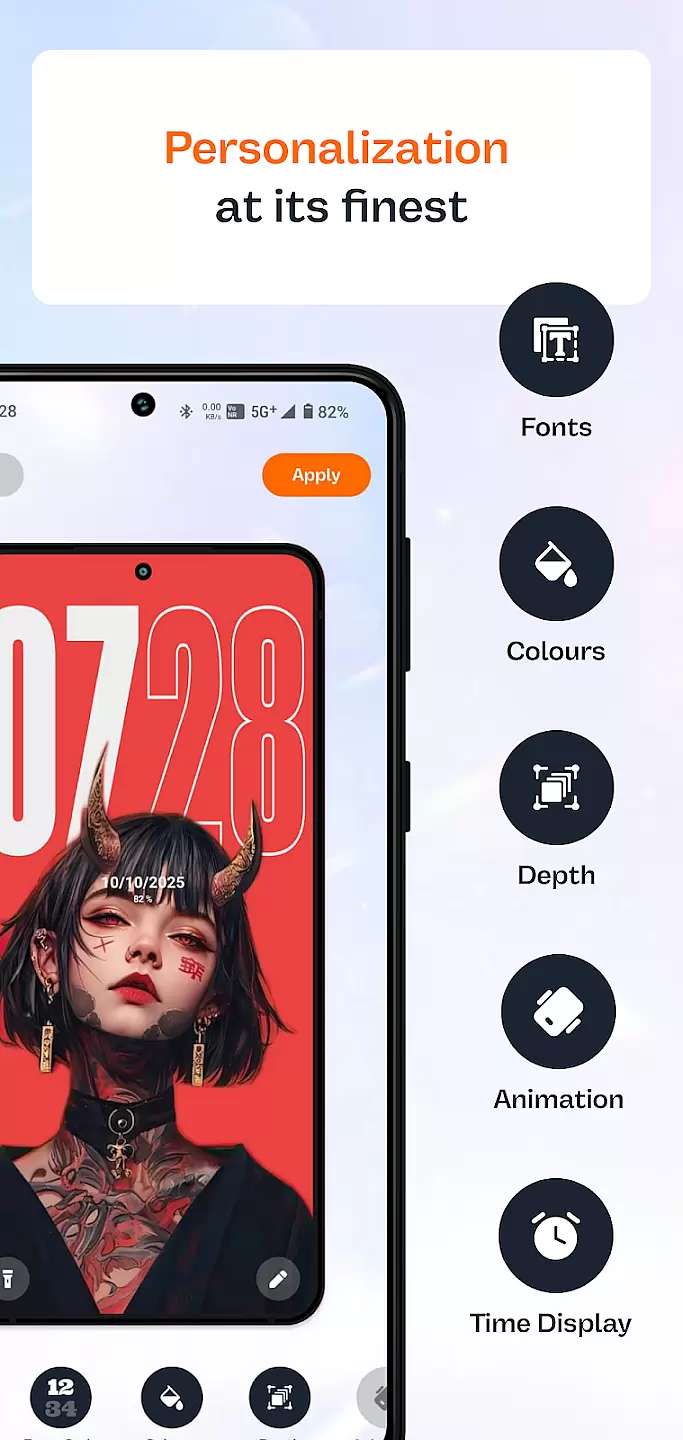
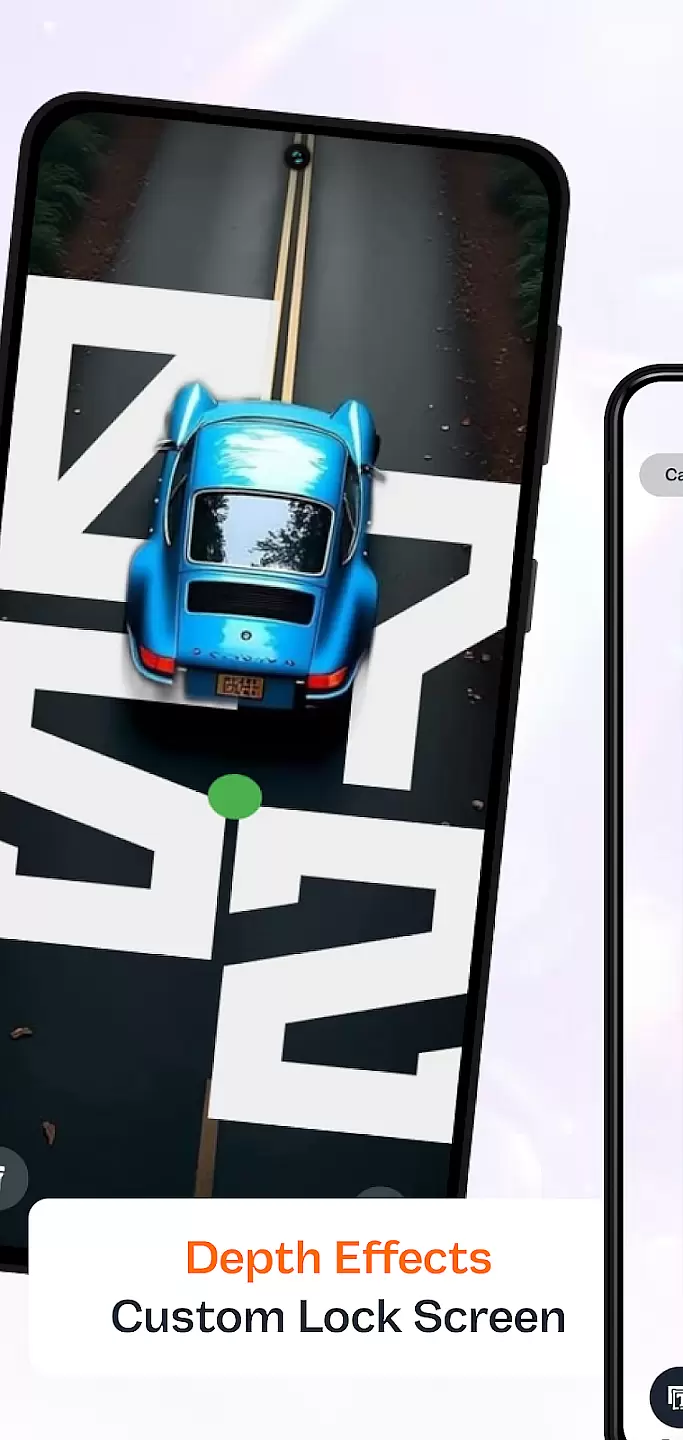
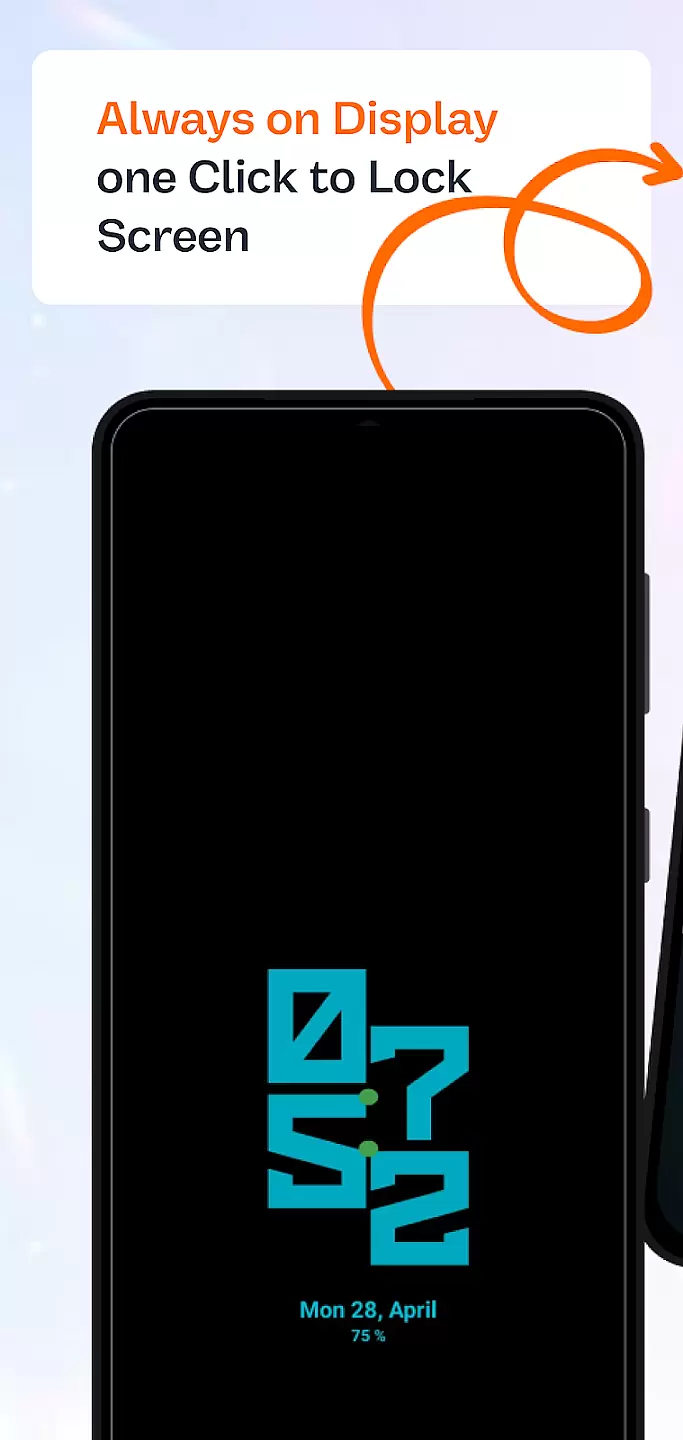
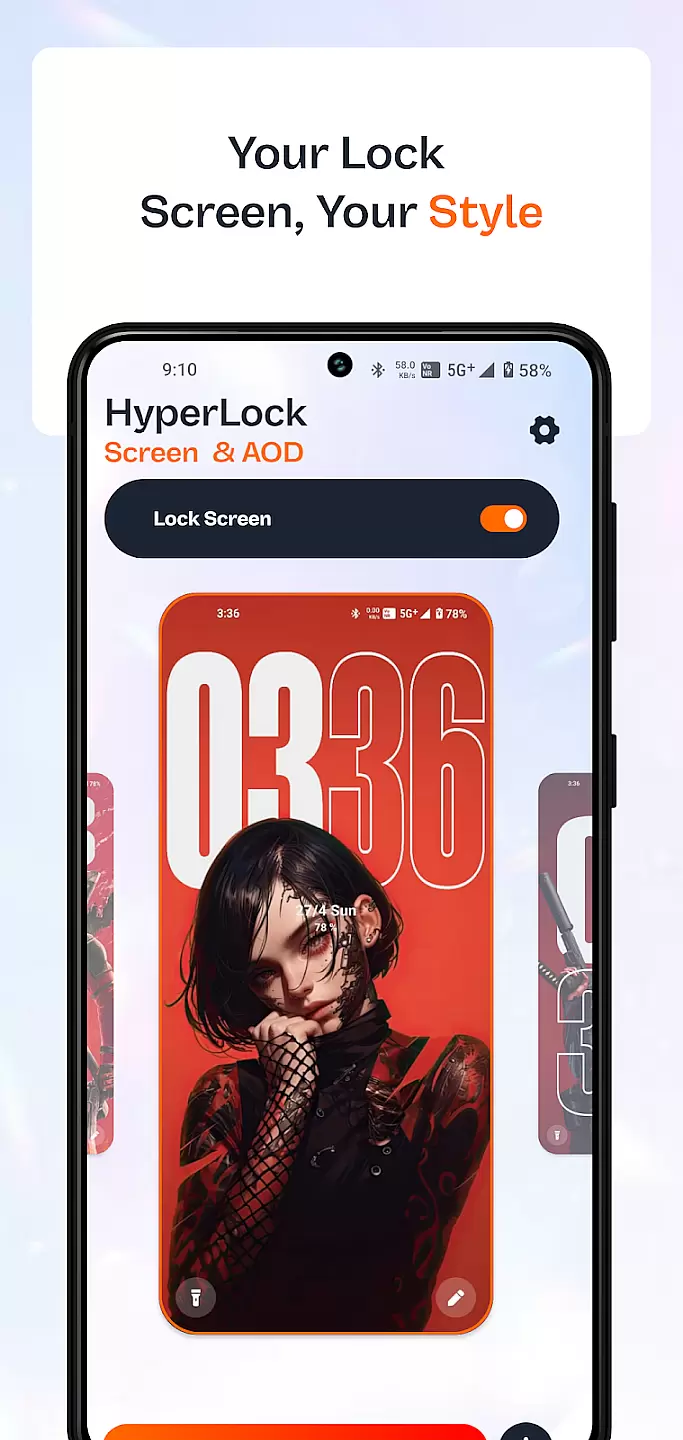
HyperLock Screen & AOD is a personalization app that transforms your device's lock screen and always-on display into a visually stunning interface. With its advanced customization options, users can create unique lock screens that suit their personal style.
The app offers a wide range of themes, widgets, and clock styles to choose from, allowing you to tailor your device's appearance with precision. Whether you want a minimalist look or a feature-rich display, HyperLock provides the tools to make it happen.
Ideal for users who value aesthetics and functionality, this app enhances both the visual appeal and usability of your device's lock screen, making daily interactions more enjoyable and efficient.
HyperLock Screen & AOD stands out with its extensive library of customizable elements. Users can select from various clock designs, weather widgets, and notification styles to build a personalized lock screen experience.
Beyond basic customization, the app includes dynamic wallpapers and interactive widgets that respond to touch or device usage patterns. These features ensure that your lock screen remains not only beautiful but also highly functional.
Additionally, HyperLock supports integration with other apps, enabling seamless updates and notifications directly on your lock screen. This connectivity ensures you stay informed without compromising on style or privacy.
Customization is at the heart of personalizing your device to truly make it yours. HyperLock Screen & AOD offers a wide array of customization options that allow users to tailor their lock screen and always-on display to match their personal style.
This application provides an extensive selection of themes, fonts, and color schemes. Users can choose from a variety of designs ranging from minimalist to vibrant themes that suit different moods and preferences.
Beyond aesthetics, the app also allows for functional customizations. This includes setting up personalized notifications, widgets, and shortcuts that enhance the user's interaction with their device, making daily tasks more efficient and enjoyable.
The true value of these customization options lies in the user's ability to create a unique interface that not only looks good but also improves usability. With HyperLock Screen & AOD, personalizing your device becomes an engaging experience that caters to individual tastes while offering practical benefits.
Theme compatibility ensures that the visual modifications you apply to your device work seamlessly across different interfaces and functionalities. HyperLock Screen & AOD excels in providing themes that are compatible with a wide range of devices and operating systems.
The app guarantees that all themes are optimized for various screen sizes and resolutions. This means whether you're using a smartphone or tablet, the themes will adjust accordingly to deliver a consistent look and feel without compromising on quality.
Moreover, HyperLock Screen & AOD regularly updates its theme library to ensure compatibility with the latest OS versions. This dedication to compatibility means users can enjoy new and updated themes without worrying about performance issues or design inconsistencies.
By focusing on theme compatibility, HyperLock Screen & AOD ensures that users have a smooth and visually cohesive experience. This commitment enhances both the aesthetic appeal and operational harmony of your device, making it a reliable choice for those looking to personalize their tech.
User-friendly interface
Extensive customization options
Vibrant community support
Frequent updates
High-quality graphics
Some features require premium subscription
May drain battery faster
Limited compatibility with older devices
Occasional bugs in new releases
Learning curve for advanced settings

Stunningly Different look with Line Icons and Neon Colors
 4.60
4.60
Beautiful realistic hybrid watch face with numerous customization options.
4.50
Glass style colourful icons with a One UI look and feel
4.60
Winter's Journey: digital watch face for Galaxy Watch & Wear OS
4.80
Unique Android Launcher
4.60
AI-powered Copilot. Personalized keyboard with gifs, stickers & themes
4.40 4.10
4.10
Modern Glass Icon Pack with glossy icons, clean minimal theme & aesthetic style
4.2
Your home screen, just the way you like it.
4.30
Enjoy a variety of amazing live wallpapers and colorful EDGE lighting borders!
4.80
100+ Stylish Fonts, Emojis, Symbols keyboard for Instagram & TikTok!
4.80
Nothing Icon pack with more than 3750+ highly crafted icons.
4.70
Stylish Pink Cute Hippo keyboard with 10000+ customized keyboard themes!
4.60 4.50
4.50 4.50
4.50
Art & Emoji Keyboard with Cool Fonts, Cute Themes and Custom Designs.
4.40
Wear Os Watch Face - Seasonal - Animated Snow Effect - 9 Animals
4.20
Customizable flower power digital watch face for Wear OS watches.
4.00
Transform your phone with stunning video wallpapers and a unique, personal touch
3.80


User Reviews