
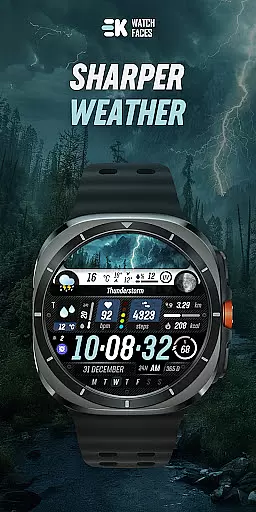
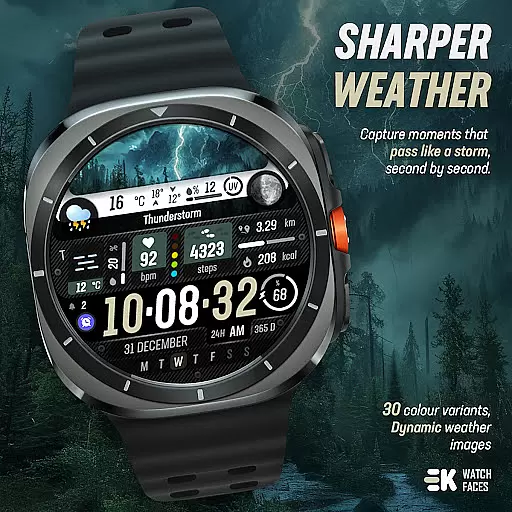
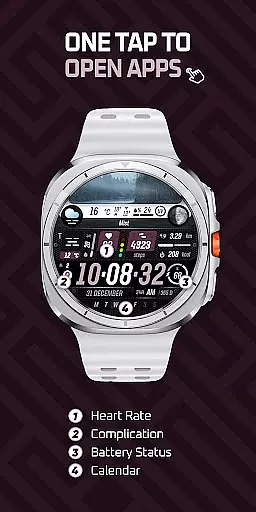
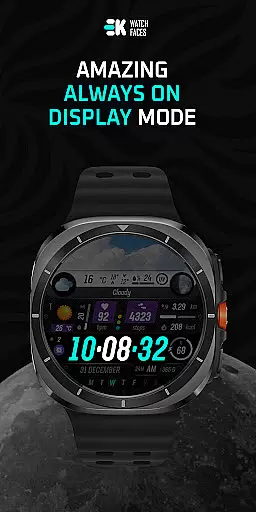
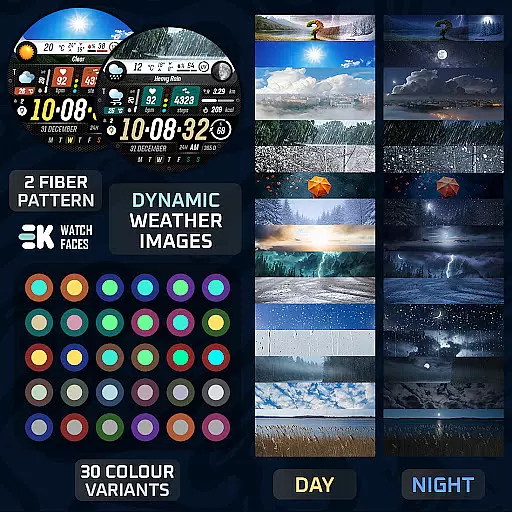
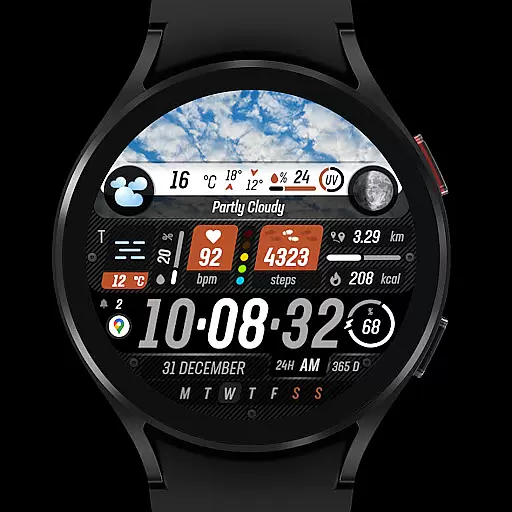
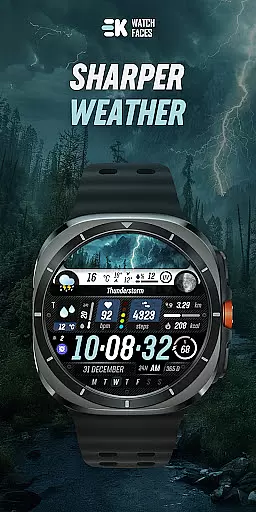
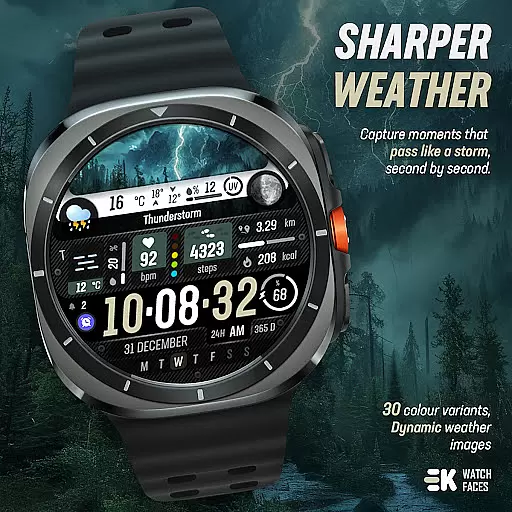
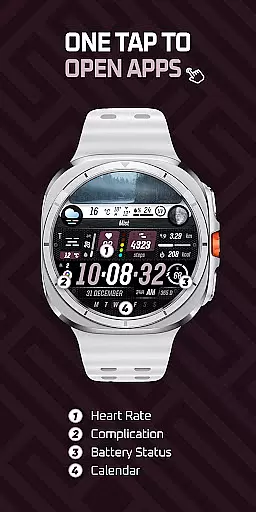
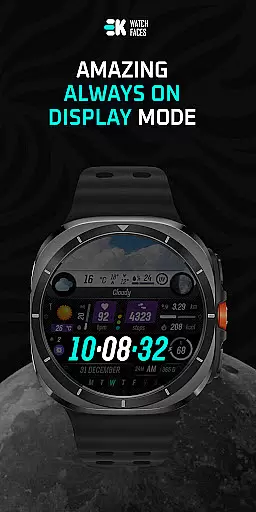
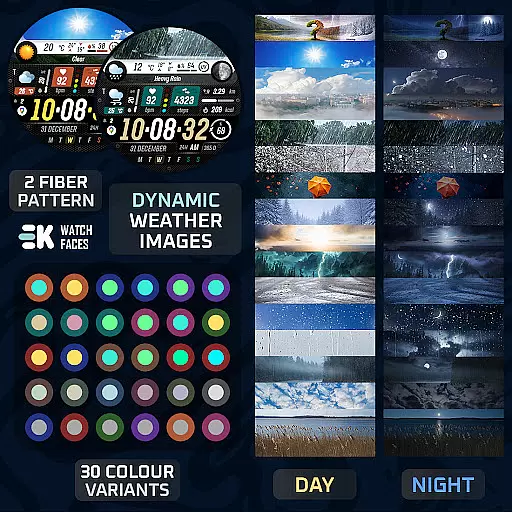
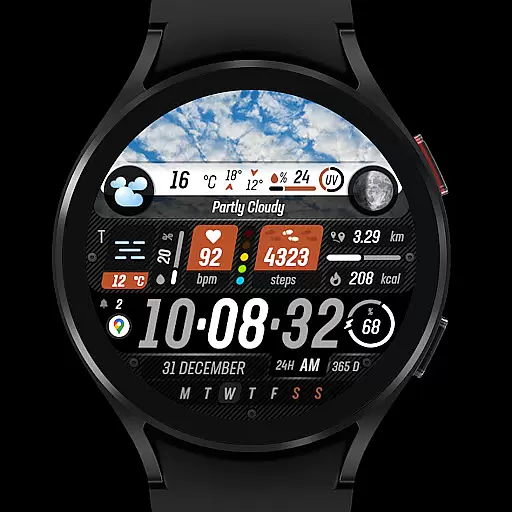
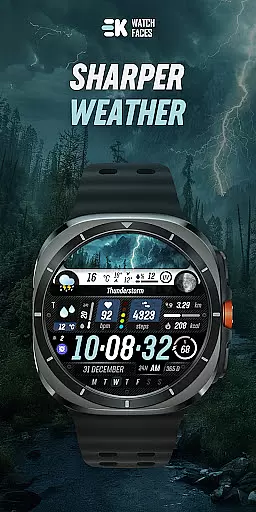
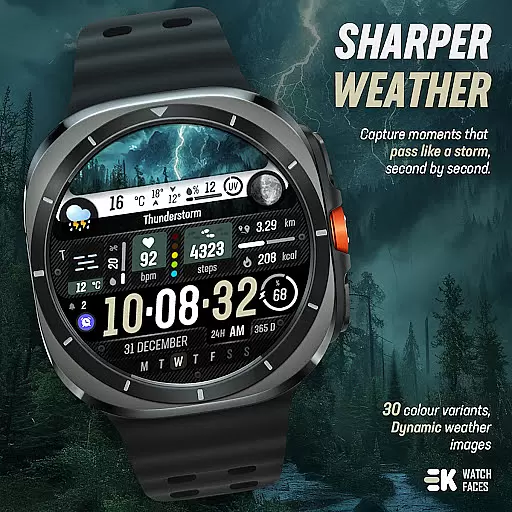
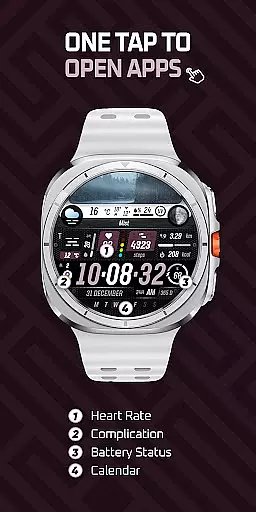
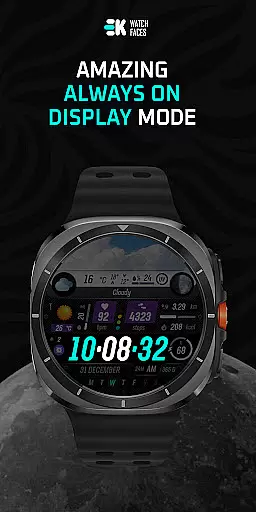
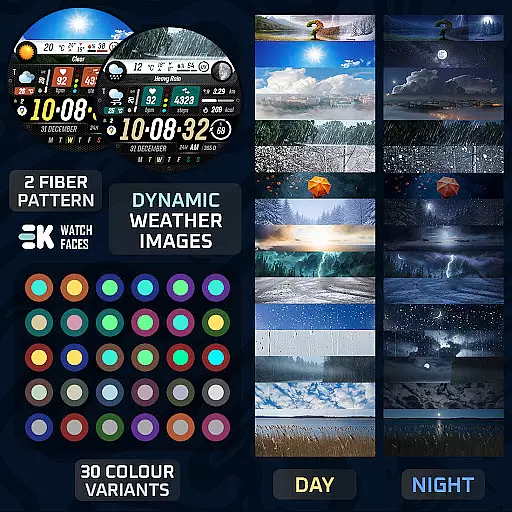
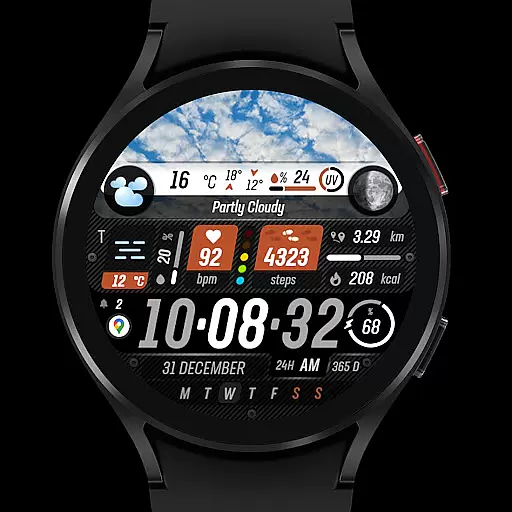
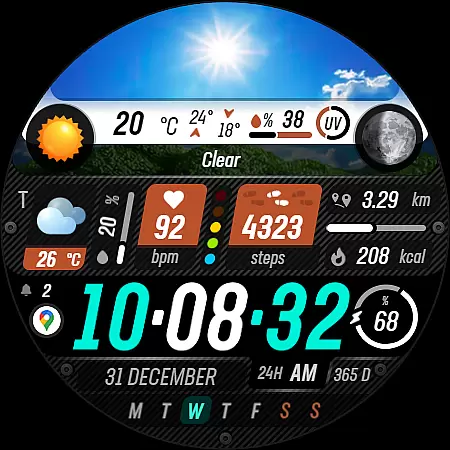
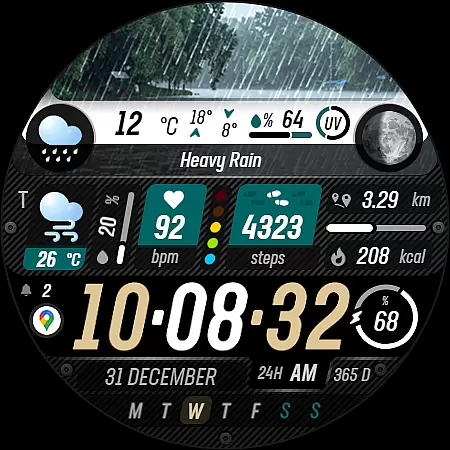
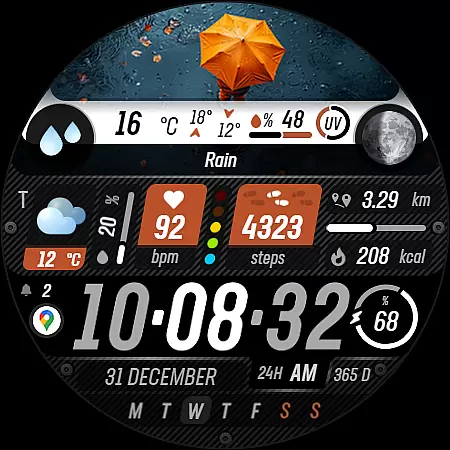
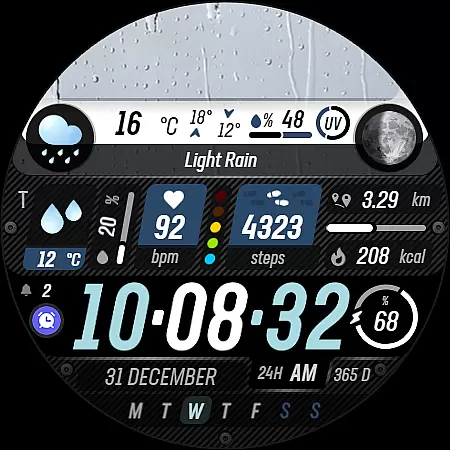
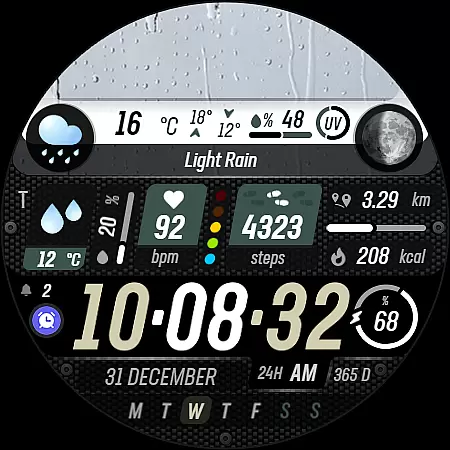
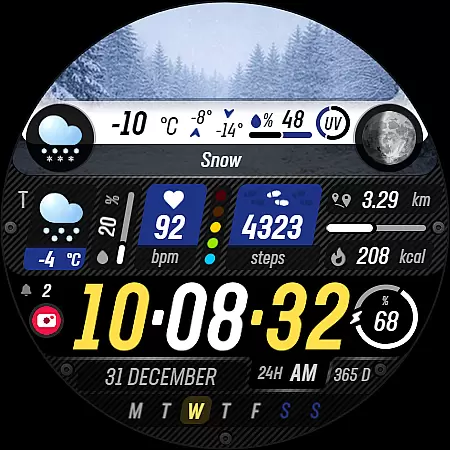
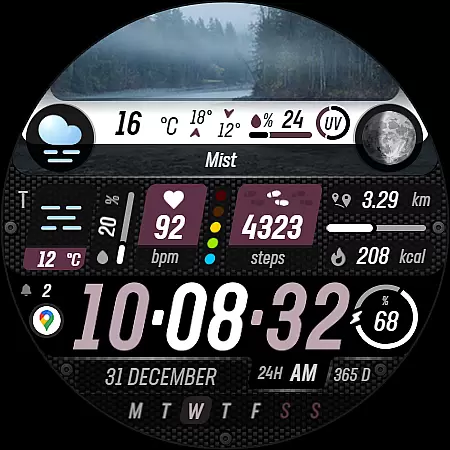
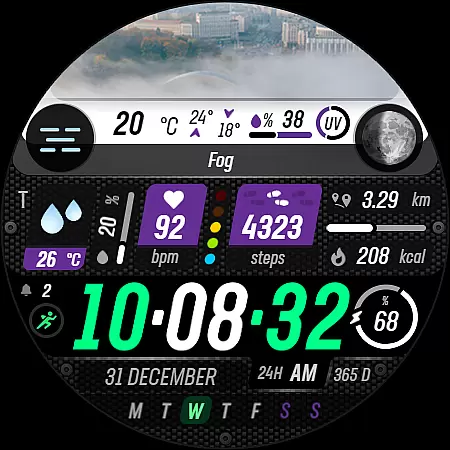
Sharper Weather is a feature-rich watch face designed exclusively for Wear OS devices, offering users an enhanced and personalized timekeeping experience. This application provides dynamic weather updates with visually appealing graphics that change based on current conditions and time of day.
The app goes beyond basic time display by integrating essential health and activity metrics such as step count, distance traveled, calories burned, and heart rate monitoring. With support for both 12-hour and 24-hour formats, metric/imperial units, and always-on display functionality, it caters to diverse user preferences across different regions.
What sets Sharper Weather apart is its comprehensive approach to wearable technology, combining practical information with aesthetic appeal. The watch face's customizable elements and animated icons make it particularly valuable for users seeking both functionality and visual sophistication in their smartwatch experience.
Sharper Weather distinguishes itself through its extensive feature set tailored specifically for Wear OS users. The application showcases weather-specific imagery that dynamically adjusts between day and night cycles, providing intuitive visual cues about current conditions.
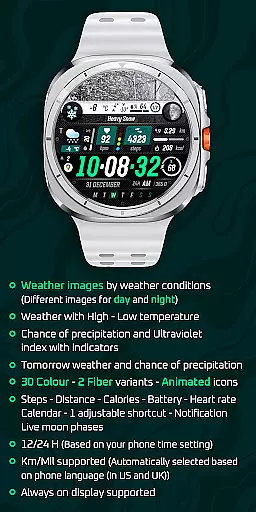
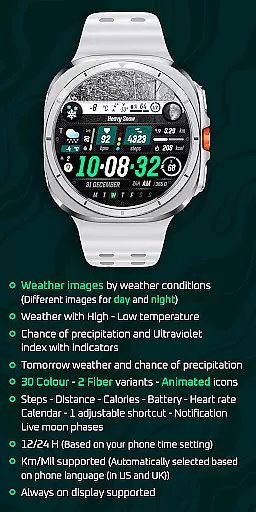
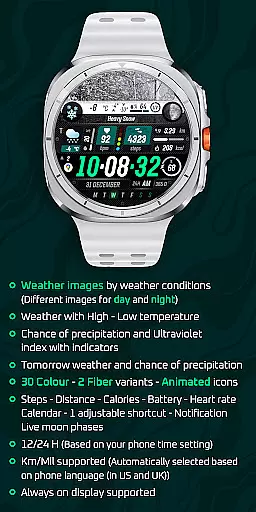
A key innovation lies in its sophisticated weather tracking capabilities, displaying high-low temperatures, precipitation probability, UV index indicators, and tomorrow's forecast. The watch face incorporates 30 color variations and 2 fiber variants, allowing users to personalize their experience while enjoying smooth animated transitions between different display elements.
Beyond weather information, the app integrates multiple practical functions including fitness tracking (steps, distance, calories), battery status, heart rate monitoring, calendar notifications, and live moon phases. Its automatic adaptation to device settings for time format and measurement units demonstrates attention to detail, while the support for always-on display ensures constant access to vital information without compromising battery life.
Sharper Weather - Watch Face offers an extensive range of customization options that cater to individual preferences and needs. With 30 color choices and 2 fiber variants, users can personalize their watch face to match their style or mood.
In addition to aesthetic personalization, the watch face provides animated icons and supports both 12/24-hour time formats based on the phone's time setting. This ensures a dynamic and culturally adaptable time-reading experience for users worldwide.
The inclusion of adjustable shortcuts, weather images by conditions, and live moon phases adds another layer of personal touch. Users can access tomorrow's weather forecast, chance of precipitation, ultraviolet index indicators, and more, making it not just a timepiece but a personalized assistant on the wrist.
Theme compatibility is a crucial aspect of Sharper Weather - Watch Face, ensuring seamless integration with Wear OS devices. The application is specifically built for Wear OS 5+ devices (API 34+), guaranteeing optimal performance and visual consistency across supported platforms.
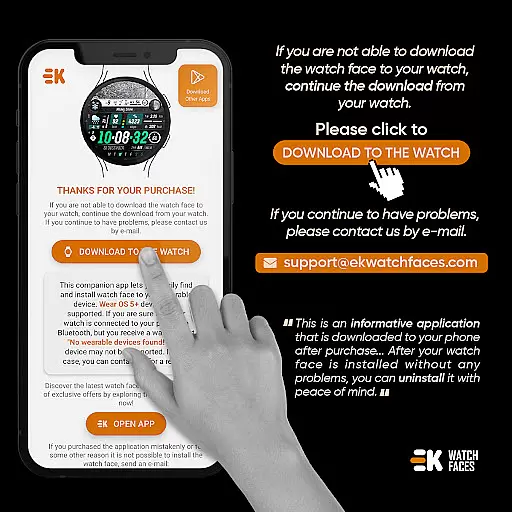
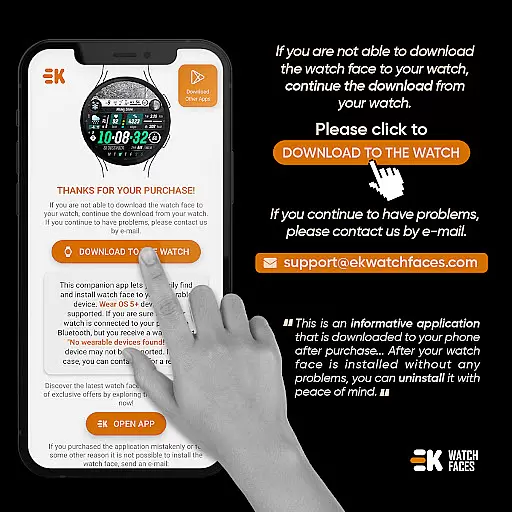
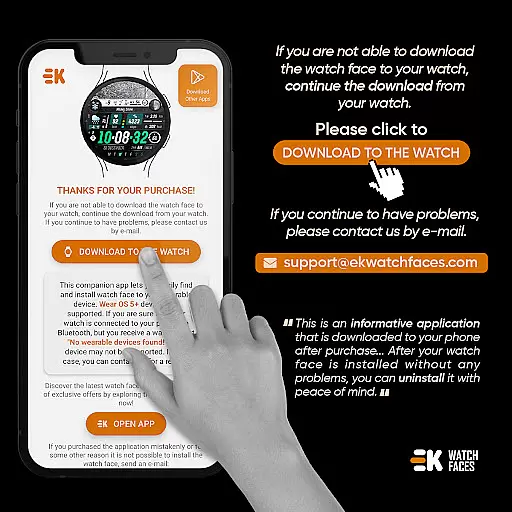
Users are encouraged to manually enable Sensors & receive complication data permissions for full functionality. This thoughtful design consideration allows the watch face to display steps, distance, calories, battery status, heart rate, calendar events, and notifications without compromising the device's performance.
Moreover, the watch face supports Km/Mil units automatically selected based on phone language settings, enhancing its compatibility with various regional standards. Always-on display support further extends this compatibility, offering convenience without sacrificing style or essential features.
User-friendly interface
Weather visualization
Customizable design
Health integration
Always-on support
Wear OS exclusive
Installation complex
Premium features
Device limited
Sync issues

A light in the dark, a unique style and an andless cutomization!
 4.30
4.30
Ninja Turtles Cowabunga SE watch face for Wear OS
4.50
Realistic animated snow on your wrist, with 10 images landscapes to choose from
4.00
Make your phone look simple & luxury, like iDevice
4.60
The definitive Icon pack maker and editor
4.30
Aesthetic Widgets, HD Wallpapers, Themes in Mico Widget for Home and Lock Screen
4.50
Icons made of colorful linear lines
4.60
Crystal-clear, square icon provides a sleek and sophisticated visual upgrade
4.00
Transform your phone with stylish zipper lock themes and 4D live wallpaper
4.10
Winter's Journey: digital watch face for Galaxy Watch & Wear OS
4.80
Sparkle your screen with Glitter Wallpapers For Girls and Cute Backgrounds!
4.80
100+ Stylish Fonts, Emojis, Symbols keyboard for Instagram & TikTok!
4.80
Classic analogue watch face. For wear os devices.
4.60
Beautiful realistic hybrid watch face with numerous customization options.
4.50 4.50
4.50
AI-powered Copilot. Personalized keyboard with gifs, stickers & themes
4.40
Art & Emoji Keyboard with Cool Fonts, Cute Themes and Custom Designs.
4.40 4.10
4.10
Interactive Miniature Painting Catalogue
3.30


User Reviews