
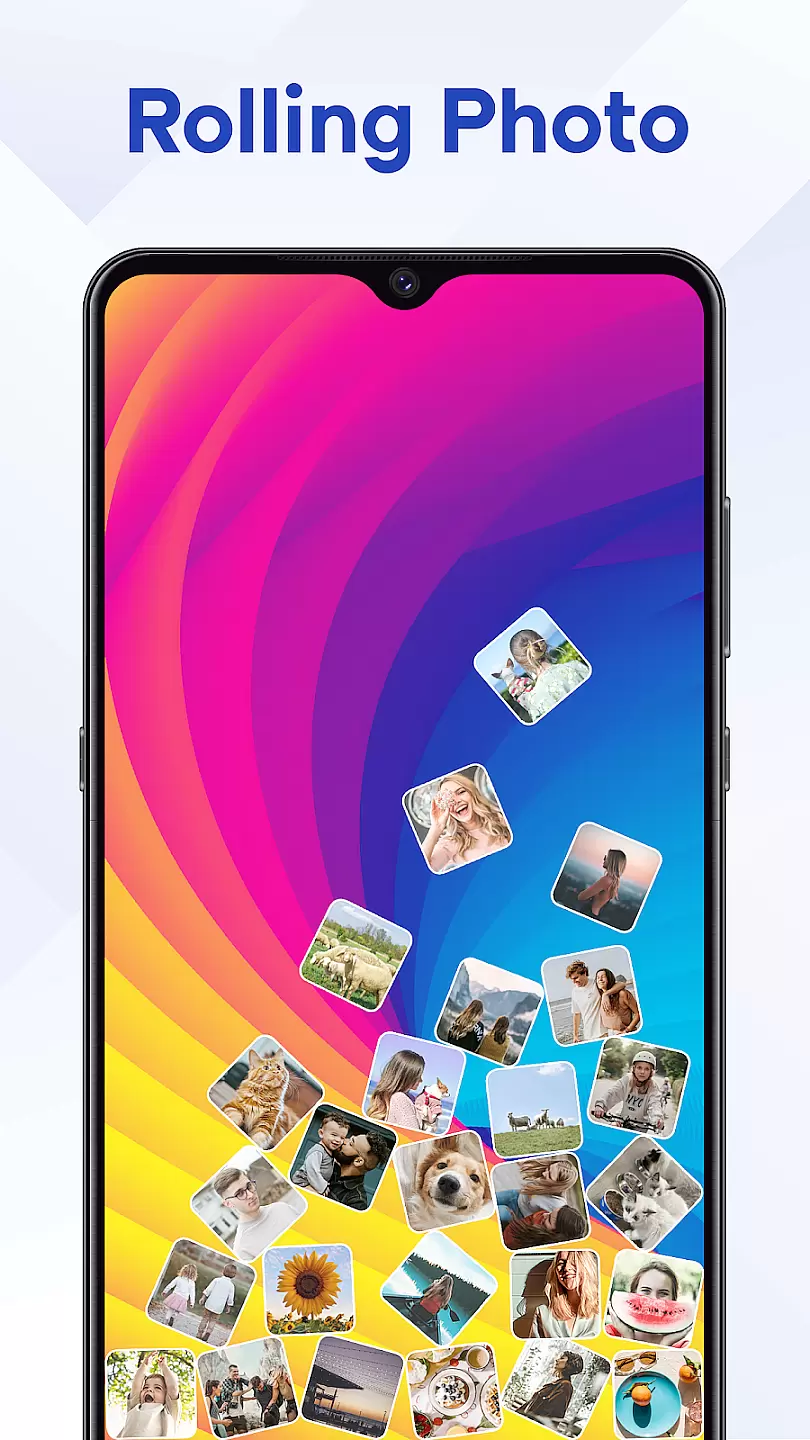
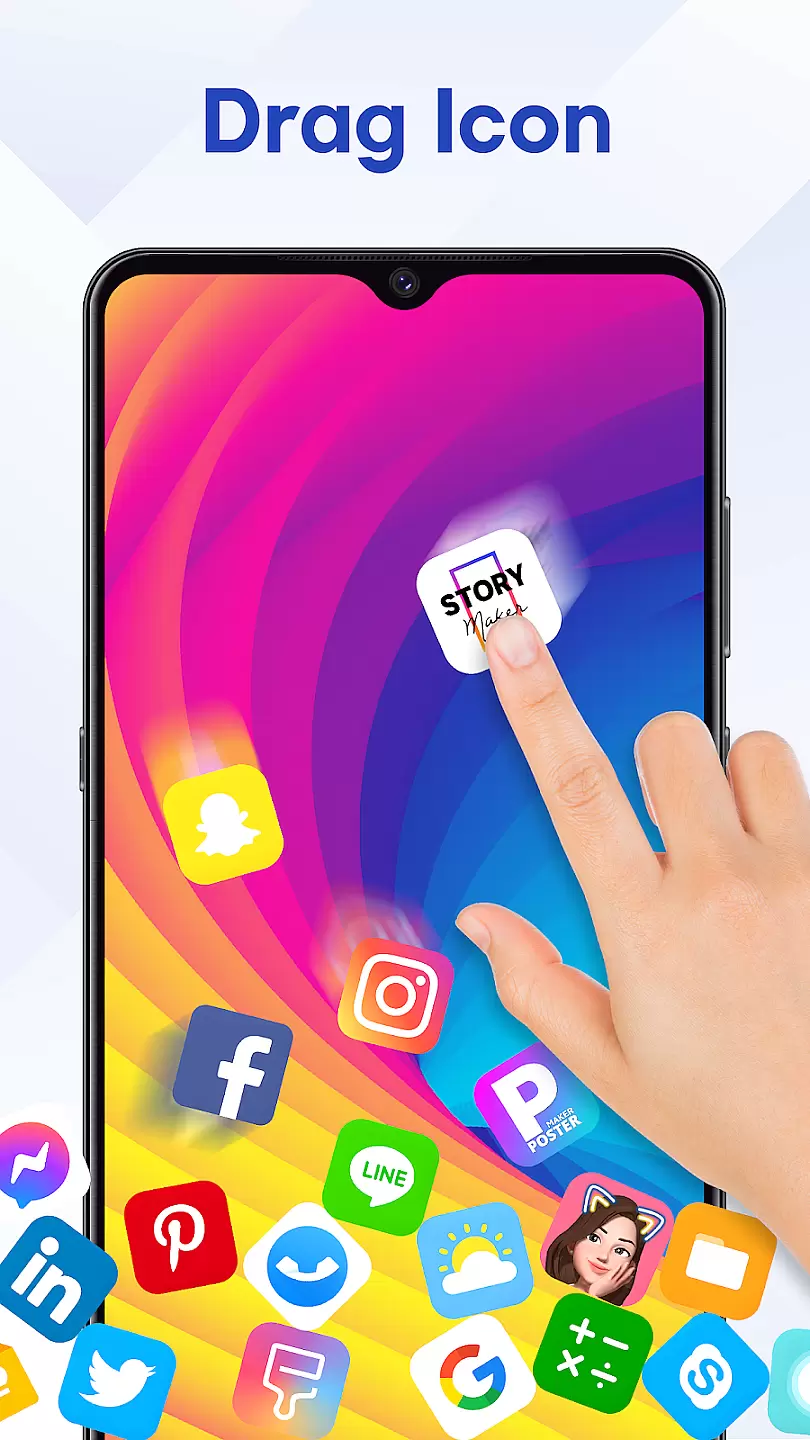
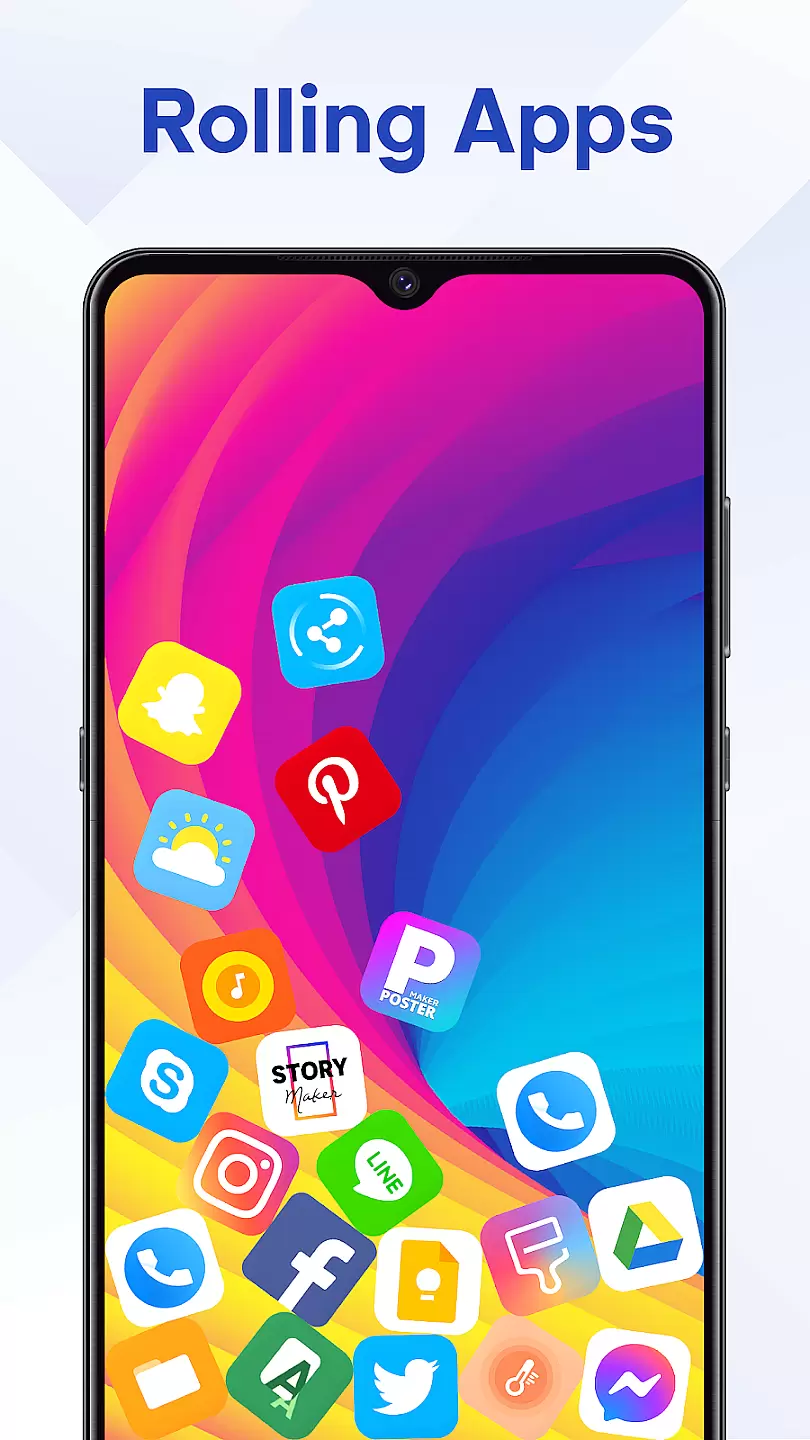
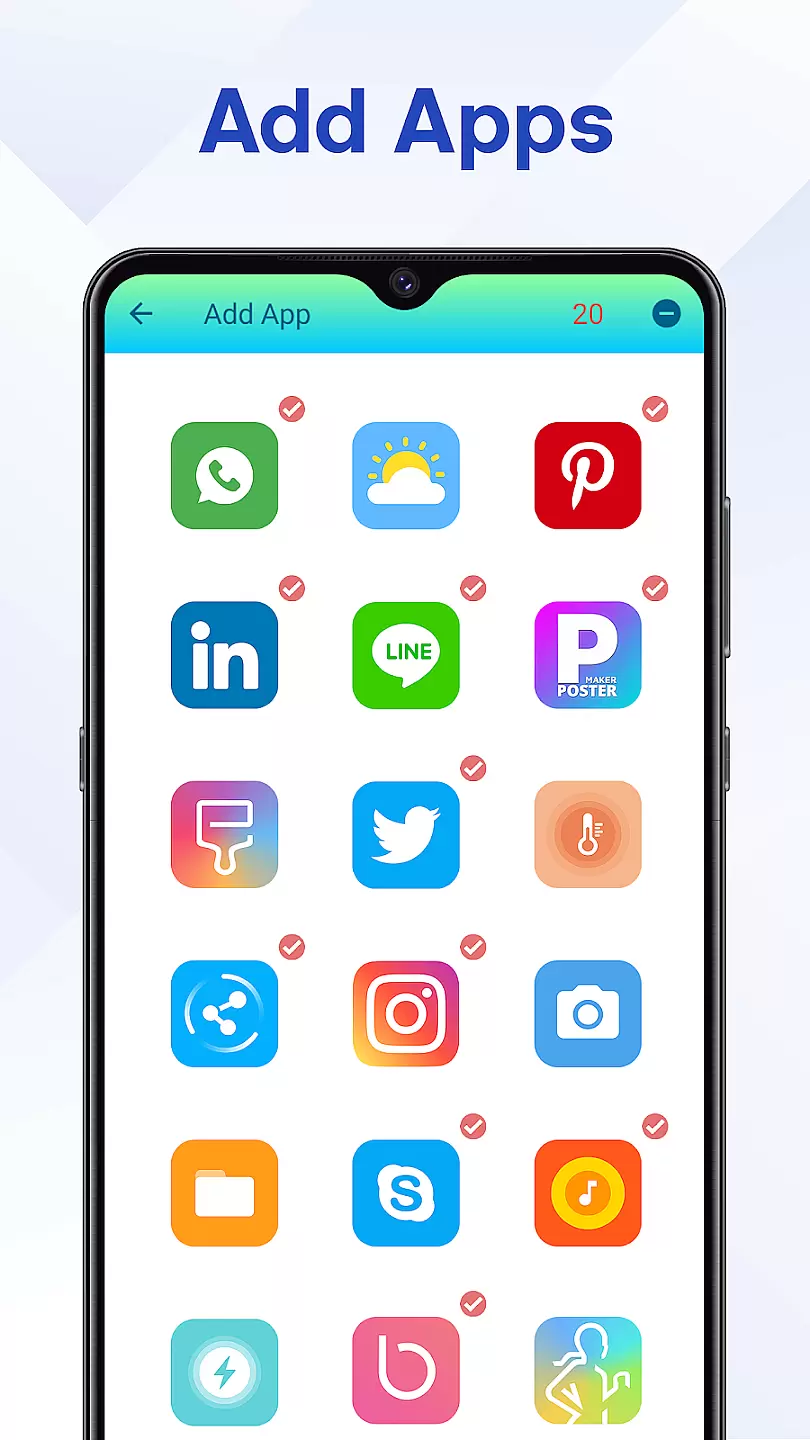
Rolling Icon: 3D Wallpaper is a personalization app that allows users to create dynamic and visually appealing home screens. The app specializes in 3D icon design, offering users the ability to customize their device's appearance with animated icons and wallpapers.
The app provides an extensive library of 3D icons and wallpapers that cater to various themes and styles. Users can choose from multiple animation effects to bring their home screen to life. Whether you want a futuristic look or a minimalist design, Rolling Icon has options to suit every taste.
This app is particularly useful for those who like to frequently refresh their device's aesthetics. With easy-to-use customization tools, it ensures your smartphone reflects your personal style while maintaining usability.
Rolling Icon stands out with its diverse range of customization features. The app includes hundreds of 3D icons with various animation styles such as rotation, scaling, and color transitions. These animations are smooth and enhance the overall user experience without compromising device performance.
Besides icons, the app offers a collection of high-quality wallpapers designed to complement the 3D icons. Users can synchronize wallpaper colors with icon themes or choose from pre-designed combinations. The app also supports icon request submissions, allowing users to ask for specific app icons they wish to see animated.
Additional features include icon masking for unsupported apps, widget support, and cloud backup options. These functionalities ensure that users can maintain consistency across their devices while enjoying the flexibility to experiment with different styles.
When it comes to personalizing your device, the range of customization options is crucial. Rolling Icon: 3D Wallpaper offers a diverse array of choices for users who want to tailor their home screens to their unique tastes.
This application provides multiple 3D wallpapers that can transform your device's appearance with just a few taps. The variety includes different themes and color schemes, ensuring that there is something for everyone.
Users benefit from the ability to switch between styles effortlessly, keeping their device looking fresh and new. With regular updates and new content additions, thereu2019s always an option to match your mood or preference.
The true value lies in empowering users to express their individuality through their smartphone's interface, making daily interactions more enjoyable and engaging.
Theme compatibility ensures that the visual elements you choose work seamlessly across all aspects of your device. For Rolling Icon: 3D Wallpaper, this means providing themes that integrate perfectly with your smartphoneu2019s existing design language.
This app excels by offering themes that are crafted to maintain visual consistency. Whether it's icons, backgrounds, or widgets, each element is designed to complement the others, creating a cohesive look.
By using Rolling Icon: 3D Wallpaper, users can be confident that their chosen theme will not clash with other interface components. This harmony enhances usability while maintaining aesthetic appeal.
Ultimately, strong theme compatibility enriches user experience by delivering a polished and professional appearance, which is pleasing to the eye and intuitive to navigate.
Visually stunning 3D effects
Extensive icon library
User-friendly interface
Regular updates
Customization freedom
May drain battery faster
Limited free options
Some features locked behind paywall
Occasional bugs
Device compatibility issues

Ultra realistic high quality analog watch face for Wear OS.
 4.60
4.60
AI-powered Copilot. Personalized keyboard with gifs, stickers & themes
4.40
Art & Emoji Keyboard with Cool Fonts, Cute Themes and Custom Designs.
4.40
Interactive Miniature Painting Catalogue
3.30
Transfer your live wallpapers from Windows to Android using Wallpaper Engine!
4.00
App Icon Changer & Shortcut Creator. Customize your icons without any watermarks
4.30
Customize your home screen with stunning themes, blur, widgets & icons.
4.60
300+ Beautifully crafted widgets inspired by OneUI.
4.60
Transform your device in a game console
4.40
Make your phone look simple & luxury, like iDevice
4.60
Bring adorable pets to life on your screen. Playful, interactive and full of fun
4.60
Icons made of colorful linear lines
4.60
3D, live, and moving wallpapers & themes in 4K and HD for your device.
4.50
The definitive Icon pack maker and editor
4.30
Adult video chat, dating, making friends, random matching
4.20
Unleash Your Creativity and Connect with Loved Ones with Lockscreen Drawing!
4.20
Magic fluids wallpaper 4D: Relax with stunning fluid simulation wallpaper app
4.20
HappyLighting is a Bluetooth lamp control software.
3.40
Modern Glass Icon Pack with glossy icons, clean minimal theme & aesthetic style
4.4


User Reviews