

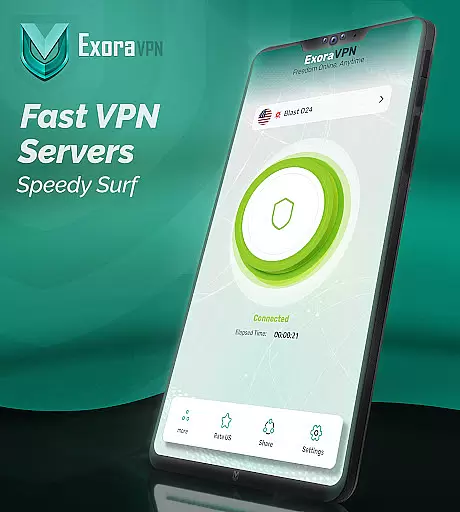





Exora VPN is a powerful virtual private network tool designed to provide users with secure, fast, and unrestricted internet access. The app ensures complete online privacy by encrypting user data and masking IP addresses, making it ideal for both casual browsing and advanced use cases like streaming or gaming.
With features such as automatic kill switch, custom DNS settings, and worldwide high-speed servers, Exora VPN offers seamless connectivity across different regions. Whether you're looking to bypass geo-restrictions, protect sensitive information, or simply browse privately, this app delivers an exceptional experience tailored to modern digital needs.
Exora VPN stands out with its robust feature set optimized for speed, security, and customization. It uses modern V2Ray technology to ensure low-latency connections, making it perfect for activities like HD video streaming and competitive gaming.
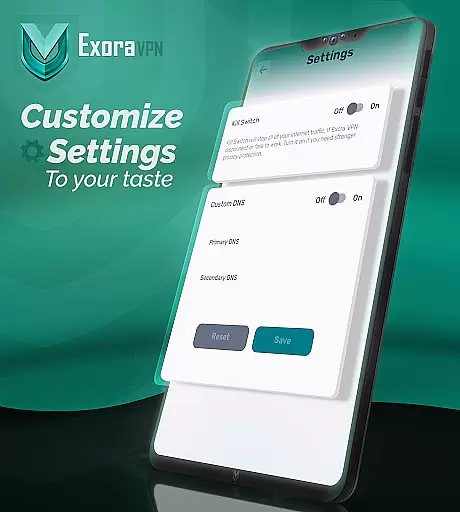
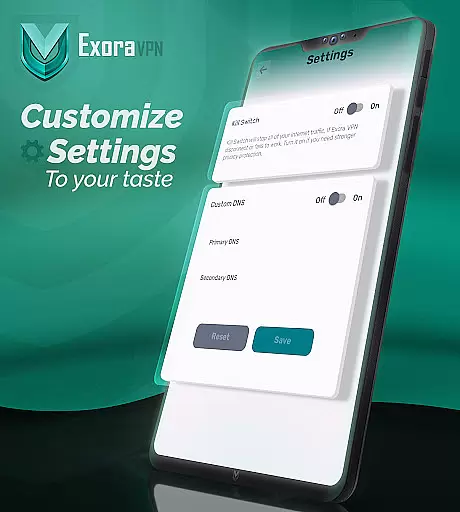
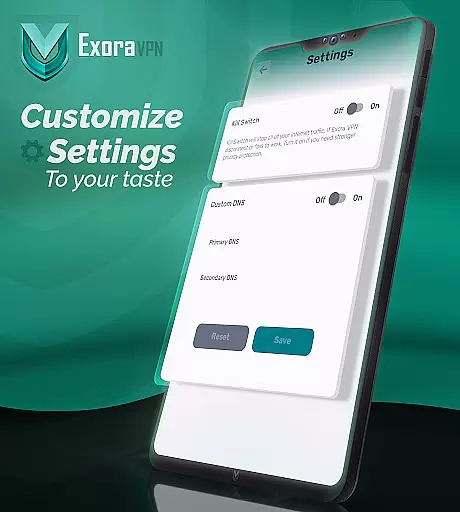
The app includes an automatic kill switch that immediately halts unsecured traffic if the connection drops, preventing any potential data leaks. Additionally, users can customize their DNS settings directly within the app, allowing for enhanced control over their browsing experience. With real-time connection stats and no-log policies, Exora VPN guarantees transparency and reliability while maintaining top-tier performance standards.
At the heart of Exora VPN lies its commitment to providing users with core functions that are both accurate and effective. This application leverages modern, secure V2Ray technology to ensure a seamless connection experience. With features like one-tap instant connection and automatic server selection, it simplifies the process of securing your internet traffic without compromising on speed or reliability.
The app's dedication to precision is evident in its real-time connection stats and optimized servers for streaming and gaming. These capabilities guarantee that whether you're traveling, streaming content, or engaging in online games, you'll experience minimal latency and maximum throughput. The true effectiveness of Exora VPN is reflected in its ability to deliver on the promise of fast, unrestricted internet access across various use cases.
For users seeking privacy, Exora offers an automatic kill switch and custom DNS settings. These tools not only protect your data by blocking unsecured traffic but also allow for a personalized browsing experience. By focusing on these critical aspects, Exora VPN ensures that every user can enjoy a private, borderless browsing session with the assurance that their online activities remain confidential and their connection remains uninterrupted.
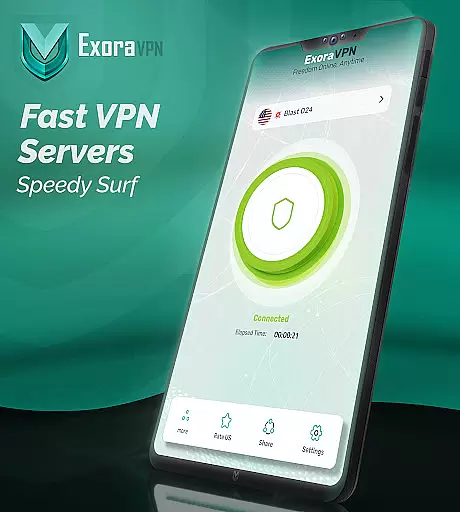
Exora VPN stands out for its interface simplicity and intuitiveness, making it accessible even to those who may not be tech-savvy. Upon launching the app, users are greeted with a clean, straightforward layout that emphasizes ease of use. The design philosophy revolves around minimizing complexity, allowing users to connect to a secure network with just one tap, thus eliminating any steep learning curve typically associated with VPN services.
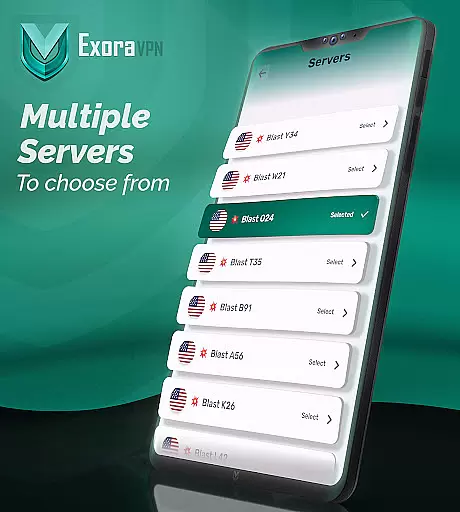
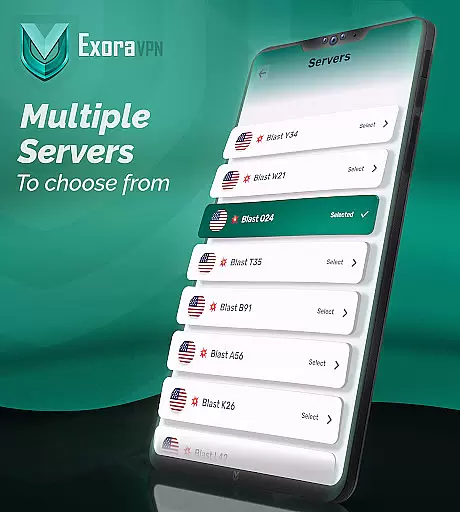
This intuitive approach extends to more advanced features such as custom DNS settings and server location selection. Rather than overwhelming users with technical jargon, Exora presents these options in a digestible manner that encourages exploration and customization according to individual preferences. Such thoughtful presentation empowers users to tweak their browsing experience without feeling intimidated by the underlying technology.
Moreover, Exora's commitment to simplicity does not come at the expense of functionality. Despite its streamlined interface, the app retains powerful capabilities like an automatic kill switch and worldwide high-speed servers. This balance between form and function ensures that while novices appreciate the straightforward setup, experienced users can still access robust tools for maintaining security and privacy online. Overall, Exora VPN delivers an interface that is as simple or as detailed as the user desires, catering to a broad audience seeking reliable digital protection.
Fast global servers
Automatic kill switch
No signup required
Zero-logs policy
Custom DNS support
Limited free tier
Occasional server load
Advanced settings only
Ads in free version
Regional restrictions

 4.50
4.50
Change your GPS location instantly. Simulate routes anywhere in the world.
4.90
Easily install aab(Android App Bundle) files on your Android device with our app
4.80
Quickly switch to an encrypted DNS server on Android TV
4.50
Head tracking for PC sim games such as MSFS 2024 or Elite:Dangerous. No headset!
4.50
Save any video in HD - paste the link, download fast and watch offline.
4.5
Making emulation easy for everyone!
4.30
The Ultimate Flex Drivers Utility App - Convenient Tapping & Block Filters
4.70
Introducing Smart Printer, your ultimate destination for printing solutions!
4.00
Support Fossify apps with a warm thank you!
5.00
WiFi Signal Strength Meter help you detect WiFi Signal Strength in real time.
4.80
Fast Video Downloader, Movie Downloader, Torrent Downloader & Adblock Browser
4.70
FV File Manager Pro, Fast and powerful file manager for Android
4.60
eXtended Permission Manager - a small app to manage permissions and AppOps
4.50
Screen Mirroring for Roku Sticks, Roku TCL TV and Roku Hisense TV
4.50
Forza Tuning Calculator App for Forza Horizon 5, Motorsport and Earlier Titles
4.40
An open-source APK explorer for Android!
4.10
A recovery soft,it features photo recovery, video recovery, file recovery.
3.40
card-reader app
2.20


User Reviews