
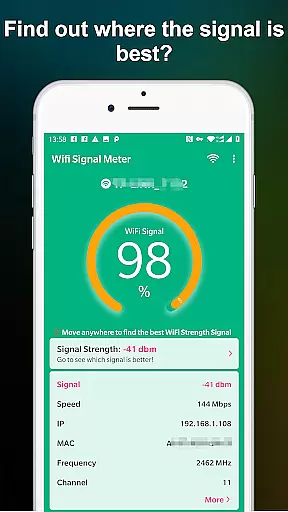
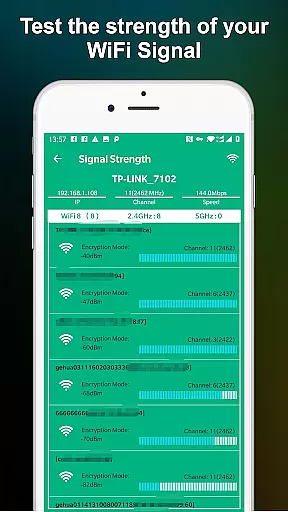
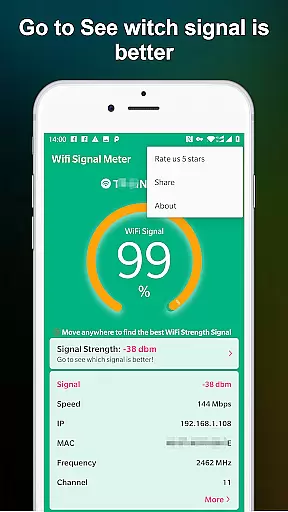
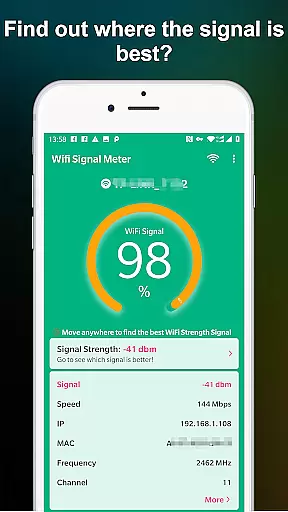
WiFi Signal Strength Meter Pro is a professional tool designed to help users optimize their WiFi network performance. The app's core functionality lies in its ability to identify the strongest WiFi signal areas, commonly known as sweet spots, within your environment. This capability proves particularly useful for both home and office settings where maintaining a stable internet connection is crucial.
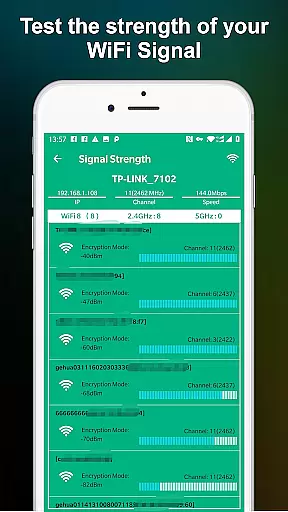
The application provides real-time monitoring of your current WiFi signal strength while also detecting surrounding networks. Its intuitive interface allows users to quickly assess their WiFi quality and determine the optimal placement for their devices. Whether you're troubleshooting connectivity issues or simply seeking to maximize your network's potential, this tool offers practical solutions to enhance your wireless experience.
This application stands out through its comprehensive set of features tailored for WiFi network analysis. The real-time signal strength monitoring system continuously updates as you move through your space, providing immediate feedback on network quality. This feature enables users to create detailed coverage maps of their environment, identifying both strong and weak signal areas with precision.
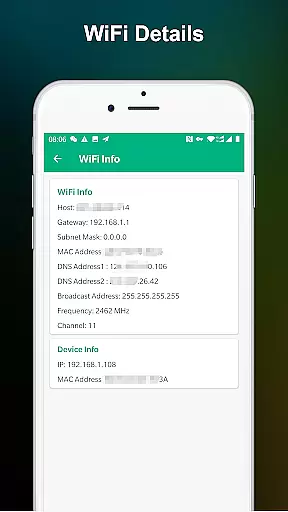
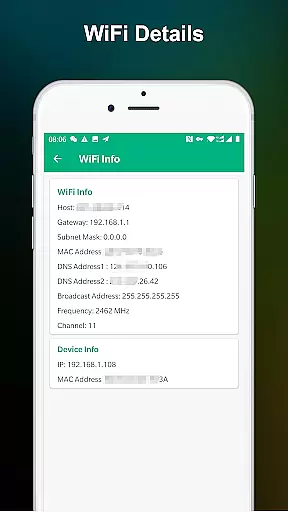
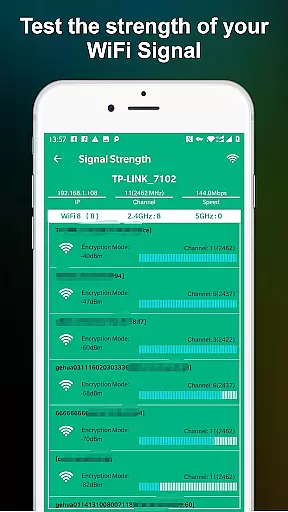
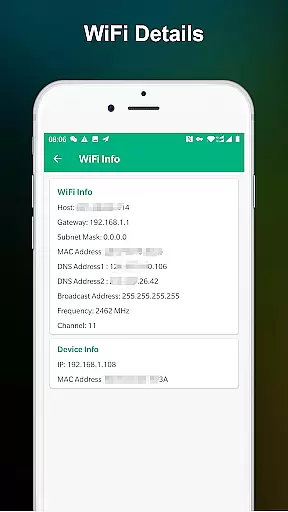
Additional functionalities include advanced network diagnostics that display technical details about connected WiFi networks. Users can access information about signal frequency, channel congestion, and other relevant metrics that impact connection quality. The app also maintains a historical record of signal strength, allowing users to track changes and identify patterns in their network's performance over time.
WiFi Signal Strength Meter Pro is designed to provide accurate and real-time monitoring of your WiFi signal strength. This functionality is crucial for users who want to optimize their network connection and avoid disconnection issues.
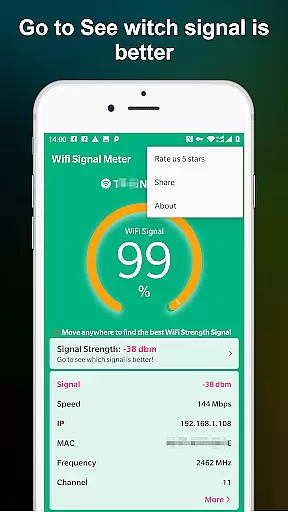
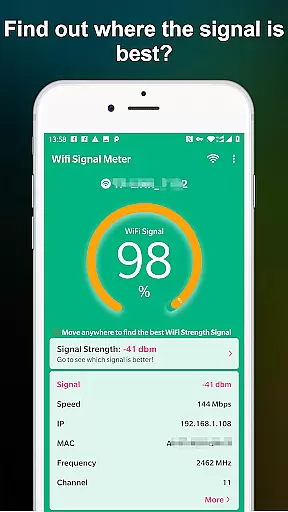
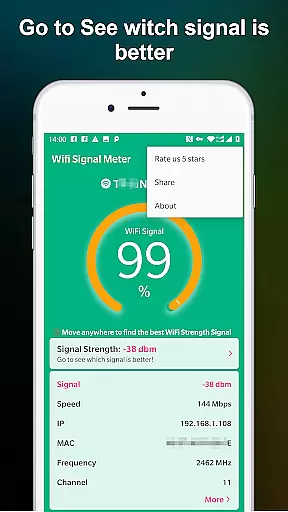
The app constantly updates the signal strength, allowing users to walk around their space and identify the best locations for a stable connection. By providing precise readings, it ensures that users can make informed decisions about their network setup.
With its intuitive interface, the app makes it easy to detect weak spots in your WiFi coverage. This allows users to adjust their router placement or identify areas that need network enhancement, ultimately improving their overall internet experience.
The user interface of WiFi Signal Strength Meter Pro is crafted to offer a straightforward and hassle-free experience. Simplicity is key, ensuring that even users with limited technical knowledge can navigate and utilize the app effectively.
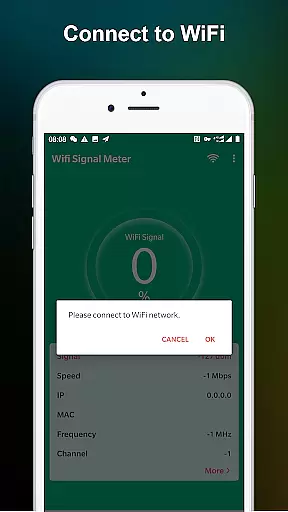
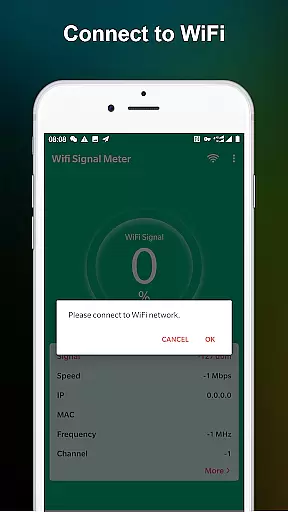
Upon opening the app, users are greeted with a clean display showing the current WiFi signal strength. The minimalistic design eliminates unnecessary clutter, focusing solely on delivering essential information in an easily digestible format.
This intuitive layout enables users to quickly check their WiFi strength and make immediate adjustments if needed. By prioritizing usability, WiFi Signal Strength Meter Pro ensures that all users can benefit from its core functionalities without any learning curve.
User-friendly interface
Real-time signal tracking
Comprehensive network data
Historical performance tracking
Professional-grade analysis
Premium version required
Limited free features
Technical knowledge needed
No automatic optimization
Occasional reading inaccuracies

Unit and currency converter with easy and simple UI.
 4.80
4.80
This app unlocks the Pro features of the Central for DayZ app
3.60
Clean the junk files on your device
3.40
Family Locator, Share location, StayConnect with your family in real time
3.90
Enjoy smooth gameplay with Game Booster
4.90
Powerful collection of electronics tools and reference.A must for any enthusiast
4.90
Pro Emulator is an easy to use game console emulator for a range of consoles.
4.40
Automate everything from settings to photos, SMS to speech. ADC2 prize winner.
4.10
Protect your device with antivirus, storage cleanup, and system monitoring
4.70
Remote Play with FSR upscaling, low latency & full controller support
4.80
NFC Tools can read and write NFC tags.
4.70
With videos, electrical calculators, and built-in ebook, Ugly’s has your answer.
4.50
Use your phone as a webcam on your computer over WiFi or USB.
4.40
Universal TV remote control all TVs, Roku, LG, Samsung, Fire, Vizio, Sony, TCL.
4.40
Making emulation easy for everyone!
4.30
Just one-tap to easy translate in any language after calls within seconds.
4.20 4.10
4.10
Detect hidden spy camera with advanced scanning {{ Premium version }}
4.00
A recovery soft,it features photo recovery, video recovery, file recovery.
3.40


User Reviews