

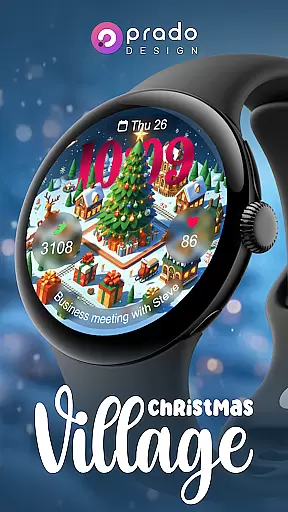
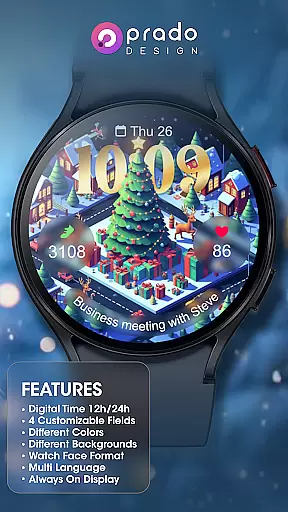

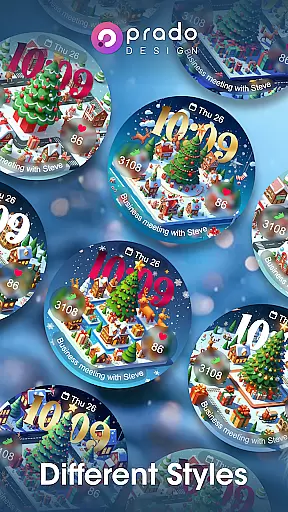

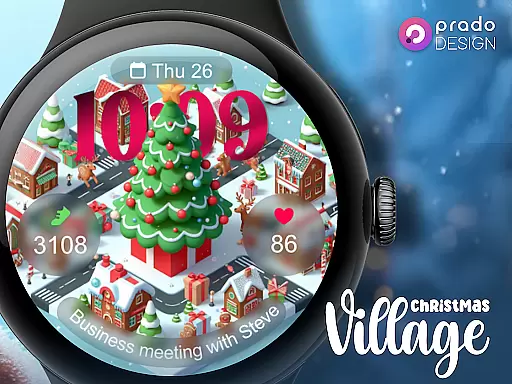
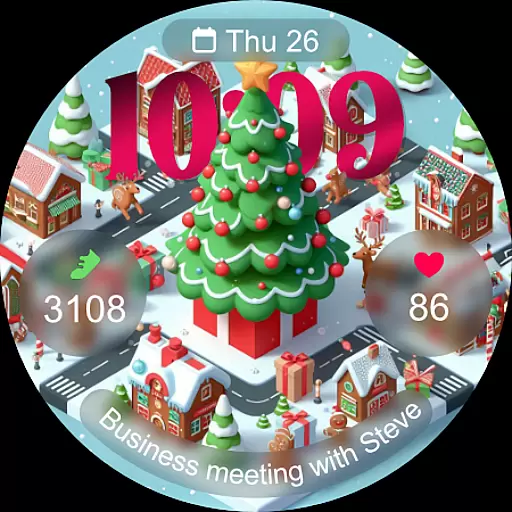
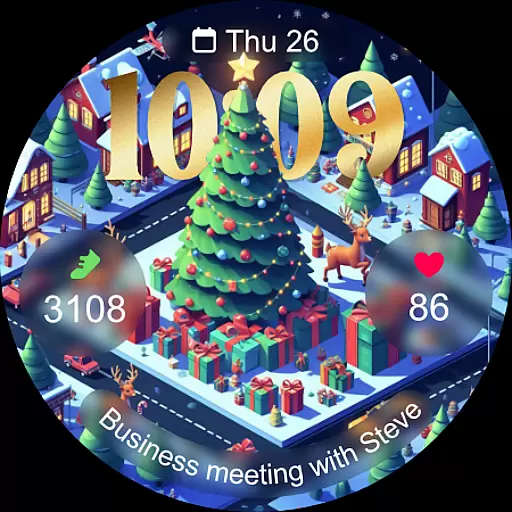
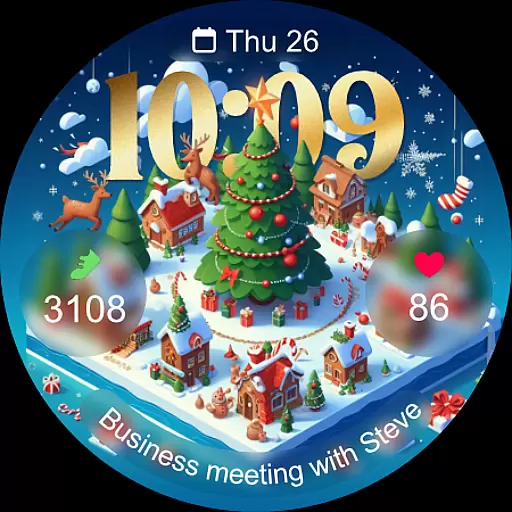
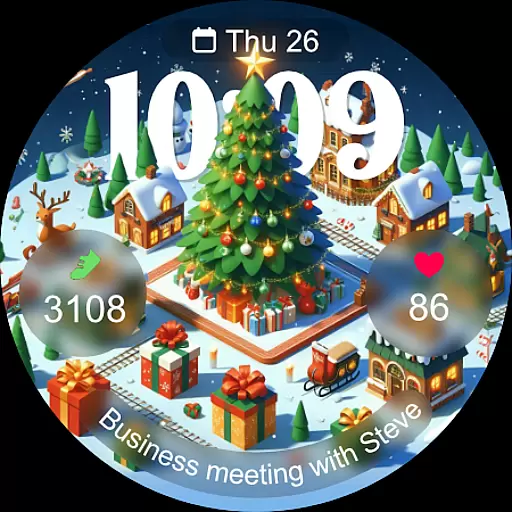
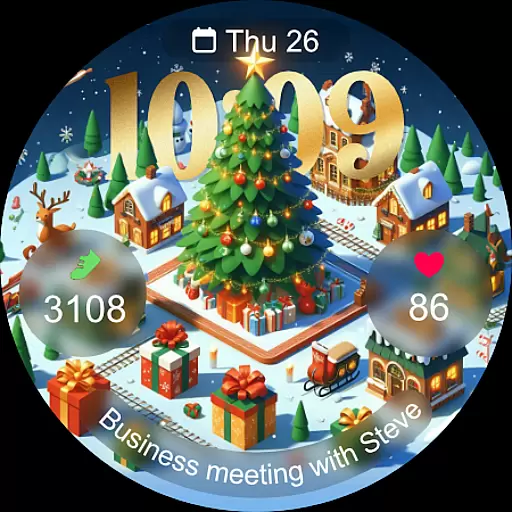
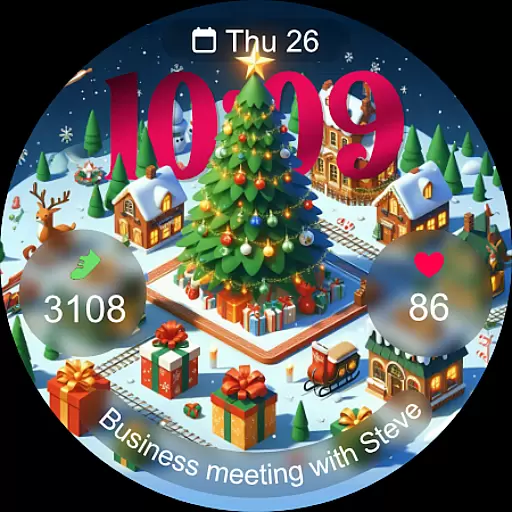
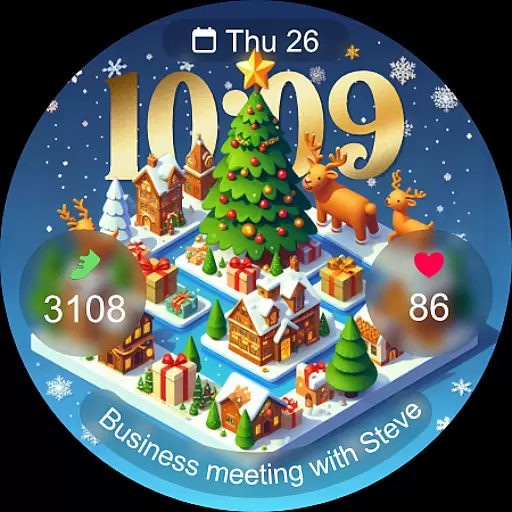
Christmas Village is a festive watch face app designed specifically for Wear OS devices, offering users a perfect way to celebrate the holiday season right on their smartwatch. The app provides a delightful Christmas-themed interface with customizable features that adapt to individual preferences.
Key functionalities include 12h/24h time display based on phone settings, four customizable fields, and support for different languages and colors. Users can enjoy unique characters and an always-on display feature. To ensure full functionality, users must manually enable sensor permissions and allow data complications.
This app is ideal for those looking to add a touch of holiday spirit to their wearable technology while maintaining practical utility through its customizable options and compatibility with various weather apps.
Christmas Village offers a rich set of features tailored for Wear OS users seeking a personalized and festive watch face experience. With support for both 12h and 24h formats based on user settings, it caters to diverse time-display preferences. The inclusion of four customizable fields allows users to tailor the watch face to their specific needs.
The app supports multiple languages, ensuring accessibility for a global audience. Its vibrant color options and unique character designs provide a visually engaging experience. Additionally, the always-on display feature ensures that users can view essential information at a glance without needing to interact with their device actively.
To enhance functionality, Christmas Village integrates seamlessly with popular weather apps like Weather Complications and SimpleWeather, allowing users to set up weather complications effortlessly. This integration requires enabling necessary permissions for sensors and data complications, ensuring a comprehensive and interactive user experience.
For Christmas Village, companion app integration is essential for maximizing the watch face's capabilities. This feature ensures that your Wear OS device can seamlessly connect with your smartphone to provide real-time updates and personalized settings.
The watch face supports weather complications, which require a companion app to set the location and fetch accurate data. Recommended apps include Weather Complications and SimpleWeather, both available on the Google Play Store. These integrations allow users to view current weather conditions directly on their watch face.
Additionally, the companion app integration enables users to customize various aspects of the watch face. With four customizable fields and different color options, users can tailor the appearance based on their preferences. The synchronization between the phone and the watch ensures that any changes made in the companion app are immediately reflected on the wearable device.
By enabling necessary permissions such as sensors and complication data, users can enjoy full functionality. This includes features like always-on display and multi-language support, making it versatile for different users worldwide. Companion app integration thus plays a crucial role in enhancing user experience by providing timely information and personalization options.
Christmas Village is specifically designed for Wear OS devices, ensuring optimal performance and compatibility. This exclusivity guarantees that users will experience the full range of features without encountering issues related to device mismatch.
One key aspect of its compatibility is the adherence to Wear OS standards, allowing smooth installation and operation across various models. Users need to ensure their devices meet these requirements to avoid seeing messages like 'Your devices are not compatible.' If such an issue arises, visiting the Play Store via a browser often resolves it by offering more detailed compatibility information.
The watch face leverages Wear OS functionalities to deliver an engaging user interface. Features such as 12h/24h time formats based on phone settings, customizable fields, and always-on display are fully supported. These elements collectively enhance usability while maintaining aesthetic appeal.
Moreover, the design accommodates different characters and languages, catering to a global audience. By focusing solely on Wear OS, Christmas Village optimizes resource management and system interactions, resulting in a responsive and visually pleasing experience. Overall, its tailored compatibility ensures users enjoy a reliable and feature-rich smartwatch experience during the festive season.
User-friendly interface
Highly customizable
Festive design
Multi-language support
Always-on display
Limited to Wear OS
Requires manual setup
Compatibility issues
Premium cost
Dependent on third-party apps

Walking app for weight loss: walk & step tracker, pedometer, indoor treadmill
 4.60
4.60
Watch the sharpness of the sky on your wrist..
3.70
Highly customizable hybrid watch face for Wear OS, perfect for everyday use.
4.60
Christmas watch face. For Wear OS devices.
4.30
an Analog Watch Face for winter season with freeze winter background for Wear OS
4.1
Sleek, highly customizable watch face inspired by Galaxy Watch Circle Dashboard.
4.5
Hybrid Vibrant Health Watch Face for Wear OS
4.5
Fitbit is dedicated to helping people lead healthier, more active lives.
4.10
From periods to pregnancy & perimenopause, Flo helps you track it all. Try now.
4.70
A modern hybrid informative watch face for Wear OS designed by BALLOZI
4.80
Be an elegant and classy secret agent, with this carefully detailed watch face
4.70
Your second brain for organizing your life: to-do, calendar, reminder.
4.70
Nutrition, Macro tracker: Food, fitness & healthy diet tracking for weight loss
4.60
A white realistic classic analog watch face with many customization options.
4.40
Connect, create, and collaborate with Gmail, part of Google Workspace.
4.10
Get helpful reminders, take progress photos and find answers to your questions.
3.90
Wear Os Watch Face - Animated Snow Effect & Christmas Lights
4.2
Christmas and New Year - Themed Watchface
4.1
Christmas is near, let's count together the days left until Santa comes
4.2


User Reviews