
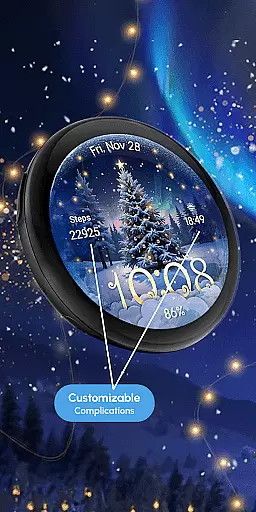
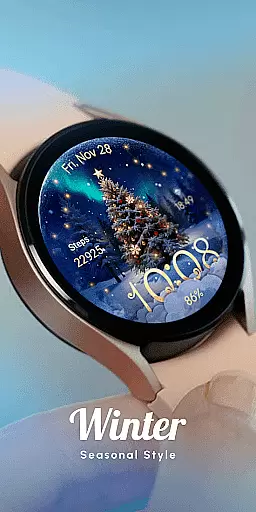
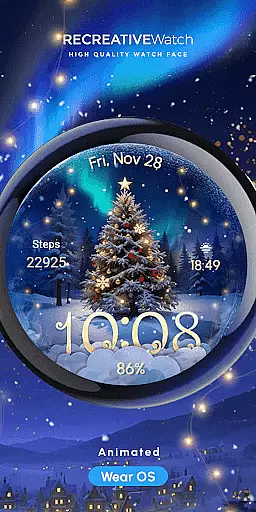
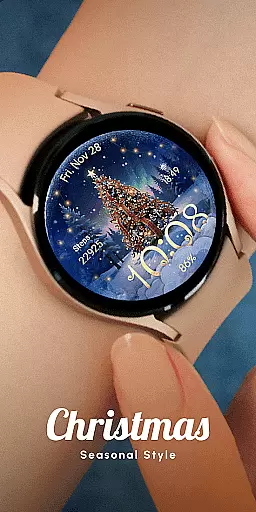
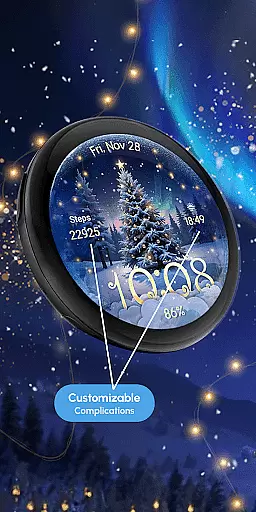
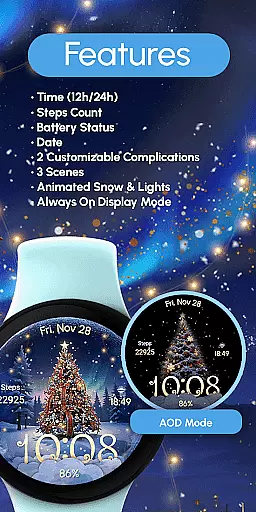
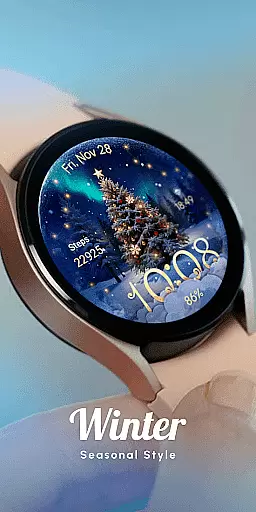
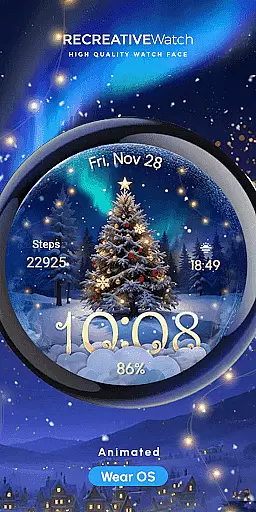
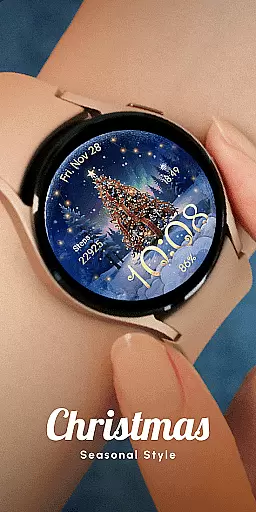
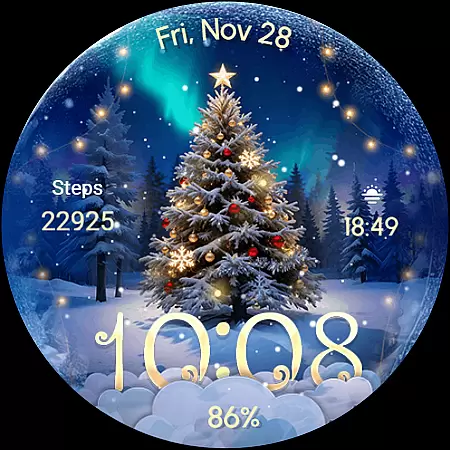
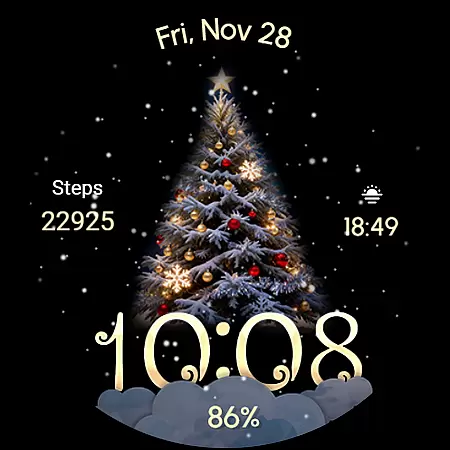
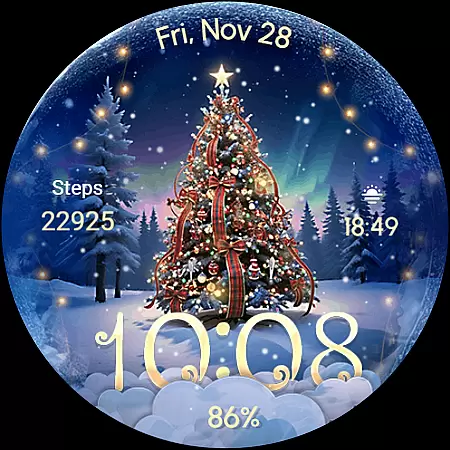
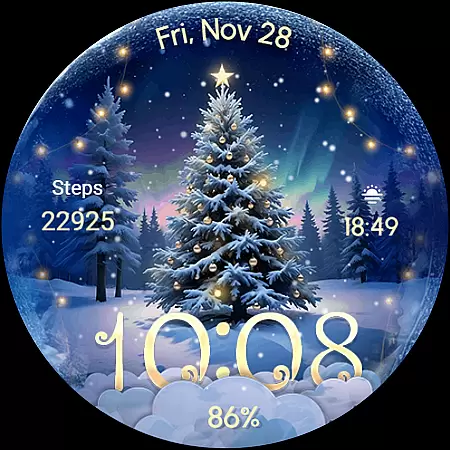
ReS71 - Northern Christmas is a captivating Wear OS watch face that brings the magic of the holiday season to your smartwatch. Featuring an enchanting Christmas tree at the North Pole, this app creates a festive atmosphere with animated holiday lights and a serene snow effect. Designed specifically for compatible Wear OS devices, it offers users a unique way to celebrate the season right on their wrists.
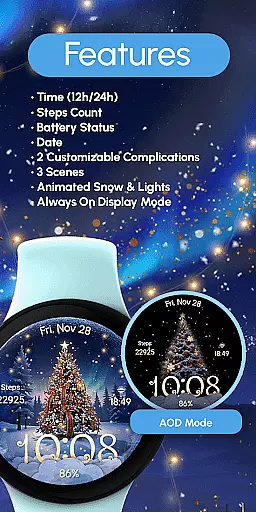
The watch face comes equipped with practical functionalities including 12/24hr digital time display, date, battery status, and two customizable complications. With three different scenes to choose from, users can personalize their experience while enjoying features like Always ON Display. This combination of aesthetic appeal and functional utility makes ReS71 - Northern Christmas a must-have seasonal accessory for your smartwatch.
ReS71 - Northern Christmas stands out with its rich feature set designed to enhance both form and function. The app includes essential elements such as digital time in 12/24hr format, current date display, and battery level indicator. These practical features ensure users stay informed while enjoying the festive visuals.
Customization is at the heart of this watch face, offering two programmable complications and three distinct scenes to choose from. Users can personalize their display by setting any data they prefer through simple touch commands. The inclusion of animated snow and lights, along with Always ON Display capability, creates an immersive holiday experience. For optimal performance, users are advised to manage battery settings carefully, particularly when using power-intensive features.
Companion app integration is essential for Wear OS applications as it enhances the overall user experience by enabling seamless interaction between the smartwatch and a paired smartphone. For ReS71 - Northern Christmas, this means users can easily customize watch face features through their phone.
This application allows users to adjust settings such as complications and scenes directly from their smartphone. This not only simplifies the customization process but also ensures that all preferences are synchronized across devices without any additional effort from the user.
By integrating with a companion app, ReS71 offers an intuitive interface where users can effortlessly personalize their watch face. Whether it's changing the time format or toggling the always-on display, these adjustments ensure that each useru2019s watch face truly reflects their personal style while maintaining optimal functionality.
Ensuring broad device compatibility is crucial for Wear OS applications like ReS71 - Northern Christmas. This watch face supports API level 33+ devices including Google Pixel, Galaxy Watch series, and other Wear OS models, making it accessible to a wide audience of smartwatch users.
The compatibility extends beyond just being installable; it guarantees an optimized experience on supported devices. Users with different models can enjoy consistent performance whether they have a Galaxy Watch 4 or a newer model, thanks to thorough testing and optimization efforts by the developers.
Moreover, offering extensive device support increases the potential user base significantly. By ensuring that ReS71 functions smoothly across various platforms, it caters to diverse user needs and preferences, enhancing satisfaction and engagement levels among its community of festive-themed watch enthusiasts.
Beautiful holiday theme
Animated effects
Customizable display
Battery indicator
Always ON support
Limited device support
Battery intensive
Seasonal only
Complex setup
Few complications

Gym Log & Workout Tracker | Fitness Journal, Training & Weight Lifting Planner
 4.90
4.90
Christmas and New Year - Themed Watchface
4.5
Christmas is near, let's count together the days left until Santa comes
4.3
Beautiful artistic animated digital watch face, with a customizable layout!
4.40
Fitness interactive virtual pet super fighter boy watch face
4.1
Find EV charging stations
4.30
Reliable phone calls with spam protection, caller ID and more helpful features
4.40
Stylish, Energizing and Modern Watch Face crafted by Dominus Mathias.
4.50
Retro digital watch face with customizable colors and a unique lighting effect
4.60
To-Do List: daily schedule planner, task organizer, to do reminder app, calendar
4.60
Deck out your Wear OS Watch face with a beautifully decorated pine wreath!
4.50
Fast and smart typing with Emojis, GIFs, and more
4.50
Current temperature, weather hourly, weather radar by the weather forecast app
4.40
Bold weather Digital watchface with forecast & optional animated background
4.40
Snowflake Rose Gold Watch Face - Digital, modern, & sleek with GYRO effect.
4.10
A full-featured Amazon Alexa voice assistant that can show you things.
3.70
Wear Os Watch Face - Animated Snow - Sesonal for Christmas & Winter
4.2
Funny animated watch face for Thanksgiving
4.0
Hybrid Vibrant Health Watch Face for Wear OS
4.4


User Reviews