

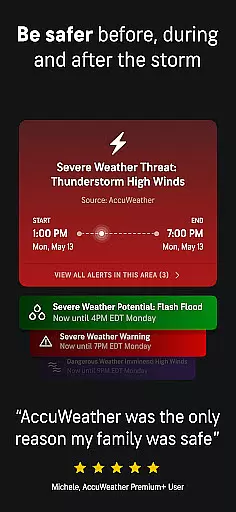
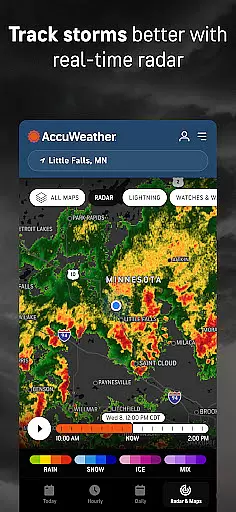
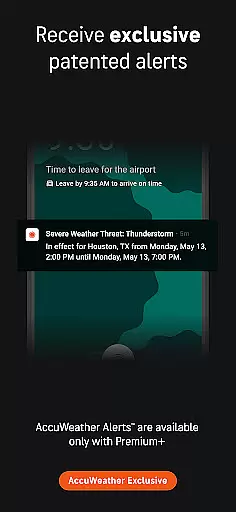
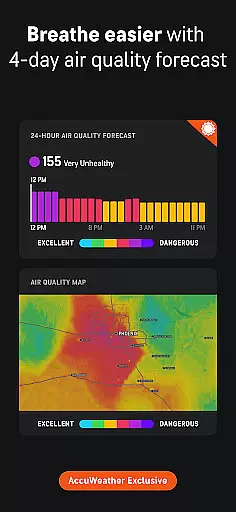
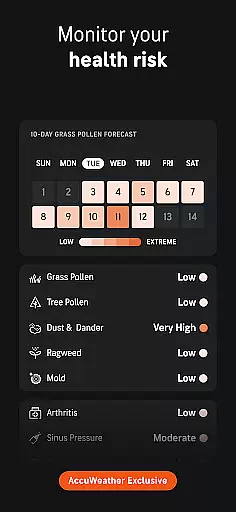
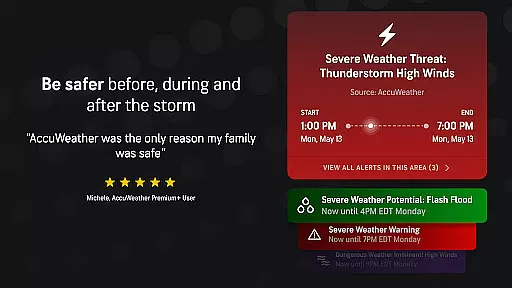
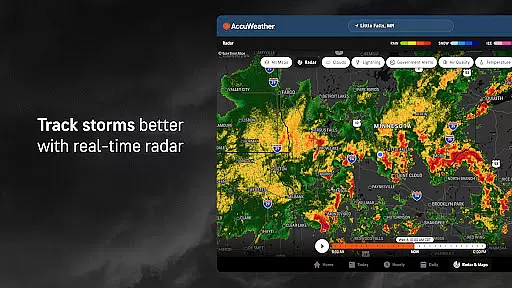
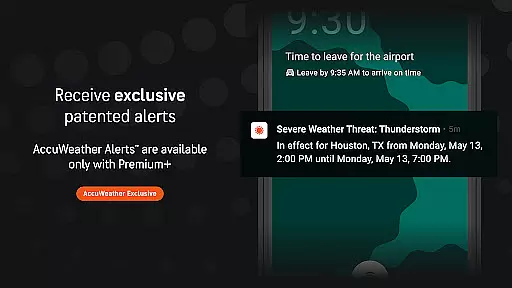
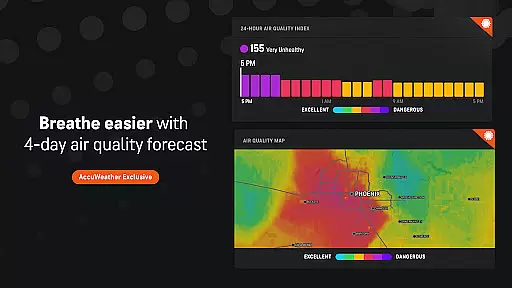
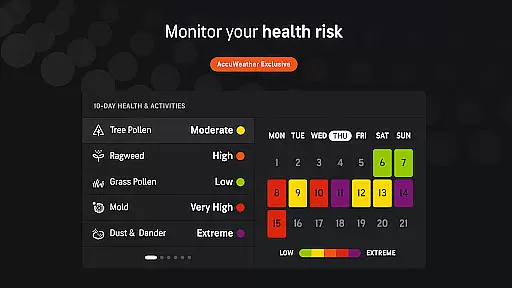
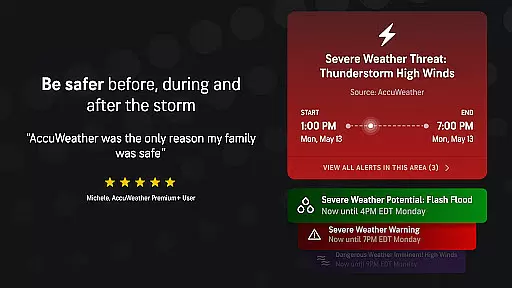
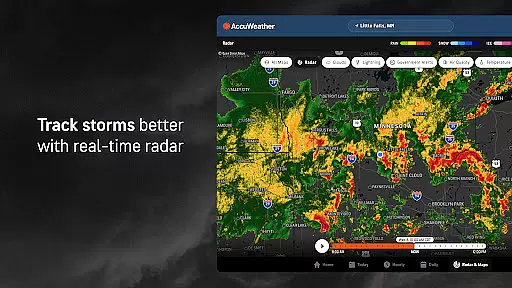
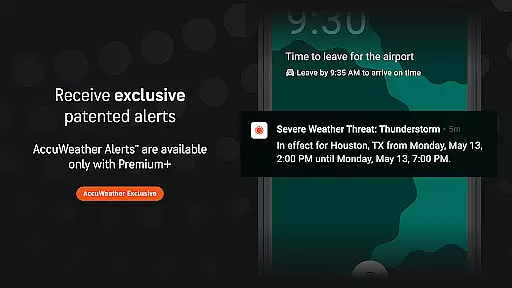
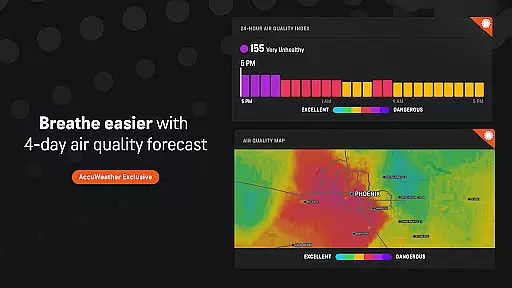
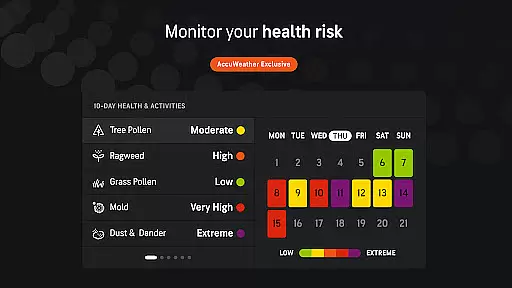
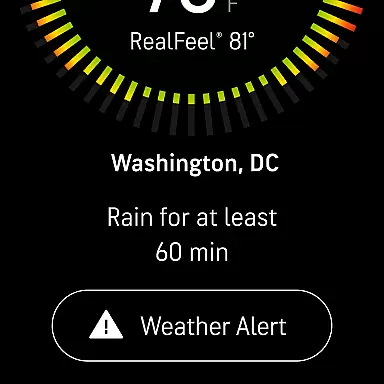
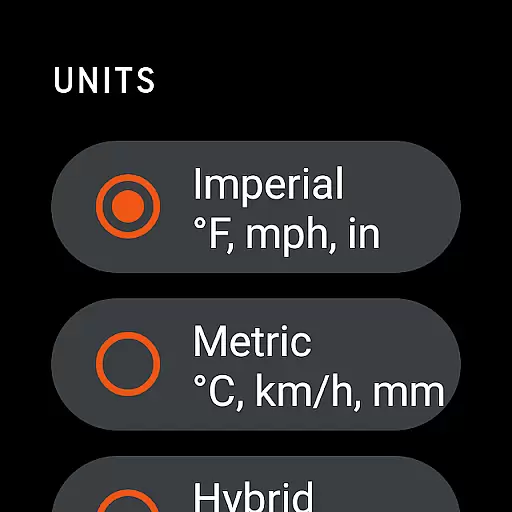
AccuWeather is the most trusted weather app, providing real-time weather alerts and hyperlocal updates with Superior Accuracy™. It helps users make informed decisions by offering detailed forecasts for any location, including severe weather tracking and animated radar. The app is especially useful for those who need precise weather information to plan their day or stay safe during extreme conditions.
With features like MinuteCast®, RealFeel® Temperature, and exclusive snow prediction tools, AccuWeather stands out as a comprehensive weather solution. Whether you're monitoring hurricanes, tracking lightning proximity, or planning outdoor activities, this app provides advanced notice and clear details that other sources lack.
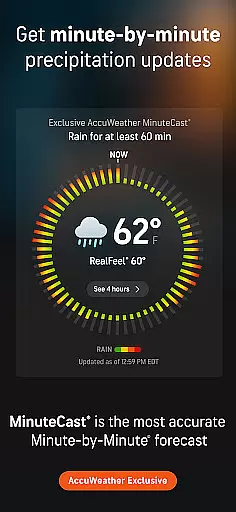
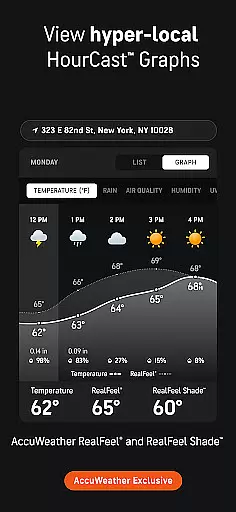
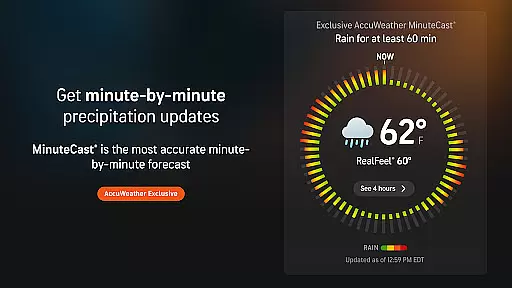
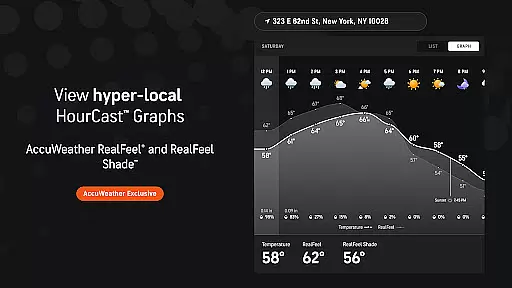
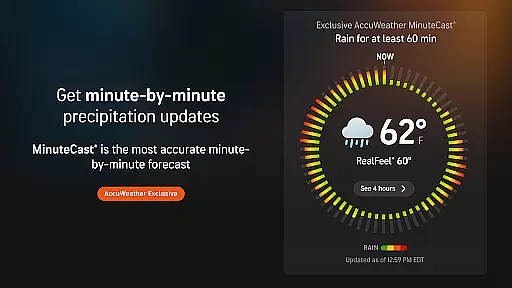
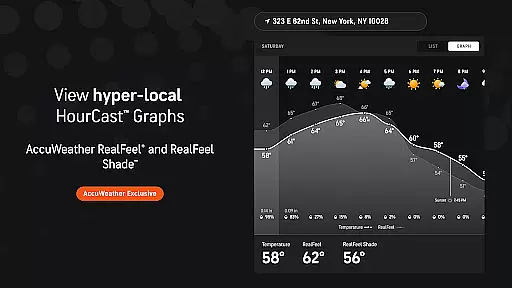
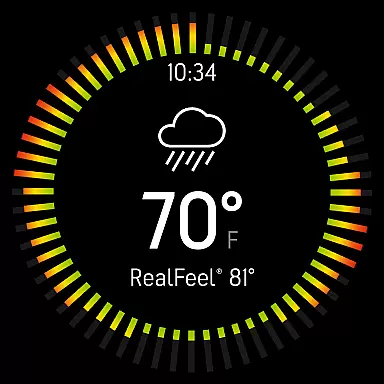
AccuWeather offers an array of innovative features designed to deliver accurate and actionable weather data. Its exclusive MinuteCast® provides hyperlocal precipitation forecasts for the next four hours, pinpointed to your exact location. The app also includes RealFeel® Temperature, which considers multiple factors such as wind, humidity, and sunshine intensity to give a true sense of how the temperature feels.
Other standout features include the AccuWeather Lightning Network™ for real-time storm tracking, WinterCast® for detailed snow predictions, and the AccuLumen Brightness Index™ to help plan outdoor activities. These tools ensure users are better prepared for weather changes while enjoying enhanced convenience through customizable alerts and extended forecasts.
Companion app integration is essential for wearable devices as it ensures seamless synchronization between the main application and its wearable counterpart. AccuWeather excels in this area by providing consistent weather updates across all connected devices.
The app's integration capabilities allow users to receive real-time weather alerts, hyperlocal updates, and detailed forecasts on their Wear OS devices. This means you can stay informed about changing weather conditions without needing to check your phone constantly.
AccuWeather's companion app functionality extends to providing MinuteCastu00ae updates, severe weather notifications, and even the AccuWeather RealFeelu00ae Temperature on your smartwatch. These features ensure that whether you're commuting, exercising, or traveling, critical weather information is always accessible.
By maintaining feature parity between mobile and wearable platforms, AccuWeather delivers a unified user experience that enhances convenience and safety. The ability to access accurate weather data on your wrist device demonstrates the app's commitment to superior usability and comprehensive weather coverage.
Device compatibility is crucial for apps designed for wearable technology. AccuWeather has been optimized to work seamlessly with Wear OS, ensuring that users can access reliable weather information regardless of their specific device model.
The app supports a wide range of Wear OS devices, from smartwatches to other compatible wearables. This broad compatibility means that whether you own a newer model or an older version, you can still benefit from AccuWeather's Superior Accuracyu2122 and detailed weather forecasts.
AccuWeather's optimization for Wear OS includes thoughtful design considerations such as glanceable weather widgets, voice command support, and intuitive navigation tailored for smaller screens. These features make checking the weather quick and effortless.
Furthermore, regular updates and maintenance ensure that AccuWeather remains compatible with the latest Wear OS versions and devices. This commitment to compatibility guarantees that users will continue to receive accurate weather information without technical limitations or performance issues.
Superior Accuracy™
Real-time Alerts
Hyperlocal Forecasts
Advanced Storm Tracking
User-friendly Interface
Premium Subscription Required
Ad-heavy Free Version
Limited Offline Functionality
Occasional Data Delays
Complex Navigation

an Analog Watch Face for winter season with freeze winter background for Wear OS
 4.2
4.2
MyNISSAN® lets you remotely control your car from your phone.*
4.50
Beautiful artistic animated digital watch face, with a customizable layout!
4.40
A watch face that fuses motorsport precision with contemporary smartwatch design
4.1
Easy Voice Recorder is your everyday companion to record important moments.
4.70
Artistic Digital Watchface
4.4
3 Complications. All shadow on/off. 30 Themes color palette...
4.2
Locate your family members by GPS phone location tracker everywhere and anytime
4.30
The #1 source of faces for your smartwatch!
4.00
Gym Log & Workout Tracker | Fitness Journal, Training & Weight Lifting Planner
4.90
Real-time weather radar with temperatures, warnings, hurricanes, and widgets
4.80
Your second brain for organizing your life: to-do, calendar, reminder.
4.70
Connect to your Bluelink equipped Hyundai vehicle from your smartphone.
4.50
A white realistic classic analog watch face with many customization options.
4.40
Elegant animated Christmas tree with multiple customization options
4.20
Connect, create, and collaborate with Gmail, part of Google Workspace.
4.10
Structured watch face with seven complications and modular UI elements
3.90
A Wintery Snow Globe on Your Wrist; now celebrating Christmas!
4.2
Hybrid Vibrant Health Watch Face for Wear OS
4.0


User Reviews