
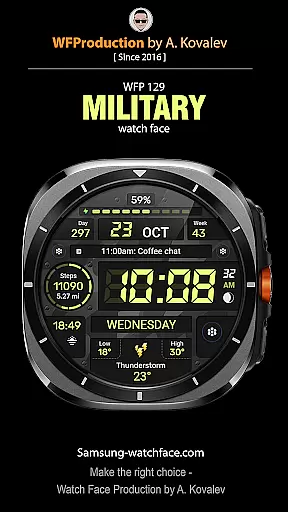
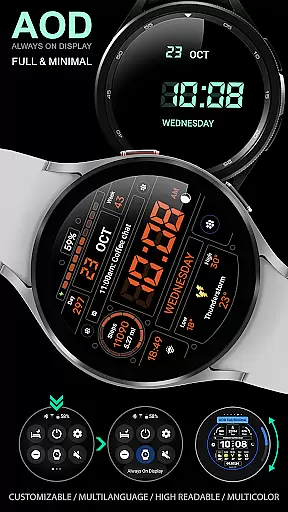
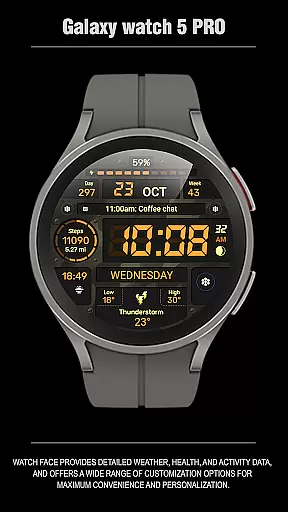
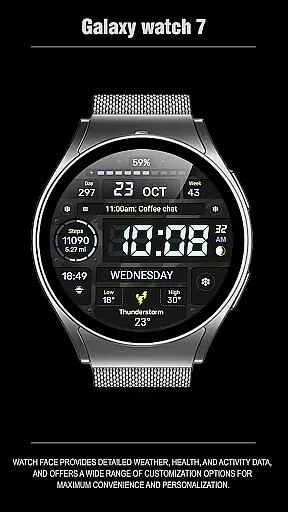
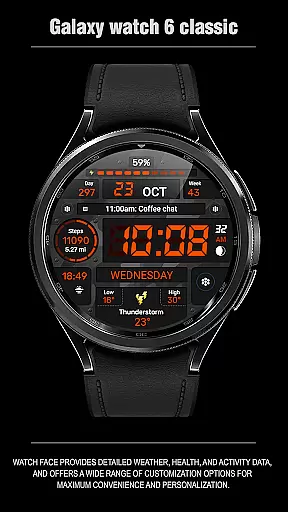
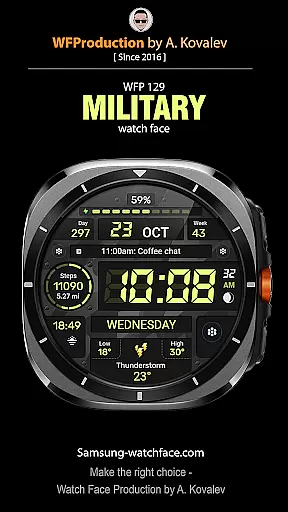
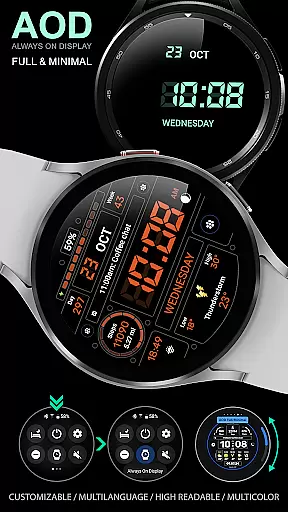
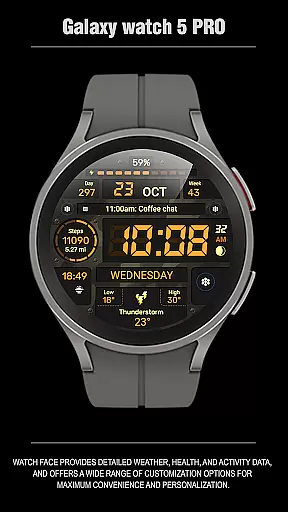
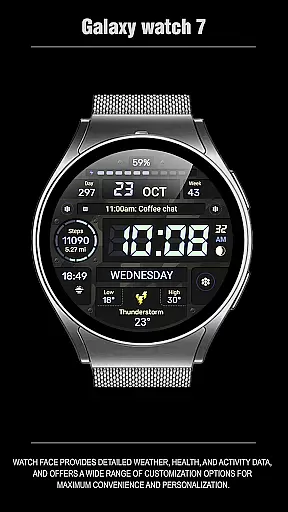
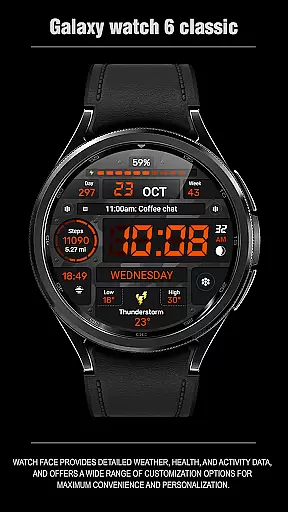
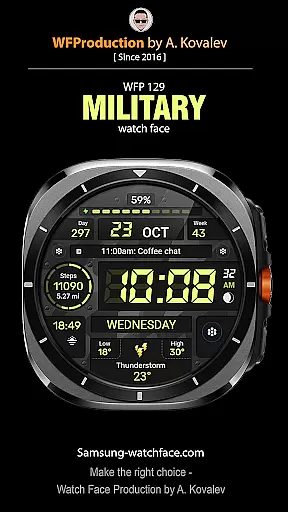
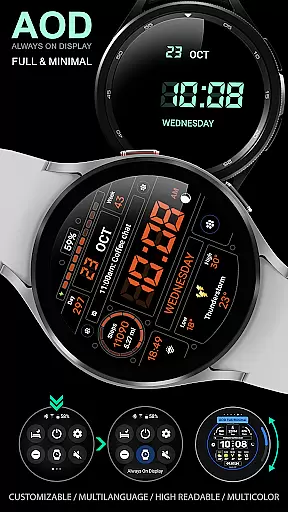
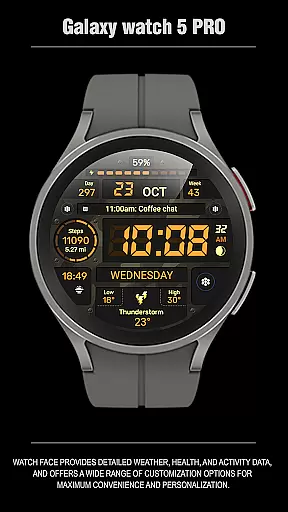
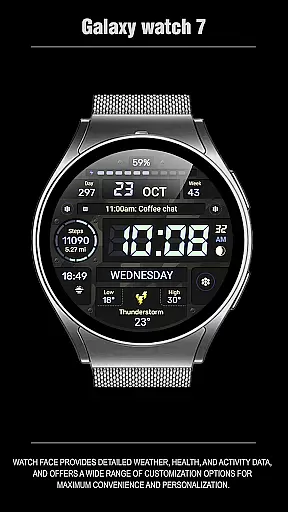
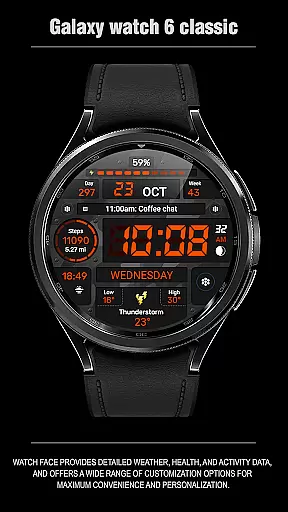
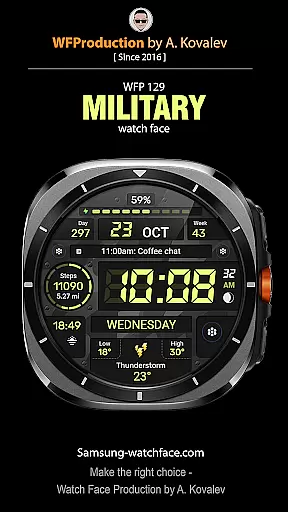
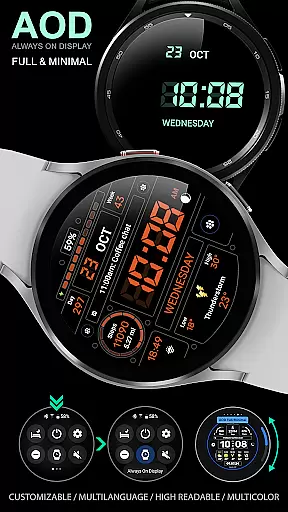
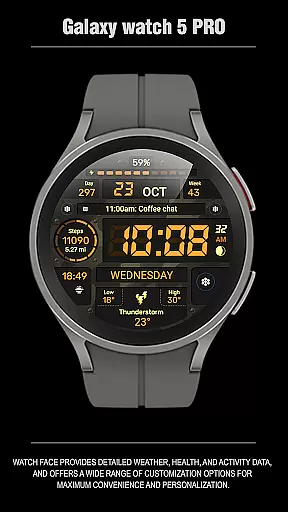
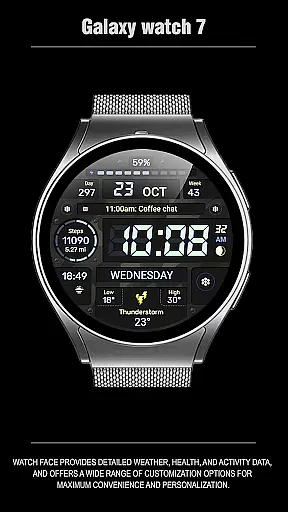
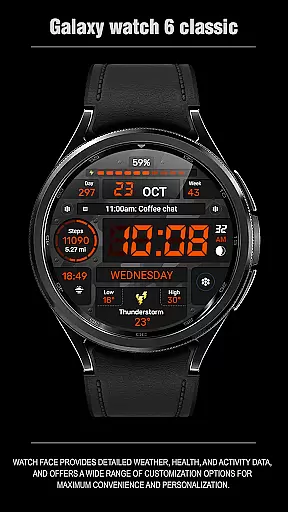
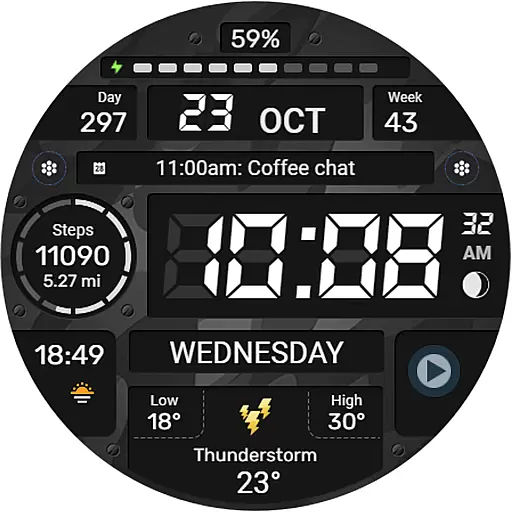
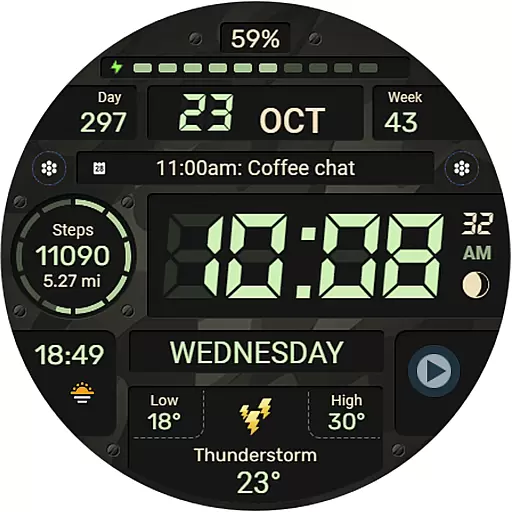
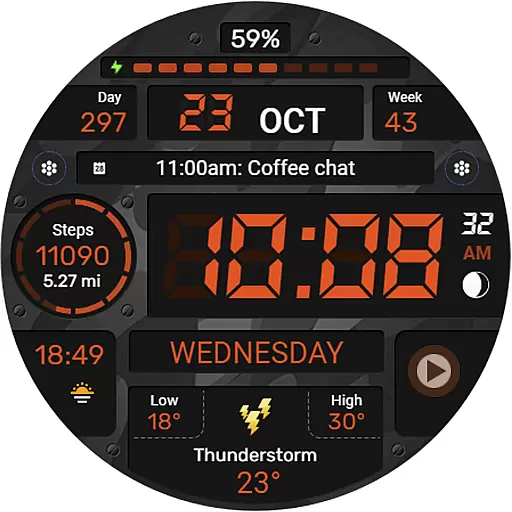
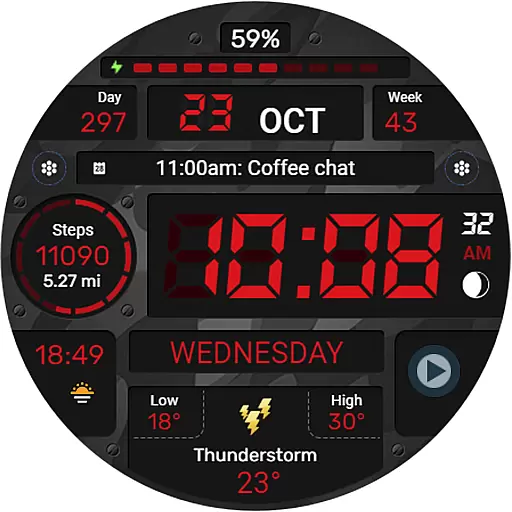
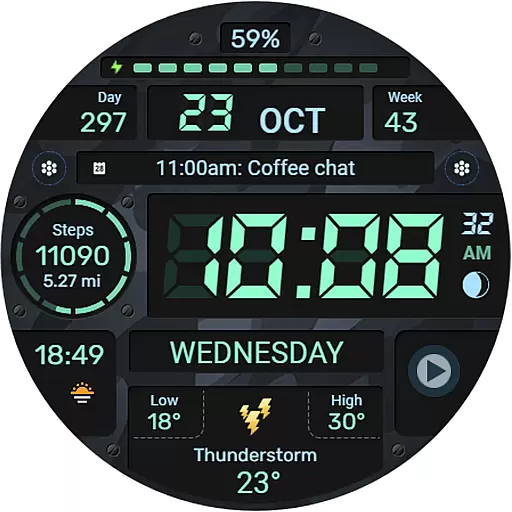
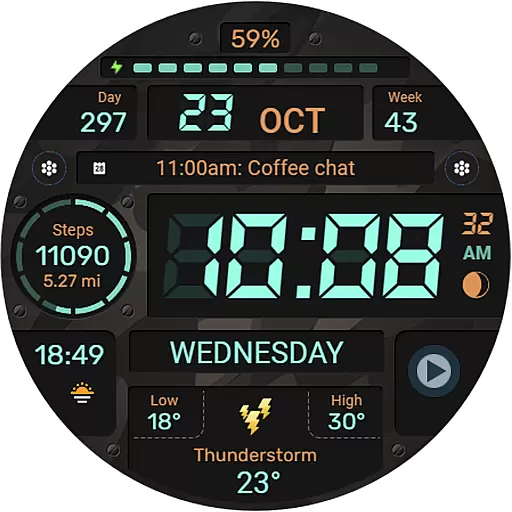
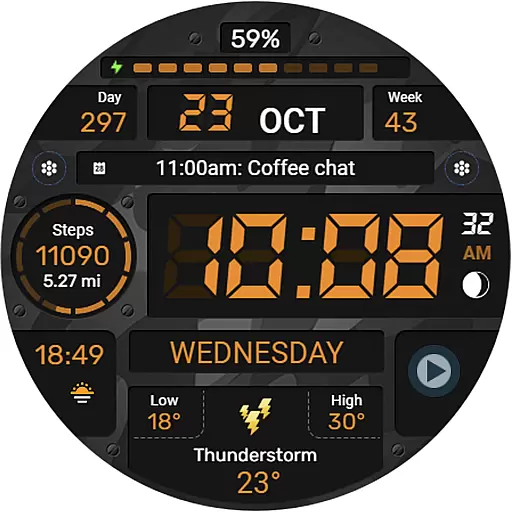
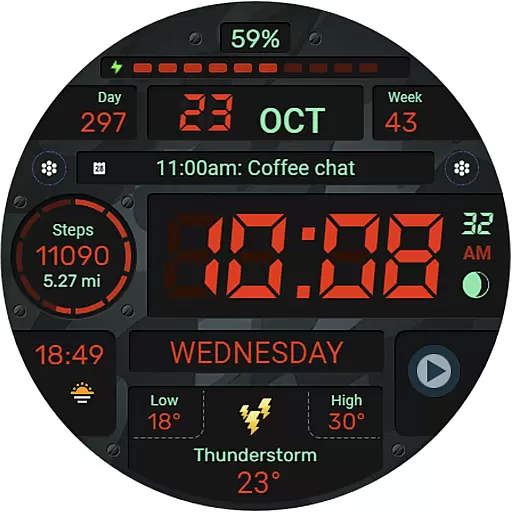
WFP 129 Military watch face is a versatile and customizable digital watch face designed for devices running WearOS 4 with API Level 30+. This application offers users the ability to personalize their smartwatch experience through a variety of features including complications, widgets, and color combinations. Whether you're tracking your fitness goals or simply want a sleek, military-inspired design, this watch face caters to both functionality and style.
The app supports advanced customization options such as multilingual settings, 12/24 hour time formats, weather display in Fahrenheit or Celsius, and an Always-On Display (AOD) mode that can be tailored to show full or minimal information. With high resolution graphics, optimal performance, and low battery consumption, WFP 129 ensures a seamless user experience while maintaining efficiency.
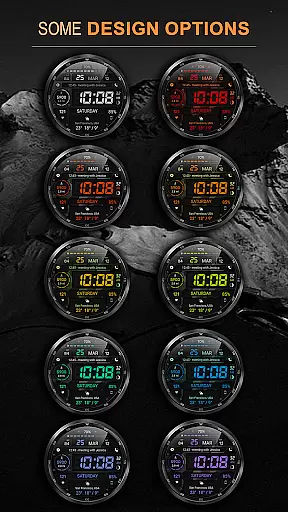
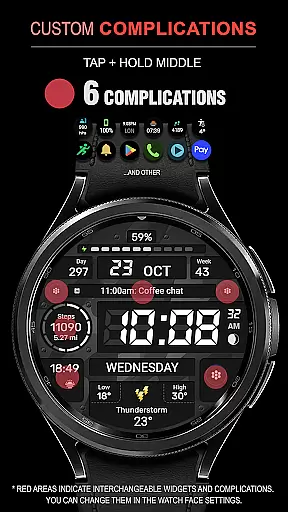
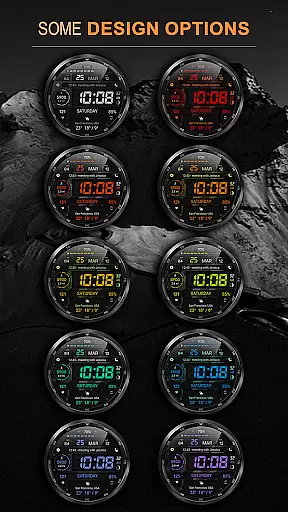
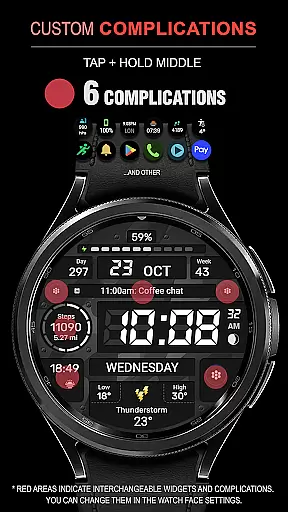
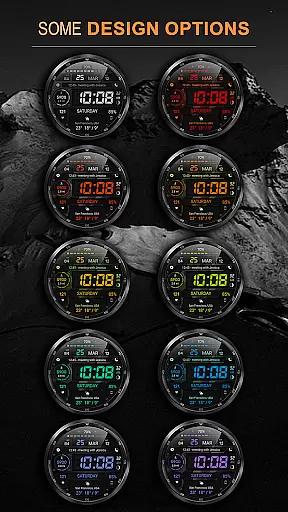
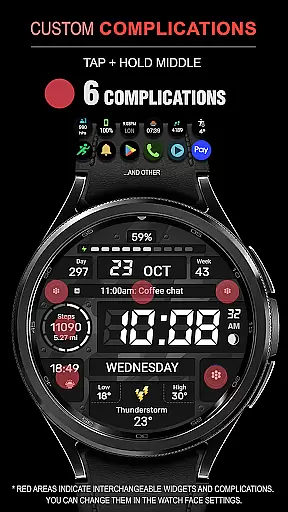
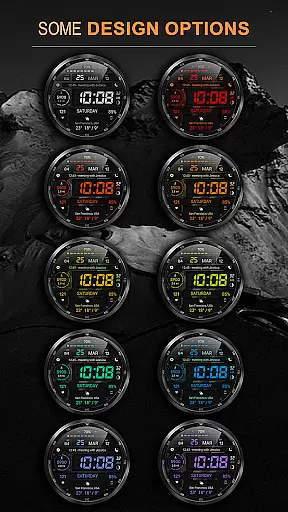
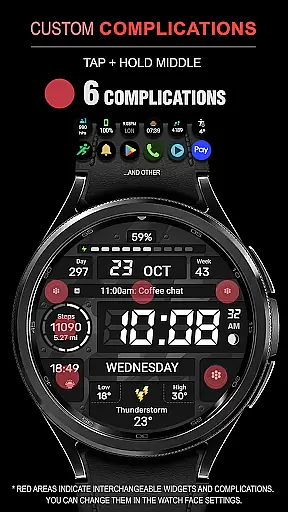
One of the standout aspects of WFP 129 Military watch face is its extensive feature set which includes six different complications and widgets, allowing users to access important information at a glance. The watch face also provides thirty unique background color combinations, catering to individual preferences and ensuring a personalized look. Users can choose between displaying distance in kilometers or miles, making it adaptable for international use.
Additional notable features include support for both 12-hour and 24-hour time formats without leading zeros, highly optimized performance for smooth operation, and minimal battery drain even with multiple active widgets. Furthermore, the inclusion of weather updates in either Fahrenheit or Celsius adds practical utility. Customizable AOD modes offer flexibility by letting users decide whether they want full details or just essential information when their watch is in AOD mode.
For a smartwatch application like WFP 129 Military watch face, seamless companion app integration is crucial for an optimal user experience. This functionality ensures that the watch face can sync efficiently with its paired mobile application, allowing users to customize settings and receive updates directly on their wearable device.
The WFP 129 supports devices with WearOS 4, API Level 30+, which indicates its compatibility with the latest technology standards. Users can follow detailed installation instructions available at samsung-watchface.com/instructions to ensure proper setup. The synchronization between the watch face and its companion app enables features such as phone charge widgets and health statistics like calories and floors climbed.
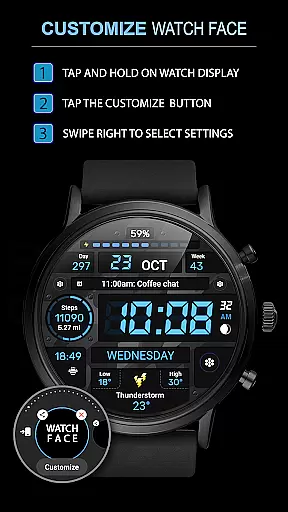
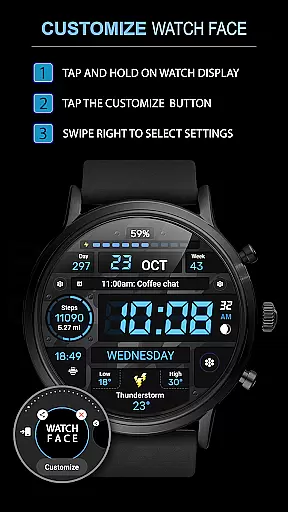
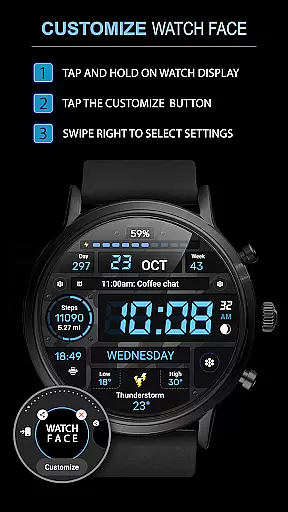
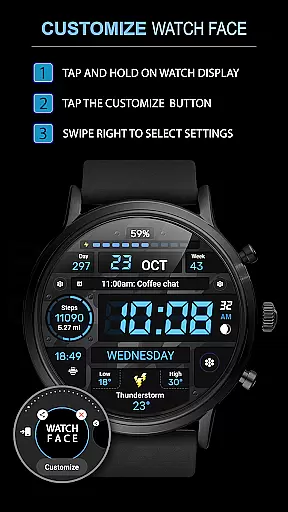
By integrating smoothly with its companion app, this watch face offers users the ability to tailor their experience through various customizations. Options include choosing from 30 background color combinations, toggling between Km/Miles for distance, and selecting Fahrenheit/Celsius for weather updates. Such personalization enhances user engagement and satisfaction.
Ultimately, effective companion app integration translates into reliable performance and access to advanced functionalities without compromising battery life. With high optimization and low battery consumption, users can enjoy a feature-rich experience while maintaining their device's longevity throughout the day.
Device compatibility is a pivotal aspect of any Wear OS application, ensuring it functions correctly across a range of supported devices. For the WFP 129 Military watch face, compatibility with WearOS 4 and API Level 30+ means that users with up-to-date smartwatches can take full advantage of its capabilities without concern for outdated software issues.
This digital watch face boasts high resolution and optimization, making it suitable for crisp, clear display on compatible devices. Its design accommodates various preferences, offering both 12/24 hour time formats and customizable Always-On Display (AOD) modes in full or minimal views. These features cater to diverse user needs while maintaining aesthetic appeal.
Moreover, multilingual support broadens the accessibility of this watch face, allowing international users to interact with it in their preferred language. Compatibility extends beyond mere operation; it encompasses seamless interaction with other apps and servicesu2014such as weather updates in Fahrenheit or Celsiusu2014which enriches the overall utility provided by the WFP 129.
With comprehensive guides available for installation and settings adjustments, users are empowered to configure their devices effectively. This ease of use combined with robust compatibility ensures that customers have a hassle-free experience when utilizing all aspects of this sophisticated Android Wear application.
Highly customizable
Low battery usage
Multilingual support
Optimized performance
Unique design options
Limited free features
Requires WearOS 4
No offline maps
Premium subscription needed
Complex setup process

Calming & relaxing sounds for sleeping and stress relief. Stay focused all day!
 4.20
4.20
WTW M17 is a premium and luxurious hybrid watch face
4.70
an Analog Watch Face for winter season with freeze winter background for Wear OS
4.5
A heartwarming Christmas scene featuring a cute image of Santa and Rudolf
4.4
Digital watch face with big numbers and many customization for Wear OS devices
4.40
Authentic military-tactical design with ZULU time! Realistic and functional!
3.80
Locate your family members by GPS phone location tracker everywhere and anytime
4.30
Funny animated watch face for Thanksgiving
4.5
Track airplanes and follow flights with our real-time flight tracker
4.50
Christmas - Festive - Christmas Village - Winter - Christmas lights
5.00
The most customizable minimal watch face. For Wear OS 5.0, API 34+ and later
4.70
Beautiful artistic animated digital watch face, with a customizable layout!
4.40
Christmas watch face. For Wear OS devices.
4.30
Find EV charging stations
4.30
Let's celebrate Thanksgiving - Wear Os watch face
4.20
Embrace the festive spirit with our Christmas Countdown watchface for Wear OS
4.10
sleep, alarm, snoring, stress, healing, focus, sound therapy, circadian rhythm
4.10
Christmas is near, let's count together the days left until Santa comes
4.1
Analog watch face with 8 complications and expedition styling
4.2


User Reviews