

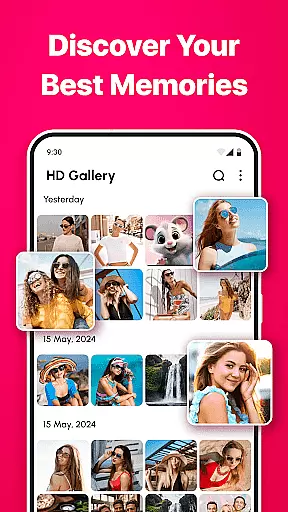
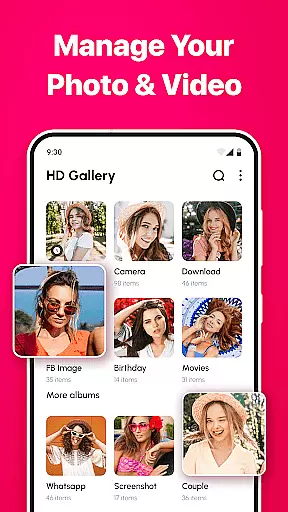
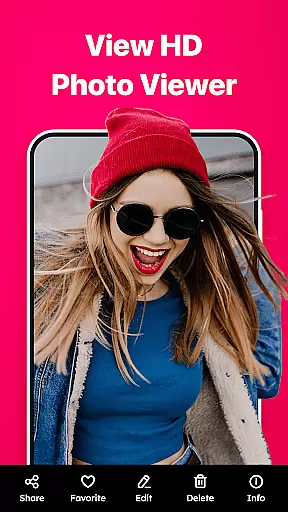

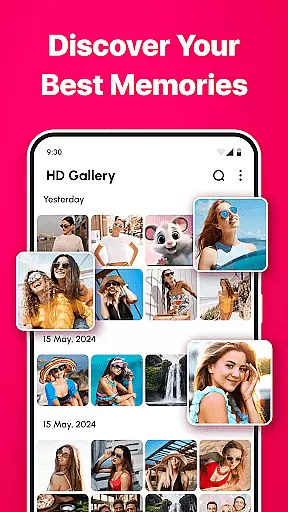
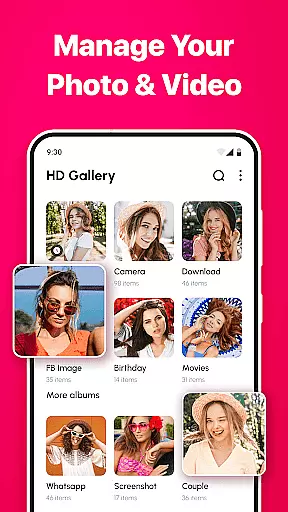
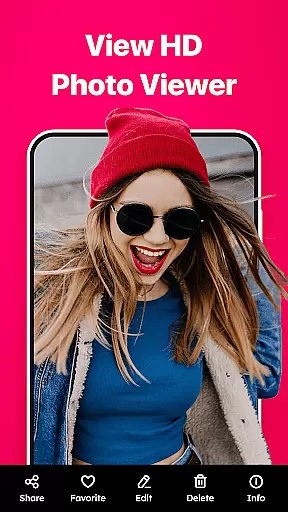
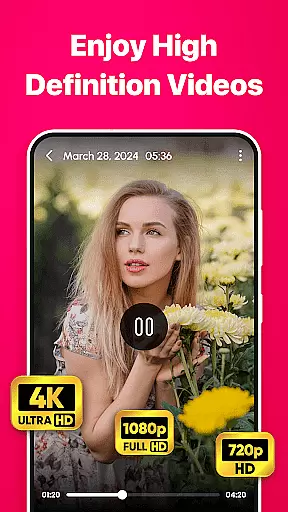

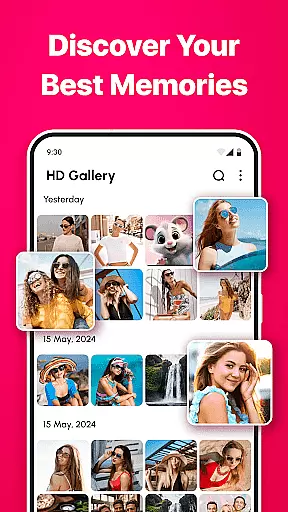
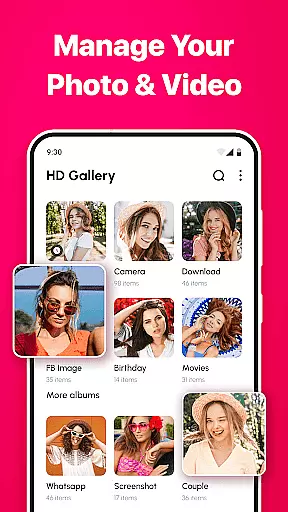
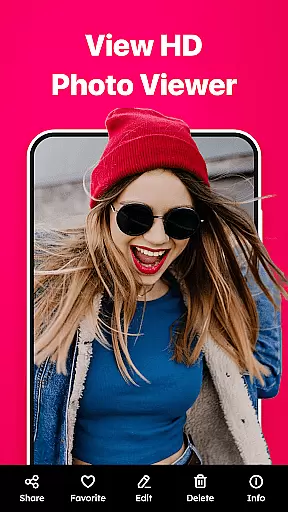

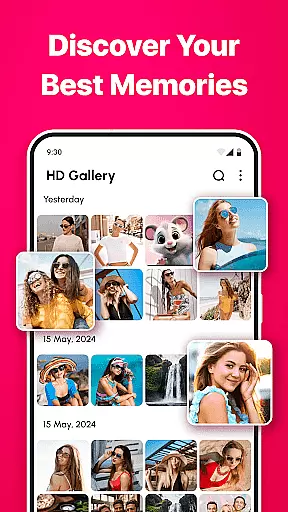
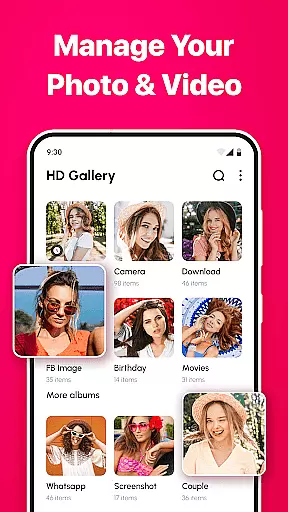
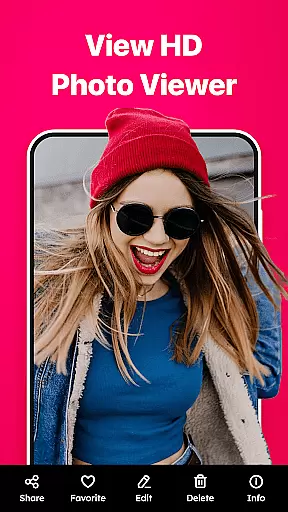
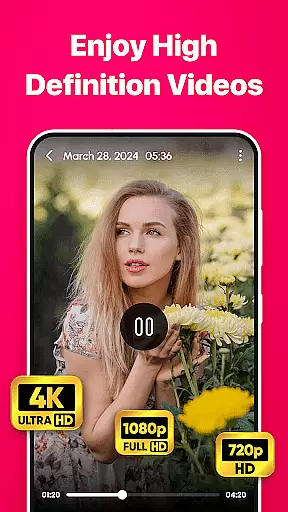
Gallery - photo gallery, album is a comprehensive photo and video management app designed to help users organize, view, and share their cherished moments with ease. The app offers an intuitive interface that supports seamless navigation through photos and videos, allowing users to swipe, edit, and zoom effortlessly.
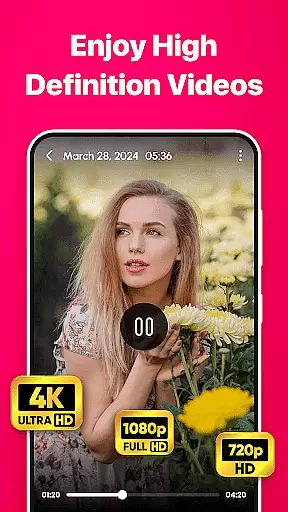
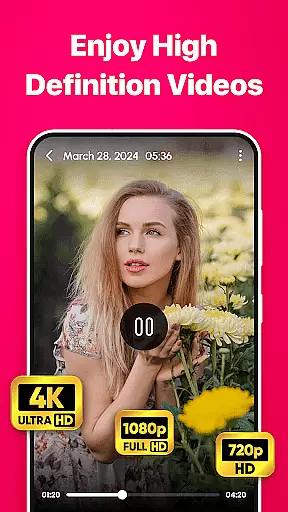
One of the standout features of Gallery is its support for a wide range of file formats including JPEG, PNG, GIF, and RAW, making it a versatile tool for managing all types of media files in one place. Additionally, the app provides beautiful light and dark mode themes, advanced search and filter options, customizable layouts, and built-in photo editing tools, ensuring users have everything they need to enhance and personalize their gallery experience.
Whether you're a casual photographer or a professional, Gallery caters to all your needs by offering powerful tools such as favorite marking, easy sharing via social media, and multi-language support. Compatible with all major Android devices, this app ensures your memories are always organized and accessible.
Gallery - photo gallery, album stands out with its rich set of features tailored to meet the diverse needs of users. One of the key highlights is its intuitive photo and video management system, which allows users to navigate through their media files with fluid gestures and minimal effort. This feature is particularly beneficial for those who have large collections of photos and videos and require efficient ways to manage them.
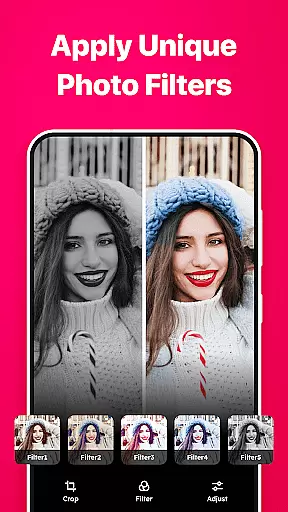
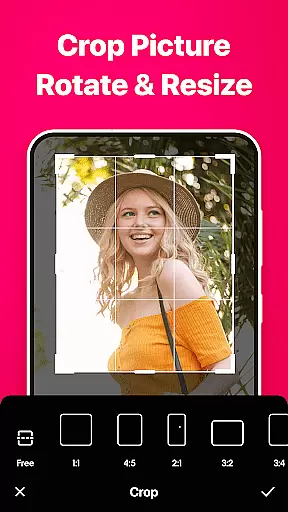
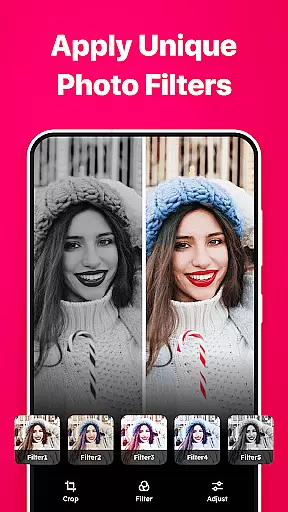
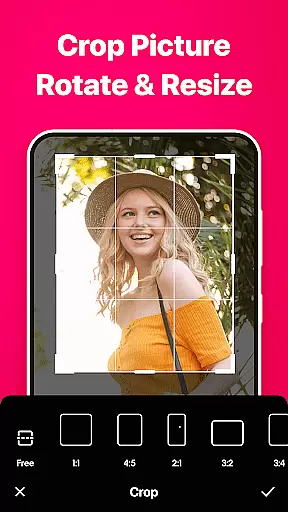
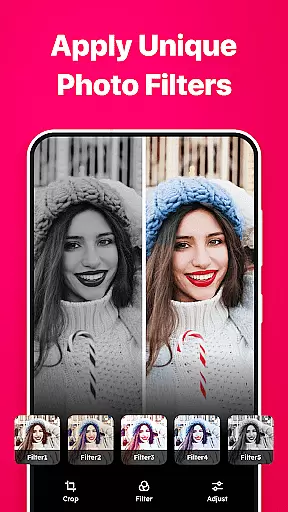
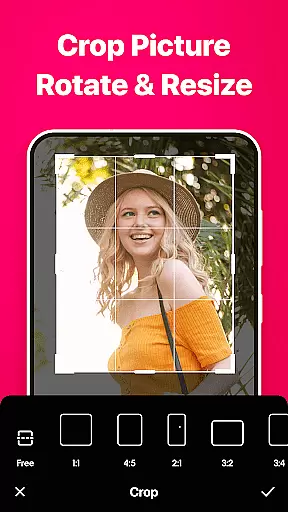
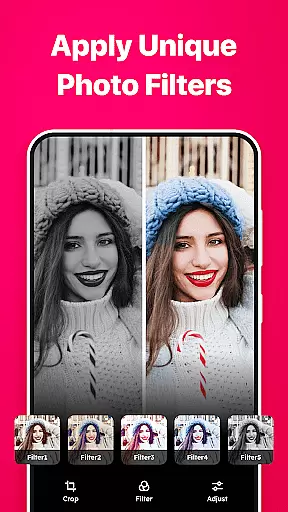
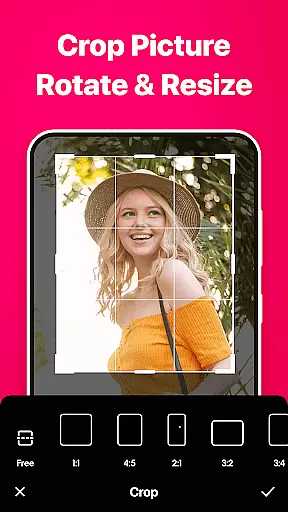
In addition to its user-friendly interface, Gallery supports a wide array of file formats including JPEG, PNG, GIF, and RAW, providing users with the flexibility to handle different types of media files within a single app. The inclusion of beautiful themes, advanced search and filter options, and customizable grid layouts further enhances the user experience, allowing for personalized and visually pleasing galleries. Furthermore, the built-in photo editing tools enable users to crop, rotate, apply filters, and adjust various settings to perfect their images.
Another notable feature is the easy sharing capability, which allows users to share their photos and videos directly from the app to various social media platforms and messaging apps. With multi-language support and a strong focus on privacy, Gallery ensures that users from different regions can enjoy a secure and localized experience while managing their precious memories.
Real-time capture and preview functionality is essential for any photography app as it allows users to see exactly what the camera sees before taking a shot. This ensures that photos are framed and focused correctly, reducing the need for retakes.
Gallery - photo gallery, album app offers an intuitive real-time capture feature that provides users with a seamless experience when taking photos. The app's interface displays the camera feed instantly, allowing users to adjust settings such as exposure and focus with live feedback.
The benefit of this feature is significant for users who want to take high-quality photos without the hassle of post-editing. With real-time preview, users can make instant adjustments, ensuring their photos are perfect from the moment they are captured.
By integrating advanced camera controls with real-time feedback, Gallery - photo gallery, album app empowers users to capture professional-grade photos effortlessly. This feature enhances the overall photography experience, making it more interactive and enjoyable.
AI beauty and enhancement features have become increasingly popular in photography apps, offering users the ability to enhance their photos with natural-looking effects. These tools leverage artificial intelligence to automatically adjust skin tones, smooth imperfections, and enhance facial features without appearing over-processed.
In Gallery - photo gallery, album app, AI beauty enhancements are designed to provide a balanced and realistic touch to photos. The app intelligently detects faces and applies subtle enhancements that preserve the natural beauty of the subject while improving overall image quality.
This feature is particularly beneficial for users who seek to improve their photos without sacrificing authenticity. By using AI-driven enhancements, users can achieve professional-quality results with minimal effort, ensuring their photos look polished yet genuine.
Gallery - photo gallery, album app stands out by offering AI beauty tools that maintain the natural essence of photos. This approach not only saves time but also boosts user confidence in sharing their enhanced images across social platforms, knowing they retain a true-to-life appearance.
User-friendly interface
Wide file format support
Beautiful themes
Advanced search options
Customizable layouts
Limited to Android
No iOS version
Some features may require premium
Occasional bugs reported
Heavy on storage

Photo editor: face & body editor, beauty cam, filters and quality enhancer.
 4.00
4.00
Trendy TikTok time warp scan funny filter app brings you unique photos & videos.
4.40
Create collages easily! Nice pic collage maker & background eraser for Instagram
4.50
See your baby AI baby face generator AI baby maker Face generator babymaker fun!
4.70
Easily view, share, delete photos with Gallery.
4.70
Pro version: AR sun/moon tracker for any date. Tool for photographers & planners
4.90
live datamoshing
4.00
Your personal guide to the sun and moon. Plan ahead, visualize and predict!
4.70
Discover How to Plan any Sun, Moon and Milky Way Photo You Imagine in Seconds
4.70
Create funny photos and videos with the popular Time Warp Scan filter.
4.90
AI photo editor with hair editor, retouch tools, hair color changer & filters!
4.50
Create Business Headshots, Polaroid Filter, Retake Photos,Profile Pics,AI Photos
4.50
Transform photos into videos! Create realistic or anime-style images easily!
4.50
A reflected light meter with spot metering and incident light metering.
4.40
Turn your phone into a professional camera - full DSLR manual photography
4.30
Virtual makeup, hair filters & body tuner—edit from face to full body!
4.20
Transform Photos: Edit, Beautify and Craft Memories & Make Collages!
4.10
Turn photos into cartoons & avatars! - Photo Editor, Cartoon Face!
3.90
Raw Image Viewer. Gallery with support of raw images (.cr3, .cr2, .nef, .raf).
2.00


User Reviews