
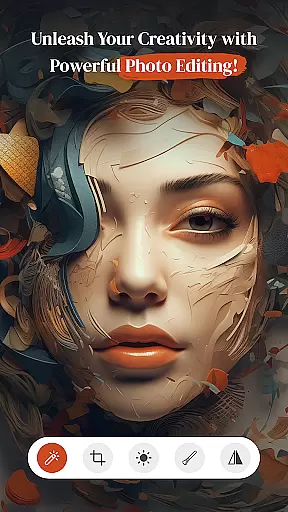




PerfectPic-Photo Edit・Collage is a feature-rich photography app that empowers users to transform their ordinary photos into extraordinary works of art. With its comprehensive suite of editing tools, the app caters to both casual photographers and creative enthusiasts who seek to enhance their images with professional-grade effects.
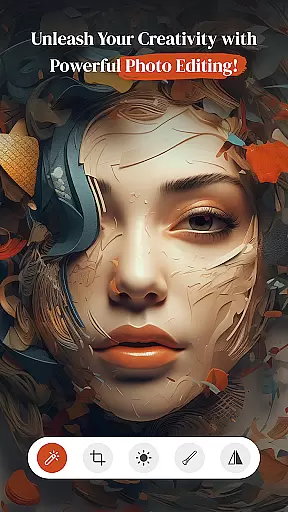
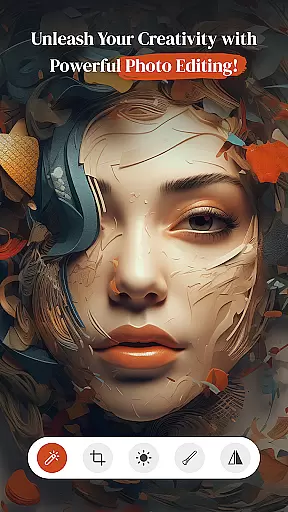
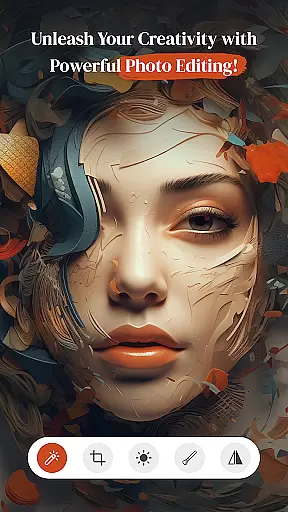
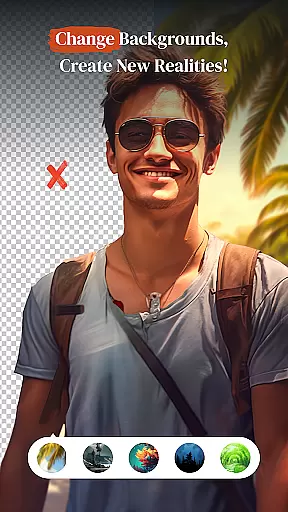
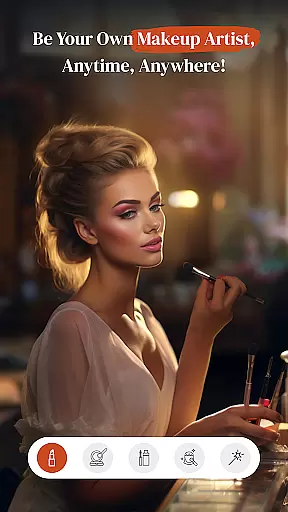
At the core of PerfectPic lies its powerful photo editor, which allows users to apply filters, adjust contrast, and experiment with various effects to create visually stunning images. The app also includes innovative features such as an AI-powered object remover, background changer, and virtual make-up studio, enabling users to manipulate their photos in imaginative ways.
Whether you're looking to touch up selfies, design eye-catching collages, or explore the possibilities of digital photo manipulation, PerfectPic provides a versatile platform for creative expression. Its intuitive interface and diverse feature set make it an ideal choice for anyone seeking to elevate their mobile photography experience.
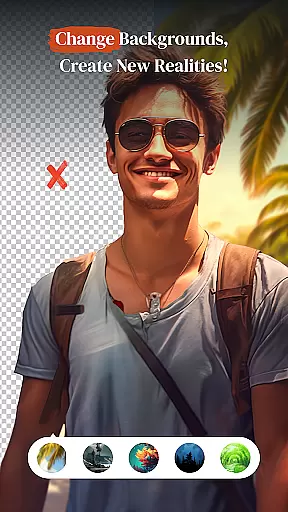
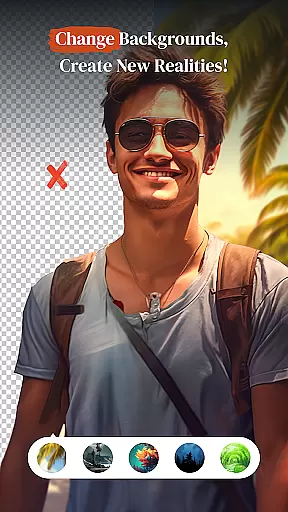
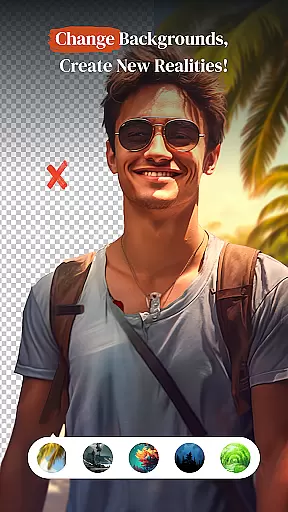
PerfectPic distinguishes itself through its extensive collection of specialized editing tools designed to cater to various creative needs. The app's object remover utilizes advanced AI technology to seamlessly eliminate unwanted elements from photos, while the background changer empowers users to replace backgrounds with custom images or solid colors.
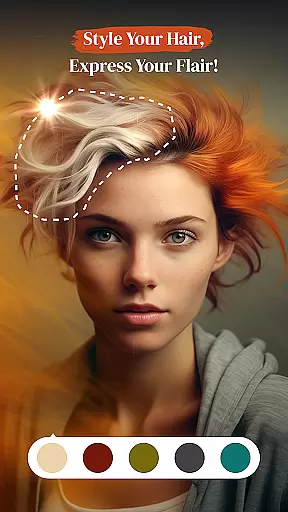
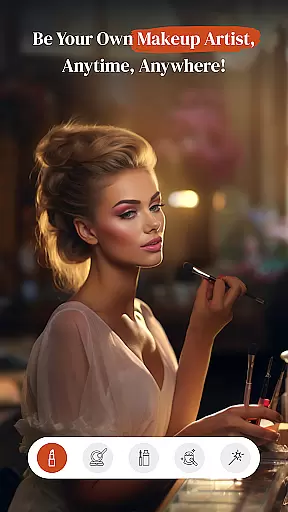
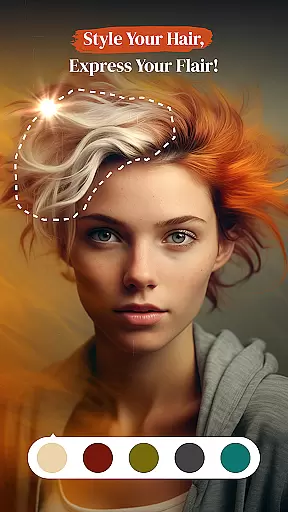
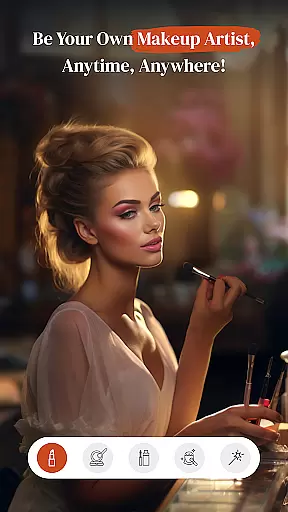
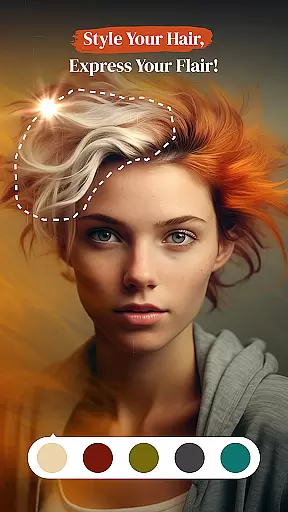
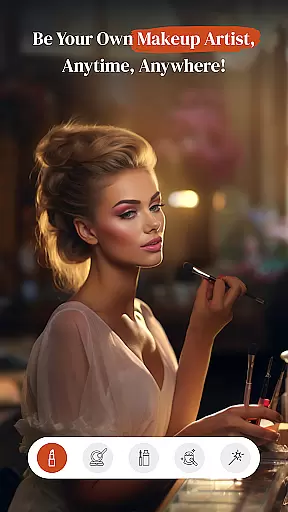
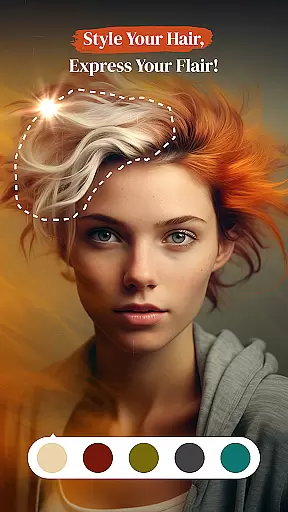
The app's beauty-focused features include a comprehensive make-up studio and hair & beard styling tools, allowing users to virtually experiment with different looks. These tools offer precise control over facial features, hair color, and cosmetic applications, making it perfect for creating polished portraits or exploring new styles.
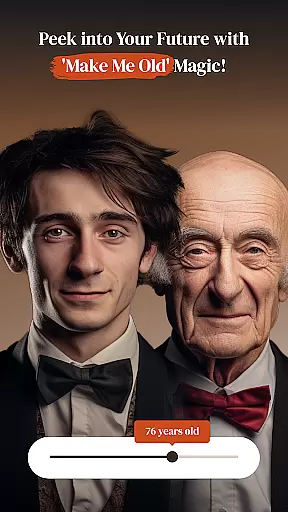
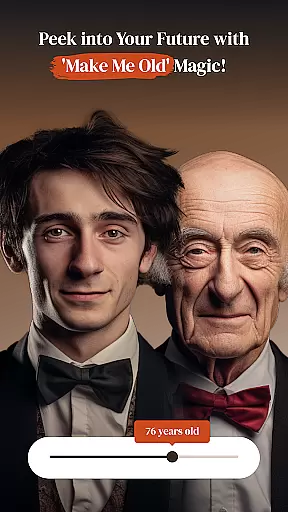
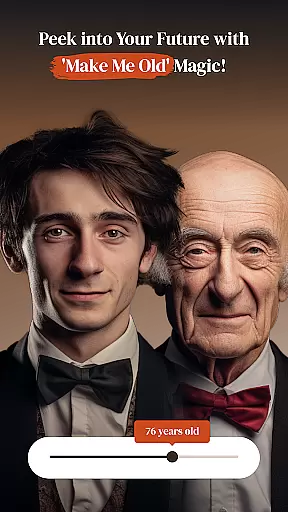
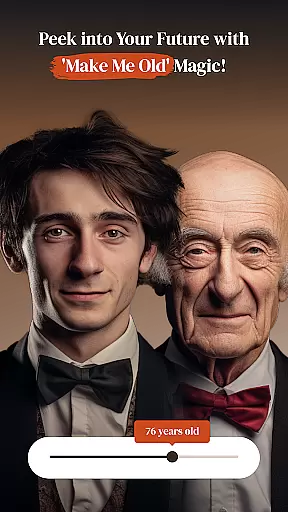
Additional standout features include the collage maker for combining multiple images into artistic arrangements, and the unique 'Make Me Old' effect that simulates aging. Each tool is carefully crafted to provide both professional results and entertaining experiences, establishing PerfectPic as a complete solution for mobile photo editing and creative exploration.
Real-time capture and preview functionality is essential for ensuring that every photo taken meets the user's expectations without delay. PerfectPicuff0dPhoto Editu30fbCollage offers a seamless experience where users can instantly see the results of their shots, allowing them to make immediate adjustments.
This app leverages advanced processing capabilities to provide a live view of the scene being captured. Users can witness how different lighting conditions and angles affect the final image, thus enabling them to frame the perfect shot with precision.
The advantage of real-time capture and preview is evident in its ability to save time and enhance creativity. Photographers can experiment with various settings and compositions on the fly, leading to more dynamic and engaging photographs.
By delivering an intuitive and responsive interface, PerfectPic empowers users to focus on their creative vision. The instant feedback loop created by this feature ensures that no moment is missed, and every picture tells a story exactly as envisioned.
AI beauty and enhancement features are revolutionizing the way we approach photo editing by offering natural-looking improvements without compromising authenticity. PerfectPicuff0dPhoto Editu30fbCollage incorporates sophisticated AI algorithms that intelligently enhance facial features while maintaining the subject's unique characteristics.
This application provides a suite of tools designed to refine skin texture, brighten eyes, and define facial contours with subtlety. By analyzing each pixel within the context of the entire image, it applies enhancements that look genuine and unforced, preserving the original essence of the photograph.
Users benefit from these smart enhancements through increased confidence in their edited photos. Whether preparing images for social media or professional portfolios, they can trust that their portraits will appear polished yet true-to-life, thanks to the appu2019s dedication to naturalness.
PerfectPic stands out by balancing powerful AI-driven edits with respect for individuality. This commitment ensures that every touch-up enhances beauty authentically, empowering users to present their best selves without sacrificing personal identity.
User-friendly interface
Extensive editing options
AI-powered tools
Versatile collage creator
Fun experimental features
Some features may require premium
Advanced tools have learning curve
Occasional performance issues
Limited free content available
Ads may interrupt workflow

[3DSteroid Pro] is a stereoscopic application for Android.
 4.30
4.30
Trendy TikTok time warp scan funny filter app brings you unique photos & videos.
4.40
Superimpose one photo on top of another using the original Superimpose app!
3.20
AI Photo Editor with 100+ Filters, Effects! Remove BG, Retouch & Photo Enhancer.
4.80
AI photo enhancer with Sora 2! Enhance, descratch, and colorize your old photos.
4.50
Use AI Video Generator to turn your words to ai generated videos.
4.50
Astrophotography with your smartphone, photo live stacking and much more!
3.90
Your personal guide to the sun and moon. Plan ahead, visualize and predict!
4.70
Try an anime version, cartoon yourself, and generate AI hug or aging videos!
3.70
Pro version: AR sun/moon tracker for any date. Tool for photographers & planners
4.90
The original Rarevision VHS look seen everywhere!
4.70
HD Camera Pro with HD Video shooting, Panorama, Photo editor , Beauty Camera.
4.50
Fit multiple photos on one post. Create carousels & scroll layouts for Instagram
4.50
Search, tag and rate your way to an organized image gallery
4.40
Easily stitch panoramas from multiple photos or video.
4.40
Pet Camera
3.70
Application for remote controlling DSLR
3.00
Long exposure camera with computational photography
2.60
Over 800 film simulation recipes for Fujifilm. Black Friday Offer!
4.1


User Reviews