
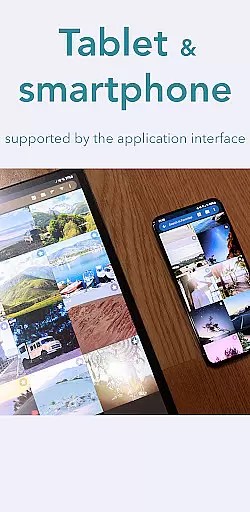
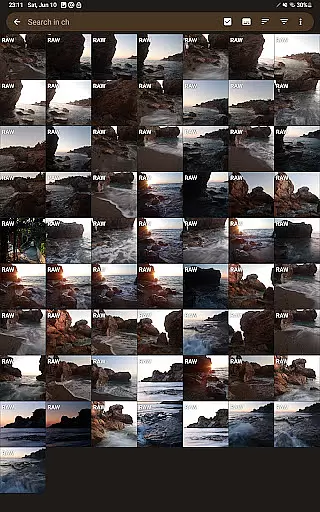
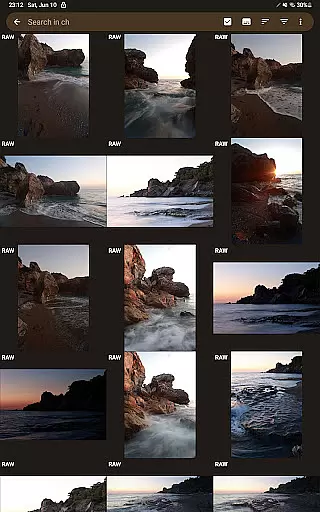
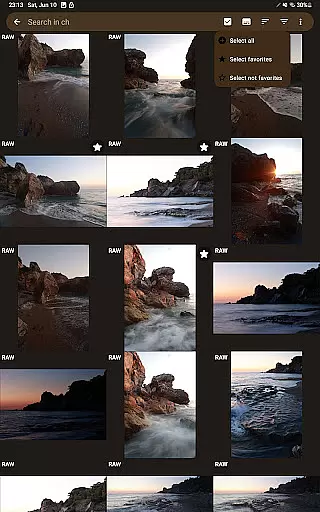
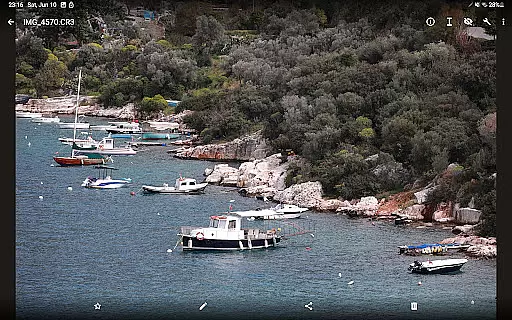
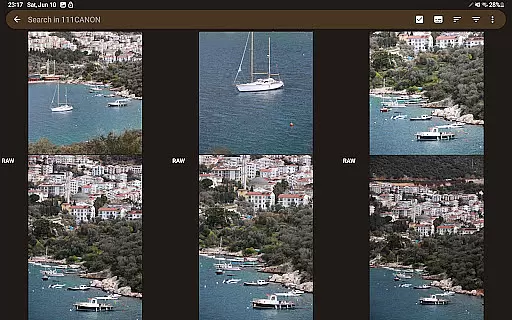
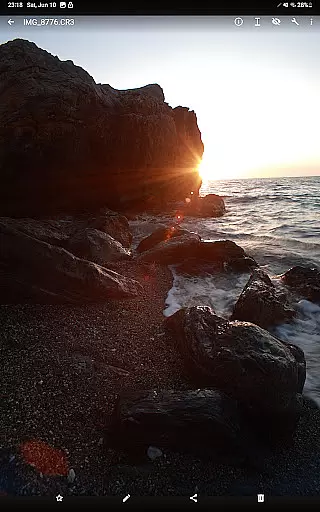
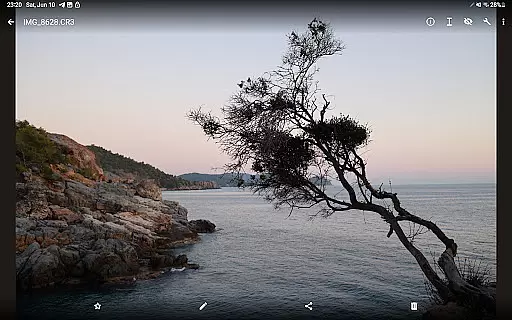

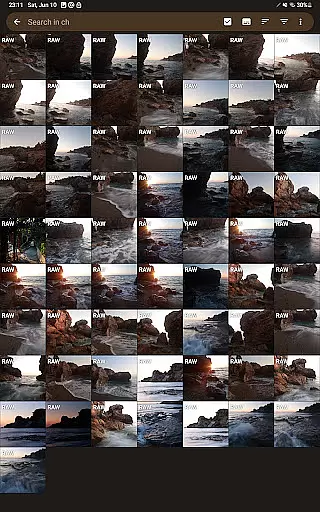
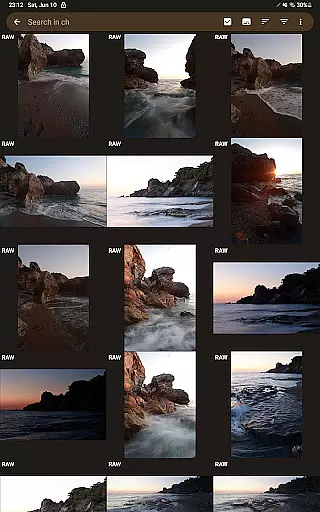
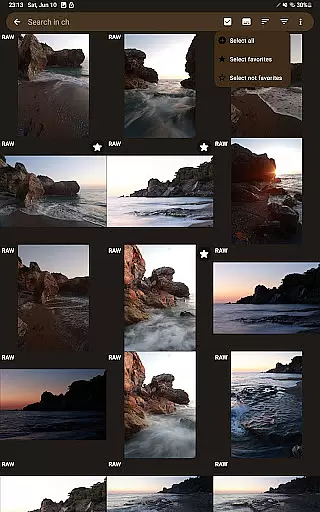
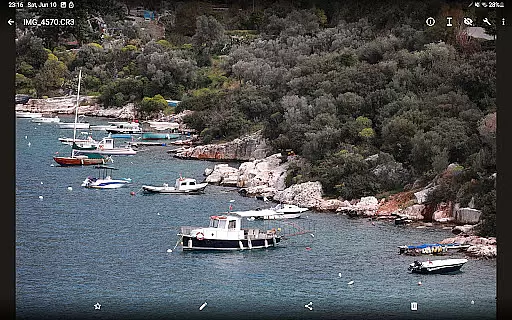
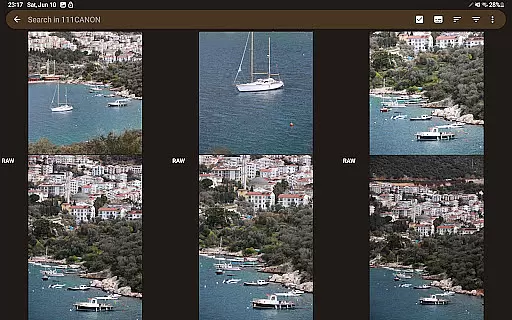
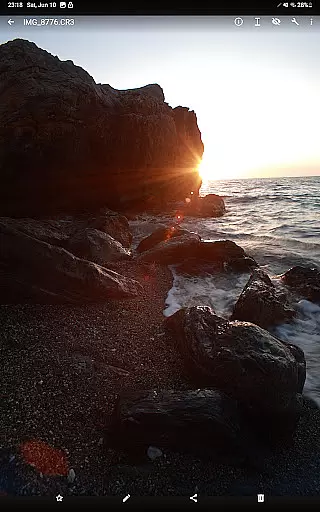
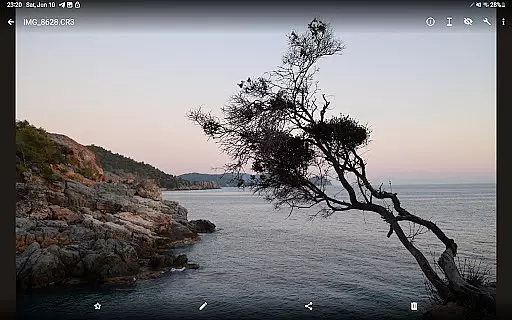

GalleryRAW is a specialized photography app designed for professional photographers and enthusiasts who need to manage and view raw image files on their Android devices. The app supports major raw formats including .cr2, .cr3, .nef, and .raf from leading camera brands like Canon, Nikon, Sony, and Fujifilm.
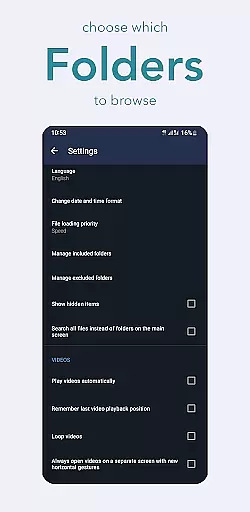
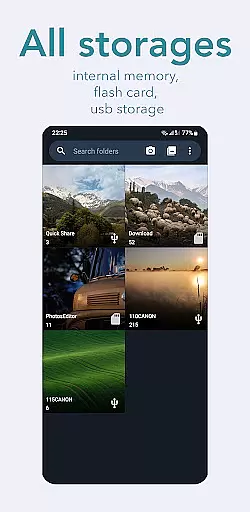
What sets GalleryRAW apart is its ability to function as both a file manager and viewer, allowing users to import, view, and transfer raw images from USB storage devices such as external HDDs, SSDs, or camera flash drives connected via USB adapters. This makes it an essential tool for photographers needing to quickly review and select photos directly on their tablets or smartphones.
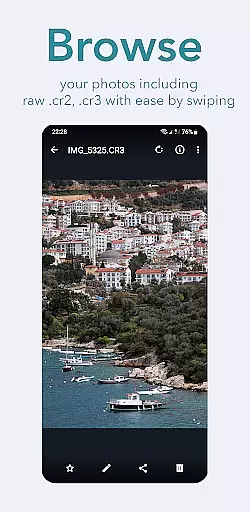
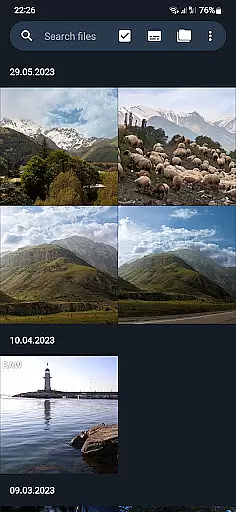
The app's full-screen swipe functionality enables users to efficiently browse through hundreds or even thousands of raw images stored on camera flash cards. After selecting the desired photos, users can copy them to the device's internal memory or microSD card, then delete unwanted files from the external USB storage to free up space for new shots.
GalleryRAW offers several standout features that make it a powerful tool for managing raw image files. First, its comprehensive file management capabilities allow users to seamlessly handle various raw formats, including .cr2, .cr3, .nef, and .raf. This ensures compatibility with most professional cameras on the market.
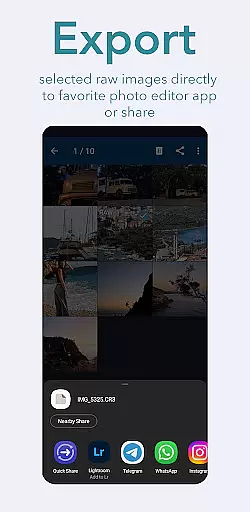
Another key feature is its integration with USB-connected storage devices. Users can connect external HDDs, SSDs, or camera flash drives via USB adapters to directly access, view, and transfer raw files. This eliminates the need for cumbersome wired transfers to a computer, streamlining the workflow for photographers in the field.
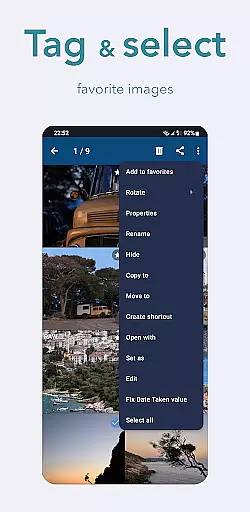
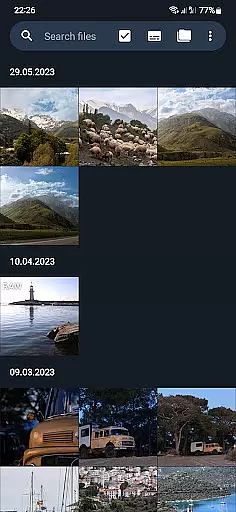
Additionally, GalleryRAW provides an intuitive full-screen viewing mode. By swiping through images, users can rapidly review large collections of photos and select only the ones they want to keep. This selective copying process saves valuable storage space on the device while maintaining an efficient workflow for professional use.
GalleryRAW offers a unique real-time capture and preview feature that allows photographers to instantly view their raw image files from professional cameras on their Android devices. This functionality is crucial for those who need to quickly assess the quality of their shots without waiting for post-processing.
The app supports various raw formats including .cr2, .cr3, .nef, and .raf, ensuring compatibility with Canon, Nikon, Sony, and Fujifilm cameras. Users can swipe through hundreds or even thousands of photos in full-screen mode, making it easy to review large volumes of images efficiently.
This immediate access to high-quality previews not only saves time but also enhances workflow productivity by enabling users to select only the best shots for further editing or sharing. With GalleryRAW, photographers can make informed decisions about which photos to keep and which to discard right on the spot.
While GalleryRAW focuses primarily on raw image viewing, it also incorporates AI-driven beauty and enhancement features that maintain the natural look of photographs. These tools are designed to subtly improve image quality without altering the original essence of the photo, which is particularly important for professional photographers.
The AI enhancements include adjustments to lighting, color balance, and sharpness, all while preserving the authenticity of the raw file. This ensures that any edits made are both subtle and effective, enhancing the overall presentation without compromising the integrity of the original shot.
By offering these sophisticated yet natural-looking enhancements, GalleryRAW empowers users to present their work in the best possible light, whether for client reviews or personal satisfaction. The result is an application that not only views but also elevates the quality of raw images with minimal effort.
User-friendly interface
Wide format compatibility
Efficient file management
USB storage support
Full-screen viewer
Limited editing tools
No cloud integration
Premium feature cost
Occasional bugs
High storage usage

Shooting photos and records video easily and efficient with professional Camera
 4.30
4.30
Create funny photos and videos with the popular Time Warp Scan filter.
4.90
Natural Beauty, Selfie Retouch
4.30
Pet Camera
3.70
Create AI Photos, Improve and restore quality of blurry, old or damaged pics.
4.20
Luminar: Photo Editor - easy picture editing with AI
4.20
AI Photo Editor with 100+ Filters, Effects! Remove BG, Retouch & Photo Enhancer.
4.80
Professional camera app that brings DSLR manual photography controls to Android.
4.20
Remote control the phone camera shutter from your smartwatch and take a picture
1.60
A collection of tools and reference tables for DPs, ACs, DITs and Operators.
4.70
Your personal guide to the sun and moon. Plan ahead, visualize and predict!
4.70
Enhance, retouch & create your story - Share the moment with Photoshop Express.
4.60
Photo editor & gallery. Crop pictures & edit photos offline, no wifi!
4.50
All-in-One Editor & AI Photo Enhancer, Beautify & Retouch, Collage, Cartoonify
4.20
All-in-One Editor & AI Photo Enhancer, Collage, Cartoonify, Funny Stickers & BGS
4.10
Professional quality photo edits with the new Snapseed.
4.00
Application for remote controlling DSLR
3.00
Professional video recording application with manual controls for filmmakers!
2.80
HD Photo gallery and photo manager to edit, hide private photos, videos & albums
4.2


User Reviews