
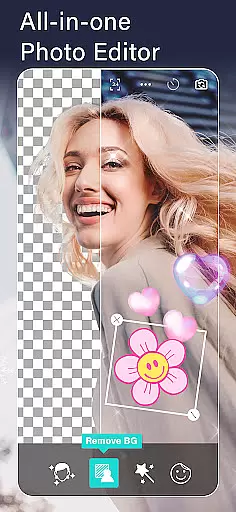
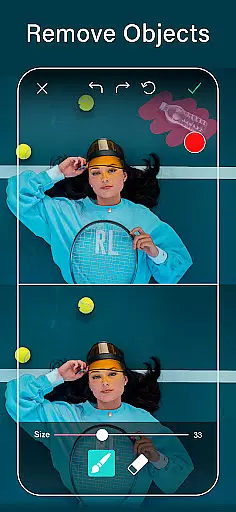
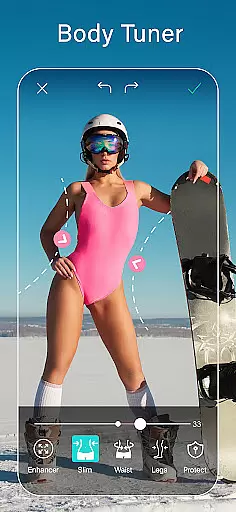
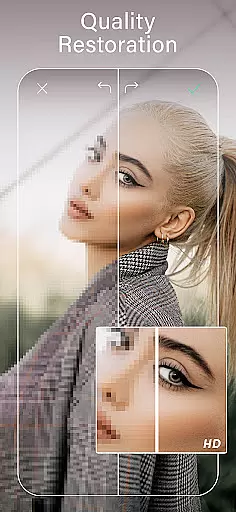
YouCam Perfect is a comprehensive photo editing app designed for photography enthusiasts who want to enhance their images with professional-grade tools. The app offers an extensive suite of features including AI-powered tools like object removal, background erasure, and quality enhancement. With over 800 million downloads, it has become a go-to solution for users seeking to perfect their selfies and photos.
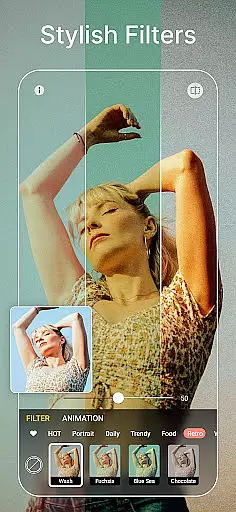
One of the standout capabilities of YouCam Perfect is its ability to perform detailed retouching. Users can reshape facial features, apply makeup digitally, and even adjust body proportions naturally. Additionally, the app provides creative options such as animated effects, trendy filters, and stylish collages, making it versatile for various photography needs.
The app's value shines through its practical applications in social media optimization. Whether you're looking to create engaging content for Instagram or produce polished profile pictures for professional platforms like LinkedIn, YouCam Perfect equips you with the necessary tools to stand out visually. Its intuitive interface ensures that both amateur and professional photographers can achieve stunning results effortlessly.
YouCam Perfect distinguishes itself through innovative AI tools that streamline complex editing tasks. For instance, the magical object remover allows users to erase unwanted elements from photos instantly, while the background removal tool lets you cut out subjects cleanly. These features are particularly useful for creating professional-looking images without requiring advanced technical skills.
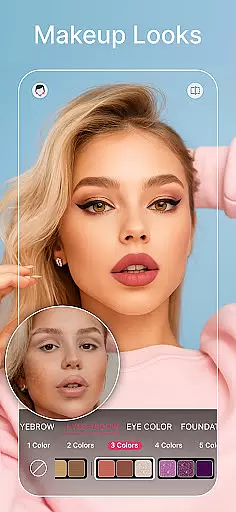
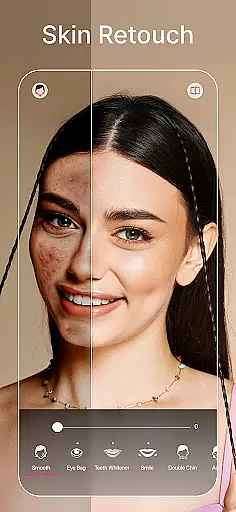
In addition to its AI capabilities, the app includes robust beauty and makeup tools. Users can beautify their selfies with one tap, applying skin smoothing, teeth whitening, and blemish removal. The AI makeup feature offers a range of styles, from subtle blush to full-face transformations, ensuring that every user can find a look that suits them. Furthermore, the body tuner and height adjustment functions enable natural reshaping of body proportions, enhancing portraits with ease.
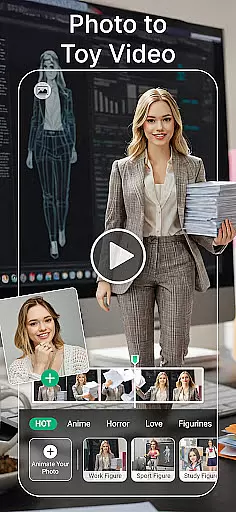
Beyond traditional photo editing, YouCam Perfect also supports multimedia creativity. The Image to Video function transforms static images into dynamic videos with stylish transitions, ideal for storytelling on social platforms. Moreover, the app's generative AI tools allow users to craft unique avatars and headshots, expanding its utility beyond conventional photography into digital identity creation.
YouCam Perfect offers a powerful real-time capture and preview feature that allows users to see the results of their edits instantly. This ensures that every photo taken with the app is optimized for quality before it's even captured.
The app provides live previews of filters, effects, and beauty enhancements, enabling users to adjust settings on-the-fly. This real-time feedback helps in achieving the desired look without any guesswork, making photo editing more intuitive and efficient.
With its advanced AI tools integrated into the camera interface, users can apply makeup, reshape facial features, and enhance image quality directly within the viewfinder. This seamless integration of editing features into the capture process saves time and enhances creativity.
By offering such a dynamic and responsive capture experience, YouCam Perfect empowers users to take better photos with confidence, knowing exactly how the final image will appear. This feature is particularly valuable for those who prioritize precision and control in their photography workflow.
YouCam Perfect stands out with its AI-powered beauty and enhancement tools that deliver natural-looking results. The app uses sophisticated algorithms to smooth skin, whiten teeth, and remove blemishes while maintaining the authenticity of the original photo.
One of the key strengths of YouCam Perfect is its ability to apply makeup digitally with remarkable realism. From lipstick to full-face looks, the AI makeup tools adapt to different skin tones and facial structures, ensuring that enhancements look genuine and not over-processed.
In addition to facial retouching, the app offers body tuning features that allow users to make subtle adjustments to their physique. These include waist slimming and height adjustment tools that produce proportionate and believable edits, preserving the subject's natural appearance.
Overall, YouCam Perfect's focus on natural enhancement makes it an ideal choice for users seeking professional-quality photo editing without sacrificing authenticity. The app strikes a perfect balance between beautification and realism, catering to both casual selfie enthusiasts and serious photographers alike.
User-friendly interface
Extensive AI toolset
Versatile editing options
High-quality results
Regular updates
Premium features locked
Occasional ads
Steep learning curve
Subscription costs
Limited free templates

A collection of tools and reference tables for DPs, ACs, DITs and Operators.
 4.70
4.70
HD Photo gallery and photo manager to edit, hide private photos, videos & albums
4.3
Android Native system HD camera app. Never been so simple and faster.
4.70
Create amazing frames with up to five photos. Rounded corners, effects and more!
3.60
USB Storage Access for Photos, Videos, Music and Documents
3.80
Collage your moments in one tap: 1000+ layouts, filters, stickers, and texts.
4.90
Transform Photos: Edit, Beautify and Craft Memories & Make Collages!
4.10
Discover & download millions of art for The Frame TV or Hisense CanvasTV
4.60
A unique animation app. Powerful, easy to use, and lots of fun.
4.30
Gallery show photo, video, slideshow, is perfect 3D effect private photo albums.
4.80
1M influencer's special filter
4.60
Unblur, enhance & restore photos with powerful AI photo enhancer tools.
4.60
Add Watermark - Sign your pictures with a text or logo. Effective, quick, easy!
4.50
Movie camera, supports pro recording settings for filming. Try it and be amazed!
4.50
Search, tag and rate your way to an organized image gallery
4.40
Easily stitch panoramas from multiple photos or video.
4.40
The #1 app for B&W film developing featuring an advanced darkroom timer.
4.10
Astrophotography with your smartphone, photo live stacking and much more!
3.90
Perfect photos with body shaping, BG changer and object remover.
3.70


User Reviews