

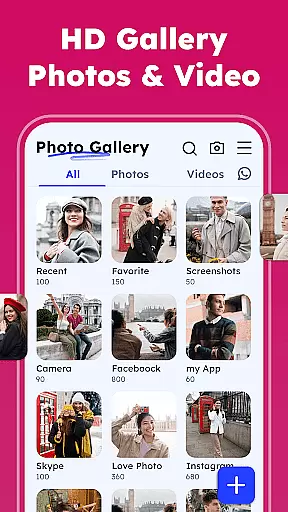

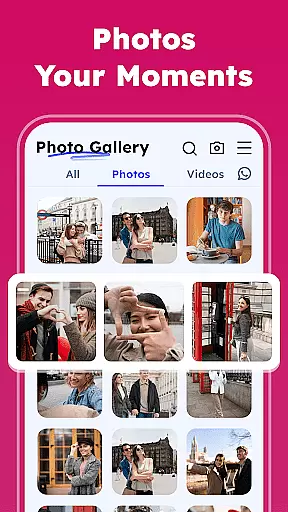
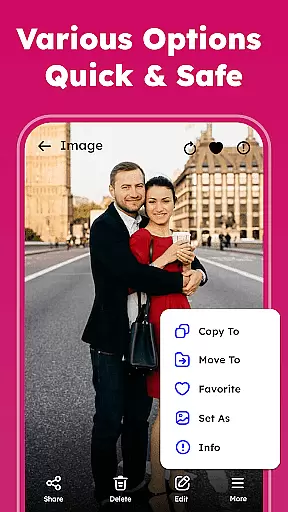
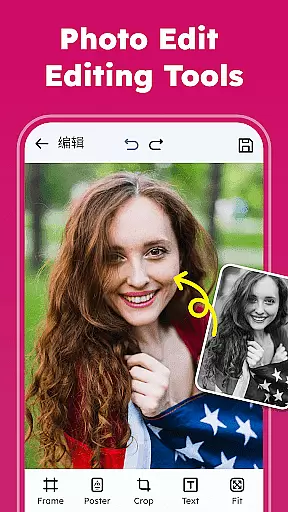
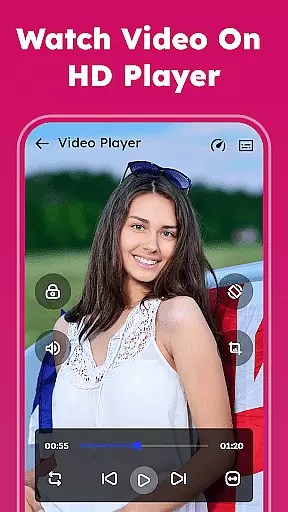
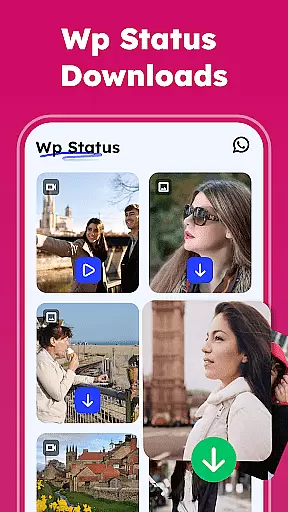

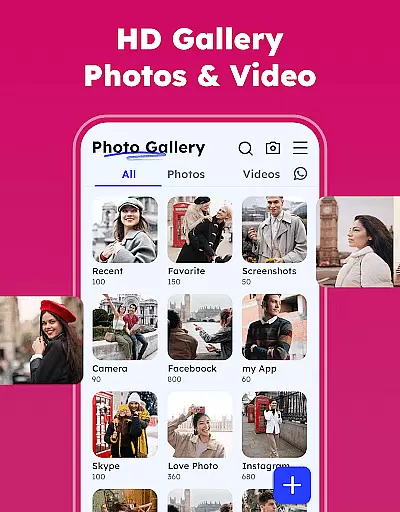

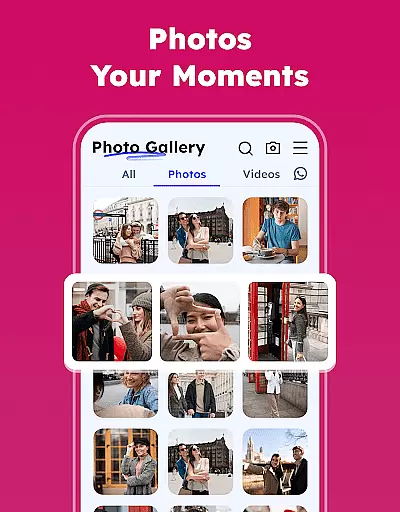
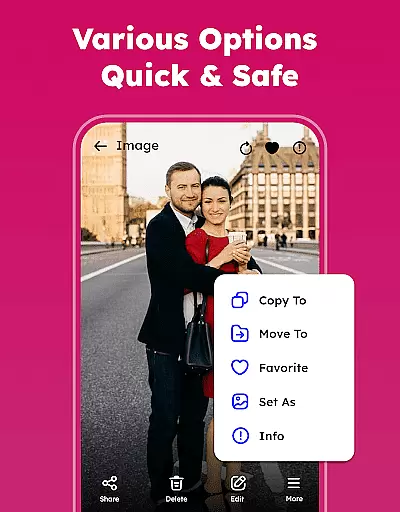
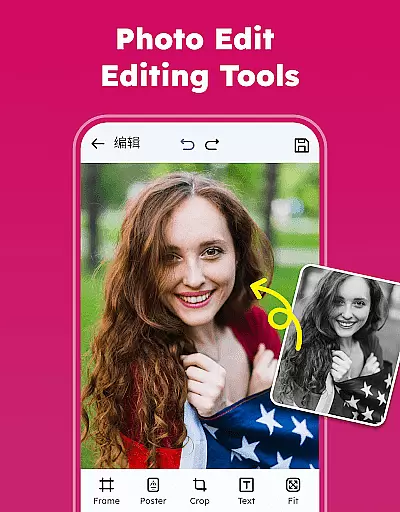
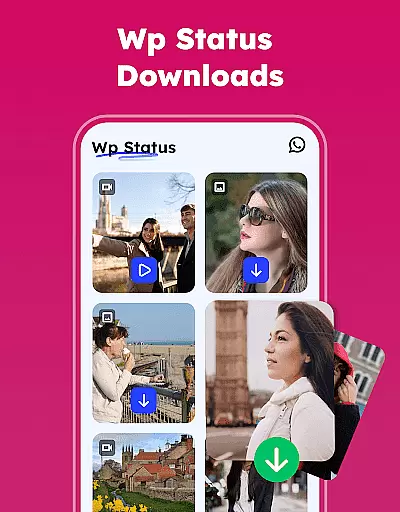

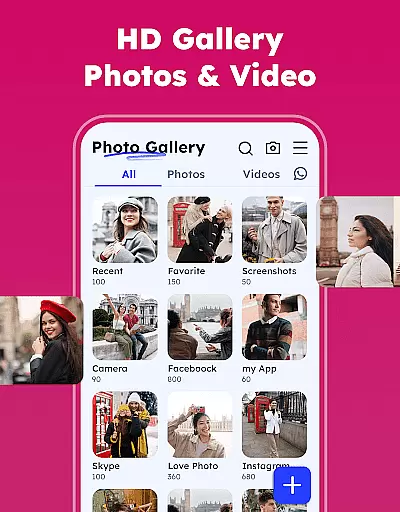

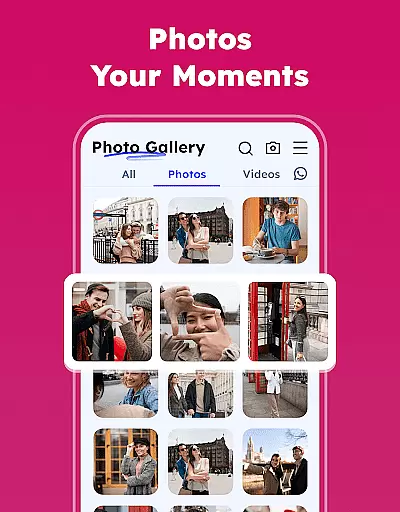
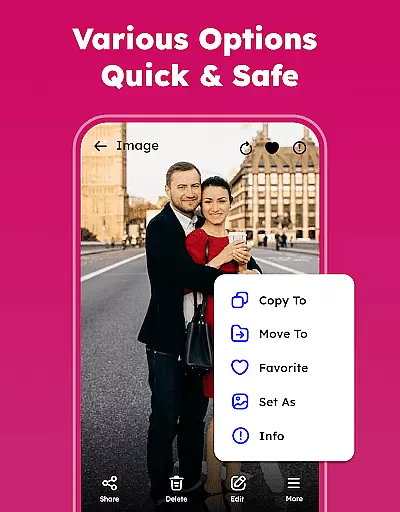
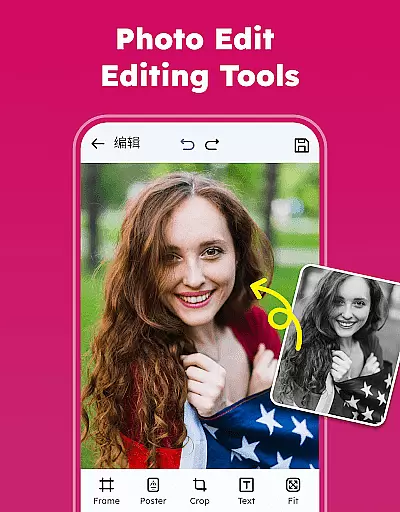
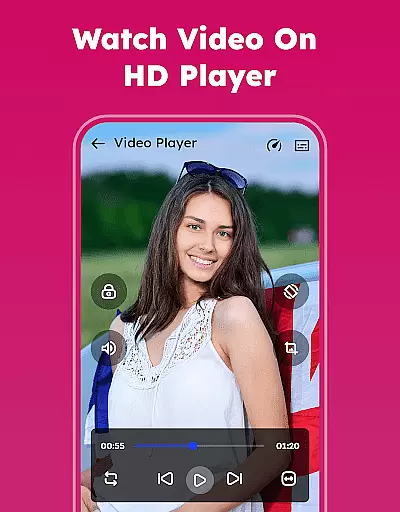
Gallery - Photos & Videos is a feature-rich photography app designed to help users efficiently manage, edit, and protect their media files. This lightweight application offers a comprehensive suite of tools for organizing photos and videos, including password protection, editing capabilities, and easy sharing options.
The app stands out with its intuitive interface and advanced features such as duplicate file removal, automatic categorization, and offline access. Whether you're looking to relive cherished memories or maintain strict privacy controls over sensitive content, this gallery app provides the functionality needed for seamless daily use.
This photography app boasts an impressive array of features that cater to both casual users and photography enthusiasts. Key functionalities include a professional-grade photo editor with various filters and creative tools, customizable albums for personalized organization, and advanced sorting options that allow management by name, date, size, or category.
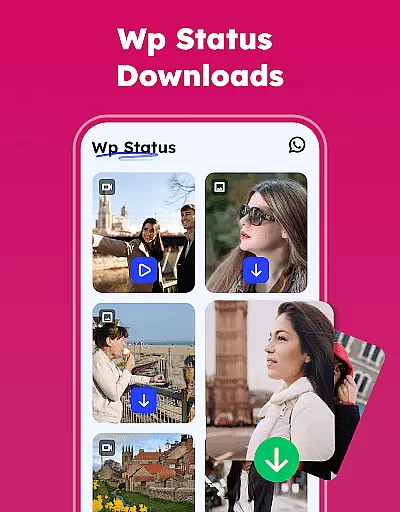
Unique capabilities like the WA Status Saver, automatic media categorization in Explore, and the ability to restore deleted files from Trash provide added convenience. The app also supports all image and video formats, offers light and dark theme customization, and includes a secure Gallery Lock feature to keep private media protected from unauthorized access.
Real-time capture and preview functionality is essential for any photography app as it allows users to see exactly what the camera is capturing before taking a shot. This ensures that the framing, lighting, and composition are all perfect before the shutter is pressed.
The Gallery - Photos & Videos app offers an intuitive real-time capture experience by providing users with a smooth interface that accurately reflects the scene through the camera lens. The app's advanced algorithms ensure minimal lag between the action and its representation on the screen, which is crucial for capturing spontaneous moments.
Users benefit from this feature by being able to adjust settings such as exposure, focus, and white balance in real time, allowing them to take professional-quality photos without needing extensive photography knowledge. This immediacy enhances the overall user experience, making photo-taking more interactive and enjoyable.
By offering a reliable real-time preview, the app empowers users to take better photos confidently, knowing they can trust what they see on their screens will translate into high-quality images. This feature is particularly valuable for those who wish to capture fleeting moments with precision and clarity.
AI beauty and enhancement features have become increasingly popular in photography apps, allowing users to improve their photos with just a few taps. The naturalness of these enhancements is critical, as overly processed images can appear artificial and lose their authenticity.
In the Gallery - Photos & Videos app, AI-driven beauty and enhancement tools are designed to subtly enhance facial features while maintaining the subject's natural appearance. By analyzing facial structures and skin tones, the app applies enhancements that look realistic and preserve the original character of the photograph.
This approach benefits users by giving them the ability to refine their images without sacrificing genuineness. Whether smoothing out skin imperfections or brightening eyes, the changes are applied in a way that complements the subject rather than overwhelming it.
Ultimately, the AI beauty and enhancement features in this app provide users with the tools to create polished yet authentic-looking photos. This balance between enhancement and naturalness ensures that edited images remain relatable and true to life, enhancing the storytelling aspect of photography.
User-friendly interface
Comprehensive editing tools
Secure media protection
Offline accessibility
Versatile file management
Requires storage permissions
Premium features may cost extra
Interface might feel complex
Limited cloud integration
Occasional performance issues

Effortlessly organize, view and share your photos & videos with Gallery app!
 4.40
4.40
Perfect photos with body shaping, BG changer and object remover.
3.70
Safe & smart flight with Go Fly drone controller for 40+ drone camera, zone map
4.50
Find time and duration of different sunlight phases at any location
4.90
Cartoon and artistic effects for your photos and videos
4.70
USB Storage Access for Photos, Videos, Music and Documents
3.80
Hair color changer, AI haircut app, fun hair editor and buzz cut filter for all!
3.80
The original Rarevision VHS look seen everywhere!
4.70
Your Family Calendar + Photos. Manage your Skylight Calendar and Skylight Frame.
4.40
Perfect body tune & face app - photo retouch, makeup, slim body & beautify face.
4.80
See your baby AI baby face generator AI baby maker Face generator babymaker fun!
4.70
HD Camera Pro with HD Video shooting, Panorama, Photo editor , Beauty Camera.
4.50
Use AI Video Generator to turn your words to ai generated videos.
4.50
Trendy TikTok time warp scan funny filter app brings you unique photos & videos.
4.40
Shooting photos and records video easily and efficient with professional Camera
4.30
Turn your phone into a professional camera - full DSLR manual photography
4.30
All-in-One Editor & AI Photo Enhancer, Beautify & Retouch, Collage, Cartoonify
4.20
Create AI Photos, Improve and restore quality of blurry, old or damaged pics.
4.20
How would you look like with a differently shaped nose, chin or lips?
3.90


User Reviews