
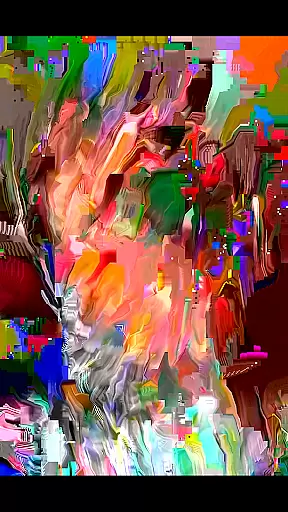
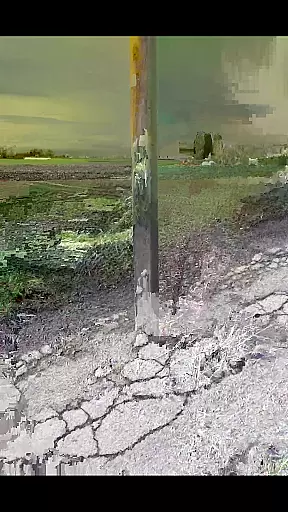
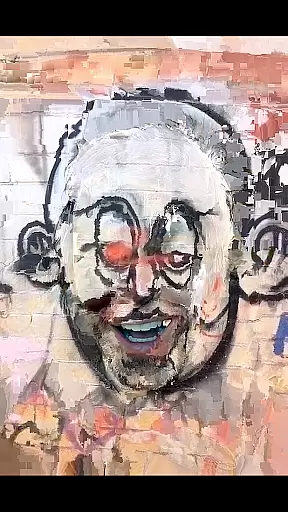
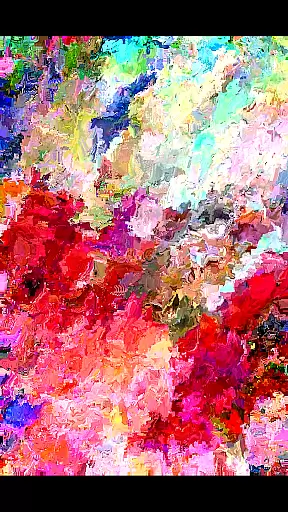
MoshUp is a creative photography app that allows users to perform live datamoshing on their mobile devices. The core feature of the app is its ability to transform the first video recording using the motion data from a second recording, creating unique mapping effects.
The app also supports frame repetition by holding the screen and allows video import from the gallery. While still in development, it offers an innovative way to experiment with video effects directly on your phone, making it suitable for creative enthusiasts looking for new visual expressions.
MoshUp stands out with its innovative live datamoshing capability, which enables users to create visually striking effects by combining two video recordings. The transformation effect is based on the motion patterns detected in the second recording, allowing for dynamic and unpredictable results.
Additional features include the ability to repeat the last frame by simply holding the screen, giving users more control over their creations. The latest version expands functionality by supporting video imports from the device's gallery, thus increasing creative possibilities. These features make MoshUp a powerful tool for artists and hobbyists interested in experimental video editing.
Real-time capture and preview functionality is essential for photography apps like MoshUp. This feature allows users to see the effects of their actions immediately as they film or edit.
MoshUp enables live datamoshing, transforming the first recording through the motion detected in the second recording. As users film different scenes, the app applies real-time transformations based on movement, creating unique visual effects.
The ability to repeat the last frame by holding the screen adds another layer of creative control. This ensures that users can achieve the desired artistic outcome without missing a moment.
By providing instant feedback, MoshUp empowers users to experiment with confidence, knowing exactly how each action will alter their final composition.
While MoshUp focuses on creative datamoshing effects rather than traditional beauty enhancements, it still offers tools that contribute to the naturalness of video modifications.
The app's transformation algorithms work by analyzing motion patterns from subsequent recordings, applying changes that maintain the authenticity of the original footage while adding artistic elements.
Although not a conventional AI beauty tool, MoshUp's approach to enhancement preserves the genuine character of videos. The app respects the integrity of captured moments while allowing for creative expression.
This balance between modification and natural presentation gives users the power to create compelling visual stories without sacrificing the realistic quality of their content.
User-friendly interface
Unique datamoshing effects
Live transformation capabilities
Supports video imports
Creative frame repetition
May not run on all devices
Limited to specific visual styles
Still under development
Requires technical understanding
Potential stability issues

Photo Album Watch Face shows your favorite pictures as a Watchface.
 1.90
1.90
Add Watermark - Sign your pictures with a text or logo. Effective, quick, easy!
4.50
Viewfinder, Light meter, Reciprocity failure time, DOF & Bellows Extension
4.60
Natural Beauty, Selfie Retouch
4.30
Photo Exif Editor allows to view, add and modify EXIF data of multiple photos
4.50
Movie camera, supports pro recording settings for filming. Try it and be amazed!
4.50
Enhance, retouch & create your story - Share the moment with Photoshop Express.
4.60
Remote control the phone camera shutter from your smartwatch and take a picture
1.60
Discover & download millions of art for The Frame TV or Hisense CanvasTV
4.60
Collage your moments in one tap: 1000+ layouts, filters, stickers, and texts.
4.90
Pro version: AR sun/moon tracker for any date. Tool for photographers & planners
4.90
AI Photo Editor with 100+ Filters, Effects! Remove BG, Retouch & Photo Enhancer.
4.80
Your personal guide to the sun and moon. Plan ahead, visualize and predict!
4.70
PhotoSync Bundle Add-On License. Enables all features and services in PhotoSync.
4.60
Edit like a pro with Hypic. Apply filters, AI effects, & magic touch.
4.40
Future baby face generator: AI kids generator, kid face! What my baby look like?
4.40
Smart, light, and fast photo and video gallery
4.30
All-in-One Editor & AI Photo Enhancer, Collage, Cartoonify, Funny Stickers & BGS
4.10
Remote control of the phone camera from your Wear OS smartwatch
3.70


User Reviews