
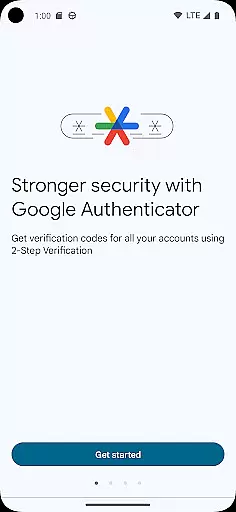
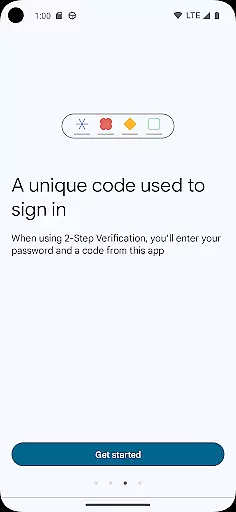
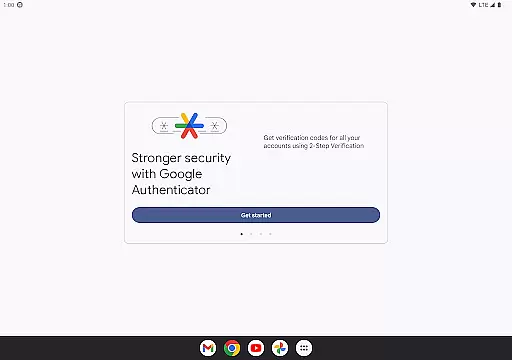
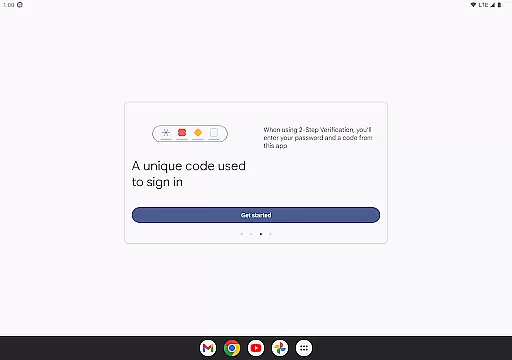
Google Authenticator is a security tool designed to protect your online accounts through two-factor authentication. By generating time-based or counter-based verification codes on your mobile device, it adds an extra layer of protection beyond just passwords. This app ensures that even without an internet connection, you can securely access your accounts by providing unique codes every 30 seconds.
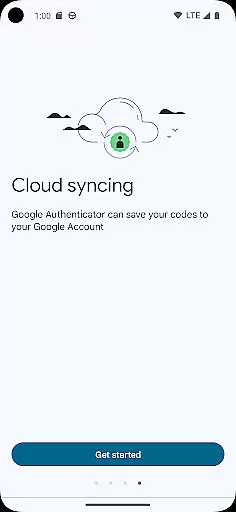
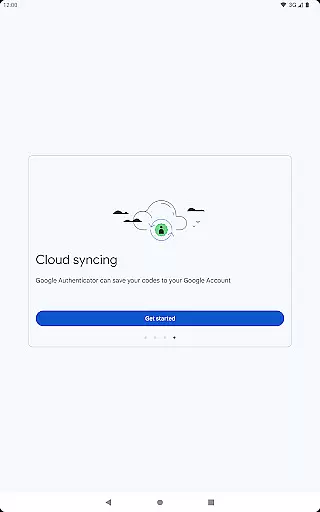
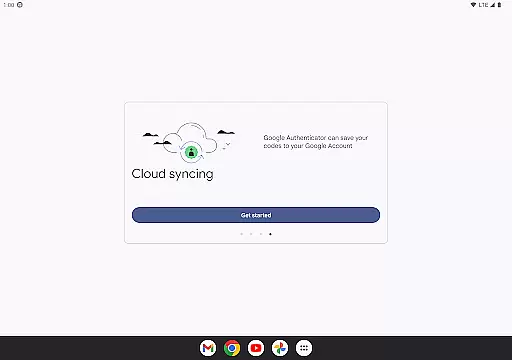
In addition to its core functionality, Google Authenticator supports syncing your verification codes across multiple devices via your Google Account. It also allows for easy setup using QR codes and enables account transfers between devices seamlessly. Whether managing multiple accounts or ensuring backup access in case of device loss, this app provides essential tools for modern digital security.
One of the standout features of Google Authenticator is its ability to generate secure verification codes without requiring an internet connection. These codes are either time-based or counter-based, offering flexibility depending on user preference. Additionally, users can sync their authenticator data with their Google Account, ensuring they never lose access to critical accounts even if their phone is lost or damaged.
The app simplifies account management by supporting multiple accounts within a single interface. Users can set up new accounts quickly using QR codes and transfer existing ones between devices effortlessly. With support for automatic backups and cross-device synchronization, Google Authenticator not only enhances security but also improves convenience for those managing numerous online profiles.
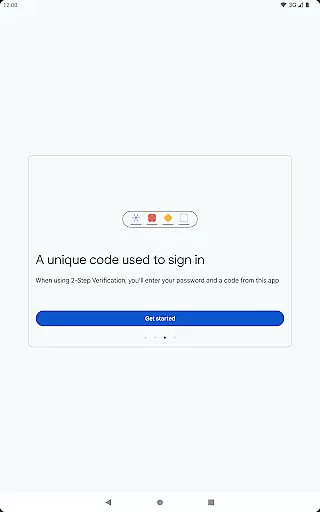
Google Authenticator excels in providing highly accurate and effective two-factor authentication. The app generates time-based or counter-based codes that serve as the second layer of security for your online accounts. This ensures that even if someone obtains your password, they cannot access your account without the unique code generated by your device.
The core functionality is built around generating secure verification codes that refresh periodically. These codes are synchronized with the servers of the services you're logging into, ensuring perfect alignment and reliability. The app's algorithm adheres to industry standards, guaranteeing that the codes it produces will always be accepted by compatible services.
Users benefit from a seamless experience where the generated codes are available instantly, regardless of internet connectivity. This offline capability makes it an extremely reliable tool for account security. Whether traveling abroad or simply in areas with poor reception, users can always access their verification codes.
Moreover, the app supports multiple account management, allowing users to handle various services from different providers all within one interface. This consolidation of security features demonstrates both the accuracy and effectiveness of Google Authenticator's primary function.
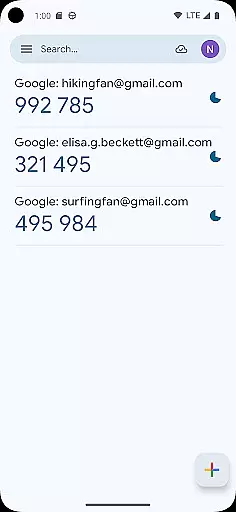
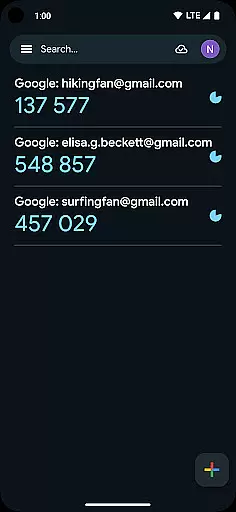
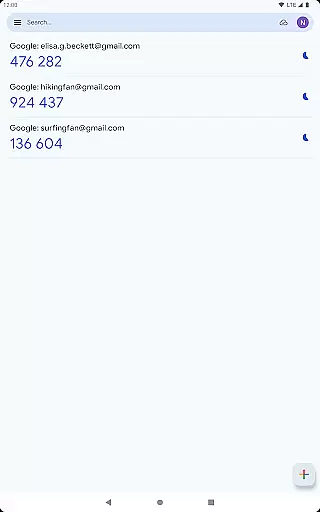
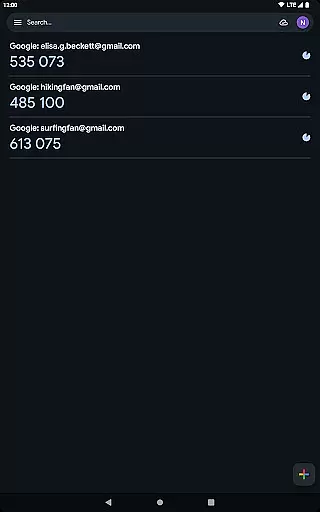
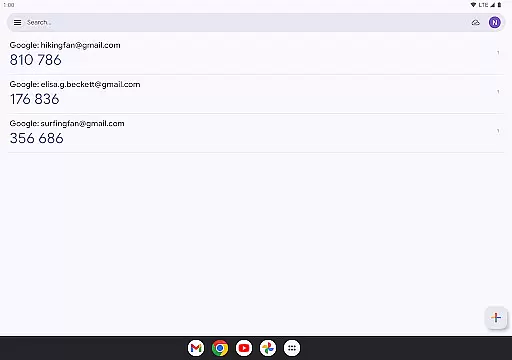
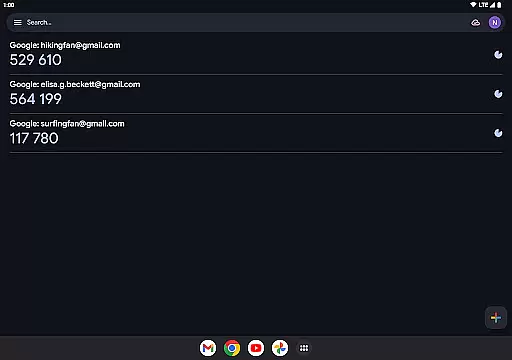
The interface design of Google Authenticator prioritizes simplicity and intuitive navigation. Upon opening the app, users are greeted with a straightforward list of their registered accounts, each displaying the current verification code alongside a progress bar indicating when the code will refresh. This minimalistic approach eliminates unnecessary distractions and focuses on delivering essential information quickly.
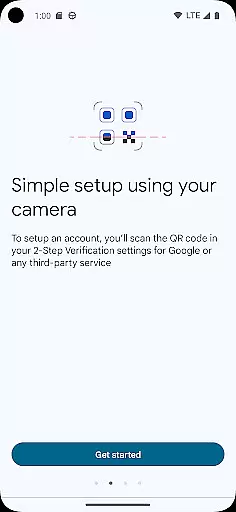
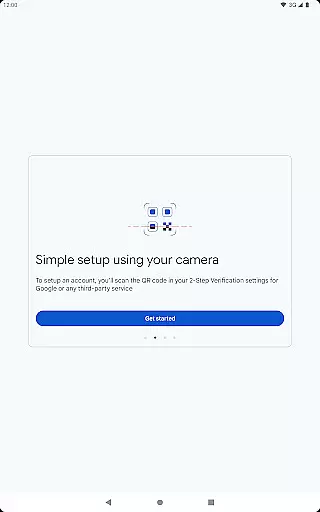
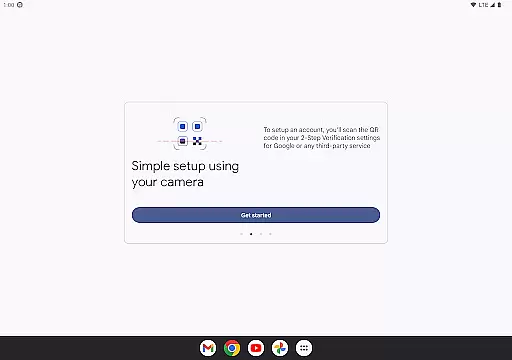
Adding new accounts has been made exceptionally user-friendly through QR code scanning functionality. By simply pointing your camera at a service provider's QR code, the app automatically configures the necessary settings for that account. This process removes technical barriers and potential configuration errors, making setup accessible even to non-tech-savvy individuals.
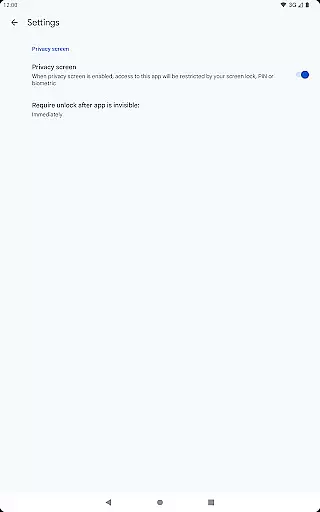
Despite its powerful security features, the app maintains an uncluttered interface throughout all interactions. There are no complicated menus or hidden options u2013 everything is presented clearly on the main screen. Even advanced features like account syncing across devices or transferring accounts via QR codes are implemented without compromising the clean layout.
This commitment to maintaining an intuitive user experience while offering robust security tools showcases why Google Authenticator remains a popular choice among those seeking enhanced account protection without sacrificing ease of use.
Enhanced Security
Offline Code Generation
Multi-Account Support
Easy Setup with QR Codes
Cross-Device Syncing
No Built-In Backup
Limited Customization
No Desktop Version
Manual Account Transfer
Dependent on Device Security

App that Recover your pictures, videos or files after you delete them.
 4.20
4.20
Amateur Radio app for APRS: Track friends, exchange messages, get tactical info.
3.90
Forza Tuning Calculator App for Forza Horizon 5, Motorsport and Earlier Titles
4.40
VESC Tool can monitor and configure VESC-compatible devices over BLE and Wifi
4.20
Mirror your screen to Fire TV - Super fast and simple
4.40
Download any file easily and quickly with Downloader
4.2
Introducing Smart Printer, your ultimate destination for printing solutions!
4.00
Fun lie-detection pranks for friends and parties.
3.80
Enhance your Beats
3.70
Powerful collection of electronics tools and reference.A must for any enthusiast
4.90
Easily install aab(Android App Bundle) files on your Android device with our app
4.80
HD Camera captures every special moment.
4.60
Planner and Tracker for Stardew Valley
4.60
eXtended Permission Manager - a small app to manage permissions and AppOps
4.50
Button mapper, mouse toggle, sleep timer and a lot of another features
4.50
Just swipe the edge to do something!
4.40
Automate everything from settings to photos, SMS to speech. ADC2 prize winner.
4.10
Detect hidden spy camera with advanced scanning {{ Premium version }}
4.00
Save any video in HD - paste the link, download fast and watch offline.
4.2


User Reviews