
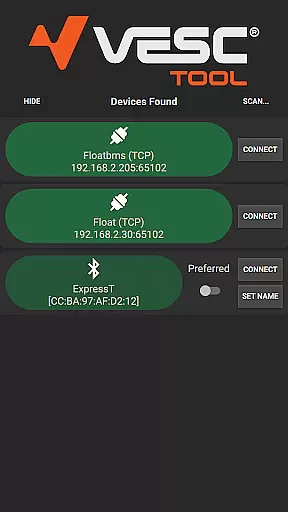
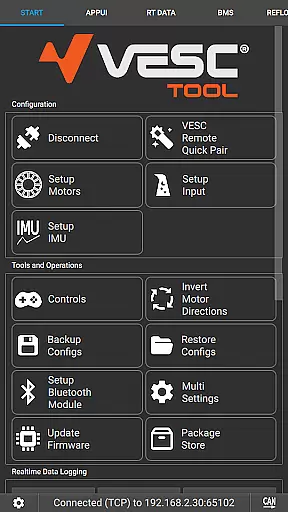
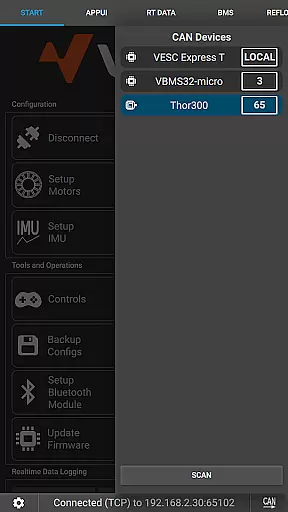
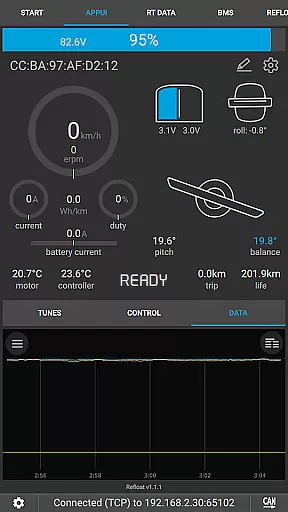
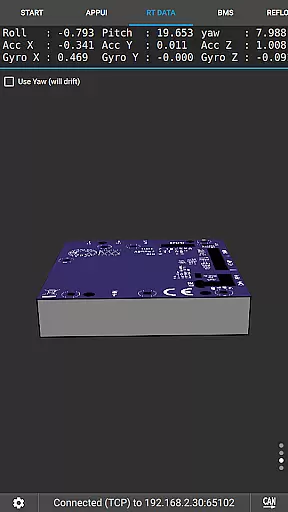
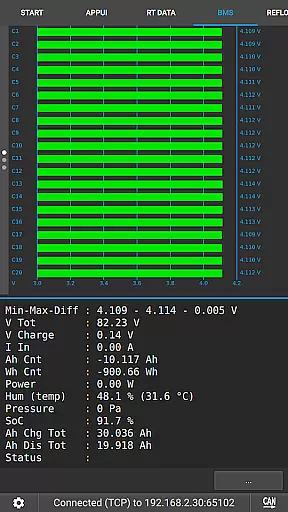
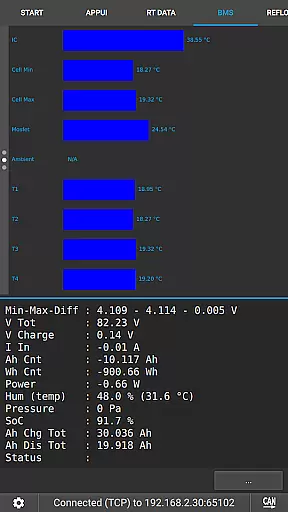
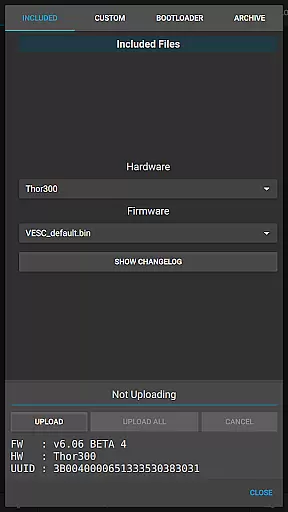
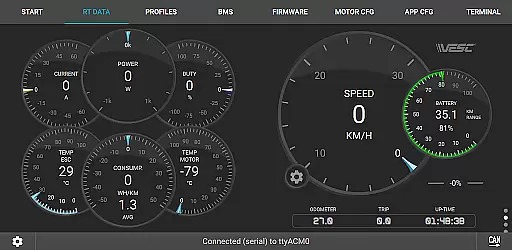
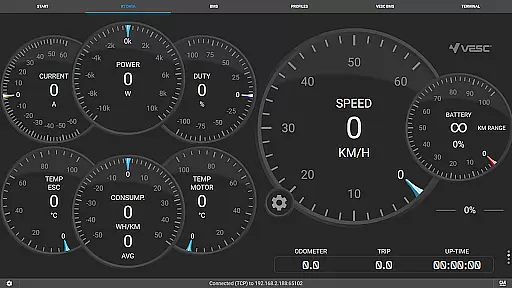
VESC Tool is a powerful mobile application designed for users who work with VESC-based hardware. The app allows you to configure your hardware over BLE or WiFi, stream live data, update firmware, and log important information. With its comprehensive suite of tools, VESC Tool provides an all-in-one solution for managing and optimizing your VESC devices.
Whether you're a hobbyist or a professional, this app offers the flexibility and functionality needed to get the most out of your hardware. By connecting via BLE or WiFi, users can easily interact with their devices, ensuring optimal performance and customization. Visit https://vesc-project.com for more details and explore compatible modules at https://www.vesclabs.com/.
VESC Tool stands out with its robust feature set tailored for VESC hardware management. One of its key capabilities is the ability to configure hardware settings directly from your mobile device, providing unparalleled convenience. Users can also stream live data, which is crucial for real-time monitoring and adjustments.
In addition to configuration and data streaming, the app supports firmware updates, ensuring that your devices are always running the latest software. Data logging is another standout feature, allowing users to record and analyze performance metrics over time. These features collectively enhance the user's ability to maintain and optimize their VESC-based projects efficiently.
VESC Tool is designed to provide precise control and configuration of VESC-based hardware, ensuring that users can effectively manage their devices. The app supports both BLE and WiFi connections, enabling seamless interaction with the hardware components. This connectivity allows users to configure settings, stream live data, and even update firmware with reliable accuracy.
The effectiveness of VESC Tool lies in its comprehensive functionality. Users can perform a wide range of tasks such as adjusting parameters, logging important data, and monitoring real-time performance metrics. These features ensure that the application meets the needs of both hobbyists and professionals who rely on accurate motor control and data analysis.
By leveraging this tool, users benefit from enhanced device management capabilities. Whether it's for updating firmware or configuring complex settings, VESC Tool delivers an efficient and dependable solution. This results in improved performance and reliability of the connected hardware, providing peace of mind and optimal operational control.
The interface of VESC Tool is crafted to offer simplicity and ease of use, making it accessible even to those new to VESC technology. Despite its advanced capabilities, the app maintains an intuitive layout that guides users through various functions without overwhelming them. Clear navigation paths and straightforward menus help streamline the process of configuring and managing VESC hardware.
One key aspect of the app's design is its focus on user experience. By minimizing complexity, VESC Tool ensures that users can quickly adapt to its environment and efficiently execute necessary tasks. Features like live data streaming and firmware updates are presented in a manner that reduces learning curves while maximizing productivity.
This emphasis on an intuitive interface translates into significant advantages for users. They can focus more on optimizing their hardware setups rather than struggling with complicated software operations. Ultimately, VESC Tool empowers users by combining powerful functionality with an approachable and user-friendly interface.
User-friendly interface
Comprehensive configuration options
Real-time data streaming
Firmware update support
Data logging capabilities
Requires compatible module
Limited to VESC hardware
No offline support
Advanced features may overwhelm beginners
Dependent on stable internet connection

ADB support Android 4.X-Android 13(Support wireless pair mode).No root required!
 4.70
4.70
Detect hidden spy camera with advanced scanning {{ Premium version }}
4.00
Excellent scientific calculator with symbolic algebra, integrals, derivatives
4.80
Signal Strength, Mobile, Wifi, Speed Test, Bad Signals, Cellular, 5G, LTE, 4G
4.20
Screen Mirroring with sound for Samsung TV, LG TV, Sony TV, Smart TV and Browser
4.20
NFC Tools can read and write NFC tags.
4.70
Remote Play with FSR upscaling, low latency & full controller support
4.80
Introducing Smart Printer, your ultimate destination for printing solutions!
4.00
Creation, Learning, Entertainment & More — The All-in-One AI Search Engine
4.70
Connect wirelessly to your computer to watch movies, browse the web, play games
5.00
Unit and currency converter with easy and simple UI.
4.80
Keep track of your Palia friendships, tasks, and inventory with Palia Notebook
4.60
App to pay for FUTO Keyboard
4.60
The Ultimate Bluetooth Keyboard & Mouse. Securely control your PC, Mac, and more
4.50
PC precision for mobile gaming: dominate with keyboard and mouse!
4.30
Carry a FTP server in your pocket and avoid USB cables for file transfer
4.20
Quickly & easily calculate the spacing of handrail balusters
4.20
Undelete and recover your lost or deleted files with DiskDigger!
3.40
Save any video in HD - paste the link, download fast and watch offline.
4.1


User Reviews