
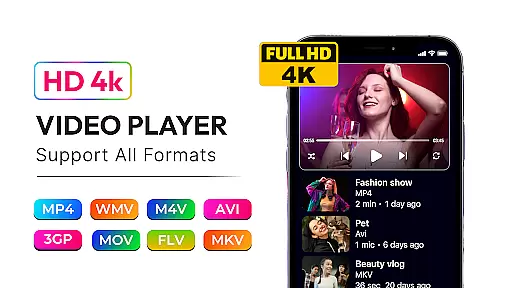
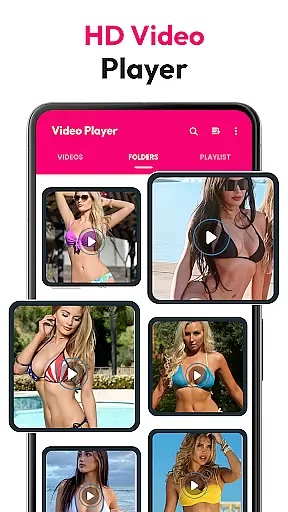
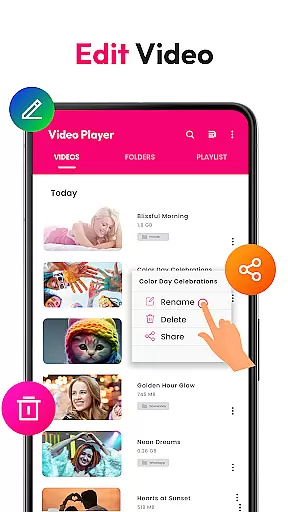
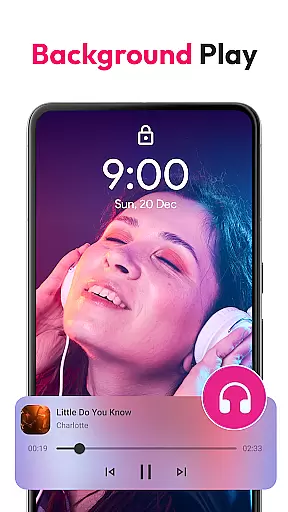
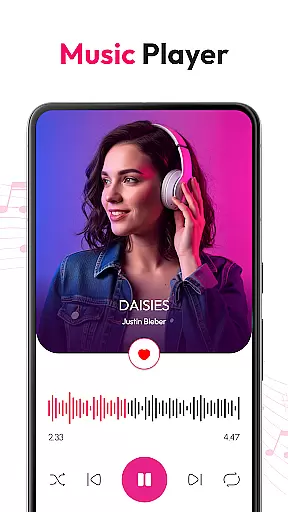
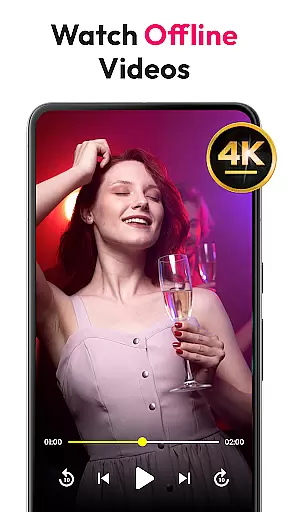
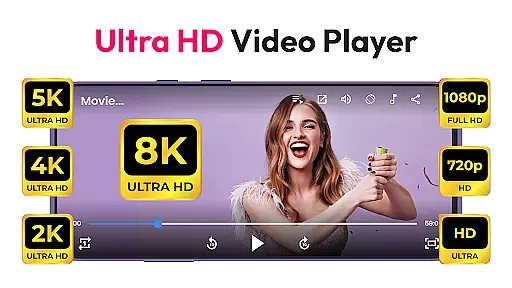
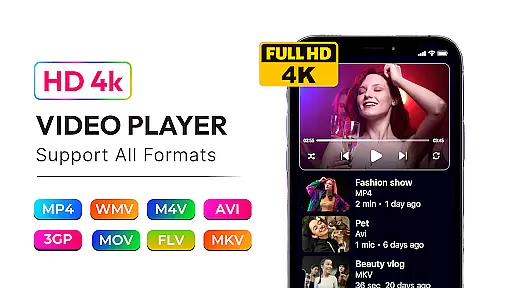
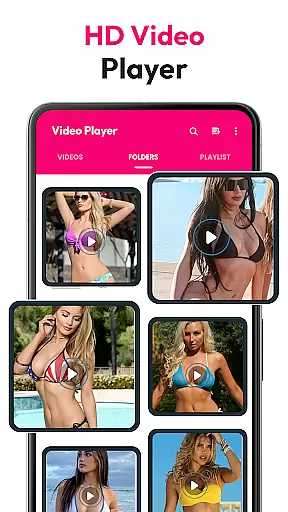
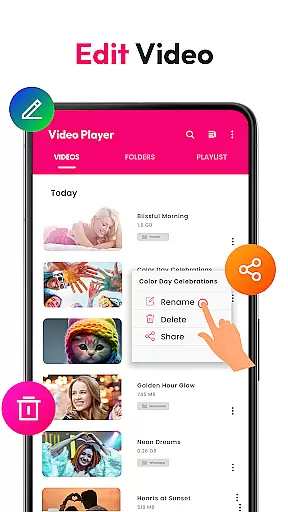
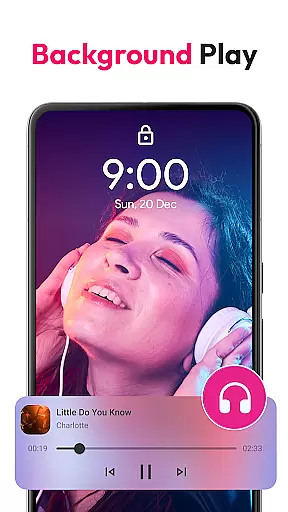
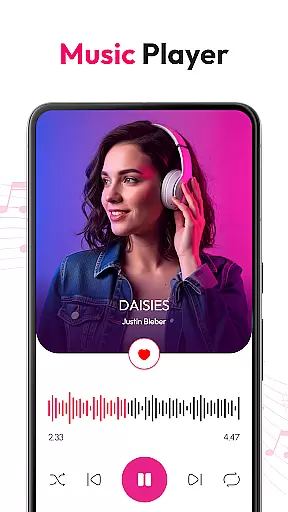
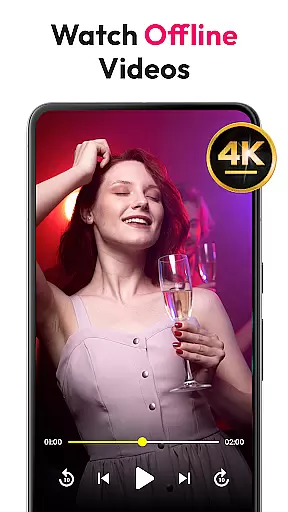
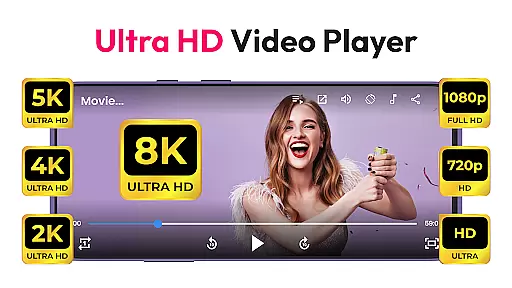
HD Video & Music Player is a versatile media player for Android that supports all video and audio formats. Whether you're watching 4K, Ultra HD, or Full HD videos, this app delivers smooth playback with advanced controls. It also doubles as an mp3 player, offering a seamless experience on both phones and tablets.
This offline video player features floating player mode, auto file scanning, and a built-in file manager. With support for gesture controls, playlists, and equalizer settings, it provides a complete entertainment solution in one app.
HD Video & Music Player stands out with its ability to handle all video formats like MP4, AVI, MKV, and more. The app ensures smooth 4K playback and includes Picture-in-Picture mode for multitasking. Advanced features include auto-rotate, screen lock, and customizable aspect ratios.
As a music player, it supports MP3, WAV, FLAC, and other formats. A powerful equalizer enhances sound quality while playlist management, folder browsing, and lock screen controls make it user-friendly. Its offline functionality ensures uninterrupted playback without needing the internet.
Video format compatibility is a critical feature for any media player, ensuring that users can enjoy content in various formats without technical limitations. HD Video & Music Player excels in this area by supporting an extensive range of video formats including MP4, AVI, MKV, 3GP, FLV, MOV, WMV, and TS.
This versatile video player ensures smooth playback of high-resolution videos such as 4K, Ultra HD, and Full HD content. By incorporating advanced decoding technologies, the app delivers crisp visuals and high-quality sound, making it an ideal choice for users who demand premium media experiences on their Android devices.
With auto-scan functionality for video files from internal storage and SD cards, users can effortlessly access and manage their entire media library. The built-in file manager further enhances organization capabilities, allowing users to browse, search, and play videos with ease.
The ability to handle all popular video formats positions HD Video & Music Player as a comprehensive solution for both casual viewers and tech-savvy users who require broad format support and reliable performance across different types of video content.
While primarily known for its playback capabilities, HD Video & Music Player also incorporates AI-powered editing features that enhance the overall media experience. These intelligent tools utilize advanced algorithms to optimize video playback settings automatically, ensuring the best possible quality for each specific format and device configuration.
The application's AI technology extends to its audio processing capabilities, where users can benefit from automatic equalizer adjustments and sound enhancement features. With options like bass boost, 3D sound, and reverb effects, the player creates immersive audio experiences tailored to individual preferences and content types.
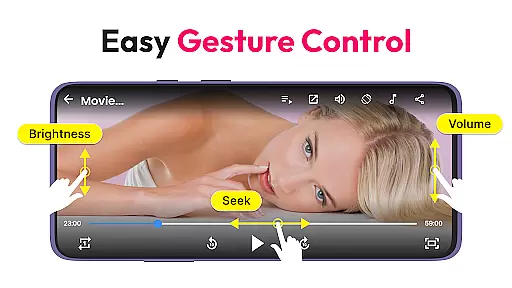
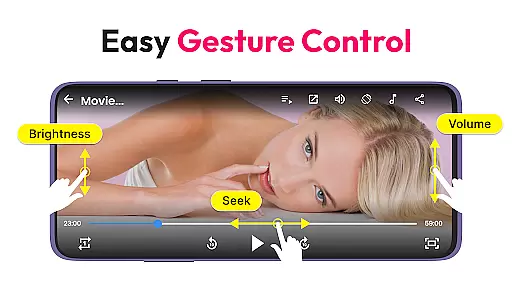
Gesture controls represent another innovative feature powered by intelligent recognition systems. Users can intuitively adjust volume, brightness, and playback position through simple touch gestures, making media consumption more convenient and user-friendly.
These AI-driven enhancements demonstrate the application's commitment to providing not just basic playback functionality, but a comprehensive media solution that leverages modern technology to improve every aspect of the viewing and listening experience.
User-friendly interface
Wide format compatibility
Advanced playback controls
Powerful equalizer settings
Offline playback support
No Chromecast support
Limited customization
Occasional bugs
Ads in free version
Heavy on storage

Video Player - Unlimited features, 30 days money back guarantee.
 4.60
4.60
High-Quality USB Camera Viewer & HDMI Display
4.70
Pro video editor app for Instagram, edit video with song, AI, effect & slowmo.
4.80
Download videos easily & play them all in one smart, powerful video manager.
3.40
GENRAL PRO - General Pro is the best video player that fully supports all formats.
4.70
Browser for Sony TV to stream web videos, online movies and live tv
3.20
Connect EasyCap or UVC devices for recording and broadcast video/audio stream
3.60
Web Browser for LG TV to stream webvideos, online movies and livestreams in HD
4.20
Livestream, news, & gaming content. Watch, chat, and upload. Join Rumble today!
3.80
A Simple app to download Video & Music from the Internet.
4.70
?100% FREE! Download & save videos? safely in this app. All formats supported.
4.60
Snaptubè Video Downloader app allows to download videos and music in Snaptube. .
4.60
Create photo video with music & template. AI video maker for stunning slideshow.
4.60
VLC Remote lets you control your VLC Media Player on Mac, PC or Linux.
4.60
Fast, private downloading, video saving, social media
4.50
Add date and time watermark to photos and videos
4.50
Powerful video player with advanced hardware acceleration and subtitle supports
4.20
Powerful, professional, versatile teleprompter. Developed by an active film crew
4.00
You can play SWF format file!
2.50


User Reviews