
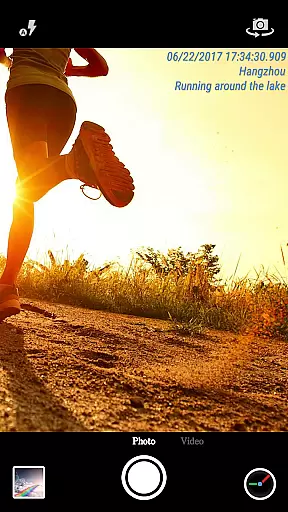
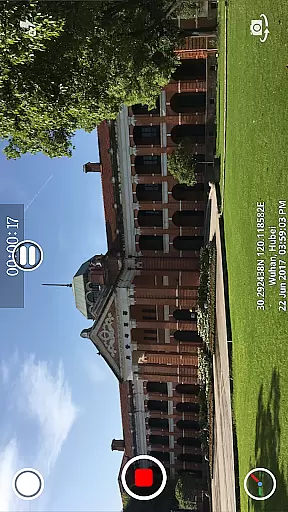
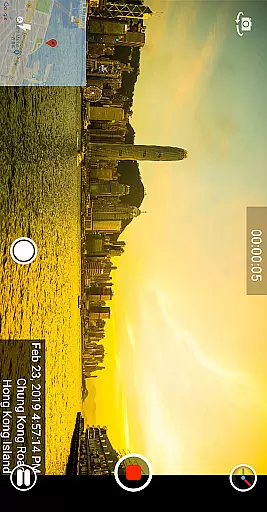
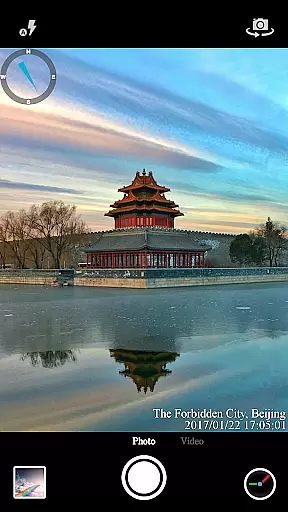

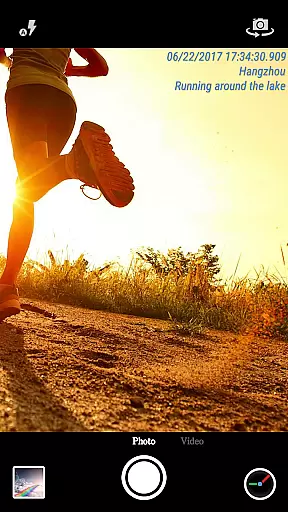
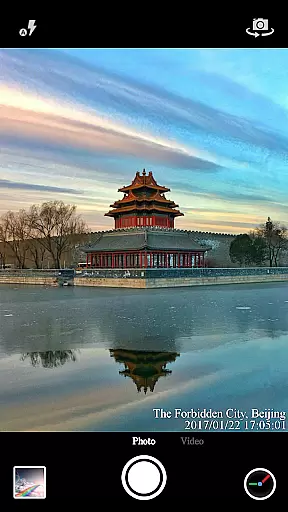

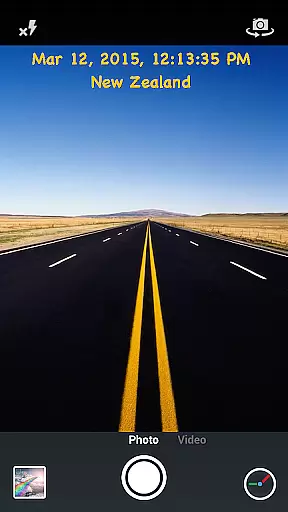
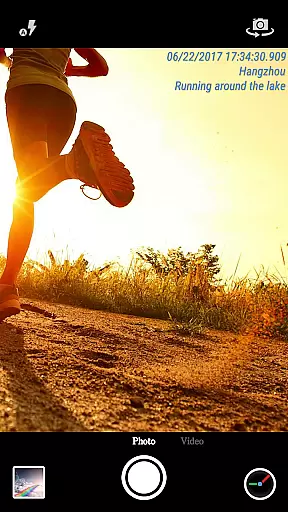
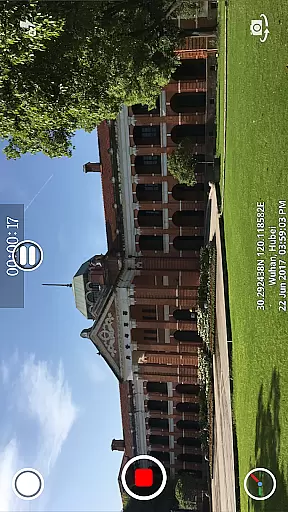
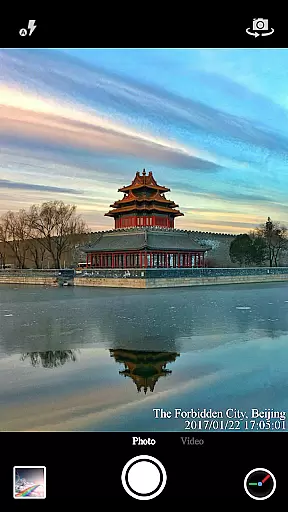
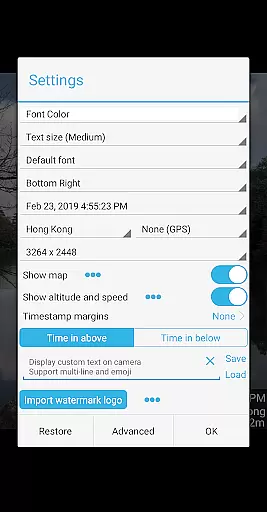

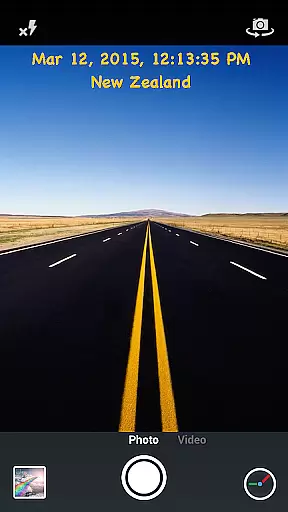
Timestamp Camera Pro is a powerful video and photo editing application that allows users to add real-time timestamp watermarks while capturing media. The app supports 61 different timestamp formats, customizable font styles, sizes, colors, and positions, making it versatile for various professional needs.
In addition to timestamps, the app offers features like GPS location tagging, altitude, and speed display, which are crucial for users who need detailed documentation of their photos and videos. Whether you're a journalist, researcher, or hobbyist, Timestamp Camera Pro provides the tools necessary to enhance your media with precise time and location data.
The app also includes creative options such as custom text, emoji overlays, logo integration, and map displays, allowing users to personalize their content further. With support for both portrait and landscape modes, video recording with or without audio, and direct saving to SD cards, this app caters to a wide range of photography and videography requirements.
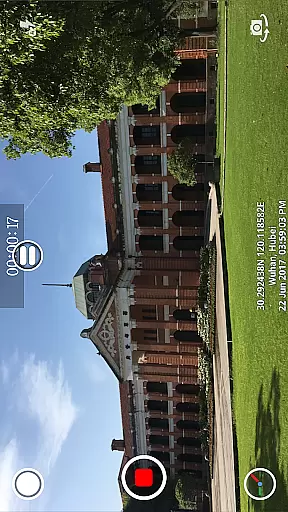
Timestamp Camera Pro stands out due to its comprehensive feature set tailored for both amateur and professional use. One of its key highlights is the ability to record videos with millisecond-accurate timestamp watermarks, a feature unique to this app. This precision is invaluable in fields requiring exact timing records.
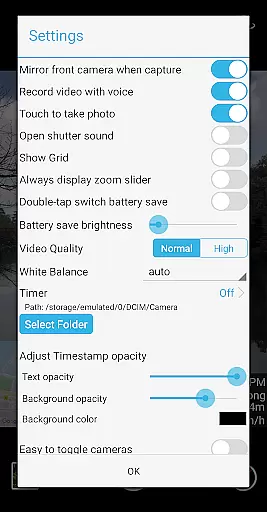
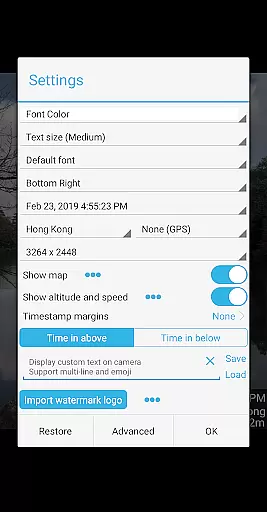
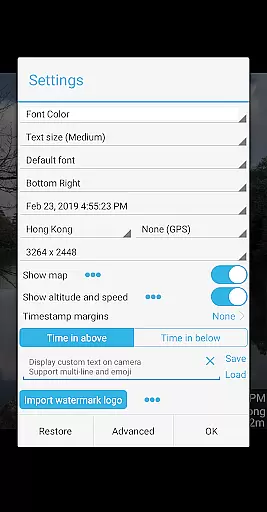
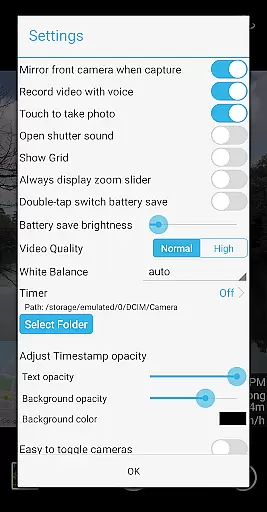
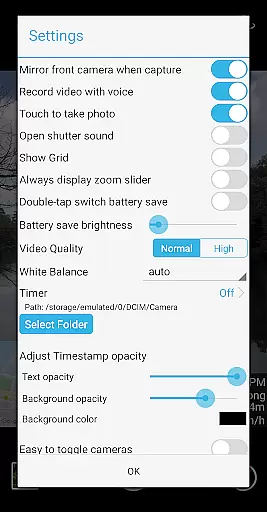
Customization is at the heart of this app's functionality. Users can modify font types, colors, sizes, and positions across seven different screen locations. Additionally, the app supports changing timestamp opacity and background settings, ensuring that the watermark does not obstruct the main subject of the photo or video.
Beyond timestamps, the app provides practical tools such as auto-adding location addresses via GPS, displaying altitude and speed, and integrating custom logo images or maps. These features make it an all-in-one solution for enhancing media with contextual information, whether for personal projects or professional documentation.
Timestamp Camera Pro stands out with its extensive video format compatibility, ensuring that users can work with a wide array of file types without any hitches. The app supports popular formats such as MP4, AVI, and MOV, making it versatile for various devices and platforms.
One of the key features is the ability to record videos with a timestamp watermark accurate to the millisecond, a functionality not commonly found in other video editing apps. This precision is crucial for users who require exact timing in their recordings, such as professionals in surveillance or scientific research.
The app also allows customization of the timestamp's appearance, including font type, color, size, and position on the screen. Users can choose from 61 different timestamp formats, catering to personal preferences or specific project requirements.
Furthermore, Timestamp Camera Pro enhances user experience by offering real-time effects that are applicable during both photo capture and video recording. These include options to display custom text, emoji, maps, and even a logo image, all while maintaining high-quality output across supported video formats.
Timestamp Camera Pro incorporates advanced AI-powered editing features that significantly elevate the video production process. By leveraging artificial intelligence, the app provides smart tools that automate complex editing tasks, allowing users to focus more on creativity rather than technicalities.
A standout feature is the automatic addition of location data and GPS coordinates onto videos and photos. This function uses AI to accurately pinpoint and display geographical information, which is particularly beneficial for travel vloggers or real estate professionals who need to document specific locations.
In addition to geotagging, the app offers intelligent optimization of visual elements. Users can adjust the opacity and background of timestamps, add altitude and speed indicators, and modify map scales and transparency. These AI-driven capabilities ensure that each piece of content is not only informative but visually appealing as well.
Moreover, the app includes a battery saver mode, which intelligently adjusts screen brightness to conserve energy during prolonged use. This feature, combined with the ability to toggle effects and camera modes in real-time, showcases how AI enhances both the efficiency and functionality of Timestamp Camera Pro, providing a seamless editing experience for creators of all levels.
Real-time timestamping
Highly customizable
Accurate to milliseconds
Supports GPS tagging
User-friendly interface
May drain battery faster
Some features are complex
Occasional bugs reported
Limited free version
Requires learning curve

You can play SWF format file!
 2.50
2.50
Your media, on your terms.
4.10
Powerful HD video player with support for all formats & subtitles.
4.2
Seamlessly connect and control your smart devices, anytime, anywhere with ease.
4.60
Browser for Fire TV to stream webvideos, online movies, livestreams in HD
4.40
Web Browser for LG TV to stream webvideos, online movies and livestreams in HD
4.20
Download Hub, easy and private way to download and enjoy your videos offline
4.80
Video&Drama Player All Format is a HD video player, music player
3.00
Photo editor & video maker with music and slideshows.
4.10
Screen recorder with audio to take live videos & Screenshot in high quality!
4.70
Watch IPTV on your Android device
4.60
Browser + Remote for Roku to stream webvideos, online movies and livestreams
4.60
Powerful Video Editor & Photo Editing App —— Quick Edits & Stunning Effects!
4.30
AI Video Editor:AI Music, Text to Video,Text to Speech,Auto Caption,Video Effect
4.00
Make your own Animations, Video and Photo Edits, Visual Effects, and more!
4.00
Fast private browser with secure, seamless access & supported video downloads!
4.00
AirMirror is Receiver for Screen Mirroring and Casting from Apple Devices.
3.60
Watch full episodes of your favorite Cartoon Network and Cartoonito shows!
3.50
Video player with powerful streaming playback and various convenient features.
2.10


User Reviews