
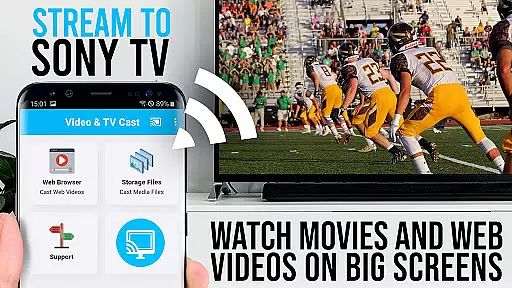
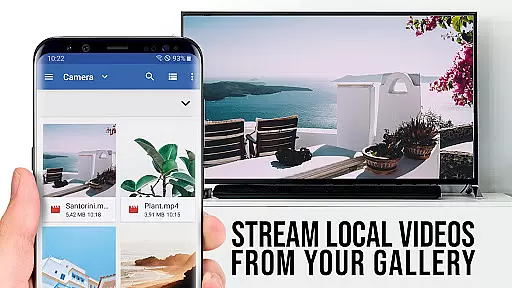
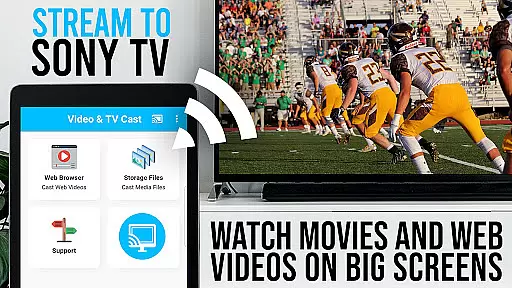
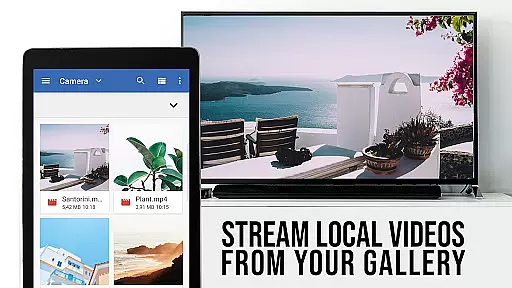
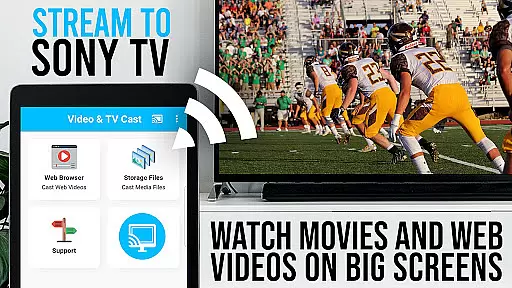
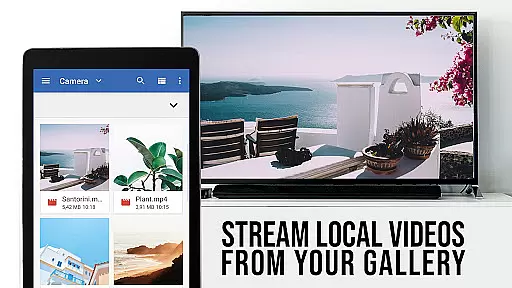
TV Cast Pro for Sony TV is a premier application designed to enhance your viewing experience by streaming web videos, online movies, livestreams, and live-TV shows directly to your Sony TV. This app eliminates the need for additional streaming hardware, supporting formats like mp4, m3u8, hls livestreams, video over https, and Full HD content. It's tailored specifically for Sony TVs equipped with the built-in Video & TV Cast app, offering an unlocked suite of premium features.
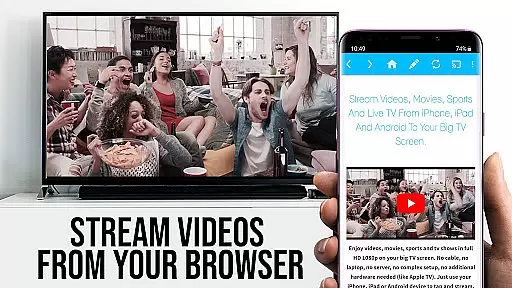
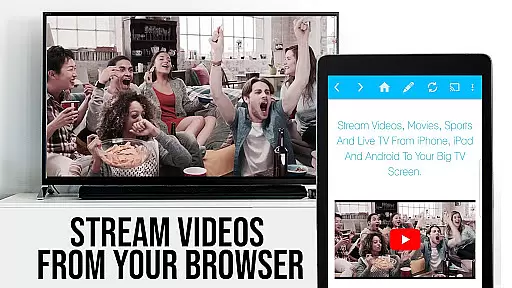
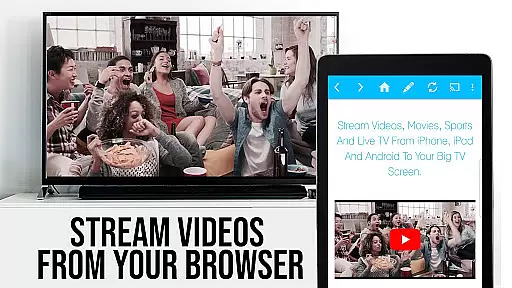
The app facilitates effortless browsing and casting of videos from the web to your television. By simply tapping on the embedded video within the app, users can cast their desired content to their Sony TV. The detected video appears below the browser interface, ready for immediate transmission. With clear instructions and compatibility notes, it ensures a smooth setup process while prioritizing user safety through minimal Android permissions.
TV Cast Pro for Sony TV boasts an array of sophisticated features aimed at providing an optimal streaming experience. A standout feature is the Remote Playbar, which allows users advanced control over video playback, including options for scrubbing, forwarding, rewinding, playing, pausing, and stopping videos directly from their browsing interface.
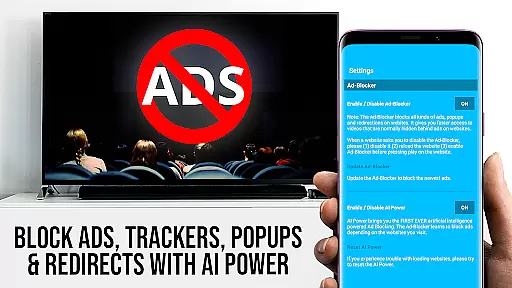
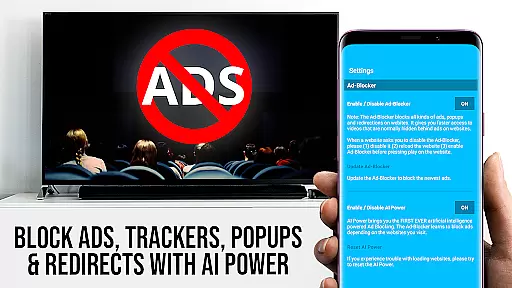
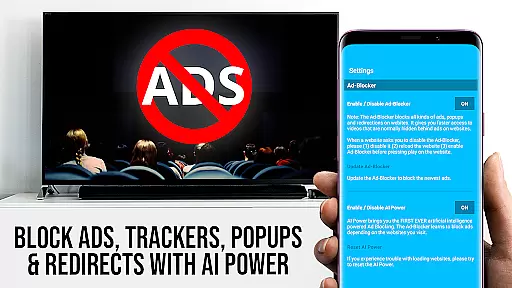
In addition to the enhanced control, the app includes an Ad-Blocker that eradicates ads and popups on most websites, ensuring an uninterrupted viewing session. Users also benefit from the ability to manage bookmarks efficiently, change the homepage, and switch to Desktop Mode for accessing desktop versions of websites. These features collectively contribute to a seamless and enriched user interaction, making it a versatile tool for streaming multimedia content on Sony TVs.
Video format compatibility is a crucial feature for any video player, ensuring that users can enjoy content in various formats without technical hindrances. TV Cast Pro for Sony TV excels in this area by supporting an extensive range of video formats including mp4, m3u8, and hls livestreams. This versatility allows users to stream web videos, online movies, and live TV shows directly on their Sony TVs without the need for additional streaming devices.
The app's ability to handle videos over https and support Full HD quality ensures a premium viewing experience. Whether you're watching high-definition movies or live streams, the clarity and smooth playback provided by TV Cast Pro enhance your entertainment. The app simplifies the process by enabling users to enter or paste the full video URL into the browser address bar, making it straightforward to play files directly on the TV.
For users who encounter issues with specific formats, the app offers troubleshooting tips such as restarting devices or checking network connections. Additionally, if certain videos fail to cast, users can report these instances via the app's reporting feature. This proactive approach not only resolves immediate issues but also helps improve future compatibility. With TV Cast Pro, you gain access to a robust platform designed to deliver seamless video playback across different formats.
While TV Cast Pro for Sony TV primarily focuses on streaming and casting capabilities, its AI-powered editing features provide an added layer of functionality that enhances user interaction with digital content. Although the app doesn't offer traditional video editing tools like cutting or splicing, it leverages artificial intelligence to optimize the browsing and casting experience. For instance, the Ad-Blocker feature uses AI to detect and block ads and popups on most websites, creating a cleaner viewing environment.
The Remote Playbar is another innovative feature that utilizes AI for advanced video control while browsing. Users can scrub through videos, fast forward, rewind, play, pause, and stop, all from the convenience of their mobile device. This level of control transforms how users interact with streamed content, offering a more dynamic and personalized experience. Moreover, the Desktop Mode changes the browser user-agent, allowing users to load desktop versions of websites, which can sometimes yield better video quality or additional content options.
TV Cast Pro further empowers users with customizable settings such as bookmarks and homepage selection. These features, combined with AI-driven enhancements, create a comprehensive toolset for managing and enjoying digital media. By integrating intelligent solutions into everyday tasks, the app not only simplifies video streaming but also enriches the overall user experience, setting a new standard for what consumers can expect from video player applications.
User-friendly interface
Comprehensive format support
No additional hardware required
Advanced video control options
Effective ad-blocking technology
Limited to Sony TVs with specific apps
Doesn't support DRM protected content
Occasional connectivity issues
Some features may require troubleshooting
Premium version comes at a cost

Client application for NextPVR software
 3.00
3.00
Snaptubè Video Downloader app allows to download videos and music in Snaptube. .
4.60
Search & download videos from net with all video downloader, auto-detect & safe.
4.60
VLC Remote lets you control your VLC Media Player on Mac, PC or Linux.
4.60
Support 1000+ Video Format, Subtitle Download, mp3 & Background Play, Cast On TV
4.60
Download videos and play them offline
4.70
Add date and time watermark to photos and videos
4.50
The essential companion to your Blue Iris PC software
2.50
Browser for Fire TV to stream webvideos, online movies, livestreams in HD
4.40
A Quick and Pro Video Editor
4.70
Find, download, and play torrents with the official BitTorrent® Pro app
4.70
Browser + Remote for Roku to stream webvideos, online movies and livestreams
4.60
Viddo: Generate Action Figure, AI Anime, AI kiss, AI hug Video from image & text
4.40
Powerful Video Editor & Photo Editing App —— Quick Edits & Stunning Effects!
4.30
Powerful video player with advanced hardware acceleration and subtitle supports
4.20
LumaFusion: The Ultimate Storytelling Experience for Video Editing
4.10
Explore the largest library of free GIFs, Stickers & Memes - or create your own!
3.90
Cast to Smart TV, Fire TV. Cast video, photo - Fast & Stable!
3.90
Save photos and videos from social apps in one tap.
3.60


User Reviews