
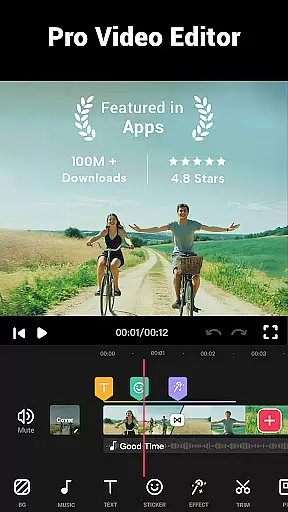
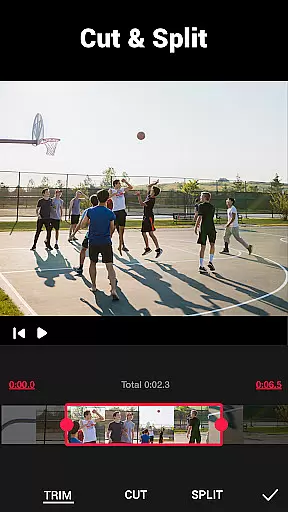
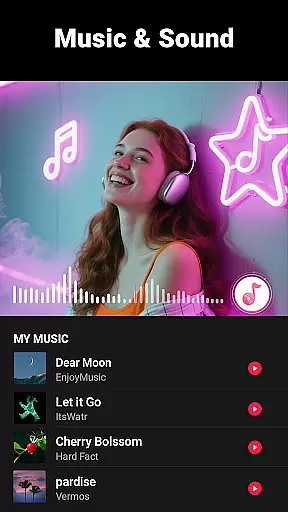
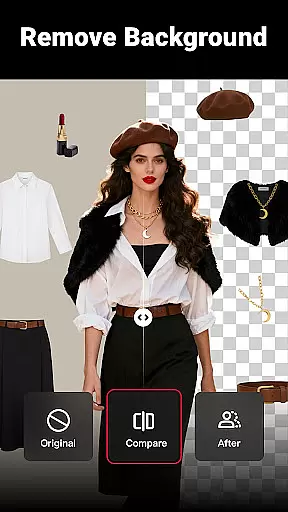
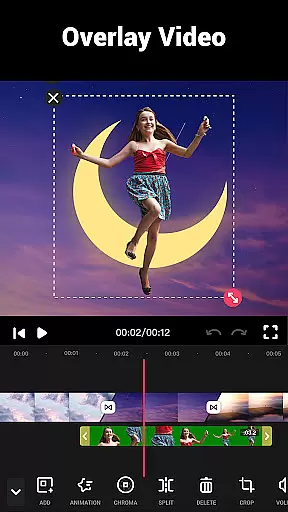
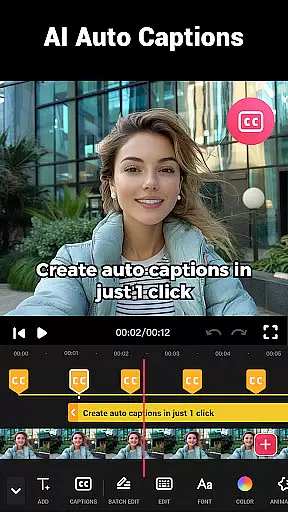
Video Maker is a versatile AI-powered video editing app that allows users to create professional-quality videos from photos and music. With its user-friendly interface, it's suitable for both beginners and experienced editors. The app offers a comprehensive suite of features including trimming, cutting, speed adjustment, transitions, filters, and audio editing.
This all-in-one editor stands out with its ability to export 4K videos without watermarks, making it ideal for sharing content on platforms like YouTube, Instagram, and TikTok. Whether you're creating vlogs, intros, or promotional videos, Video Maker provides the tools needed to produce engaging content.
The app's value lies in its powerful yet free editing capabilities combined with regular updates to effects, filters, and transitions. This ensures users always have access to the latest creative options while maintaining high-quality output across various social media platforms.
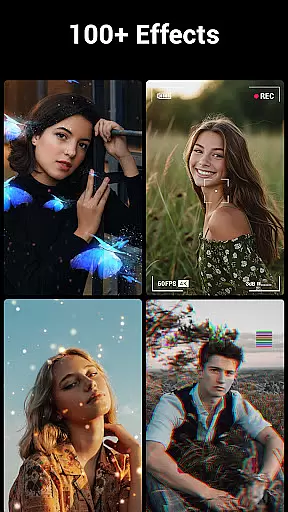
Video Maker distinguishes itself through an impressive array of features designed to enhance video creation. The multi-layer editing system lets users add music, voice-overs, sound effects, glitch effects, stickers, and custom fonts, providing endless creative possibilities.
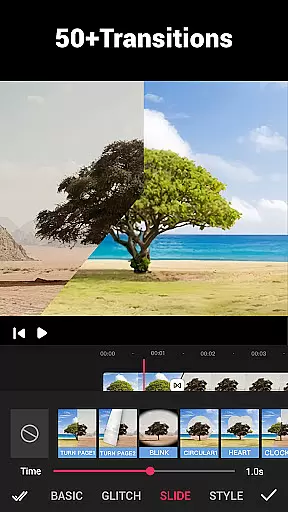
With over 50 transition effects, users can seamlessly blend clips while adjusting video speed from 0.2x to 100x. The app supports audio extraction from videos and includes dozens of royalty-free music tracks alongside customizable BGM options.
Advanced tools include video compression, format conversion, background editing with blur effects, and precise cropping in various aspect ratios. These features, combined with HD quality preservation and no watermark policy, make Video Maker a comprehensive solution for professional-grade video editing across multiple platforms.
Video format compatibility is a crucial feature for any video editing application, ensuring that users can work with a wide range of video files without conversion hassles. Video Guru supports an extensive array of formats, allowing creators to import and export videos in their desired resolutions and qualities.
The app's dedication to high-quality video support means that whether you're working with standard 16:9 YouTube videos or square 1:1 Instagram clips, the integrity of your footage remains intact. This flexibility empowers content creators to focus on storytelling rather than technical limitations.
Moreover, Video Guru enhances user experience by providing options to save videos in up to 4K resolution without watermarks. This feature not only preserves the clarity and detail of your projects but also ensures they are ready for professional use across various platforms.
By offering such comprehensive video format compatibility, Video Guru positions itself as an indispensable tool for both amateur enthusiasts and seasoned professionals looking to produce visually stunning content.
AI-powered editing features represent the cutting edge of video editing technology, automating complex tasks and enabling creators to achieve professional results with minimal effort. Video Guru incorporates advanced AI algorithms that simplify processes like audio extraction, rhythm-based editing, and automatic filter application.
This intelligent assistance allows users to extract audio from any video effortlessly, add markers according to music beats, and apply transitions that match the tempo of their soundtrack. Such capabilities significantly reduce editing time while maintaining creative control over the final product.
Furthermore, Video Guru's AI-driven tools extend to enhancing video quality through smart filters and effects. These features analyze video content to suggest optimal adjustments, ensuring every clip looks its best without manual tweaking. The result is a streamlined editing process that democratizes high-quality video production.
With these sophisticated AI-powered editing features, Video Guru empowers creators to focus on their artistic vision, making professional-grade video editing accessible to everyone regardless of skill level.
User-friendly interface
4K export quality
Extensive transition effects
Free editing features
Regular effect updates
Occasional performance lag
Complex for beginners
Limited advanced tools
Interface clutter
Ads between edits

You can play SWF format file!
 2.50
2.50
A Quick and Pro Video Editor
4.70
Cast to Chromecast, Xbox, Fire Stick, Roku, DLNA, Smart TV & No Feature Limited!
4.50
GENRAL PRO - General Pro is the best video player that fully supports all formats.
4.70
Fast & easy HD video downloader for all formats, support 4K playback & download.
4.60
Flud is a simple and beautiful BitTorrent client for Android.
4.80
Browser for Samsung TV to stream webvideos, online movies and livestreams in HD
4.10
Viddo: Generate Action Figure, AI Anime, AI kiss, AI hug Video from image & text
4.40
Video&Drama Player All Format is a HD video player, music player
3.00
AI Video Editor with Music, Filter, Slideshow, Effect, Merge & Trim Video.
4.80
Tik & Story Saver-Download ALL social media videos, photos & reels no watermark.
4.80
HD Video player all format, HD Videos, Cast & Subtitle. No annoying ads.
4.60
Search & download videos from net with all video downloader, auto-detect & safe.
4.60
Photo and Music Video Creator into Stunning Videos—Effortlessly
4.40
Create & edit videos with AI
4.30
Video Downloader is an utility that can save videos and music from web sites
4.20
Video player with 4K & 1080P support, popup play, background play and subtitle.
4.20
Powerful, professional, versatile teleprompter. Developed by an active film crew
4.00
This app is an emulator of some specific IPTV boxes
3.50


User Reviews