
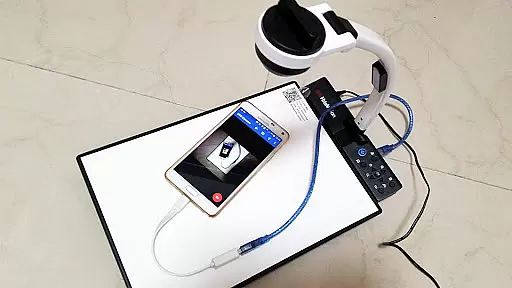
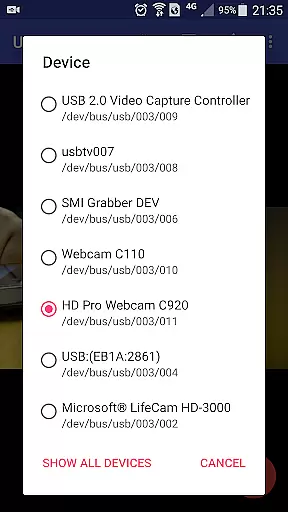
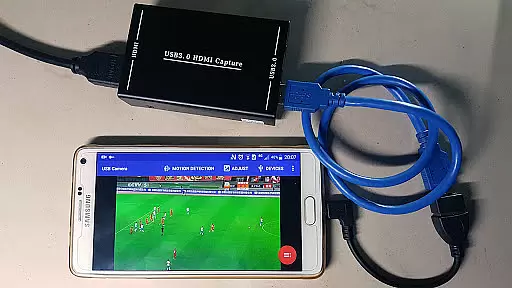
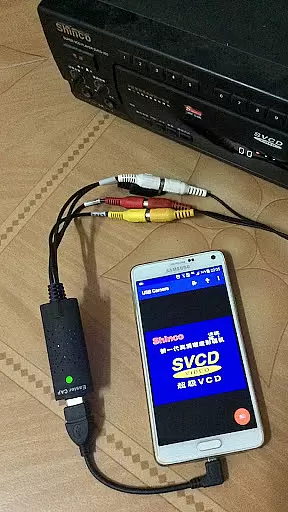
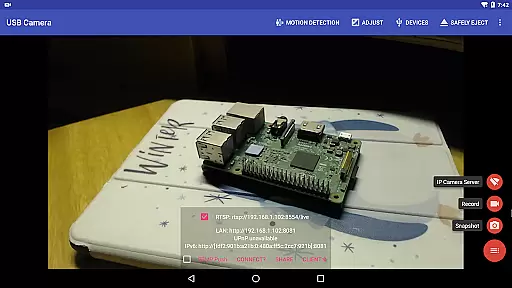
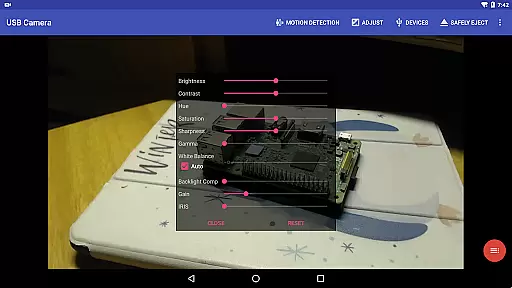
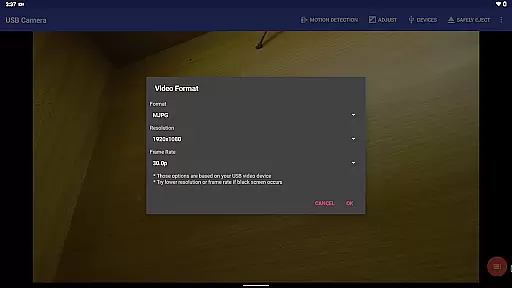
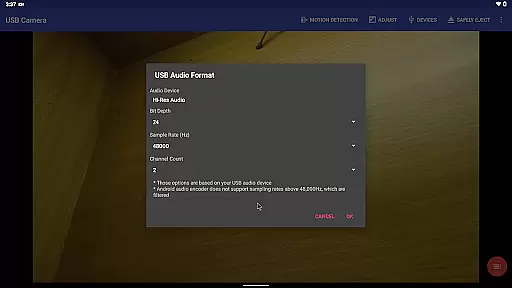
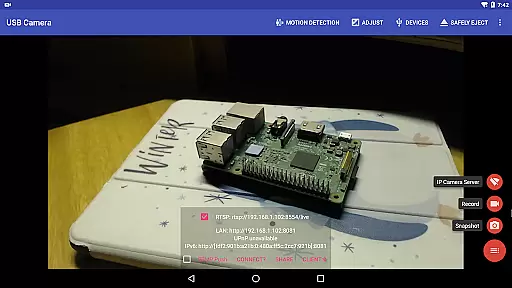
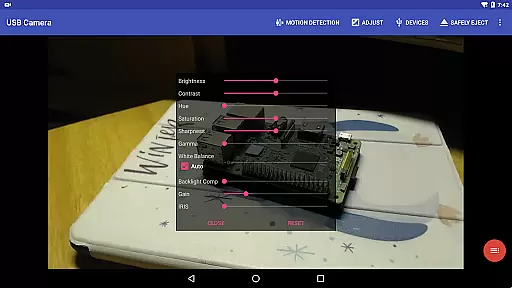
USB Camera Pro is a versatile application designed for Android users who wish to connect their devices with USB webcams or video capture cards. This app allows you to record high-quality videos, take snapshots, and even transform your phone into a wireless IP camera through its built-in RTSP and HTTP server capabilities. Ideal for security monitoring, it supports bi-directional audio, making it a comprehensive solution for both personal and professional use.
The app stands out by supporting a wide range of devices including UVC WebCams, video grabbers, Windows Hello Cameras, and various non-UVC devices like USB Endoscopes. It also features advanced functionalities such as RTMP/SRT live streaming, side-by-side FPV views, and the ability to overlay internal camera feeds onto external ones. These features make it an indispensable tool for content creators, security professionals, and tech enthusiasts alike.
Whether you're looking to enhance your video production setup or establish a reliable security system, USB Camera Pro offers the flexibility and performance needed to meet diverse requirements. Its compatibility with multiple devices and codecs ensures that users can achieve optimal results regardless of their specific use case.
USB Camera Pro boasts an array of sophisticated features tailored to meet the needs of modern videographers and security experts. One of its standout capabilities is the support for HEVC/H.265, H.264, MJPG, YUY2, P010, NV12 codecs, allowing for high-quality video recording and streaming on compatible Android devices. Additionally, the app facilitates seamless integration with various capture cards and webcams, ensuring broad device compatibility.
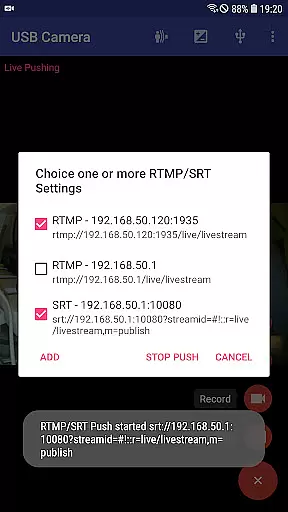
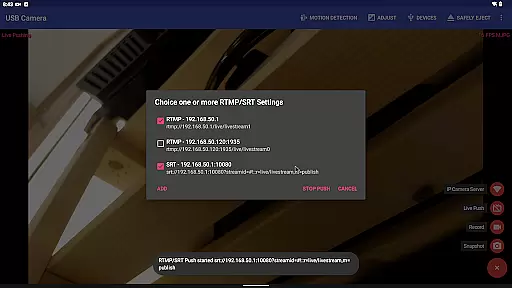
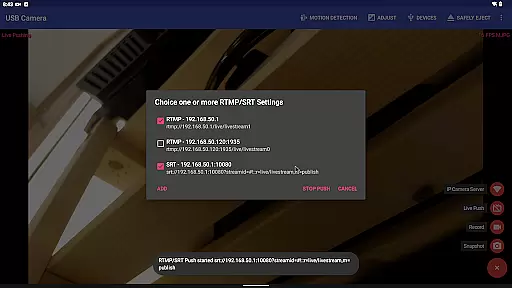
Another remarkable feature is the built-in RTSP and HTTP server, which enables users to turn their smartphones into wireless IP cameras. This functionality is complemented by bi-directional audio support, enhancing its utility in security applications. The app also excels in live broadcasting, pushing video and audio streams to RTMP/SRT media servers while supporting protocols like rtmps and SRT, thus catering to professional broadcasters.
Furthermore, USB Camera Pro includes practical tools such as motion detection-based auto-recording, FTP upload, email notifications, and loop recording. These features collectively ensure that users have a robust set of tools at their disposal, whether they are capturing critical moments or maintaining vigilant surveillance over their premises.
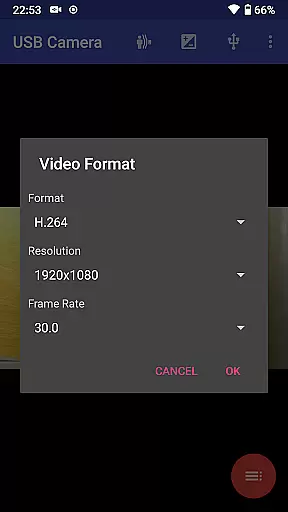
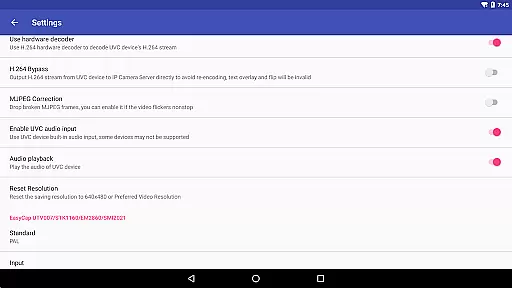
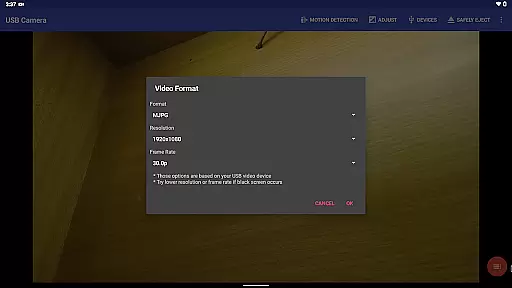
USB Camera Pro demonstrates exceptional versatility in video format compatibility, making it a powerful tool for both casual users and professionals. The application supports an extensive range of video formats including H.264, H.265, HEVC, MJPG, YUY2, P010, and NV12 among others. This broad spectrum allows users to connect various devices such as UVC WebCams, video grabbers, and non-UVC devices like USB Endoscopes without worrying about format restrictions.
The app's ability to handle progressive and interlaced video up to 4K resolution via HDMI ensures that even the most demanding video capture needs are met with clarity and precision. Whether you're involved in high-definition video streaming or detailed video analysis, USB Camera Pro provides the necessary tools to work seamlessly across different video standards.
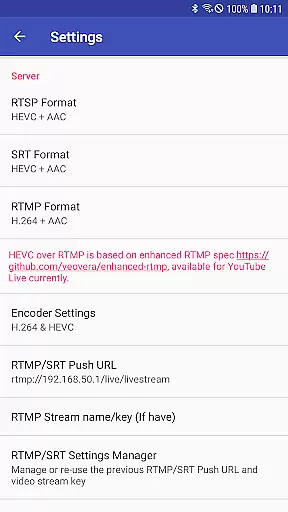
Furthermore, support for advanced codecs like HEVC and AV1 on compatible Android versions enhances the app's utility for modern video workflows. Users can record and stream using these efficient codecs, ensuring high-quality video with reduced bandwidth requirements. This makes USB Camera Pro not only versatile but also future-proof, accommodating emerging technologies and standards in video processing.
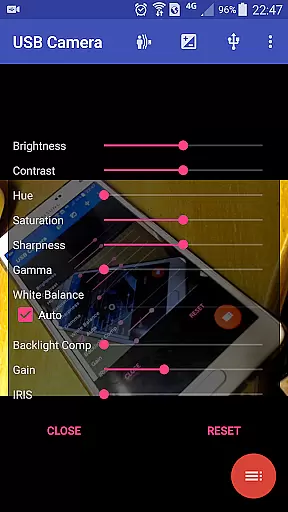
While USB Camera Pro is primarily focused on video capture and streaming, it incorporates several AI-powered features that enhance the video editing process. One notable feature is its ability to add timestamps, GPS data, speed information, and other metadata directly onto video frames during recording. This automated process saves significant post-production time, allowing users to focus on refining their content rather than manually adding essential information.
The application's intelligent motion detection capabilities enable automatic video recording and FTP uploading. When motion is detected, the app begins recording and can automatically upload the footage to an FTP server while notifying the user via email. This smart feature optimizes the editing workflow by ensuring that only relevant footage is captured and stored, reducing the amount of raw footage editors need to sift through.
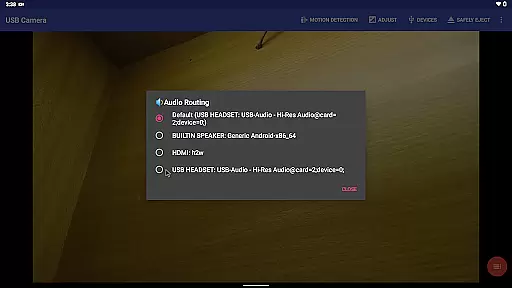
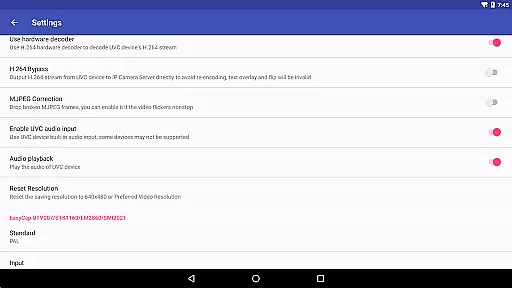
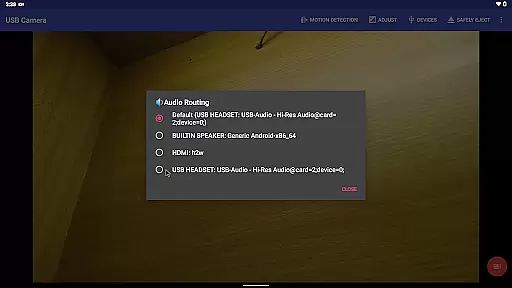
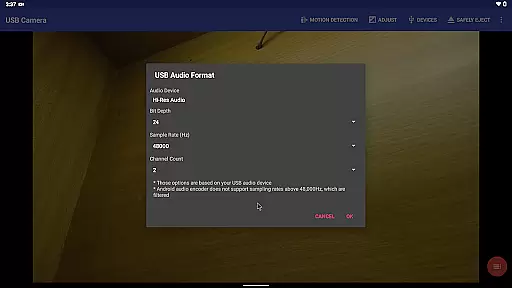
Additionally, USB Camera Pro offers sophisticated audio mixing options that utilize AI to combine USB audio with built-in microphones or system audio. This feature maintains optimal audio quality while providing flexibility in sound design. The app's seamless background switching and loop recording functions further contribute to an uninterrupted editing experience, allowing creators to maintain their creative flow without technical interruptions.
User-friendly interface
Wide device compatibility
Advanced codec support
Bi-directional audio capability
Robust security features
Requires good OTG cables
Some features need additional apps
High power consumption
Limited third-party app support
Complex setup for beginners

Photo and Music Video Creator into Stunning Videos—Effortlessly
 4.40
4.40
Video Downloader is an utility that can save videos and music from web sites
4.20
Video Trimmer, Video to MP3 Converter. Extract music from video, Easy & Fast.
4.80
Tik & Story Saver-Download ALL social media videos, photos & reels no watermark.
4.80
Create & edit videos with AI
4.30
All format media Player, no need video converter any more!
4.00
This app was created to edit the metadata of music files.
4.20
Turn your phone into a wireless camera!
4.20
Seamlessly connect and control your smart devices, anytime, anywhere with ease.
4.60
?100% FREE! Download & save videos? safely in this app. All formats supported.
4.60
Watch a large amount of high-definition short drama content
4.60
VLC Remote lets you control your VLC Media Player on Mac, PC or Linux.
4.60
Fast & easy HD video downloader for all formats, support 4K playback & download.
4.60
KineMaster, Your Ultimate Video Editor!
4.40
Browser for Fire TV to stream webvideos, online movies, livestreams in HD
4.40
Save photos and videos from social apps in one tap.
3.60
A full editing room to accompany your Insta360 cameras and handheld gimbals.
3.30
Client application for NextPVR software
3.00
Play and download HD videos from all sources — fast, simple, and all-in-one.
4.4


User Reviews