
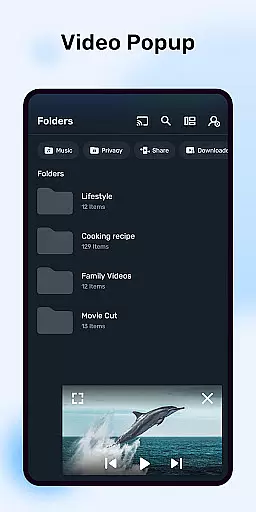
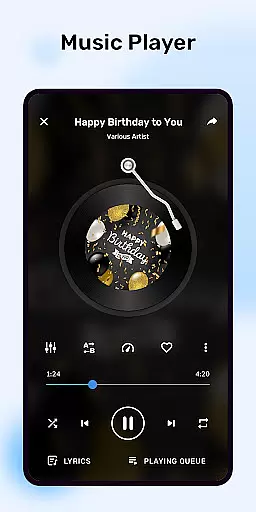
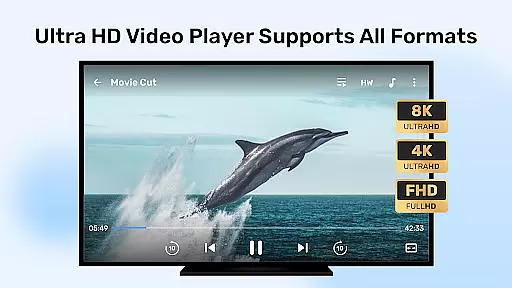
MX Player is a powerful multimedia player designed for seamless video and music playback with advanced features. It supports hardware acceleration, multi-core decoding, and an extensive range of subtitle formats, making it ideal for users who demand high-quality playback with customizable options.
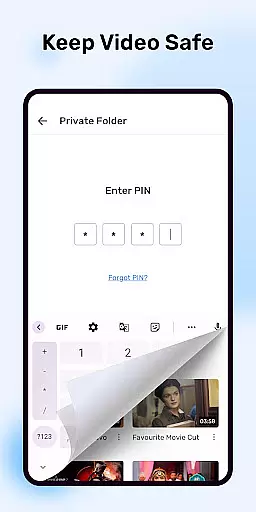
The app offers intuitive controls like pinch-to-zoom, gesture-based subtitle navigation, and privacy features such as a private folder to hide sensitive content. Additionally, its Kids Lock feature ensures children can enjoy videos safely without accessing other apps or making accidental calls.
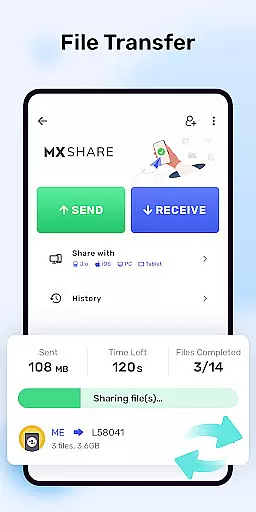
With support for streaming, offline playback, and integration with various devices, MX Player is suitable for both casual viewers and tech-savvy users looking for a versatile media experience on their Android devices.
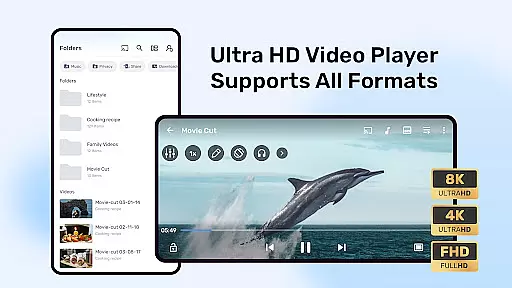
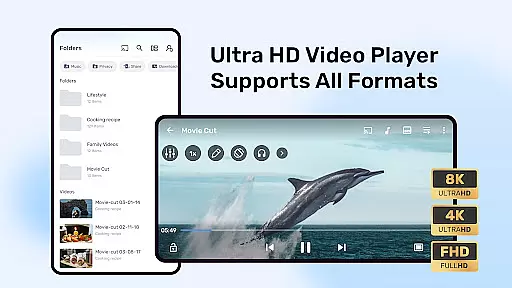
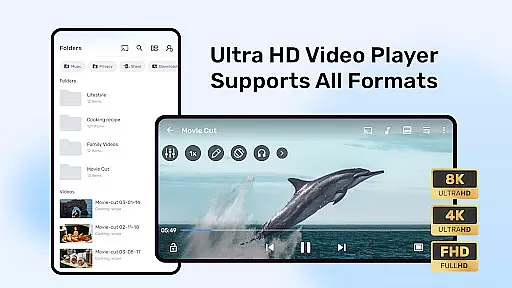
MX Player stands out with its advanced hardware acceleration and multi-core decoding capabilities, which significantly enhance performance on supported devices. The HW+ decoder allows more videos to leverage hardware acceleration, ensuring smoother playback even for high-resolution files.
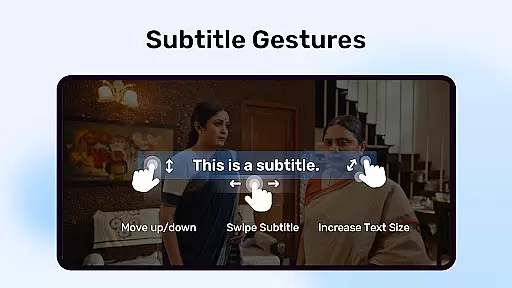
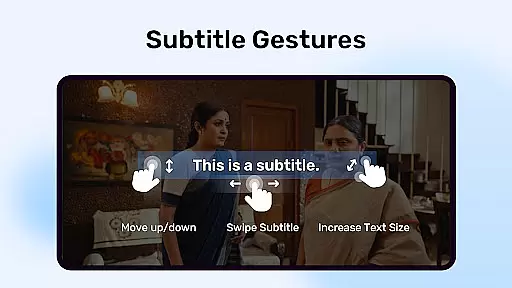
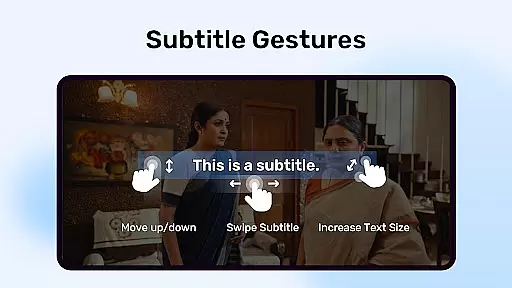
Subtitle support is another key feature, accommodating formats like SubStation Alpha, SubRip, and WebVTT with full styling options. Users can easily adjust subtitles using intuitive gestures such as zooming and panning. Furthermore, the app provides practical utilities like a Kids Lock mode and a privacy folder, allowing users to manage their viewing experience securely.
Additional functionalities include network-based features like license verification, background play, and Bluetooth synchronization for improved audio-video alignment. These tools collectively deliver a robust, user-friendly interface that caters to diverse multimedia needs.
Video format compatibility is a crucial feature for any video player application as it determines the range of video files that can be played. MX Player excels in this area by supporting a wide array of video formats, ensuring users can enjoy their media without worrying about compatibility issues.
The app utilizes advanced hardware acceleration with its new HW+ decoder, enabling smooth playback of high-definition videos. This not only enhances the user experience but also optimizes device performance during video playback.
Additionally, MX Player supports multi-core decoding, which significantly improves performance on multi-core devices. This means users with more advanced hardware can take full advantage of their device's capabilities to enjoy seamless video streaming and playback.
While MX Player is primarily known for its video playback capabilities, it also offers AI-powered editing features that enhance the overall user experience. These features are designed to make video playback more interactive and personalized.
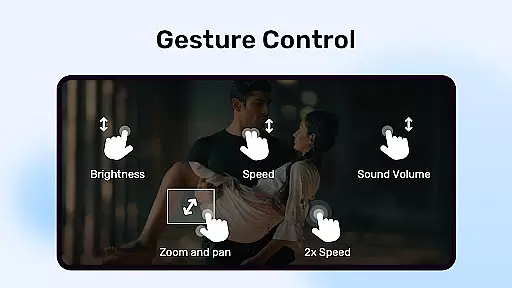
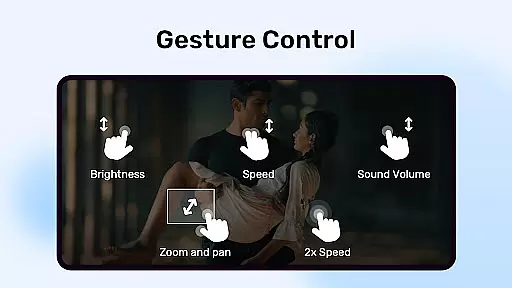
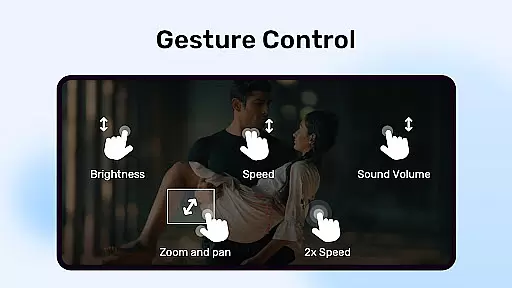
One notable feature is the ability to zoom and pan across the screen easily by pinching and swiping. This allows users to focus on specific parts of the video or adjust the viewing angle according to their preference, providing a more engaging experience.
Another innovative feature is subtitle gestures, which allow users to scroll forward or backward to move to the next or previous text, adjust text position by swiping up or down, and change text size by zooming in or out. These intuitive controls make navigating through subtitles effortless and enjoyable.
Advanced hardware acceleration
Multi-core decoding support
Extensive subtitle format compatibility
Intuitive gesture controls
Kids Lock for child-friendly use
Requires many permissions
No built-in video editor
Limited iOS functionality
Ads in free version
Occasional crashes reported

Video Player - Unlimited features, 30 days money back guarantee.
 4.60
4.60
Tik & Story Saver-Download ALL social media videos, photos & reels no watermark.
4.80
Create photo video with music & template. AI video maker for stunning slideshow.
4.60
Stream high quality video from your camera over NDI protocol
4.5
Powerful HD video player with support for all formats & subtitles.
4.2
Download videos and play them offline
4.70
Find, download, and play torrents with the official BitTorrent® Pro app
4.70
Cast movies, tv shows and live streams to Chromecast, Roku, DLNA, Fire TV & more
4.60
Manage your YouTube channel on the go
4.40
IPTV Loader, loads your own Playlist. DOES NOT CONTAIN ANY LIST OR CHANNELS
4.60
Snaptubè Video Downloader app allows to download videos and music in Snaptube. .
4.60
Cast to Chromecast, Xbox, Fire Stick, Roku, DLNA, Smart TV & No Feature Limited!
4.50
KineMaster, Your Ultimate Video Editor!
4.40
Powerful Video Editor & Photo Editing App —— Quick Edits & Stunning Effects!
4.30
VLC for Android is the best open source video and music player, fast and easy!
4.10
IPTV-Smarters Player Pro M3U - Watch Live Stream TV Channels with Chromecast
4.00
AI Video Editor:AI Music, Text to Video,Text to Speech,Auto Caption,Video Effect
4.00
Live TV, anywhere in your home
3.80
The smartest M3U IPTV Player your playlists have ever seen.
4.1


User Reviews