
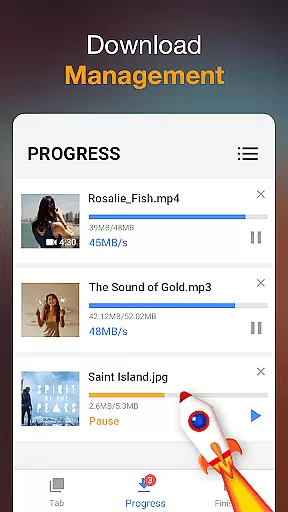

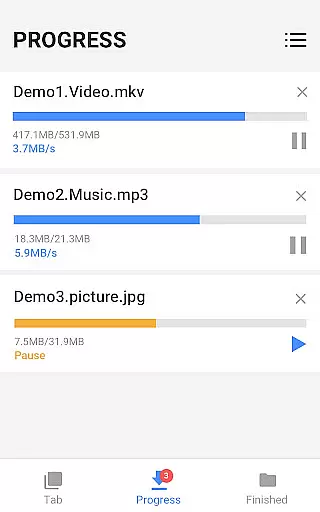
Video Downloader is a versatile tool designed for downloading videos and music directly from the Internet to your device. It supports all formats, making it an ideal choice for users who need flexibility in their downloads. The app's powerful download manager allows you to pause, resume, and manage multiple downloads simultaneously.
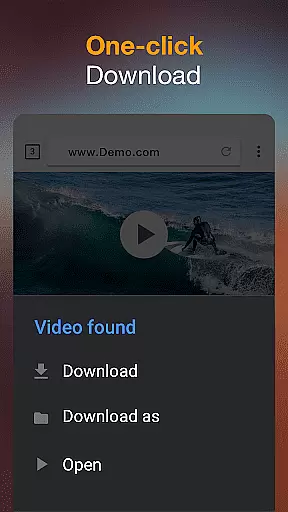
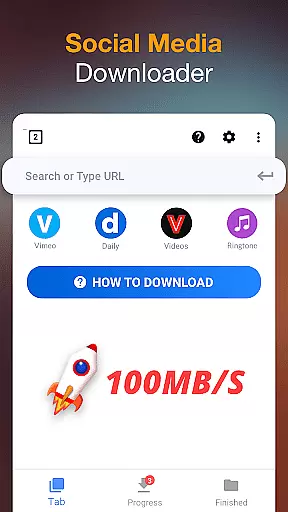
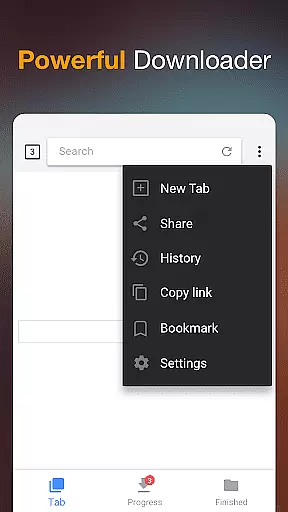
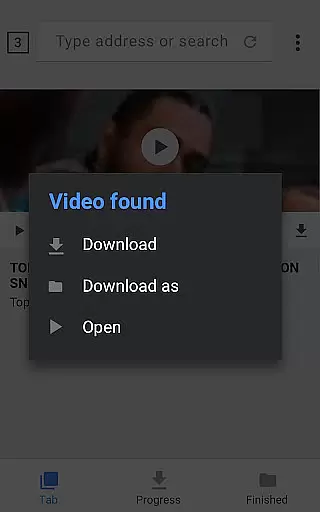
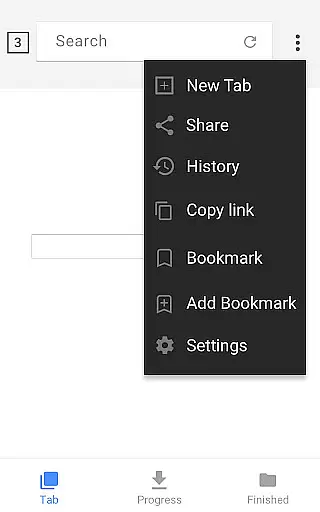
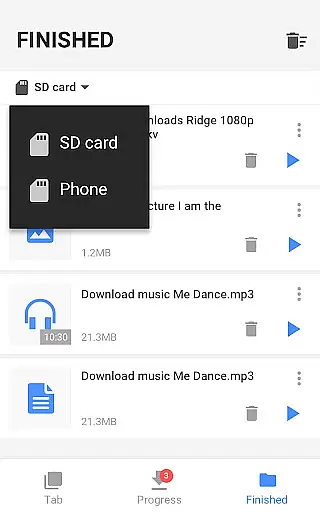
With its built-in browser, users can browse and preview videos before downloading them with just one click. The app also features a built-in player for offline playback, background downloading capabilities, and support for SD cards. Whether you're looking to download HD videos or large files, Video Downloader provides fast download speeds and a user-friendly interface that caters to both casual and power users.
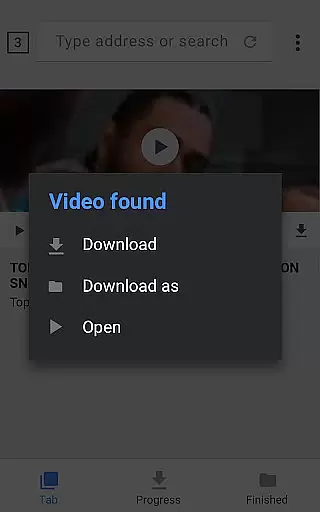
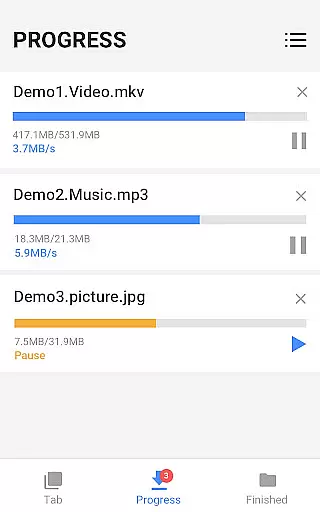
Video Downloader stands out with its comprehensive feature set tailored for efficient media management. One of its key strengths is the auto-detection of videos, which simplifies the downloading process by allowing users to download videos with minimal effort. The powerful download manager not only supports pausing and resuming downloads but also enables downloading several files at once, ensuring optimal use of your time and resources.
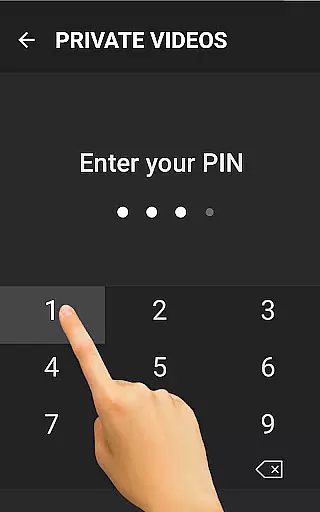
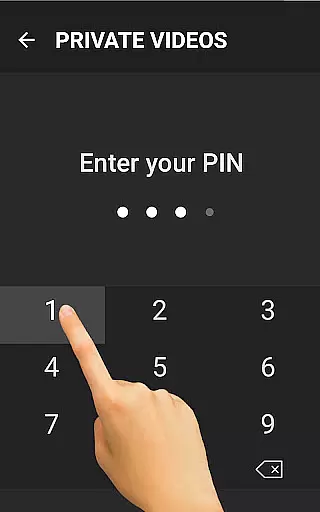
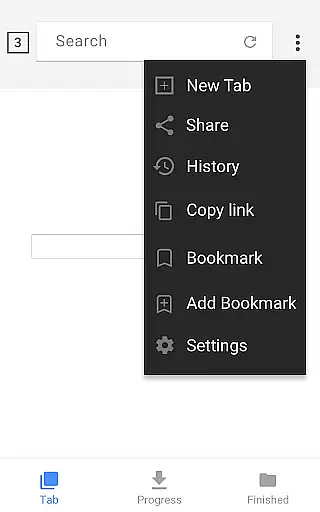
In addition to supporting all major file formats such as mp3, mp4, mov, and pdf, the app offers advanced functionalities like password-protected folders for secure storage and the ability to add bookmarks for favorite websites. Users can monitor download progress through a dedicated download bar and enjoy uninterrupted downloads even in poor network conditions. These features collectively make Video Downloader a robust solution for managing your multimedia content efficiently.
Video format compatibility is a crucial feature for any video player and editor application. The Video Downloader app excels in this area by supporting all major video formats including mp3, m4a, mp4, m4v, mov, avi, wmv, and more.
This extensive format support ensures that users can download and play videos from virtually any source on the internet without worrying about compatibility issues. Whether you're downloading music, movies, or other video content, this app has got you covered.
The built-in browser allows users to browse and auto-detect videos for download in various formats. Once downloaded, the built-in player supports seamless playback of these files, making it a versatile tool for all your video needs.
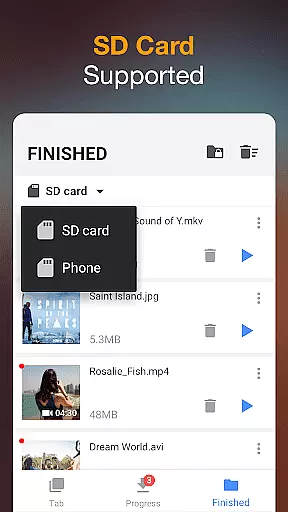
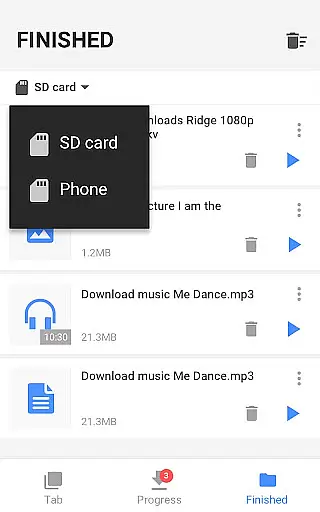
With the added ability to save files in a password-protected folder and support for SD card storage, users have complete control over their downloaded content. This makes the Video Downloader app not just versatile but also secure and convenient.
AI-powered editing features are revolutionizing how we interact with video content. The Video Downloader app incorporates powerful AI tools that enhance the user experience through smart video detection and fast download capabilities.
When browsing videos using the built-in browser, the app's AI automatically detects downloadable content, streamlining the process and allowing users to download videos with just one click. This intuitive functionality saves time and effort, making video management hassle-free.
In addition to its AI-driven detection capabilities, the app offers a robust download manager that lets users pause, resume, and remove downloads as needed. This flexibility is further enhanced by options to download several files simultaneously and even continue downloads in the background.
Users can preview videos before downloading, ensuring they get exactly what they need. With fast download speeds and support for large file downloads, the Video Downloader app combines AI technology with practical features to deliver an exceptional video editing and management experience.
User-friendly interface
Fast download speed
All format support
Powerful download manager
Offline playback capability
Requires many permissions
May include ads
Limited free features
Occasional bugs
Heavy on storage

A full editing room to accompany your Insta360 cameras and handheld gimbals.
 3.30
3.30
Client application for NextPVR software
3.00
Connect 2 UVC devices for recording and broadcast video/audio stream
3.90
Cast Videos from Web Browser, IPTV to Roku, Chromecast, DLNA, Smart TV +more
4.60
Watch a large amount of high-definition short drama content
4.60
Snaptubè Video Downloader app allows to download videos and music in Snaptube. .
4.60
IPTV Player - Watch live TV from m3m & m3u8 playlist, stream IPTV on mobile
3.30
IPTV Loader, loads your own Playlist. DOES NOT CONTAIN ANY LIST OR CHANNELS
4.60
Capture the moment and Cut
3.40
Watch IPTV on your Android device
4.60
Browser + Remote for Roku to stream webvideos, online movies and livestreams
4.60
Fast & Private Video Downloader App. Save all videos easily from the Internet.
4.40
Powerful Video Editor & Photo Editing App —— Quick Edits & Stunning Effects!
4.30
Video Downloader is an utility that can save videos and music from web sites
4.20
Browser for Samsung TV to stream webvideos, online movies and livestreams in HD
4.10
LumaFusion: The Ultimate Storytelling Experience for Video Editing
4.10
All format media Player, no need video converter any more!
4.00
Stream Web Videos to Chromecast, Samsung, LG, Sony, Roku, Fire TV, DLNA + more
4.00
Download videos easily & play them all in one smart, powerful video manager.
3.40


User Reviews