
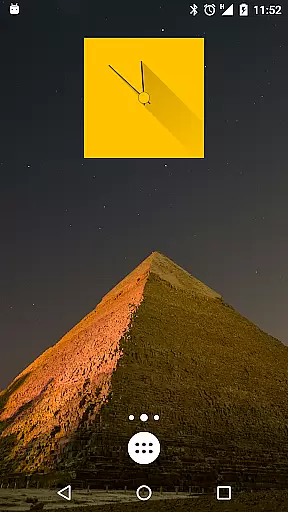
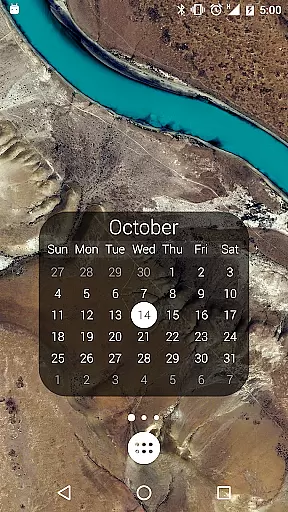
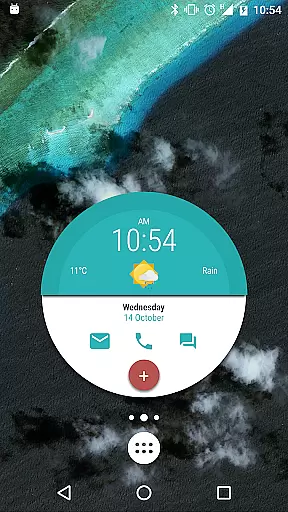
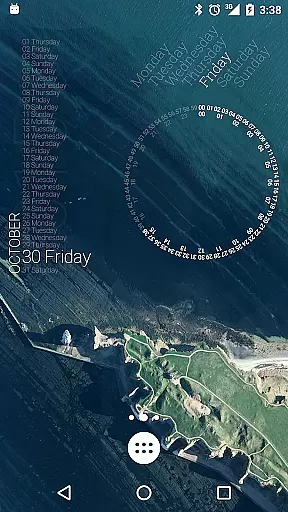
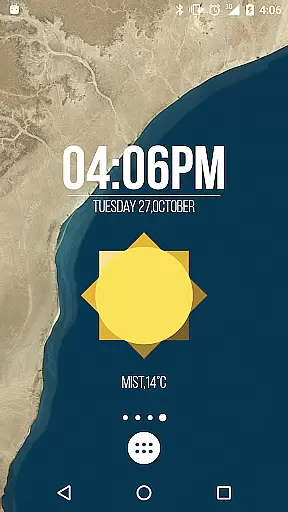
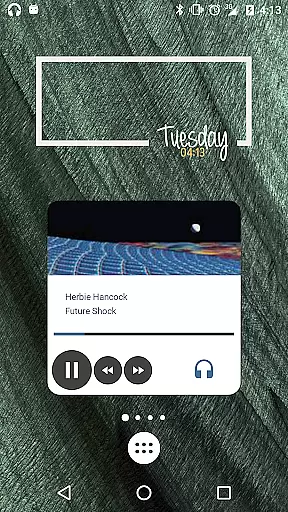
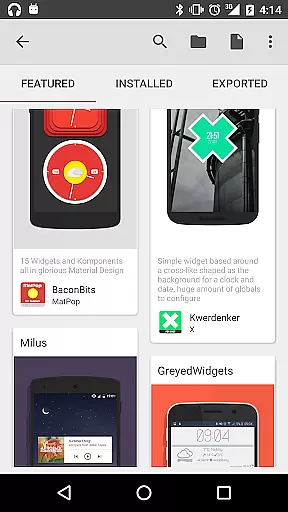
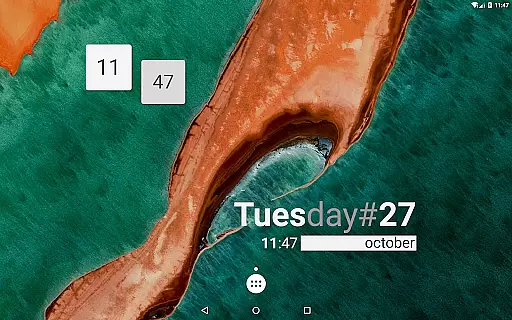
KWGT Kustom Widget Pro Key is a powerful tool designed to enhance your Android experience by unlocking premium features in the KWGT widget app. This key removes ads, supports external skin imports, and enables advanced customization options for creating unique launcher and lockscreen widgets.
With this pro key, users gain access to sophisticated design tools that allow for personalized digital and analog clocks, weather widgets, battery meters, and more. The comprehensive feature set includes support for custom fonts, shapes, 3D transformations, and complex programming capabilities, making it an essential upgrade for those seeking maximum creative control.
Ideal for tech-savvy users and designers, this application empowers you to create professional-looking widgets that display various data types without compromising device performance. The combination of KWGT and its pro key offers unparalleled flexibility in personalizing your Android home screen.
The KWGT Kustom Widget Pro Key unlocks a vast array of advanced features that revolutionize widget creation. Users can import skins from SD cards, recover presets, and utilize Buzz Launcher import support. These capabilities significantly expand design possibilities beyond the basic version's limitations.
This application stands out with its sophisticated WYSIWYG editor, enabling creation of complex widgets displaying multiple data types including weather, battery status, and music controls. The pro key enhances functionality through Google Fitness support, dynamic content downloading via HTTP, and Tasker integration for automated preset loading.
Professional-grade features include layer overlay effects similar to image editors, touch actions on any object, and support for various image formats including SVG. The powerful programming language allows conditional widget behavior based on time, location, or weather, while native music utilities enable seamless media information display.
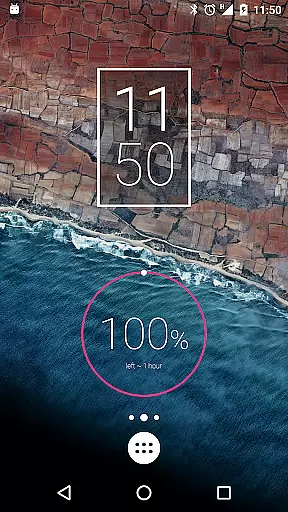
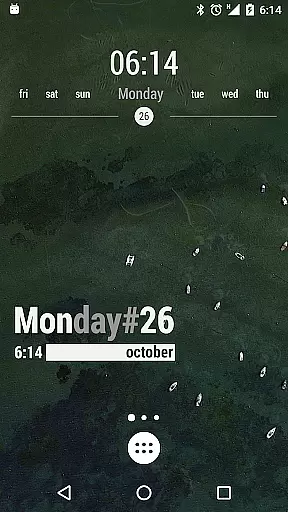
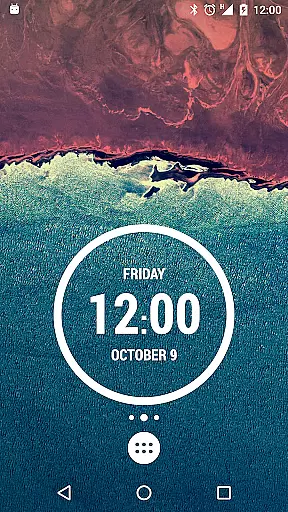
KWGT Kustom Widget Pro Key is designed to enhance the functionality of the Kustom Widget app by unlocking advanced features that ensure precision and efficiency in widget creation. The tool provides users with a powerful platform to design unique widgets for their Android devices, ranging from digital and analog clocks to sophisticated battery meters and astronomy widgets.
The app's core functions are executed through an intuitive WYSIWYG editor, enabling users to create designs that display necessary data without compromising device performance. With support for custom fonts, shapes, 3D transformations, and complex programming capabilities, KWGT ensures that each widget operates accurately and meets the specific needs of its users.
By removing ads and unlocking features such as import from SD, Buzz Launcher support, and more, this Pro Key contributes to a seamless user experience. Users benefit from reliable tools that help them customize their device's appearance while maintaining optimal operational effectiveness.
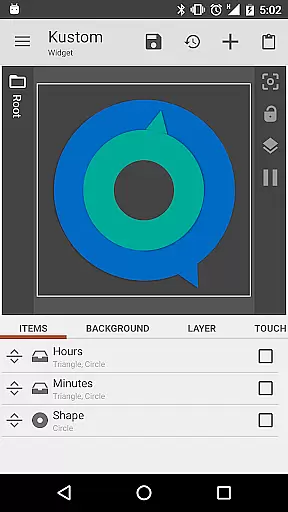
The interface of KWGT Kustom Widget Pro Key is crafted to offer simplicity and intuitiveness, making it accessible even to those who may not be technically inclined. By integrating with the Kustom Widget app, it provides an easy-to-navigate workspace where users can build their own widgets using drag-and-drop components and instant previews.
Despite the complexity of tasks it can achieve, including dynamic content downloading via HTTP or changing aspects based on various triggers like touch or time, KWGT maintains an approachable facade. This balance between powerful functionality and user-friendly design allows individuals to focus on expressing creativity rather than struggling with complicated software mechanics.
Furthermore, by offering pre-made skins and components as starting points, alongside comprehensive support for SVG graphics and Google Fitness data visualization, KWGT empowers users to produce professional-looking results effortlessly. Such features highlight the app's dedication to delivering both depth in capability and ease of use within its interface.
Unlimited creative possibilities
Advanced customization options
No advertisements
Enhanced performance features
Comprehensive data display options
Requires separate app installation
Steep learning curve
Premium price point
Limited beginner-friendly templates
Complex setup process

Just swipe the edge to do something!
 4.40
4.40
Extremely fast, secure, and protects your privacy
4.80
Universal TV remote control all TVs, Roku, LG, Samsung, Fire, Vizio, Sony, TCL.
4.40
card-reader app
2.20
An easy-to-use calculator designed to save time calculating and bending conduit
4.30
VESC Tool can monitor and configure VESC-compatible devices over BLE and Wifi
4.20
MS-DOS in your pocket. Play old DOS games anywhere you are ;)
4.10
Bedrock Together: Join any bedrock server on Xbox/PS
4.80
Pro Emulator is an easy to use game console emulator for a range of consoles.
4.40
Excellent scientific calculator with symbolic algebra, integrals, derivatives
4.80
FV File Manager Pro, Fast and powerful file manager for Android
4.60
Mirror your screen to Chromecast and Android TV - Super fast and simple
4.60
With videos, electrical calculators, and built-in ebook, Ugly’s has your answer.
4.50
Screen Mirroring for Roku Sticks, Roku TCL TV and Roku Hisense TV
4.50
Just one-tap to easy translate in any language after calls within seconds.
4.20
Screen Mirroring with sound for Samsung TV, LG TV, Sony TV, Smart TV and Browser
4.20
Detect hidden spy camera with advanced scanning {{ Premium version }}
4.00
A powerful, easy-to-use flight computer on your phone or tablet!
3.80
Download any file easily and quickly with Downloader
4.4


User Reviews