
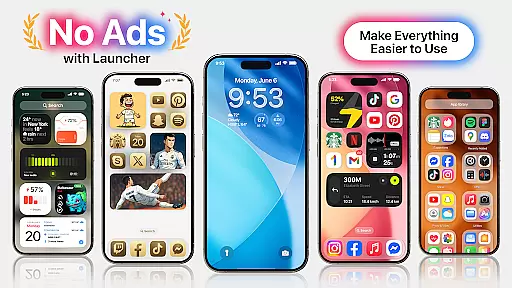
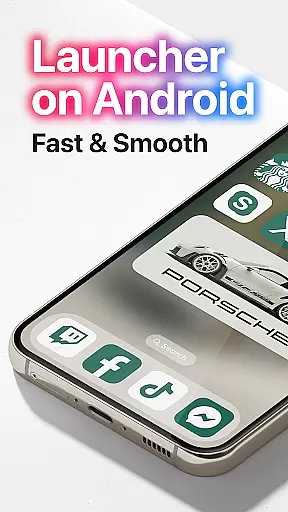
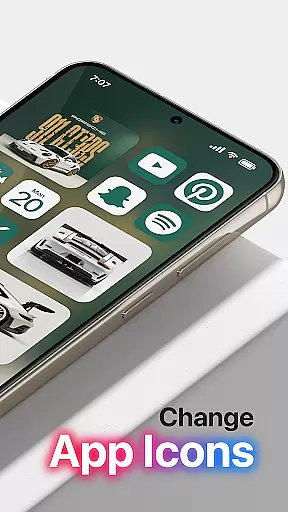
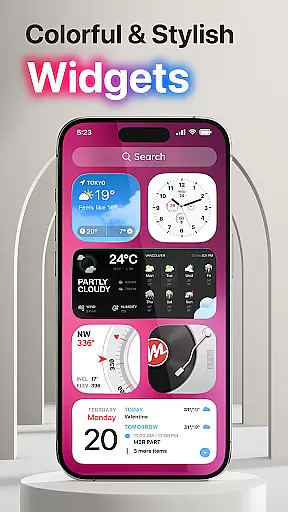
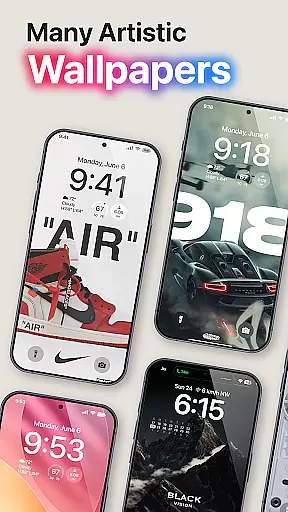
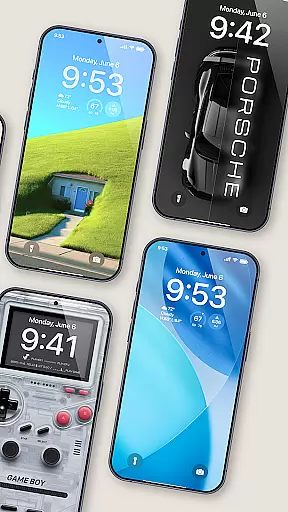
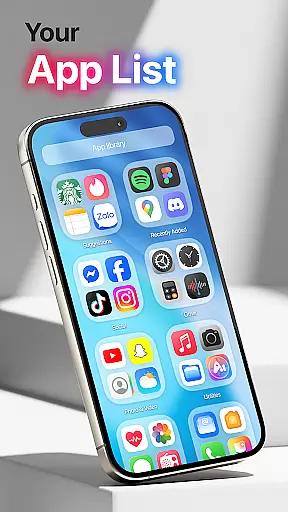
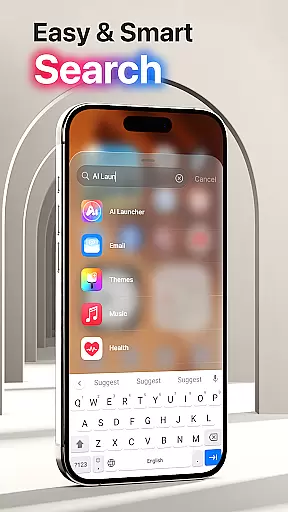
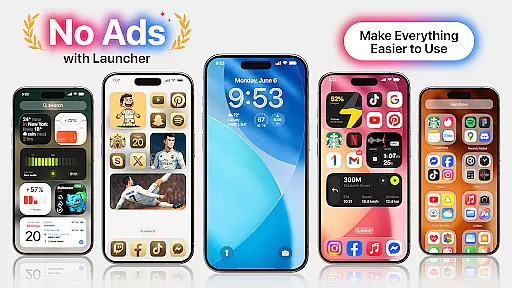
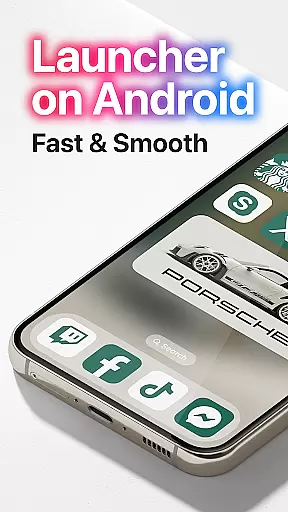
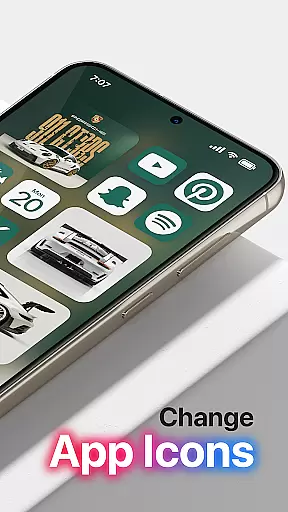

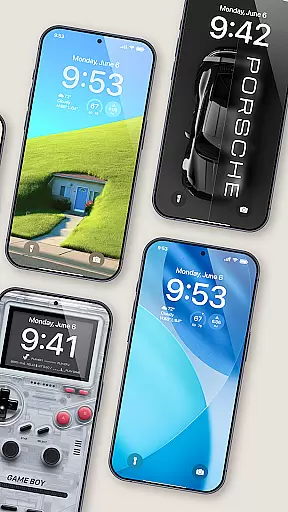
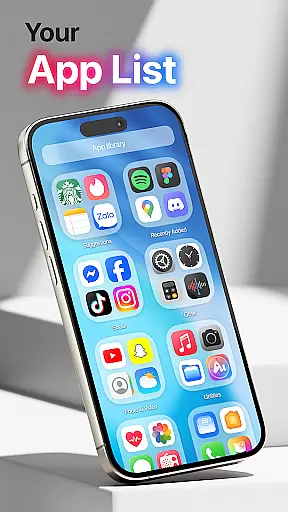
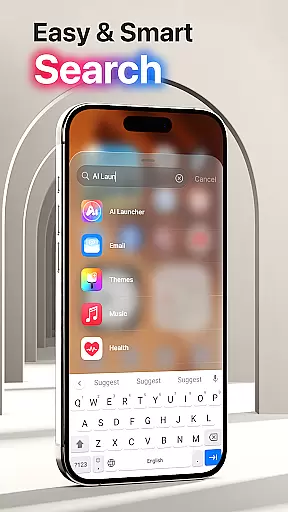
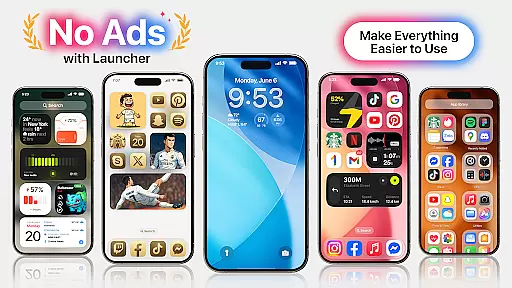
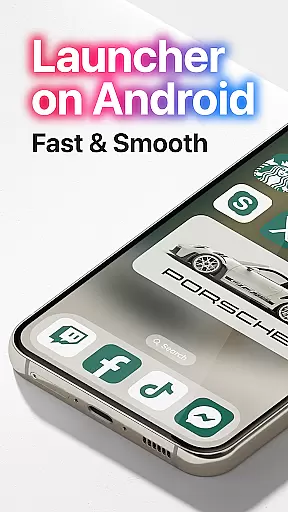
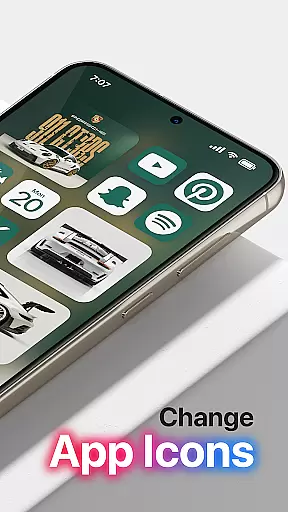
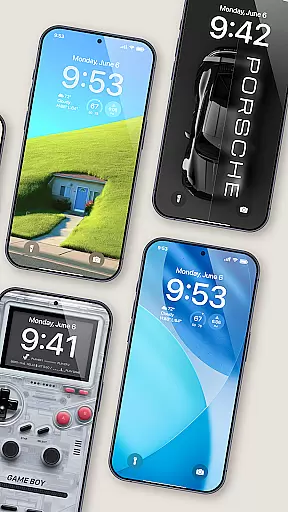
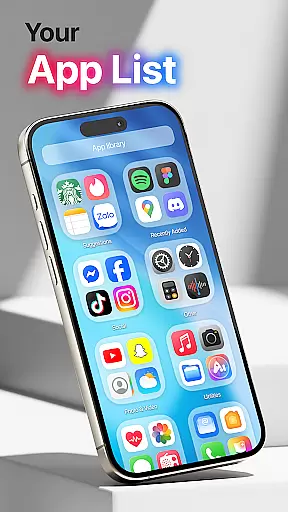
Launcher OS Pro is a premium Android launcher app that redefines the mobile operating experience with its sleek design and advanced personalization features. The app offers a clean, ad-free interface with intuitive row and column icon layouts, ensuring an optimal user experience.
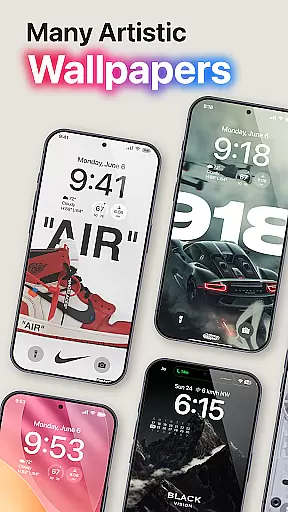
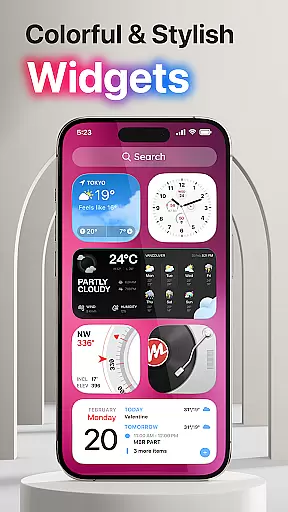
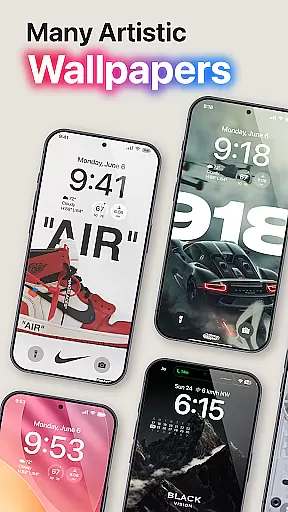
With over 50 unique wallpapers and customizable color widgets, Launcher OS Pro supports both light and dark modes, allowing users to tailor their device's appearance to their preferences. It also enhances functionality through innovative gestures for quick access to apps, settings, and more.
This app is ideal for users seeking a personalized smartphone experience. By integrating intelligent features and powerful customization options, Launcher OS Pro transforms your phone into a more efficient and intelligent device, unlocking new possibilities in daily mobile usage.
Launcher OS Pro stands out with its comprehensive feature set designed to enhance both aesthetics and usability. One of its key features is the ability to customize the lock screen and widgets, giving users complete control over their device's appearance and functionality.
The app includes over 50 unique wallpapers and multiple color themes, all optimized for both light and dark modes. Additionally, Launcher OS Pro introduces advanced gesture controls, enabling users to access apps, contacts, settings, and search functions with simple swipes or taps.
These features collectively create a seamless and personalized user experience. By removing ads and focusing on intelligent design, Launcher OS Pro ensures that users can enjoy a clutter-free interface while benefiting from cutting-edge tools that make their devices smarter and more efficient.
Launcher OS Pro offers an extensive range of customization options that allow users to tailor their smartphone experience to their personal preferences. With over 50 unique wallpapers and a variety of color widgets and themes, users can modify the aesthetics of their device to match their style while also supporting both light and dark modes.
The app's user-friendly interface is designed with row and column icon elements, providing a familiar yet distinctive look. Users have the ability to customize not only their home screen but also their lock screen and widgets, ensuring a seamless and personalized experience across all facets of their device's UI.
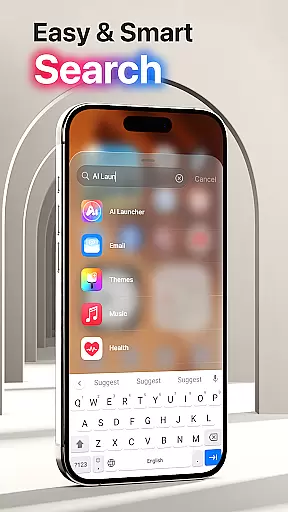
Moreover, Launcher OS Pro introduces more gestures for quick access to frequently used features such as apps, contacts, settings, and search functions. This level of customization empowers users by giving them control over how they interact with their device, thus streamlining their daily routines and enhancing overall productivity.
Theme compatibility in Launcher OS Pro ensures that users can enjoy a cohesive visual experience across their devices. The application supports a wide array of themes that are designed to work harmoniously with the system's UI, allowing for a smooth transition between different sections of the operating environment without losing aesthetic consistency.
With options that cater to both light mode and dark mode preferences, Launcher OS Pro maintains visual harmony regardless of user choice. This flexibility not only enhances the visual appeal but also contributes to battery savings on OLED screens when using darker themes.
By focusing on theme compatibility, Launcher OS Pro guarantees that all customizations, from wallpapers to widgets, integrate flawlessly into the useru2019s chosen theme, creating an immersive and uninterrupted digital ecosystem that respects the user's stylistic decisions while delivering a modernized take on Android's mobile operating system.
Ad-free experience
Customizable gestures
Unique wallpapers
Light and dark mode
User-friendly interface
Paid version only
Requires permissions
Complex for beginners
Limited widget options
No iOS compatibility

Classic analogue watch face. For wear os devices.
 4.60
4.60
Only for Wear OS devices!
4.90
Gun Chase - Let the chase begin.
4.80
App Icon Changer & Shortcut Creator. Customize your icons without any watermarks
4.30 4.50
4.50
Embrace the Night. Unleash the power of darkness with Raven Dark Icon Pack
4.60
Stylish Pink Cute Hippo keyboard with 10000+ customized keyboard themes!
4.60
Create stunning widgets with Widget 2026: Aesthetic Widgets for Android!
4.60
Cool custom fonts & keyboard themes! Symbols & font changer for Instagram
4.50
Dark icon pack based on One 8
4.80
Customizable Glass widgets. Over 360+ stunning widgets and more!
4.70
400+ Beautifully crafted widgets inspired by NOTHING.
4.70
Turn text & photos into stunning AI videos, art, and creative visual stories.
4.50
Wear Os Watch Face - Seasonal - Animated Snow Effect - 9 Animals
4.20
Unique Fonts, typefaces and stylish text. Fonts for Instagram, Whatsapp & others
4.20
Organize and manage your photos and videos effortlessly with Photo Gallery
4.20
Realistic animated snow on your wrist, with 10 images landscapes to choose from
4.00
Transform your phone with stunning video wallpapers and a unique, personal touch
3.80
Emoji Maker app - Design custom emojis and effortlessly blend them with Mixer
3.80


User Reviews