
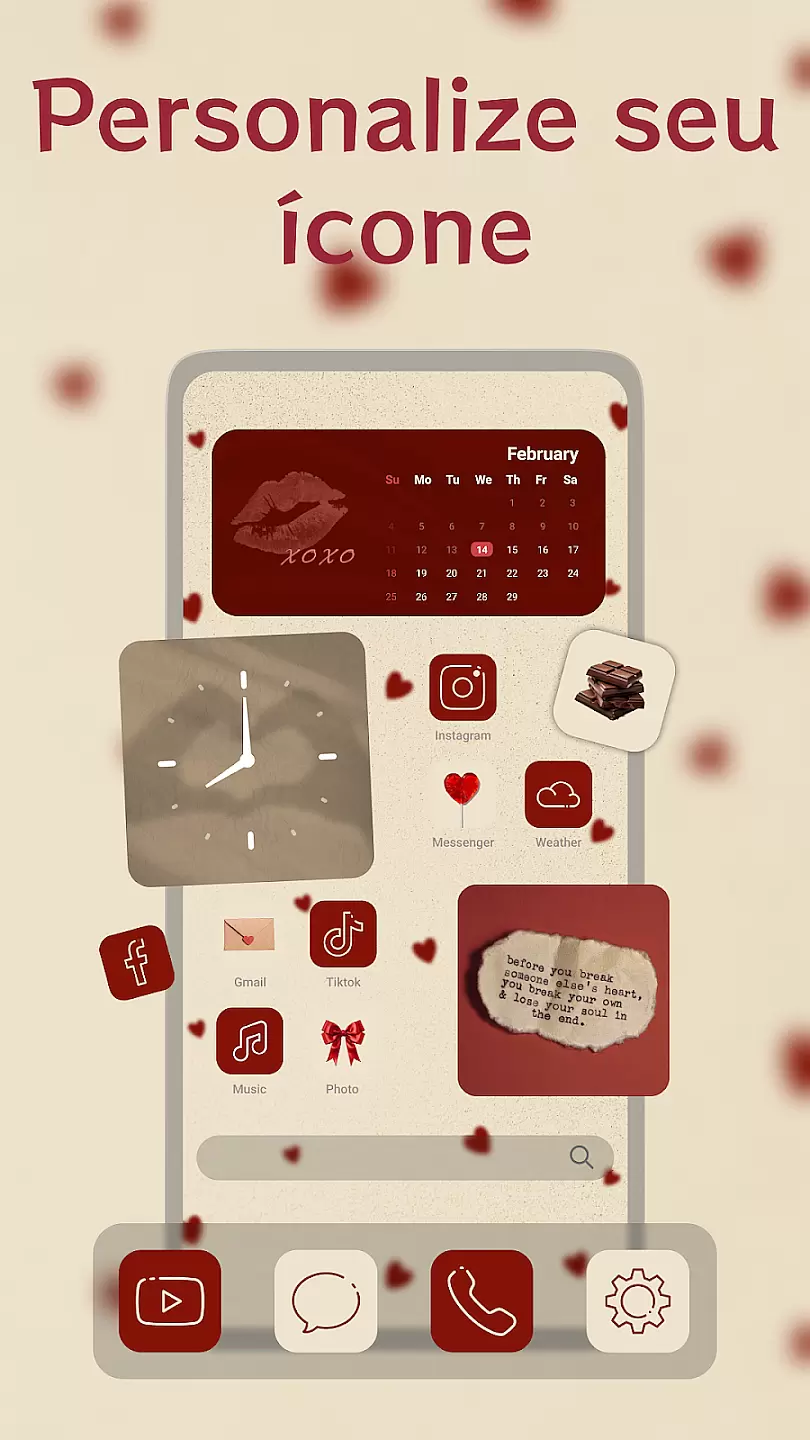
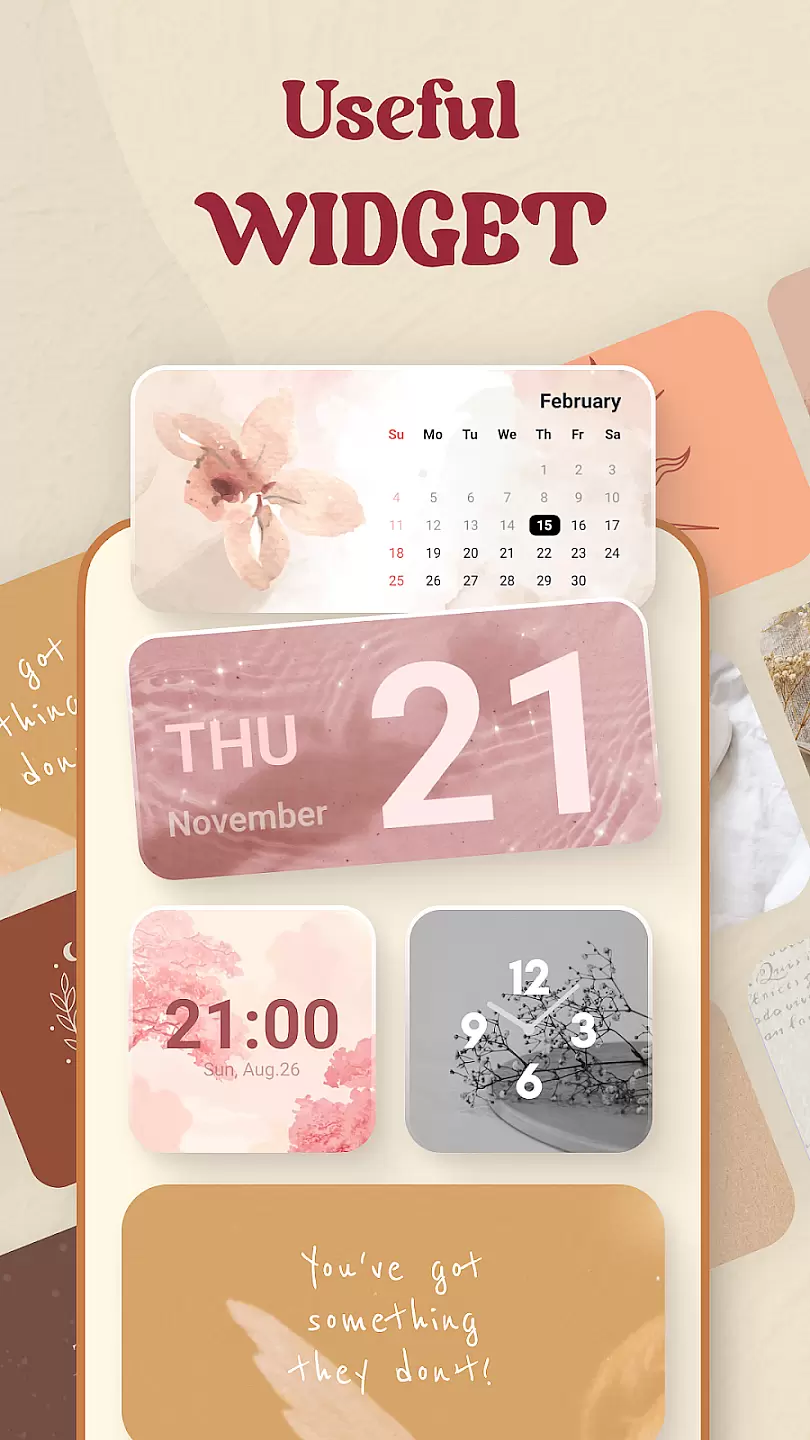
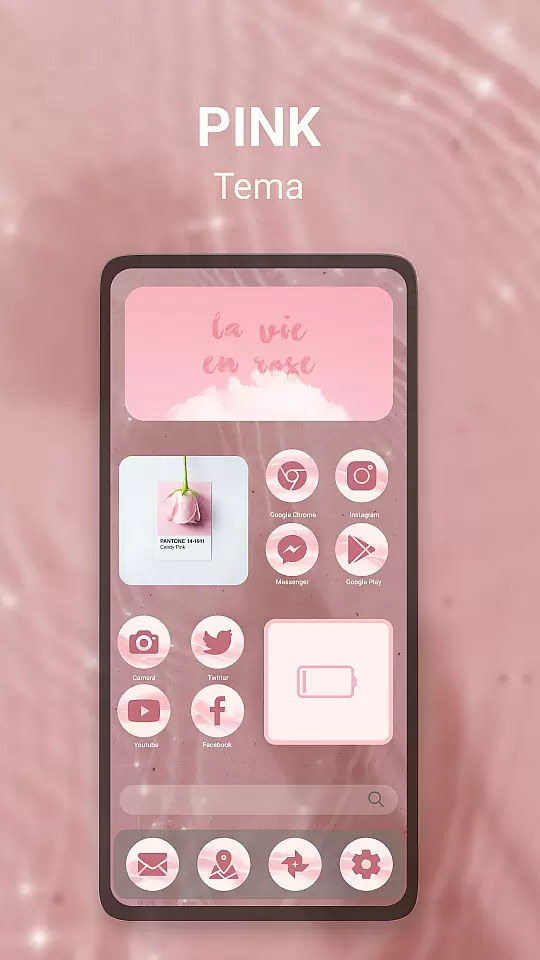
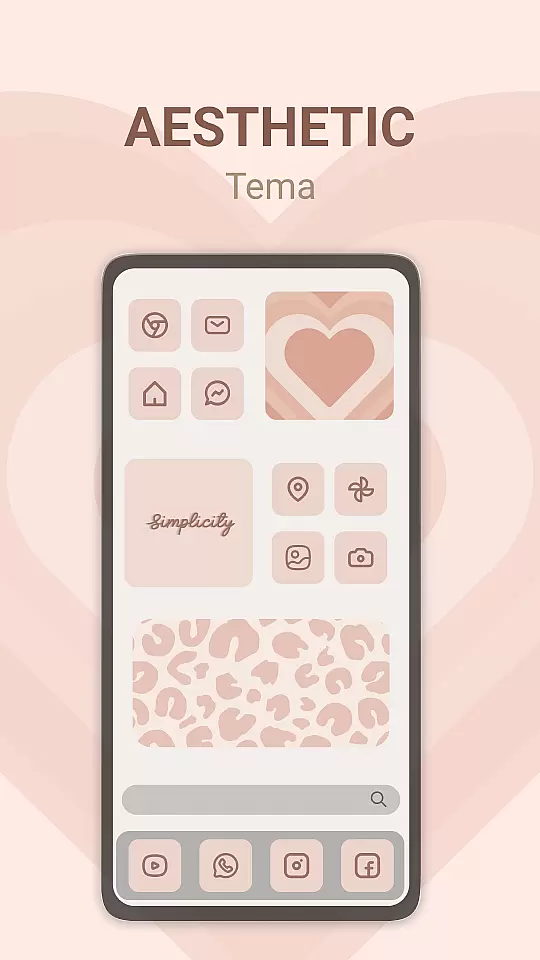
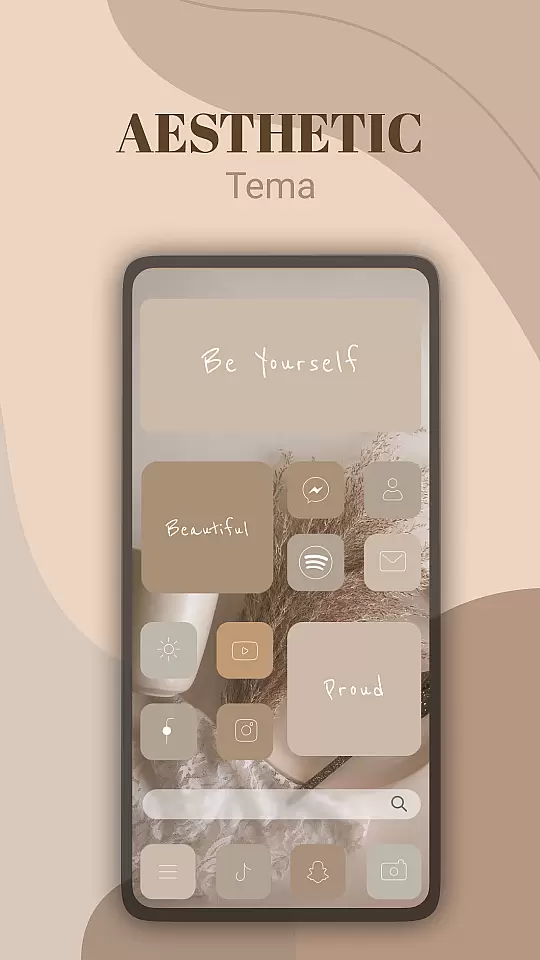
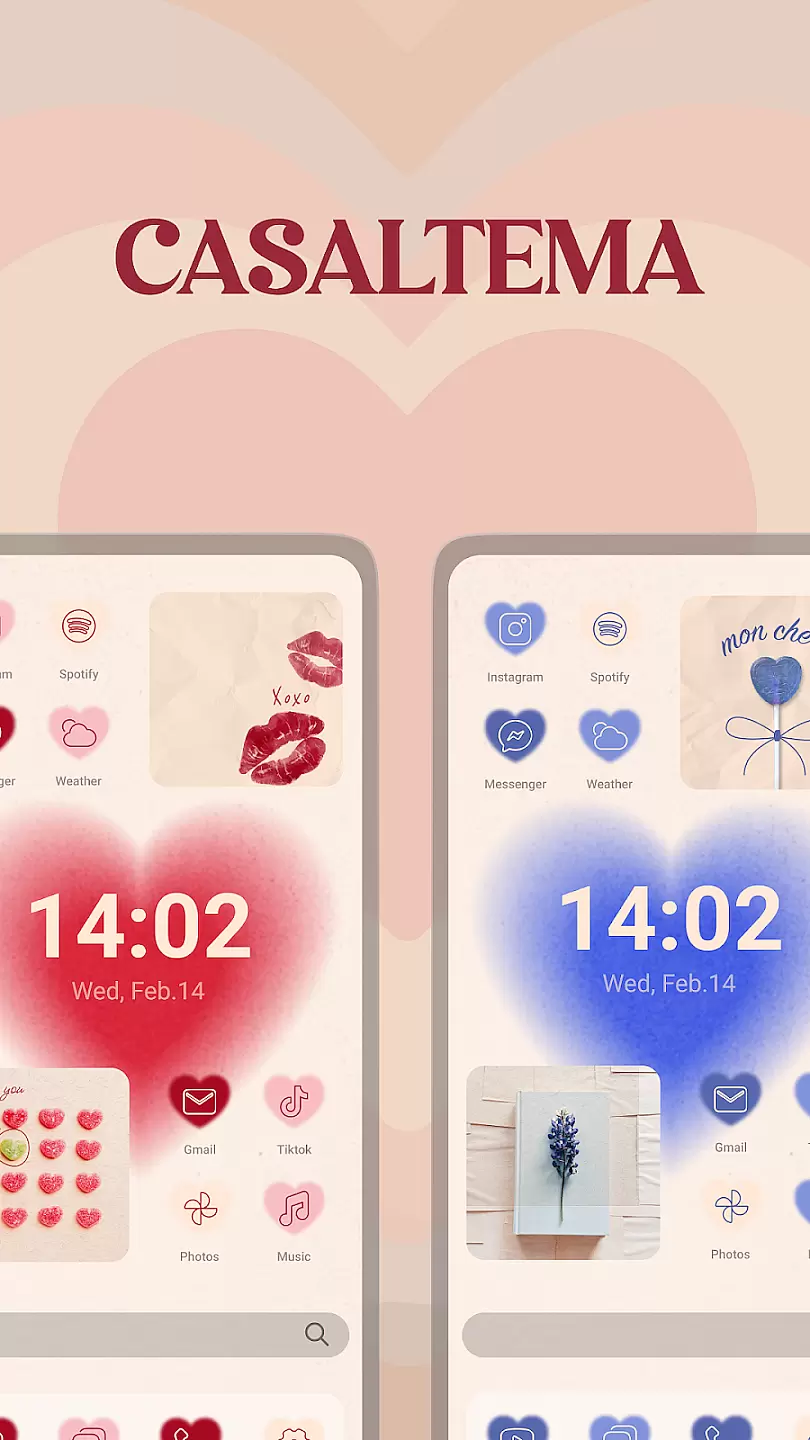
Theme, Widget & Icon Changer is a versatile personalization app that allows users to customize their smartphone experience. With an extensive library of themes, widgets, and icon packs, the app caters to those looking to express their individuality through their device's appearance. The app supports most Android devices, making it accessible to a wide audience.
The app's core functionality lies in its intuitive design interface, which enables users to apply beautiful themes with just a few taps. Additionally, users can create custom widgets and change app icons to match their chosen theme. This level of customization not only enhances visual appeal but also improves usability by organizing content according to personal preferences.
Whether you're looking to refresh your phone's look or seeking inspiration for your next design project, Theme, Widget & Icon Changer offers the tools you need to make your vision a reality. Its value extends beyond aesthetics, providing a more engaging and personalized user experience.
One of the standout features of Theme, Widget & Icon Changer is its vast collection of professionally designed themes. These themes cover various styles, from minimalist to vibrant, ensuring there's something for everyone. Users can preview themes before applying them, guaranteeing satisfaction with their choice.
Beyond themes, the app offers a robust widget creation tool. This feature allows users to add functional elements to their home screen, such as weather updates or quick access buttons, all while maintaining a cohesive look. The icon changer further enhances this by letting users swap out default app icons for unique alternatives.
Additional features include automatic theme updates, cloud backup for saved designs, and community sharing options. These aspects ensure users always have fresh content, can recover previous setups, and connect with like-minded individuals. Together, they create a comprehensive personalization solution that stands out in the crowded app market.
Customization options in a personalization app refer to the range of features that allow users to tailor their device's appearance and functionality according to their preferences.
Theme, Widget & Icon Changer offers an extensive array of themes, widgets, and icons that cater to diverse tastes. Users can choose from various aesthetic categories such as minimalistic designs, vibrant patterns, or professional layouts. The application ensures that each customization element is crafted with attention to detail, providing crisp visuals and coherent design language across all options.
By utilizing this app, users benefit from a personalized smartphone experience that reflects their individuality. Whether they prefer a sleek modern look or something more playful and colorful, the app empowers them to make their device truly theirs. This level of customization not only enhances visual appeal but also allows for improved usability by arranging widgets and icons in a way that optimizes access to frequently used functions.
Theme compatibility is crucial for ensuring that customized themes work seamlessly across different devices and operating systems without losing functionality or visual integrity.
With Theme, Widget & Icon Changer, significant effort has been put into guaranteeing broad compatibility with various Android versions and device models. The app developers regularly update their offerings to align with the latest OS updates and technological advancements, ensuring consistent performance and appearance regardless of the user's specific device.
This dedication to compatibility means that users can apply their favorite themes with confidence, knowing that fonts, colors, and interactive elements will display correctly and maintain the intended user experience. Such assurance allows individuals to focus on expressing themselves through their deviceu2019s appearance rather than worrying about potential technical issues arising from incompatible theme applications.
User-friendly interface
Wide range of themes
Customizable widgets
Icon pack variety
Regular updates
Limited iOS support
Premium content costs
Occasional bugs
Ads in free version
Learning curve

Fingerprint Lock Screen & Live Animations with 4K Wallpapers as Live Wallpaper
 4.40
4.40
App Icon Changer & Shortcut Creator. Customize your icons without any watermarks
4.30
Turn text & photos into stunning AI videos, art, and creative visual stories.
4.50
Unleash Your Creativity and Connect with Loved Ones with Lockscreen Drawing!
4.20
Adorable pets roam and play right on your phone screen!
3.30
Struggling to find apps? Use this app to locate and open any app on your phone!
2.20
Your home screen, just the way you like it.
4.30
350+ widgets with a premium glass-style finish, perfect for home & lock screens.
4.70
Amazing letter fonts in your messages and social statuses
4.70
Shimeji adds cute animated characters to your screen, lively and fun.
4.70
Make your phone look simple & luxury, like iDevice
4.60
Bring adorable pets to life on your screen. Playful, interactive and full of fun
4.60
Want to make your phone more special than ever?
4.60
Customize your home screen with stunning themes, blur, widgets & icons.
4.60
Ninja Turtles Cowabunga SE watch face for Wear OS
4.50
Customizable screen pets that play, climb, and keep you company.
4.50
Romantic Kiss Stickers App. Start romantic messaging now!
4.30
Transfer your live wallpapers from Windows to Android using Wallpaper Engine!
4.00
Turn your lock screen into fun with smile live wallpapers & animated wallpapers!
2.50


User Reviews