
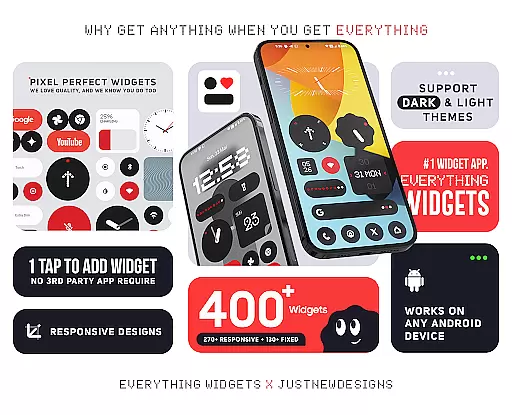
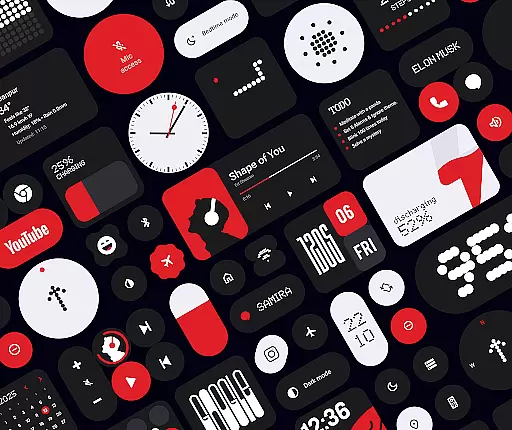
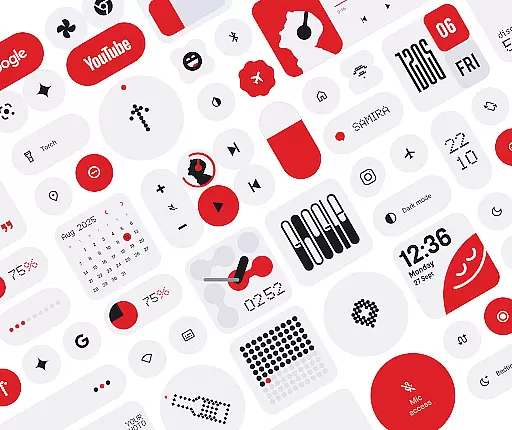
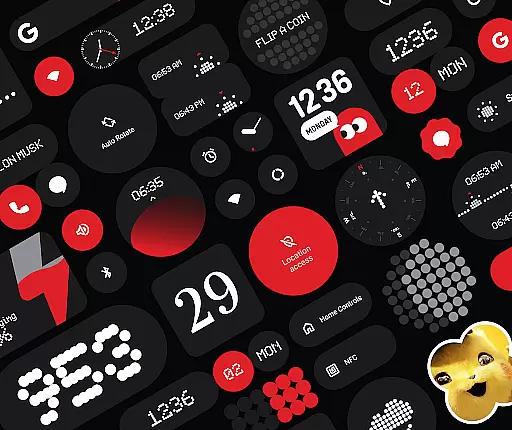
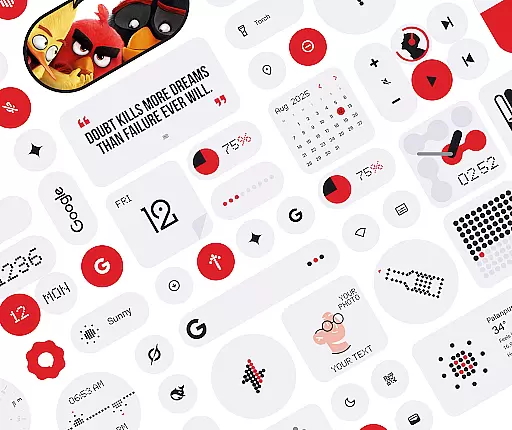
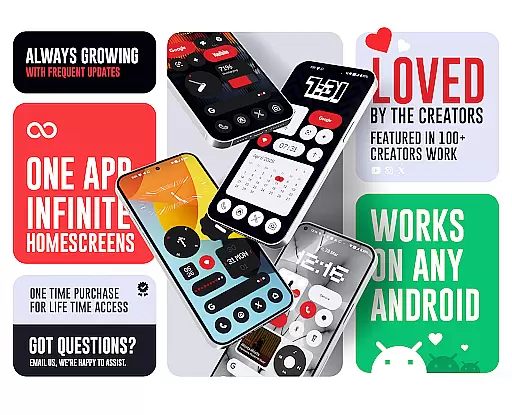
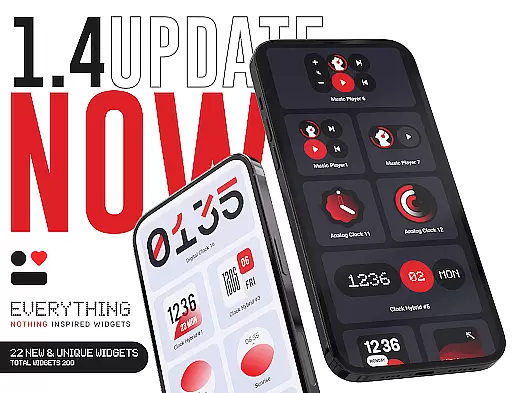
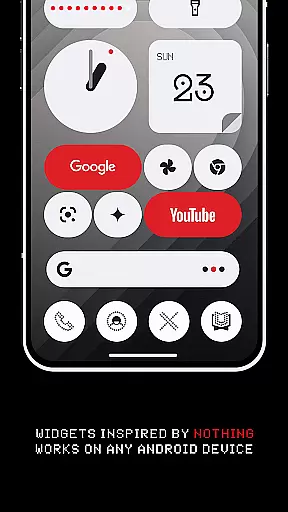
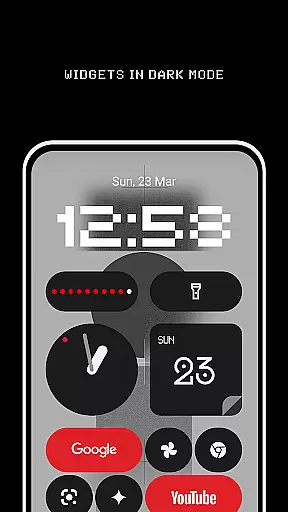
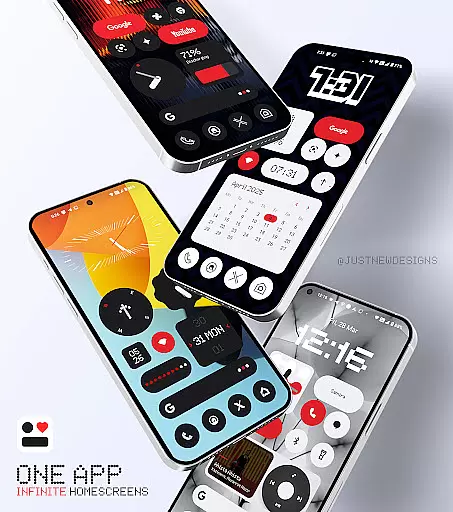
Everything Widgets is a comprehensive widget pack designed to enhance your Android home screen with over 400 beautifully crafted widgets. Inspired by the Nothing OS aesthetic, it offers a native experience without requiring additional apps like KWGT.
The app provides a diverse range of widgets including clocks, calendars, weather indicators, and battery monitors, all fully resizable for optimal customization. With regular updates focused on quality over quantity, Everything Widgets ensures both functionality and style.
Whether you need productivity tools, quick settings toggles, or creative photo displays, this app transforms your device into a personalized hub. The inclusion of matching wallpapers completes the aesthetic overhaul, making it perfect for users seeking a sleek, modern interface.
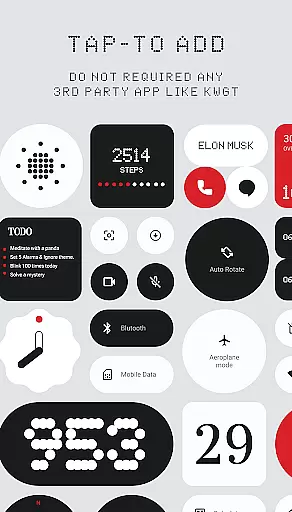
Everything Widgets stands out with its extensive collection of over 400 unique widgets. Each widget is natively supported, eliminating the need for third-party apps, and can be added instantly with a simple tap.
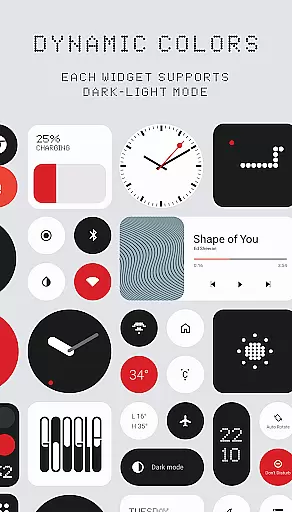
The app's features include elegant clock and calendar widgets, minimalist battery indicators, and detailed weather forecasts. Users can also enjoy quick access to essential functions through dedicated settings widgets and contact shortcuts.
With resizable options, creative game widgets, and inspiring quote displays, Everything Widgets caters to various user needs. The addition of matching wallpapers ensures a cohesive look, while planned updates promise continuous improvement and new functionalities.
Everything Widgets offers an extensive range of customization options that allow users to personalize their home screens like never before. With over 400 beautifully designed widgets, the app provides a diverse selection including Clock & Calendar, Battery, Weather, Quick Settings, and more.
The app stands out by offering fully resizable widgets, which means you can adjust their size from small to large, ensuring they fit perfectly on your home screen. This flexibility enables users to create a layout that is not only aesthetically pleasing but also functional according to their specific needs.
Moreover, Everything Widgets includes unique features such as Photo Widgets for displaying cherished memories and Game Widgets for entertainment right on the home screen. These options empower users to craft a personalized space that reflects their style while enhancing usability with creative tools at their fingertips.
Theme compatibility is a crucial aspect of any personalization app, and Everything Widgets excels in this area by providing designs inspired by the Nothing OS aesthetic. This ensures that all widgets maintain visual consistency with each other and with the overall theme of your device's operating system.
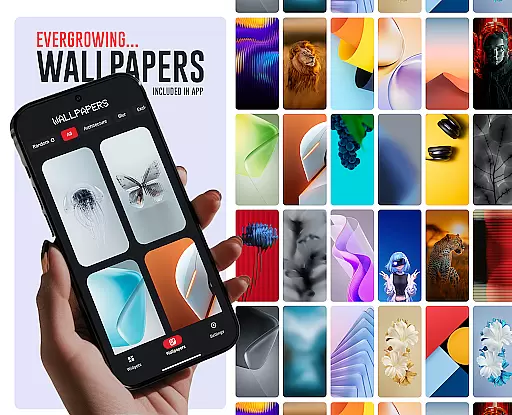
In addition to its versatile widget collection, the app offers matching wallpapers, completing the look of your home screen setup. Users can choose from over 100 exclusive designs that complement the widgets, creating a cohesive appearance across their entire mobile interface.
By focusing on seamless integration with Android devices without requiring third-party apps, Everything Widgets guarantees that every element will work together harmoniously. The result is an elegant, unified design language throughout the useru2019s home screen experience, making it both attractive and intuitive to navigate.
User-friendly interface
Wide variety of widgets
Fully customizable options
Regular quality updates
Inspired design aesthetics
Limited to Android devices
No iOS compatibility
Some features may overlap
Requires manual updates
Designs are niche-specific

Winter's Journey: digital watch face for Galaxy Watch & Wear OS
 4.80
4.80
Realistic animated snow on your wrist, with 10 images landscapes to choose from
4.00
Try creating your own keyboard with "Keyboard theme for android" app now!
4.50
Unique Fonts, typefaces and stylish text. Fonts for Instagram, Whatsapp & others
4.20
Romantic Kiss Stickers App. Start romantic messaging now!
4.30
Yandex Browser — stylish and secure, with voice search and data compression
4.40
Your go to Weather App & Home Screen. Get your weather at a swipe of a finger!
3.80
Handcrafted pixel art icons, widgets & wallpapers
4.60
Install amazing sticker packs: endless styles, always cool.
4.70
A Colorful and Minimal icon pack in an Outline Style - Over 13,600 icons!
4.70
Ultra realistic high quality analog watch face for Wear OS.
4.60
Add cute Shimeji pets to screen, interact with them and relax with cute motions
4.60
Over 28,000 high quality icons to bring color & homogeneity to your phone.
4.60
300+ widgets inspired by Material You and Material 3 expressive design.
4.60
Fingerprint Lock Screen & Live Animations with 4K Wallpapers as Live Wallpaper
4.40
Art & Emoji Keyboard with Cool Fonts, Cute Themes and Custom Designs.
4.40
Unleash Your Creativity and Connect with Loved Ones with Lockscreen Drawing!
4.20
Emoji Maker app - Design custom emojis and effortlessly blend them with Mixer
3.80
Interactive Miniature Painting Catalogue
3.30


User Reviews