
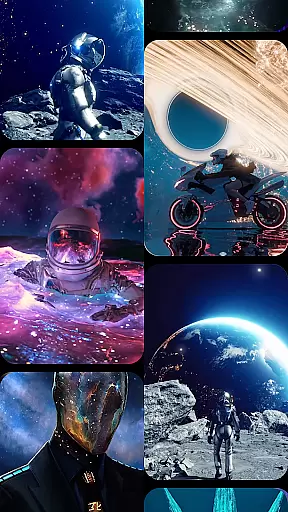

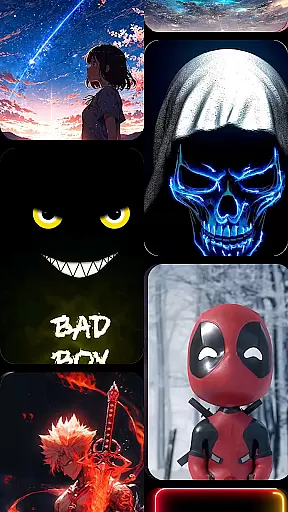

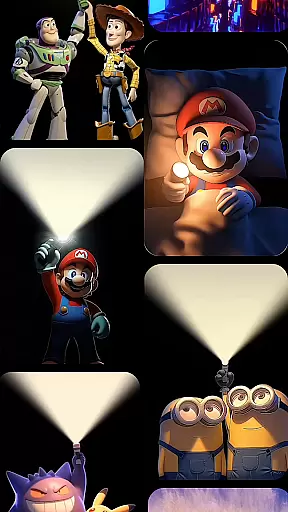


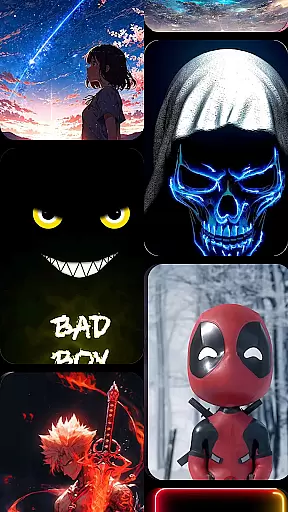

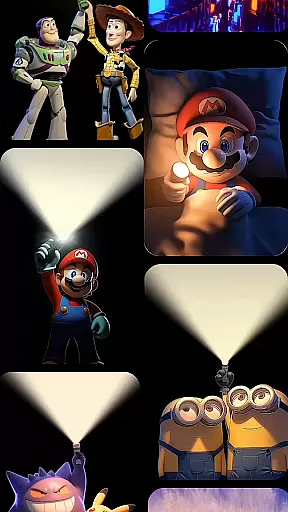

Cool Launcher Pro is a premium home screen replacement app designed to enhance your Android experience through stunning 3D themes, smooth performance, and complete customization. This launcher allows users to personalize every aspect of their device's interface, offering an extensive collection of themes, icon packs, custom fonts, and live video wallpapers.
One of the standout features of Cool Launcher Pro is its advanced animation engine that powers breathtaking 3D effects and dynamic screen transitions. Whether you prefer sleek minimalism or vibrant visuals, this app delivers both aesthetic appeal and functional efficiency. The smart app management system helps keep your device organized by automatically categorizing apps into folders.
Ideal for users seeking a modernized mobile experience, Cool Launcher Pro combines beauty with practicality. Its built-in tools like real-time weather updates and a live wallpaper gallery make it more than just a launcher—it’s a comprehensive upgrade for your Android device.
Cool Launcher Pro stands out with its powerful customization capabilities. Users can choose from a vast library of free themes and icon packs or upload their own images to create a truly unique home screen setup. The app supports live video wallpapers and 3D animations, providing a visually immersive experience powered by an advanced animation engine.
The launcher also includes practical features such as smart app management, which automatically organizes apps into folders, helping maintain a clutter-free interface. Additionally, Cool Launcher Pro offers built-in widgets for real-time weather updates, Bible access, and other everyday conveniences.
With its focus on performance optimization, Cool Launcher Pro ensures smooth operation even with resource-intensive features like 3D effects and live wallpapers. The app strikes a perfect balance between aesthetics and functionality, making it suitable for both casual users and tech enthusiasts looking to elevate their device's appearance and usability.
Customization is at the heart of CoolLauncher Pro, offering users a vast array of options to personalize their Android experience. With access to an extensive collection of themes, icon packs, custom fonts, and wallpapers, users can transform their home screens into a reflection of their personal style.
The app provides countless customization features that cater to different tastes and preferences. Whether you prefer sleek minimalism or vibrant, eye-catching visuals, CoolLauncher Pro has something for everyone. Users can choose from pre-designed themes or create their own unique setup by adding personal images and selecting from various layout options.
This level of customization ensures that your device stands out from the crowd. By allowing every detail to be adjusted, from the appearance of icons to the behavior of screen transitions, CoolLauncher Pro empowers users to craft a smartphone experience that is truly one-of-a-kind.
CoolLauncher Pro excels in theme compatibility, ensuring that all visual elements work seamlessly together. The launcher supports a wide range of themes, which means users can switch between different looks without worrying about inconsistencies or display issues.
Each theme within CoolLauncher Pro is crafted with attention to detail, guaranteeing that icons, wallpapers, and widgets maintain a cohesive appearance. This compatibility extends to third-party icon packs and custom fonts, providing even more flexibility for personalization.
By prioritizing theme compatibility, CoolLauncher Pro delivers a polished and professional look. Users benefit from a harmonious interface where every element feels intentional and well-integrated, enhancing both aesthetics and usability.
Highly customizable
Smooth performance
Stunning 3D effects
Smart app organization
Built-in useful widgets
Premium price tag
Resource-heavy
Complex for beginners
Limited free themes
Occasional bugs

Classic analogue watch face. For wear os devices.
 4.60
4.60
Winter's Journey: digital watch face for Galaxy Watch & Wear OS
4.80
Adult video chat, dating, making friends, random matching
4.20
Gun Chase - Let the chase begin.
4.80
Transfer your live wallpapers from Windows to Android using Wallpaper Engine!
4.00 4.10
4.10 3.50
3.50
Launcher OS™ Pro without ads help make your phone simple and pretty
4.30
Amazing letter fonts in your messages and social statuses
4.70
Dark icon pack based on One 8
4.80
Unique Android Launcher
4.60
Bring adorable pets to life on your screen. Playful, interactive and full of fun
4.60
Stylish Pink Cute Hippo keyboard with 10000+ customized keyboard themes!
4.60
200+ Material Inspired Widgets
4.50
A light in the dark, a unique style and an andless cutomization!
4.30
The definitive Icon pack maker and editor
4.30
Unleash Your Creativity and Connect with Loved Ones with Lockscreen Drawing!
4.20
Run multiple accounts of the same app on a single device
4.10
Adaptive Dot Style IconPack with Light & Dark Theme.
3.70


User Reviews