
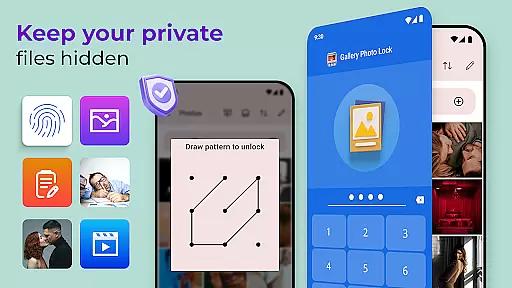
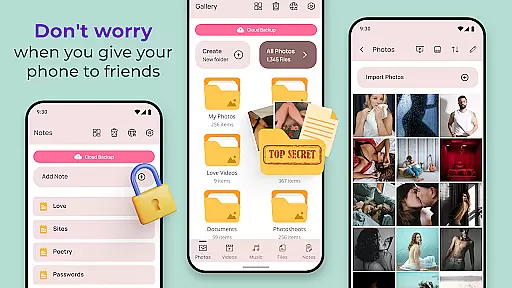
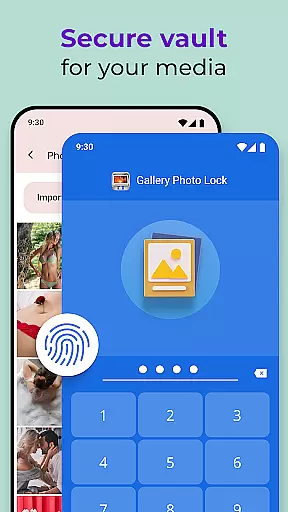
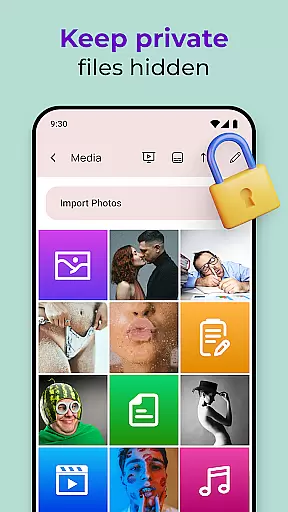
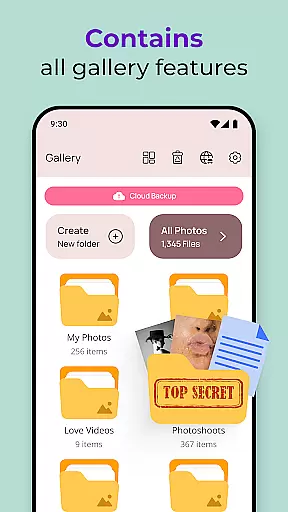
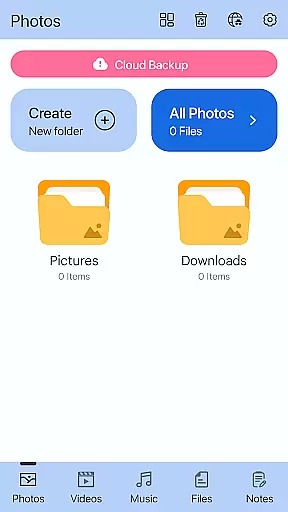
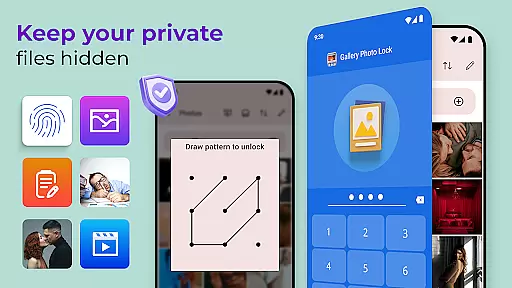
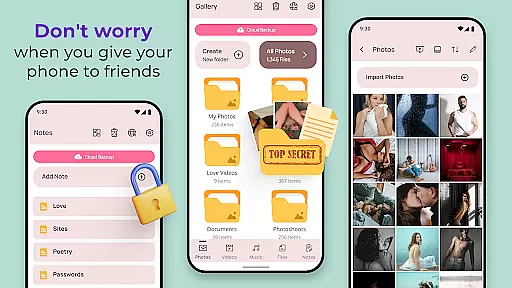
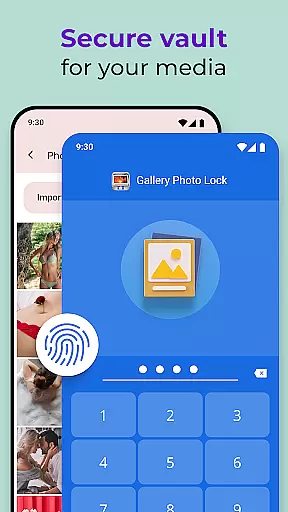
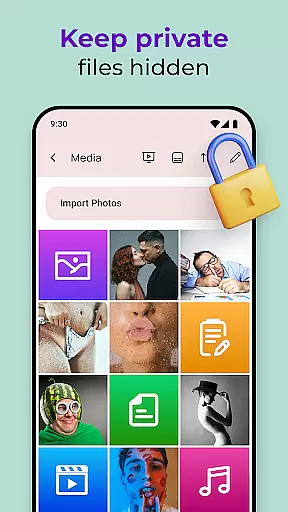
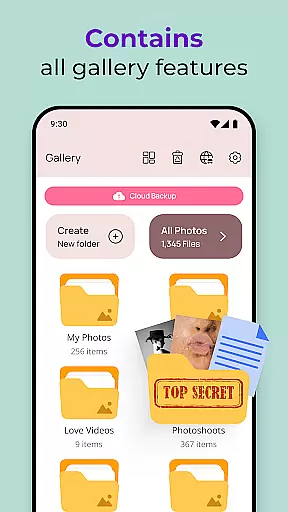
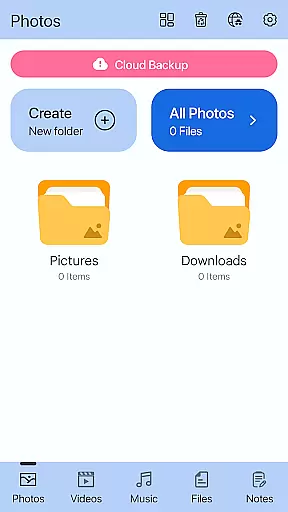
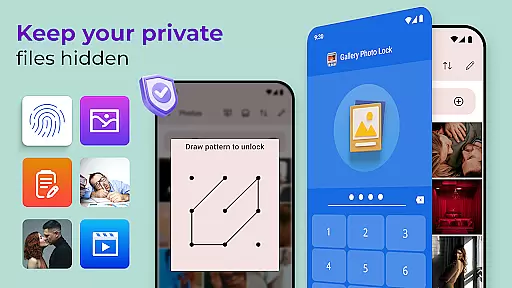
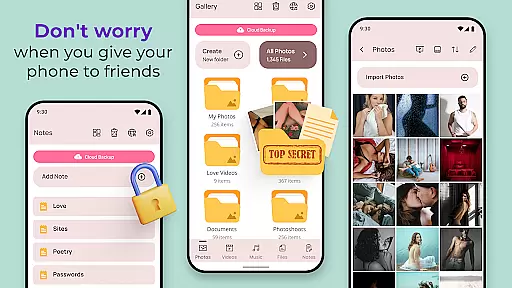
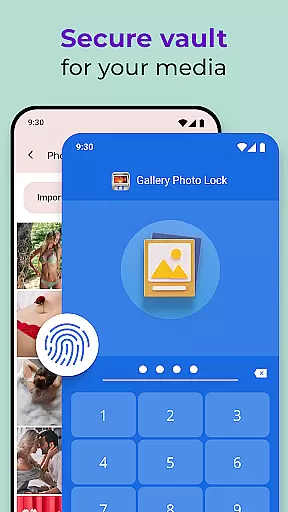
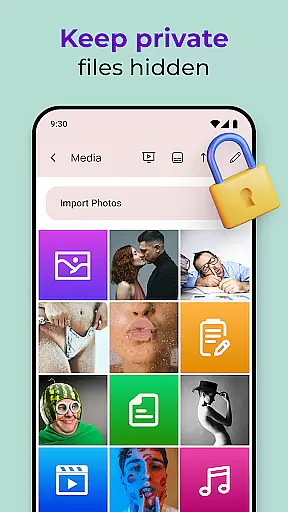
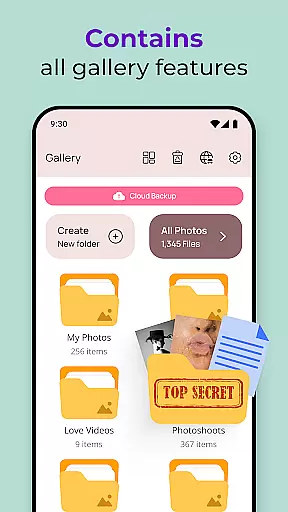
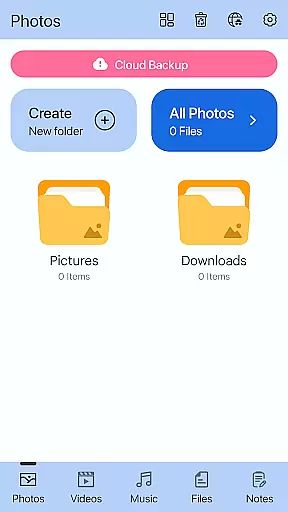
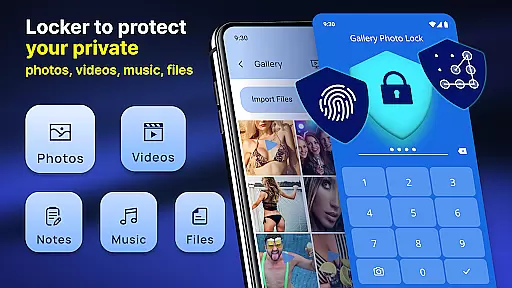
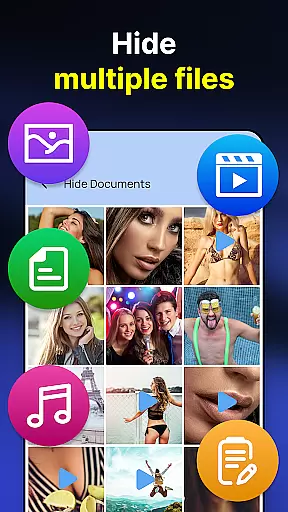
Gallery Photo Locker is a comprehensive privacy protection app designed to secure personal media files. This app allows users to effortlessly hide an unlimited number of images and videos, ensuring that private content remains confidential. With features like fingerprint authentication and cloud backup, it offers both security and convenience.
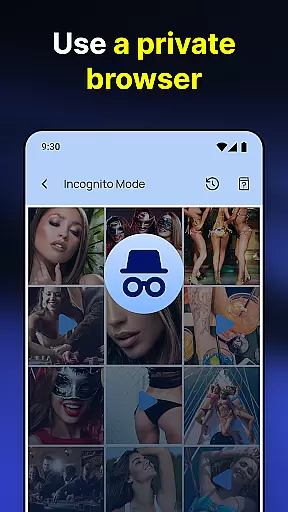
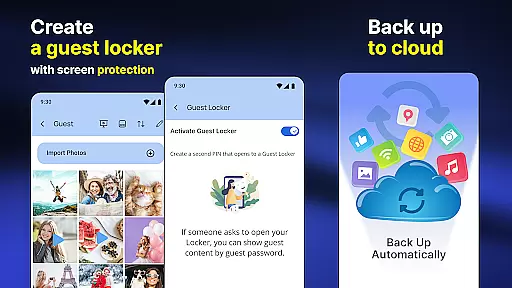
The app's functionality extends beyond just hiding media. It includes a private browser, the ability to download media directly into hidden storage, and even a decoy 'Guest Locker' with a separate password for added security. Users can customize their experience with various themes and benefit from advanced features like intruder selfies and face-down locking.
Whether you're concerned about lending your phone to others or simply want peace of mind regarding your personal data, Gallery Photo Locker provides a robust solution. By disguising itself as other apps like a calculator or weather app, it ensures that your private life stays truly private.
Gallery Photo Locker stands out with its array of sophisticated features tailored for privacy-conscious users. The app supports biometric authentication through fingerprint unlock, providing quick and secure access to hidden files. Its cloud backup functionality ensures that users can recover their data even if they switch devices or experience data loss.
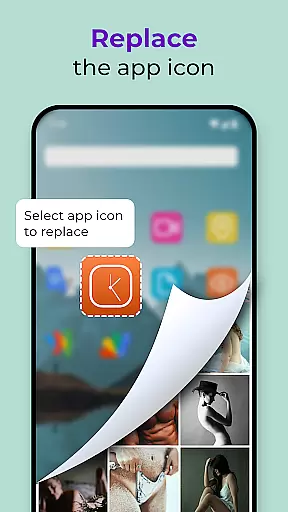
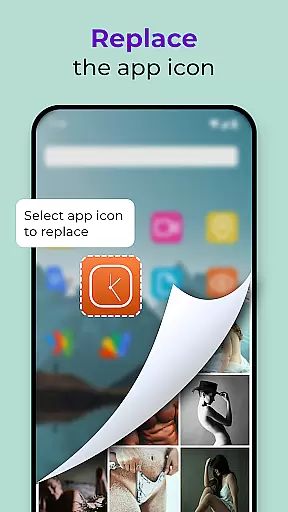
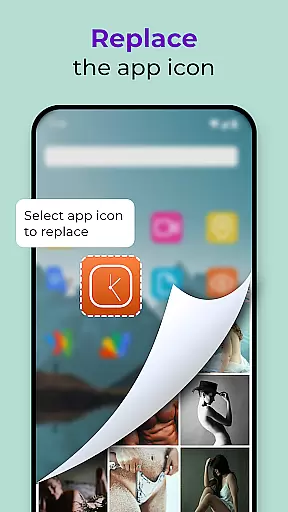
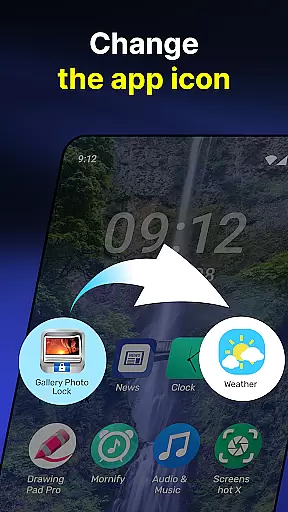
One of the standout features is the ability to replace the app icon with common utilities like a calculator or weather app, effectively camouflaging its true purpose. Additionally, the 'Share to Hide' function allows direct hiding of files from the gallery or SD card into the secure vault. The built-in viewer and player ensure that users can access their hidden media without leaving any traces in the device's default gallery.
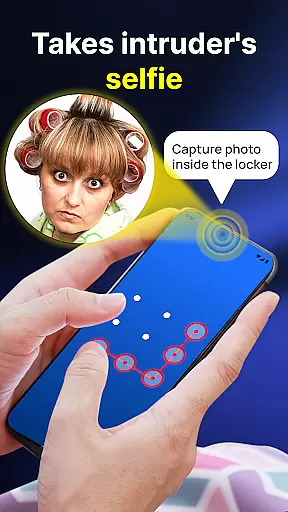
For those needing extra layers of security, the app offers a dummy 'Guest Locker' with a different password and automatically captures intruder selfies when unauthorized access is attempted. These innovative features, combined with customizable themes and face-down locking capability, make Gallery Photo Locker a top choice for safeguarding personal media.
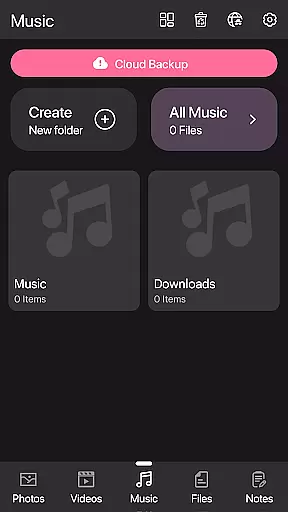
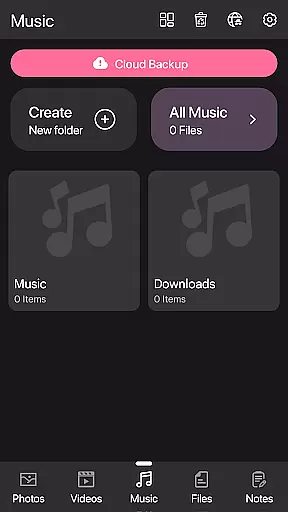
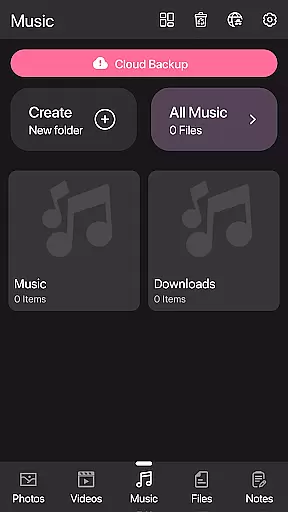
Customization is at the heart of the Photo Lock App - Hide Pictures, offering users a versatile way to personalize their privacy settings. With features like Galerie Lock Themes and the ability to replace the app icon, users can tailor the application's appearance to suit their preferences while maintaining security.
The app provides multiple themes that allow users to customize the look and feel of their Private Photo Vault. This ensures that the user interface remains fresh and engaging while still being intuitive. Additionally, the option to change the app icon to something as mundane as a news or weather app icon helps keep the vault discreet.
Users benefit from enhanced privacy without sacrificing personal style. The customization options extend to functional features such as creating a Guest Locker with a different password for dummy files, adding another layer of personalized security. These varied customization options ensure that each user's experience is unique and tailored to their specific needs.
Theme compatibility in the Photo Lock App - Hide Pictures ensures that all customizations not only look good but also function seamlessly across different devices and operating systems. This compatibility is crucial for maintaining a consistent user experience, whether you're using an Android phone or tablet.
The app supports a wide range of themes that are designed to be visually appealing and fully functional. Each theme undergoes rigorous testing to ensure it integrates smoothly with the appu2019s core functionalities, such as hiding photos and videos, locking the gallery, and providing cloud backup services.
By focusing on theme compatibility, the app guarantees that users won't face any disruptions in their privacy protection efforts. Whether opting for a default theme or choosing one of the many customizable options, users can rest assured that their chosen aesthetic will work harmoniously with all of the app's robust security features.
User-friendly interface
Advanced security features
Cloud backup option
Customizable app icon
Intruder detection system
Premium features require payment
Occasional bugs reported
Learning curve for new users
Limited free storage
Resource-intensive operation

Run multiple accounts of the same app on a single device
 4.10
4.10
Want to make your phone more special than ever?
4.60
Romantic Kiss Stickers App. Start romantic messaging now!
4.30 4.10
4.10
⭐ OneUI inspired Fluffy Icon Pack – Soft. Stylish. Standout. ⭐
4.0
Create unique, fun emojis with Funny Emoji Maker! Unlimited creativity!
4.00
Your home screen, just the way you like it.
3.80
Fast SMS & group chat - use GIFs and emojis from your home screen launcher.
4.50
Transform your phone with stylish zipper lock themes and 4D live wallpaper
4.10
Ultra realistic gold analog watch face with lots of customization options.
4.50
Try creating your own keyboard with "Keyboard theme for android" app now!
4.50
Aesthetic Widgets, HD Wallpapers, Themes in Mico Widget for Home and Lock Screen
4.50 4.50
4.50
Fingerprint Lock Screen & Live Animations with 4K Wallpapers as Live Wallpaper
4.40
AI-powered Copilot. Personalized keyboard with gifs, stickers & themes
4.40
Transform your device in a game console
4.40
Magic fluids wallpaper 4D: Relax with stunning fluid simulation wallpaper app
4.20
Transfer your live wallpapers from Windows to Android using Wallpaper Engine!
4.00
Adorable pets roam and play right on your phone screen!
3.30


User Reviews