
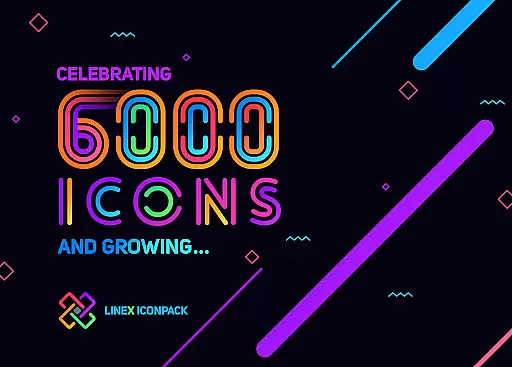

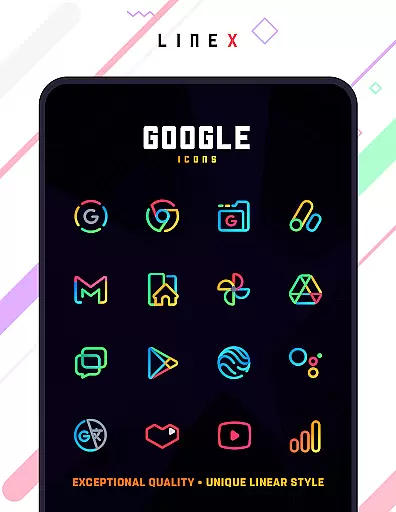
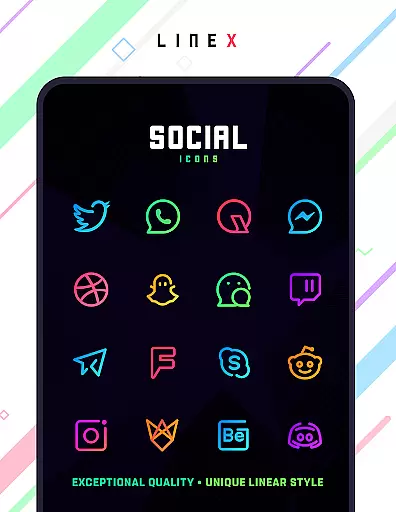
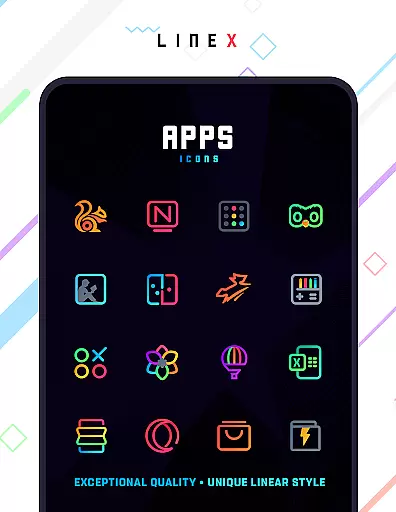
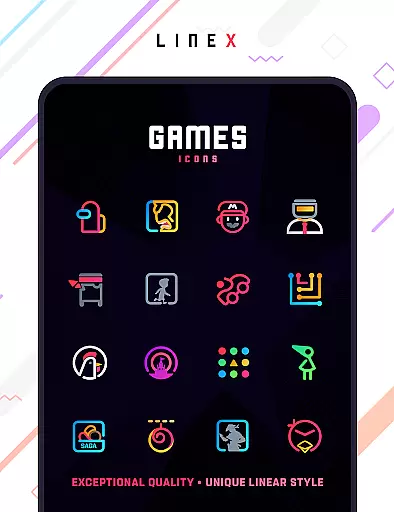
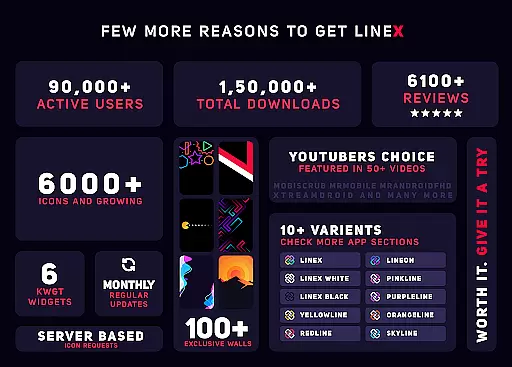
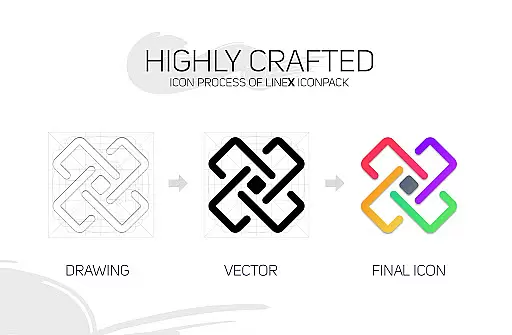
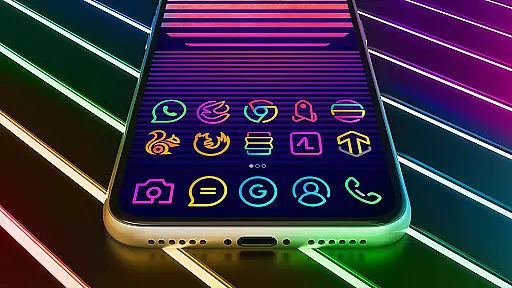
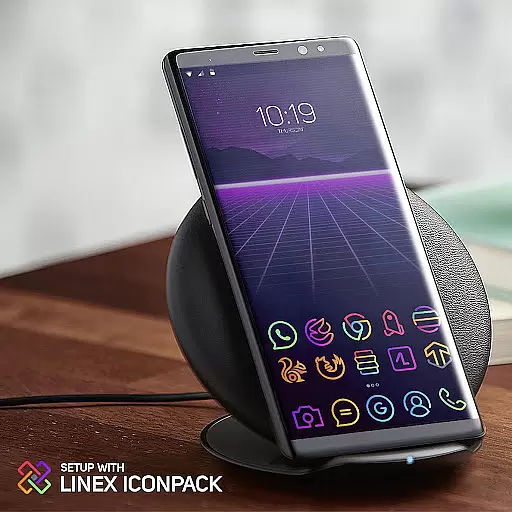
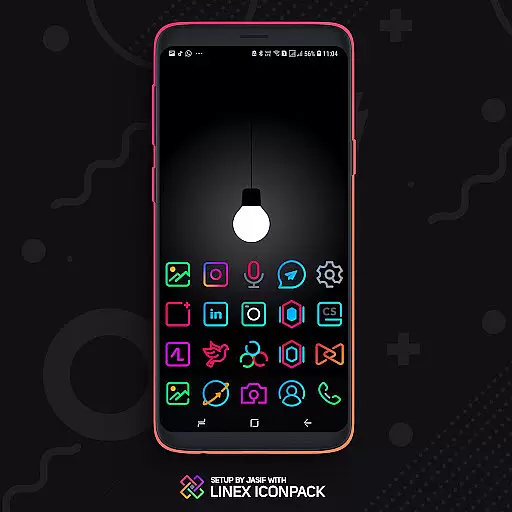
LineX Icon Pack is a premium icon pack designed for users who appreciate minimalistic design with a modern touch. Featuring over 6000 linear-style icons, this pack stands out with its clean and consistent design language. Each icon is crafted to ensure top-notch quality, making it one of the most comprehensive linear icon packs available on the market.
In addition to the extensive icon collection, LineX offers a perfect masking system for unthemed icons, ensuring that even apps without specific icons still blend seamlessly with your home screen. Compatible with a wide range of launchers, this pack allows users to customize their device's appearance effortlessly. Whether you're using Nova, Apex, or other popular launchers, LineX guarantees a smooth and visually pleasing experience.
LineX Icon Pack boasts an array of features that cater to customization enthusiasts. With over 6000 icons, users can enjoy a diverse selection that covers most popular apps, while alternative icons provide even more personalization options. The pack also includes a dynamic calendar feature, category-based organization, and custom app drawer icons, giving users complete control over their device's aesthetics.
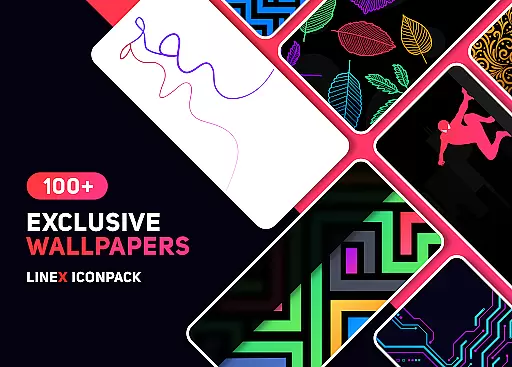
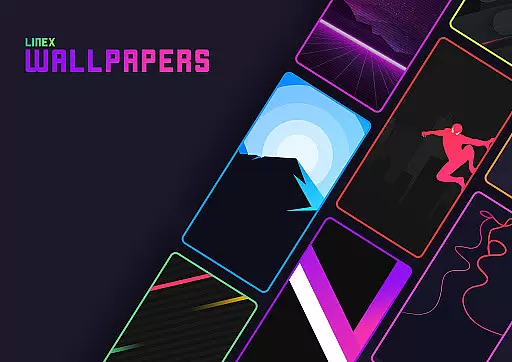
The material design dashboard serves as the central hub for managing the icon pack, offering functionalities like icon search, preview, and easy request submission for missing icons. Additionally, LineX supports custom folder icons and provides a stunning collection of wallpapers to complement the icons. Frequent updates ensure that the library remains fresh, while the inclusion of beautiful masks ensures unthemed icons don't disrupt the cohesive look.
LineX Icon Pack offers an extensive range of customization options that cater to various user preferences. With over 6000 icons, this pack ensures that users have a wide array of choices for personalizing their device's interface.
The inclusion of a perfect masking system allows for the seamless integration of unthemed icons, maintaining a cohesive look across the user's device. This feature is particularly beneficial for users who have apps with unique or non-standard icons.
Additionally, LineX provides alternative icons and custom folder icons, giving users the flexibility to tailor their home screens to their liking. The availability of category-based icons and custom app drawer icons further enhances the personalization experience.
Users can also take advantage of the icon preview and search functionality, dynamic calendars, and material dashboard, all contributing to a highly customizable and user-friendly interface.
Compatibility is a crucial aspect of any icon pack, and LineX Icon Pack excels in this area by supporting a vast number of launchers. Whether you're using popular launchers like Nova, Apex, or GO, LineX ensures that its icons will work seamlessly with your chosen launcher.
Even for less common launchers such as Microsoft Launcher or Arrow Launcher, LineX has been tested to ensure compatibility, although these may not be included in the apply section. Users can still apply the icon pack through theme settings if needed.
It's important to note that while Google Now Launcher does not support icon packs, LineX works with many others, providing a versatile theming solution. The pack's broad compatibility means that most users can enjoy a consistent visual experience regardless of their launcher choice.
Moreover, LineX offers personalized recommended settings for optimal use, suggesting specific configurations for the best aesthetic outcome. These recommendations help users achieve a visually pleasing setup without extensive trial and error.
Extensive icon library
Frequent updates
Perfect masking system
Wide launcher support
Dynamic calendar feature
Paid icon pack
Requires compatible launcher
No Google Now support
Some icons may be missing
Not all launchers fully supported

Customizable Glass widgets. Over 360+ stunning widgets and more!
 4.70
4.70
Ultra realistic high quality analog watch face for Wear OS.
4.60
Ninja Turtles Cowabunga SE watch face for Wear OS
4.50
Transform your phone with Launcher iOS 26 - Smooth & elegant iOS experience
4.50
Themes - Widget & Wallpaper: Customize home screen, icon changer w unique themes
4.30
App Icon Changer & Shortcut Creator. Customize your icons without any watermarks
4.30
Design your screen with unique, vibrant clocks
3.80
Crystal-clear, square icon provides a sleek and sophisticated visual upgrade
4.00
A minimalist productivity launcher. One-hand-friendly. Zero ads.
4.70
Enjoy a variety of amazing live wallpapers and colorful EDGE lighting borders!
4.80
Personalize your phone with stunning HD and 4K wallpapers!
4.70
Make your phone look simple & luxury, like iDevice
4.60
300+ Beautifully crafted widgets inspired by OneUI.
4.60
Vibrant Adaptive Icons with Material You and Enhanced Monet Colors.
4.50
A light in the dark, a unique style and an andless cutomization!
4.30
Organize and manage your photos and videos effortlessly with Photo Gallery
4.20
Transfer your live wallpapers from Windows to Android using Wallpaper Engine!
4.00
Custom edge gestures for volume control, brightness, apps, and shortcuts.
4.1
Modern Glass Icon Pack with glossy icons, clean minimal theme & aesthetic style
4.3


User Reviews