
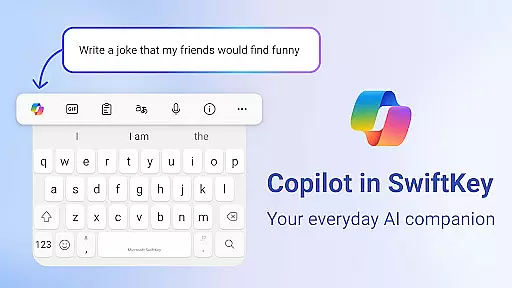
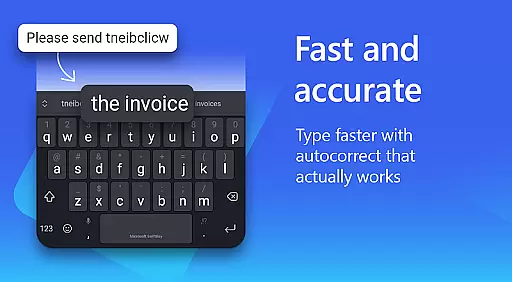
Microsoft SwiftKey AI Keyboard is an advanced personalization tool designed to enhance typing efficiency and style. This intelligent keyboard learns your unique writing patterns, offering personalized autocorrect and predictive text features that adapt to your slang, nicknames, and frequently used emoji.
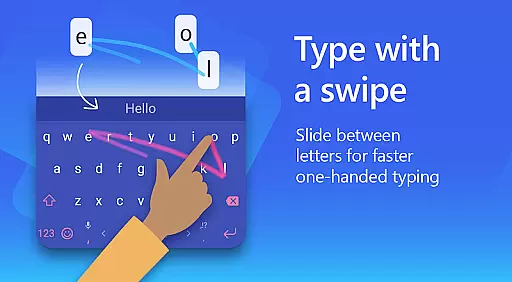
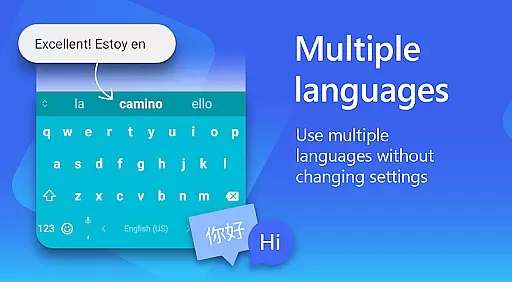
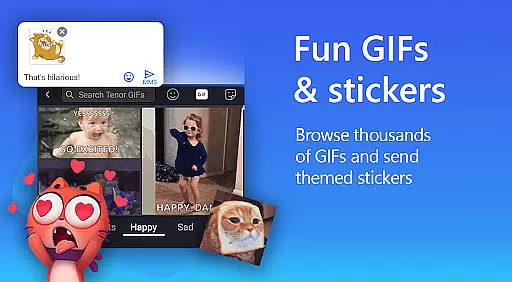
The app goes beyond basic typing with its AI-powered Copilot companion, allowing users to interact with AI directly within their favorite apps. With support for over 700 languages and the ability to enable up to five languages simultaneously, it caters to multilingual users. The swipe-to-type functionality, customizable themes, and rich content options like GIFs and stickers make typing not only faster but also more expressive and enjoyable.
Whether you're looking to type more efficiently or express yourself creatively through digital communication, Microsoft SwiftKey AI Keyboard offers a versatile solution that matches various typing styles and preferences.
Microsoft SwiftKey AI Keyboard stands out with its comprehensive feature set tailored for both efficiency and personal expression. At its core, the app provides an adaptive typing experience through AI-powered predictions and corrections, learning from your writing style to offer increasingly accurate suggestions over time.
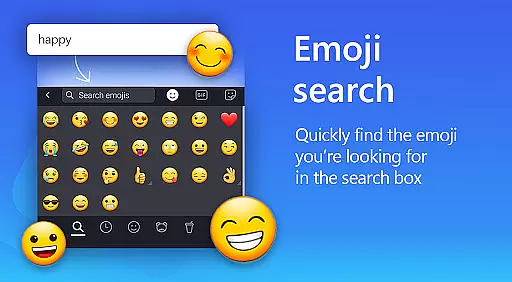
Beyond typing, SwiftKey includes a rich content creation suite. Users can access searchable emojis, GIFs, and stickers, while the AI-powered image creation tool allows generating unique memes. The customization options are extensive, with over 100 colorful themes, adjustable keyboard sizes, and layout modifications. Professional users will appreciate the AI-powered text rewriting feature that helps adjust tone and compose polished drafts.
What truly sets SwiftKey apart is its multilingual support and accessibility features. The keyboard supports over 700 languages and allows seamless switching between up to five languages simultaneously. Optional permissions for voice-to-text, photo integration, and contact access further expand its functionality, making it a complete solution for modern digital communication needs.
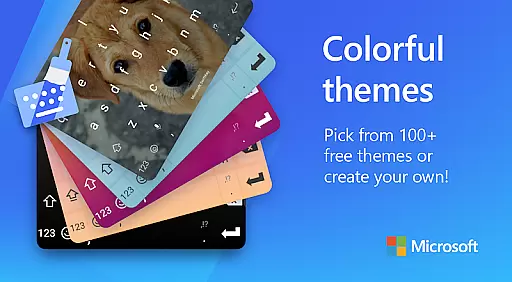
Microsoft SwiftKey AI Keyboard offers an extensive range of customization options that cater to individual preferences and styles. With over a hundred colorful keyboard themes, users can select a design that best reflects their personality or mood.
Beyond the preset themes, the application allows for a personalized touch by enabling users to create their own custom keyboard theme. This feature lets users set personal photos as the keyboard's background, making every typing experience uniquely theirs.
In addition to aesthetic personalization, Microsoft SwiftKey provides functional customization. Users have the ability to adjust the keyboard size and layout according to their comfort, which is essential for a seamless typing experience. Such flexibility ensures that the needs of different users are met with precision.
The adaptability of Microsoft SwiftKey's keyboard extends to its learning capabilities, adapting to slang, nicknames, and frequently used emoji. This means that the more you use the keyboard, the better it becomes at predicting and autocorrecting your text, aligning with your writing style over time.
Theme compatibility in Microsoft SwiftKey AI Keyboard ensures that regardless of the device or operating system version, users will enjoy a consistent and visually pleasing typing interface. The app supports a wide array of themes that maintain their appearance and functionality across different Android devices.
Users looking for a synchronized digital experience will appreciate how SwiftKey themes retain their quality and style on various screen sizes and resolutions. This cross-device uniformity enhances user satisfaction as it upholds the visual integrity chosen by the user.
Moreover, the adaptive nature of SwiftKey's theme compatibility means that updates to the app or operating system do not disrupt the user's selected aesthetic. Instead, themes continue to offer a harmonious look and feel, affirming the user's choice of personalization without compromise.
With Microsoft SwiftKey's commitment to compatibility, users can switch between devices without losing their customized keyboard experience. This reliable consistency across platforms solidifies SwiftKey's position as a leader in personalized keyboard solutions.
AI-powered predictions
700+ language support
Customizable themes
Multilingual typing
Rich content options
Optional permissions needed
Feature learning curve
Some features limited
Requires adaptation
Premium features absent

Unique Android Launcher
 4.60
4.60
Ultimate widget creator. Design custom widgets for a truly unique home screen!
3.90 4.50
4.50
Customize your home screen with stunning themes, blur, widgets & icons.
4.60
HappyLighting is a Bluetooth lamp control software.
3.40
300+ Stunning and well-designed widgets inspired by NOTHING.
4.70
Fast SMS & group chat - use GIFs and emojis from your home screen launcher.
4.50
Transform your phone with stylish zipper lock themes and 4D live wallpaper
4.10
Cool custom fonts & keyboard themes! Symbols & font changer for Instagram
4.50
One 8 icons glass color version
4.80
Personalize your phone with stunning HD and 4K wallpapers!
4.70
Ultimate Gallery Lock App - Hide Pictures, Videos and Lock Apps Instantly!
4.60
Aesthetic Widgets, HD Wallpapers, Themes in Mico Widget for Home and Lock Screen
4.50
Wear Os Watch Face - Seasonal - Animated Snow Effect - 9 Animals
4.20
Unique Fonts, typefaces and stylish text. Fonts for Instagram, Whatsapp & others
4.20 4.10
4.10
Emoji Maker app - Design custom emojis and effortlessly blend them with Mixer
3.80
Interactive Miniature Painting Catalogue
3.30
Struggling to find apps? Use this app to locate and open any app on your phone!
2.20


User Reviews