
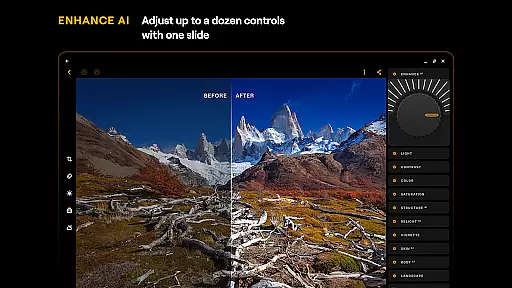
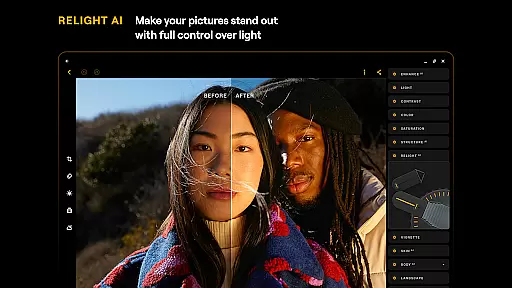
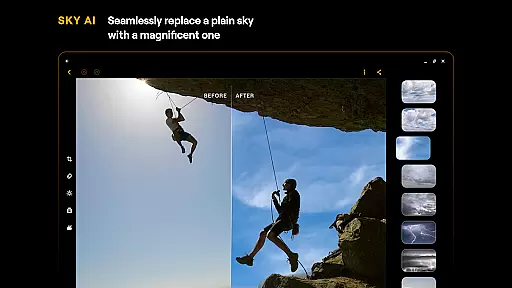
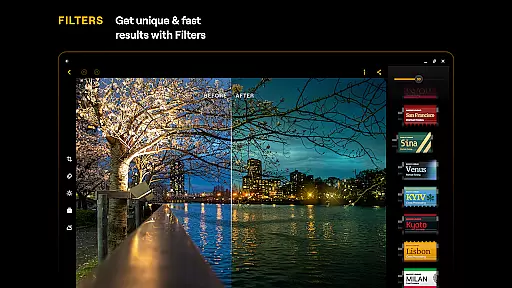
Luminar: Photo Editor is a comprehensive mobile photo editing application designed for both Android and ChromeOS users. This app combines powerful AI-driven tools with an intuitive, interactive interface that responds to touch gestures, making photo editing accessible and engaging. With features like SkyAI, EnhanceAI, and StructureAI, users can effortlessly improve their photos by adjusting skies, colors, tones, and details.
The app offers professional-grade tools such as Curves, Details, and Crop, allowing precise adjustments for perfect composition and mood. It supports RAW file editing, ensuring maximum quality and flexibility. Whether you're enhancing landscapes, retouching portraits, or converting images to monochrome, Luminar provides all necessary tools in one place. Its compatibility with Android 11+ and ChromeOS devices makes it a versatile choice for on-the-go creativity.
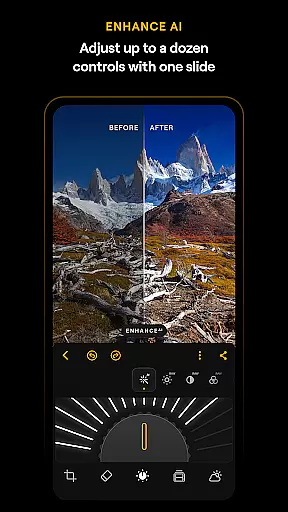
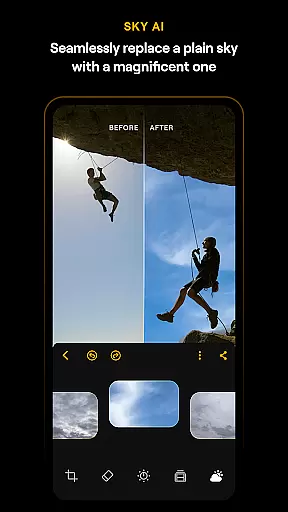
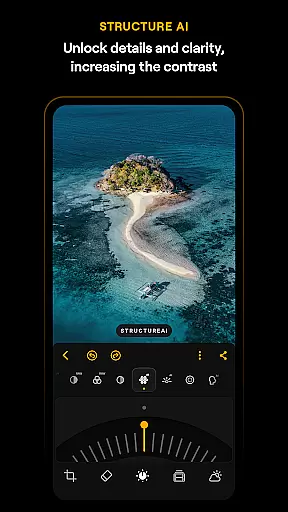
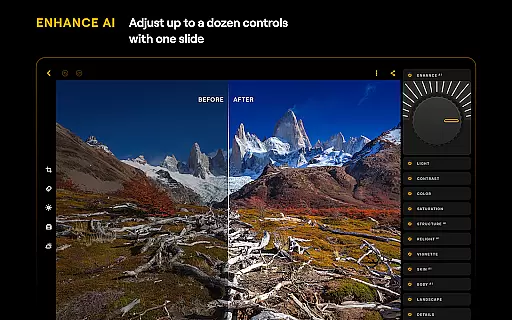
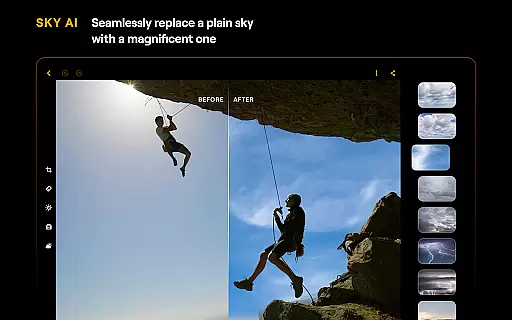
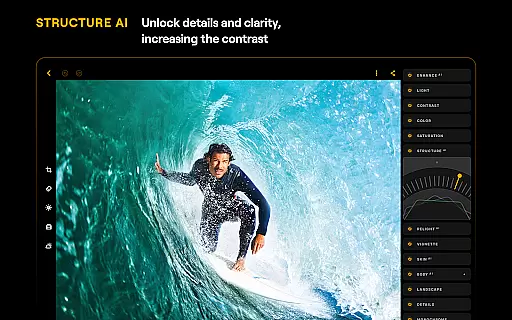
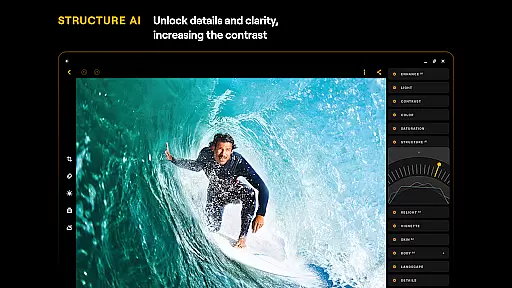
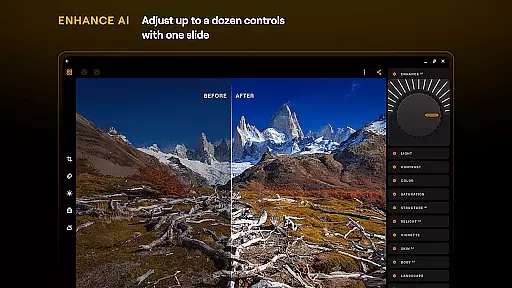
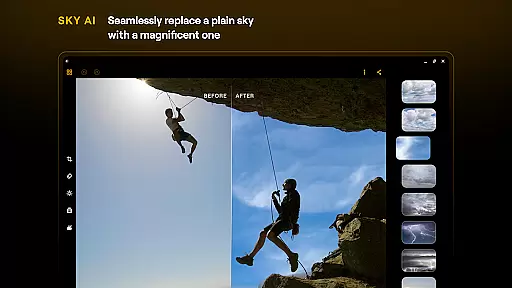
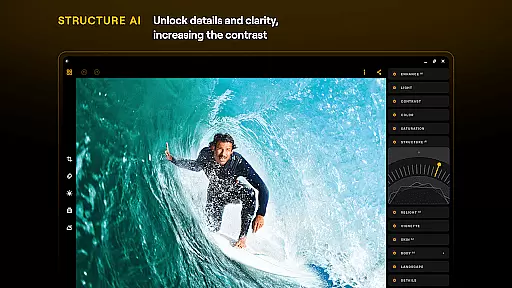
Luminar: Photo Editor stands out with its innovative AI-powered features that simplify complex editing tasks. The app's SkyAI allows users to replace dull skies with vibrant alternatives, creating stunning backdrops instantly. EnhanceAI enables quick quality improvements by adjusting multiple parameters with a single slide, delivering professional results within seconds. StructureAI helps reveal hidden details, enhancing image clarity and texture effectively.
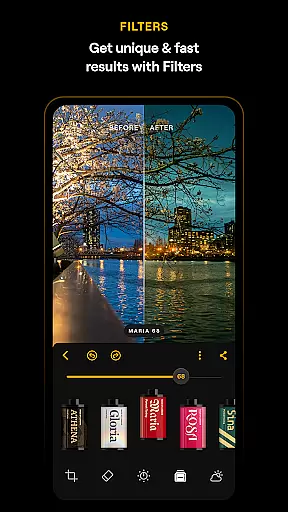
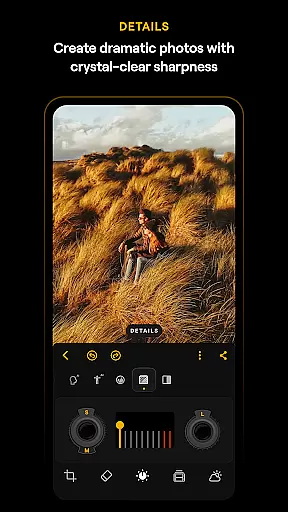
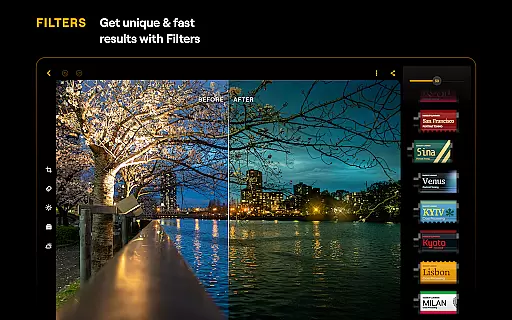
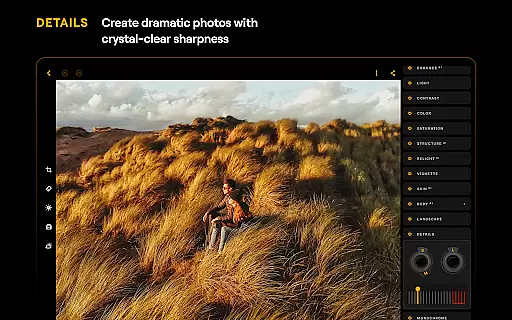
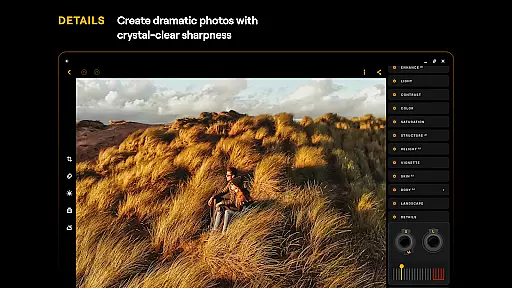
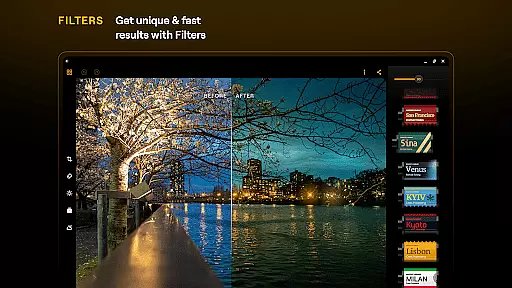
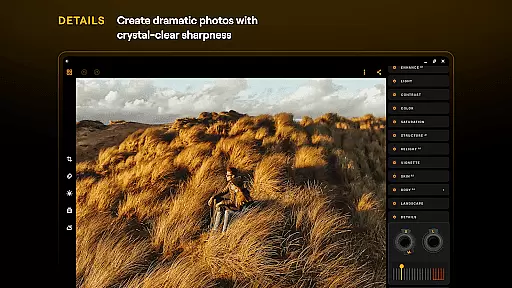
In addition to AI tools, Luminar includes advanced manual controls like Curves for color and tone adjustments, Details for sharpening, and Crop for composition refinement. The Erase tool removes unwanted objects seamlessly, while Photo Filters add unique styles. With support for RAW files, users can edit high-quality images directly on their mobile devices. These features collectively provide a complete photo editing solution that caters to both beginners and professionals seeking creative control.
Real-time capture and preview functionality is essential for modern mobile photography, allowing users to see exactly what the camera sensor is capturing. Luminar: Photo Editor excels in this area by providing a responsive interface that ensures every shot is framed perfectly before pressing the shutter button.
The application's advanced processing capabilities enable users to view changes instantly as they adjust settings like exposure, white balance, and focus. This immediate feedback loop empowers photographers to make precise adjustments on the fly, ensuring optimal image quality without guesswork.
With its seamless integration across Android devices, Luminar offers consistent performance whether you're using a smartphone or Chromebook. The app's compatibility with various hardware ensures that real-time previews remain smooth and accurate regardless of your device's specifications.
This feature not only enhances the overall user experience but also significantly improves photo quality. By allowing users to visualize their edits in real time, Luminar helps them achieve professional-grade results with minimal effort, making it an indispensable tool for both amateur enthusiasts and seasoned professionals alike.
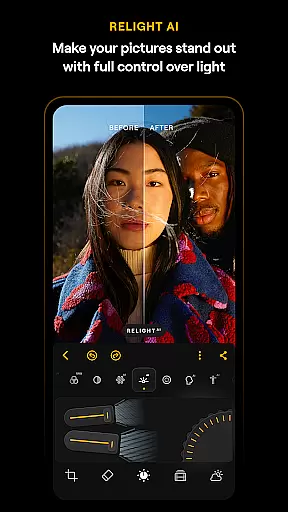
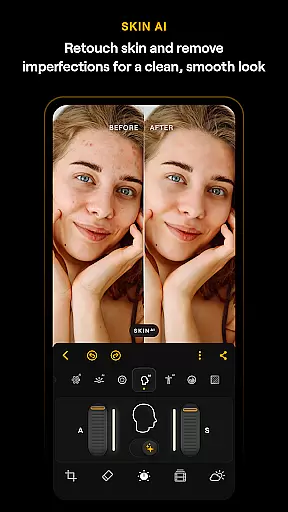
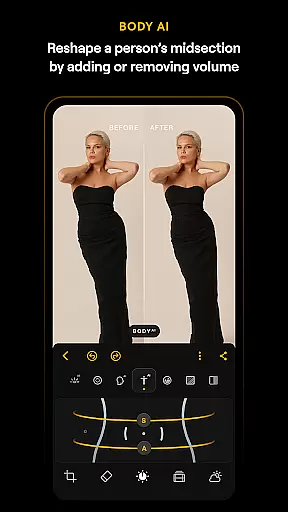
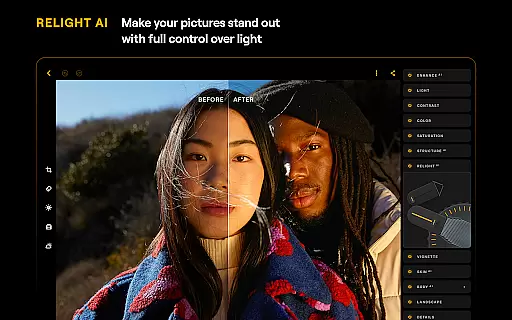
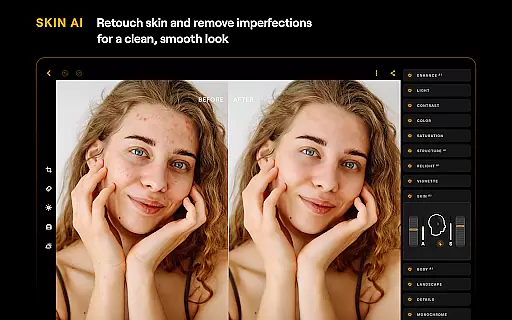
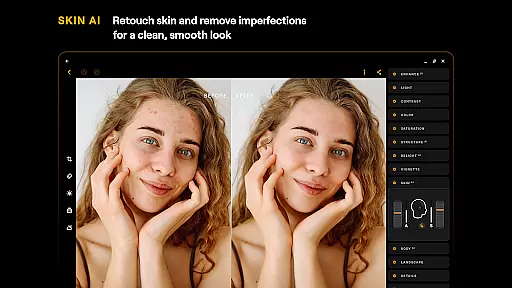
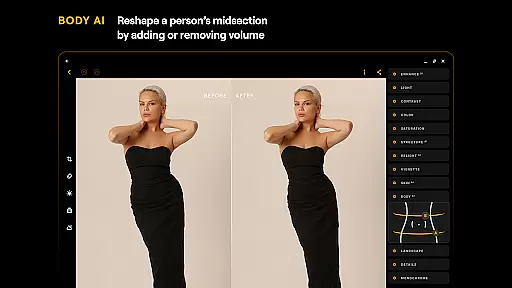
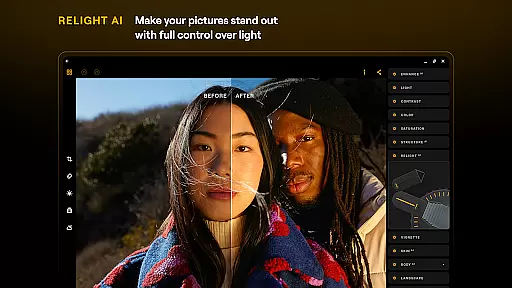
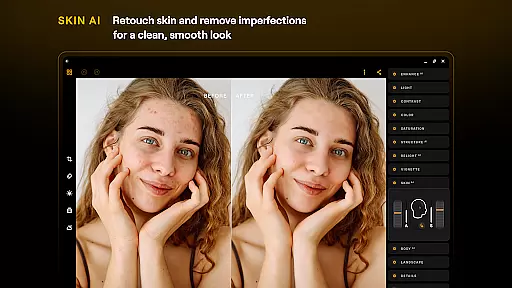
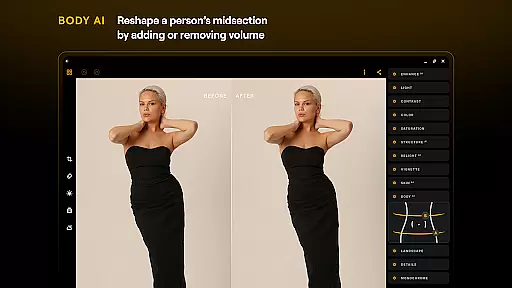
AI-driven beauty and enhancement features have become a cornerstone of contemporary photo editing applications. Luminar: Photo Editor stands out by offering tools like SkinAI and BodyAI, which provide natural-looking retouching without compromising authenticity.
SkinAI automatically detects imperfections such as blemishes or uneven skin tones and applies subtle corrections that maintain the subjectu2019s original texture. Unlike other apps that might over-process images, Luminar ensures skin appears clean yet realistic, preserving unique characteristics while enhancing overall appearance.
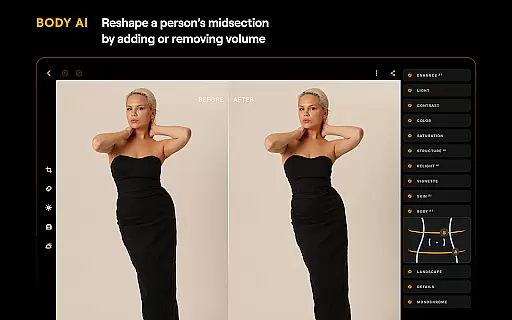
BodyAI takes this further by allowing users to shape midsections realistically, adding or removing volume where needed. These enhancements are applied delicately so that subjects retain their natural proportions, avoiding the artificial look often associated with digital manipulation.
By focusing on naturalness, Luminar delivers superior aesthetic outcomes that resonate well with todayu2019s audiences who value authenticity. Whether youu2019re editing portraits or fashion shots, these AI-powered tools help create stunning visuals that look professionally retouched yet genuinely human.
User-friendly interface
Powerful AI tools
RAW file support
Professional editing features
Cross-platform compatibility
Paid subscription model
Advanced features may overwhelm beginners
Resource-intensive on older devices
Limited free trial period
Occasional performance lags

Photo Album Watch Face shows your favorite pictures as a Watchface.
 1.90
1.90
1M influencer's special filter
4.60
Professional video recording application with manual controls for filmmakers!
2.80
Natural Beauty, Selfie Retouch
4.30
Cartoon and artistic effects for your photos and videos
4.70
Superimpose one photo on top of another using the original Superimpose app!
3.20
Collage your moments in one tap: 1000+ layouts, filters, stickers, and texts.
4.90
Use AI Video Generator to turn your words to ai generated videos.
4.50
Edit photos with the picture generator: PS2 & AI Clay filters, cartoon effects.
4.50
Take videos and pictures with the popular TikTok TIME WARP SCAN filter.
4.60
Transform photos into videos! Create realistic or anime-style images easily!
4.50
Photo Exif Editor allows to view, add and modify EXIF data of multiple photos
4.50
AI photo enhancer with Sora 2! Enhance, descratch, and colorize your old photos.
4.50
Fit multiple photos on one post. Create carousels & scroll layouts for Instagram
4.50
Easily stitch panoramas from multiple photos or video.
4.40
Turn your phone into a professional camera - full DSLR manual photography
4.30
Professional photography on your mobile phone
4.20
Pet Camera
3.70
Over 800 film simulation recipes for Fujifilm. Black Friday Offer!
4.4


User Reviews