
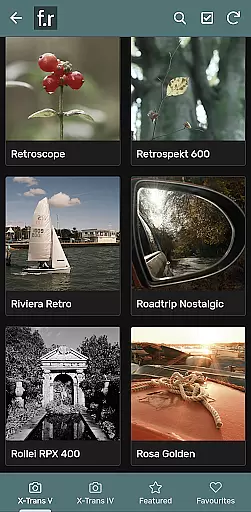

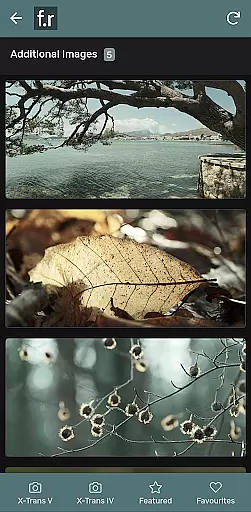
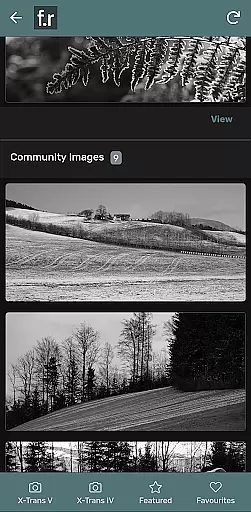
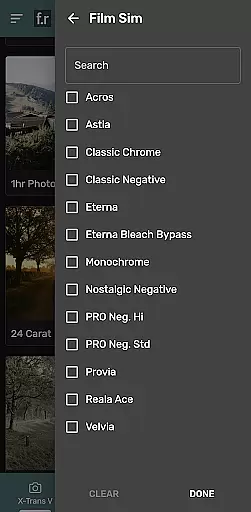
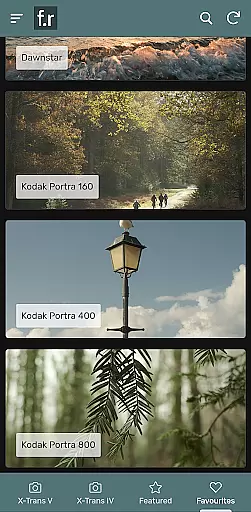
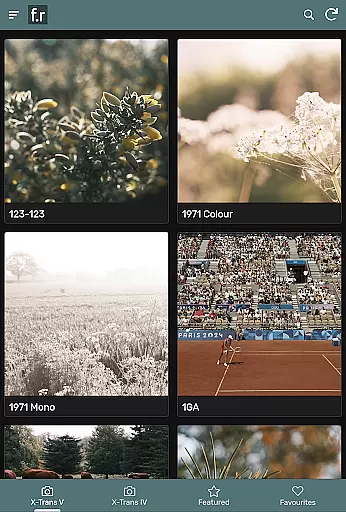
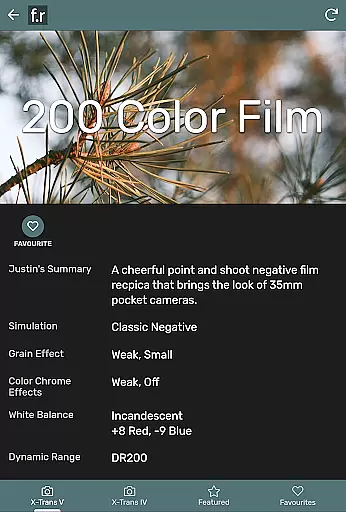
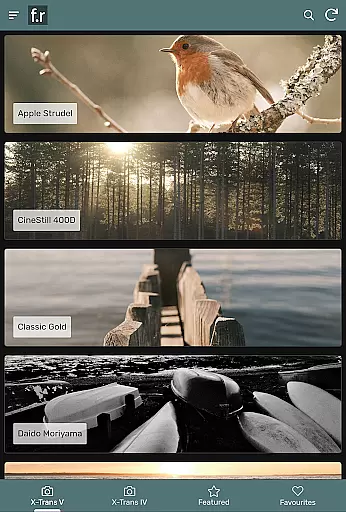
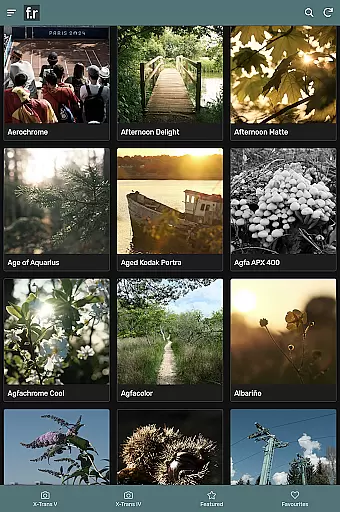
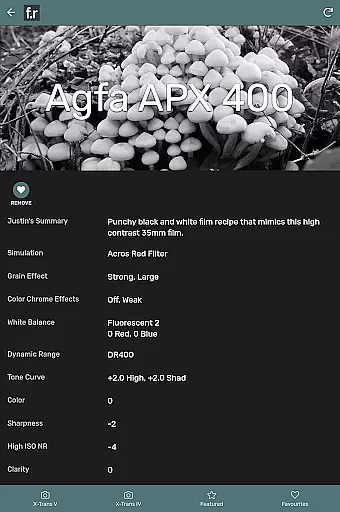
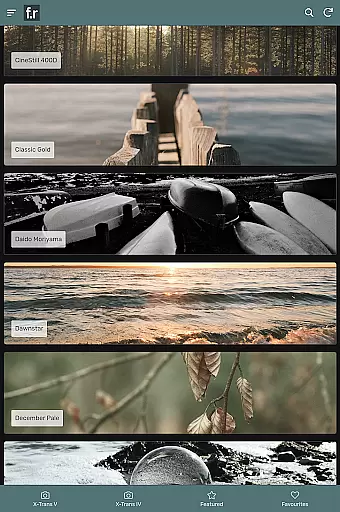
Film Recipes by Justin Gould is a photography app designed for Fujifilm camera users, offering over 800 film simulation recipes to enhance your photographic style. This app allows photographers to shoot stylish images straight out of the camera by applying JPEG settings inspired by real-world films such as Portra, Superia, CineStill, and Kodachrome.
With features like filtering, search, related recipes, and shuffle options, this app helps spark photographic inspiration. It supports recent Fujifilm cameras from the X-Trans IV or X-Trans V generations, making it an invaluable tool for Fuji X camera enthusiasts looking to expand their creative possibilities.
Whether you're participating in photo challenges, adding to user galleries, engaging in social groups, or saving favorites, Film Recipes provides a comprehensive platform to elevate your photography experience.
The app boasts an extensive collection of over 800 film simulation recipes tailored for Fujifilm cameras. These recipes cover a wide range of styles and situations, allowing photographers to capture images that mimic classic film stocks like Portra and Kodachrome.
Advanced features include filtering and search functionalities, enabling users to quickly find the perfect recipe for their needs. The shuffle feature offers random selections to inspire creativity, while related recipes help explore similar styles. Additionally, the app supports community engagement through photo challenges, user galleries, and social groups.
Compatible with recent Fujifilm models such as X-T4, X-T5, X100V, and more, Film Recipes ensures that photographers can fully utilize their camera's capabilities to produce stunning images.
Real-time capture and preview functionality is essential for photographers who want to see the results of their settings immediately. The Film Recipes app by Justin Gould offers users the ability to simulate various film styles and apply them directly to their images captured with Fuji X cameras. This real-time feedback allows photographers to adjust their settings on-the-fly, ensuring that they achieve the desired look without delay.
The app includes over 800 film simulation recipes, each designed to emulate a specific style or type of film. These simulations are crafted based on real-world films like Portra, Superia, CineStill, and Kodachrome. By using these presets, photographers can experiment with different aesthetics and find the perfect match for their creative vision before taking the shot. This saves time in post-processing and enhances the overall efficiency of the photography workflow.
For those looking to expand their photographic skills, the app provides features such as filtering, searching, and shuffling through related recipes. These tools help users discover new combinations and inspire creativity during photo sessions. Additionally, the app supports recent Fujifilm camera models from the X-Trans IV and V generations, ensuring compatibility with modern equipment. With this support, users can seamlessly integrate the app's capabilities into their existing gear, enhancing their shooting experience.
While the Film Recipes app does not focus on AI beauty enhancements typically found in portrait photography apps, it excels in providing natural-looking film simulations that enhance the aesthetic quality of images. These simulations are carefully crafted to replicate the characteristics of classic films, offering a level of authenticity that is difficult to achieve manually. Photographers benefit from the appu2019s attention to detail, which ensures that each preset maintains the nuances and textures of traditional film photography.
Justin Gould has curated a vast collection of JPEG settings inspired by real-world films, allowing users to capture images in diverse situations and styles. Whether shooting landscapes, portraits, or street scenes, the app offers a wide array of options to suit any scenario. Each recipe is designed to bring out the best in your photos while preserving the organic feel of analog photography. This approach appeals to photographers who value genuine expression over artificial enhancements.
In addition to its core offerings, the app fosters a community-driven environment where users can participate in photo challenges, contribute to galleries, and engage in social groups. These interactive elements encourage collaboration and learning among photographers, further enriching the user experience. By saving favorite recipes within the app, users can build personalized collections tailored to their preferences. Overall, Film Recipes stands out as a powerful tool for achieving naturally beautiful images straight out of the camera.
User-friendly interface
Extensive film simulations
Community engagement features
Inspiring shuffle option
Regular updates and support
Limited to Fujifilm cameras
Some features may overwhelm beginners
No direct integration with cameras
Occasional app stability issues
Premium pricing for full access

Photo editor: face & body editor, beauty cam, filters and quality enhancer.
 4.00
4.00
Gallery show photo, video, slideshow, is perfect 3D effect private photo albums.
4.80
All-in-One Editor & AI Photo Enhancer, Collage, Cartoonify, Funny Stickers & BGS
4.10
Create & Edit with AI: AI Remove, Enhance, Retouch, Filter
4.10
Pet Camera
3.70
Create AI Photos, Improve and restore quality of blurry, old or damaged pics.
4.20
See your baby AI baby face generator AI baby maker Face generator babymaker fun!
4.70
Easily view, share, delete photos with Gallery.
4.70
Your personal guide to the sun and moon. Plan ahead, visualize and predict!
4.70
Perfect body tune & face app - photo retouch, makeup, slim body & beautify face.
4.80
Amazing Photo Effects - The most fun you can have with your photos!
4.70
Enhance, upscale, and transform your images — on your device, without limits
4.70
1M influencer's special filter
4.60
Effortlessly organize, view and share your photos & videos with Gallery app!
4.40
Search, tag and rate your way to an organized image gallery
4.40
Trendy TikTok time warp scan funny filter app brings you unique photos & videos.
4.40
Transform Photos: Edit, Beautify and Craft Memories & Make Collages!
4.10
GCamera allows all GCam features on all phone models! Better photos with GCamera
3.30
Long exposure camera with computational photography
2.60


User Reviews